Digital Signage That
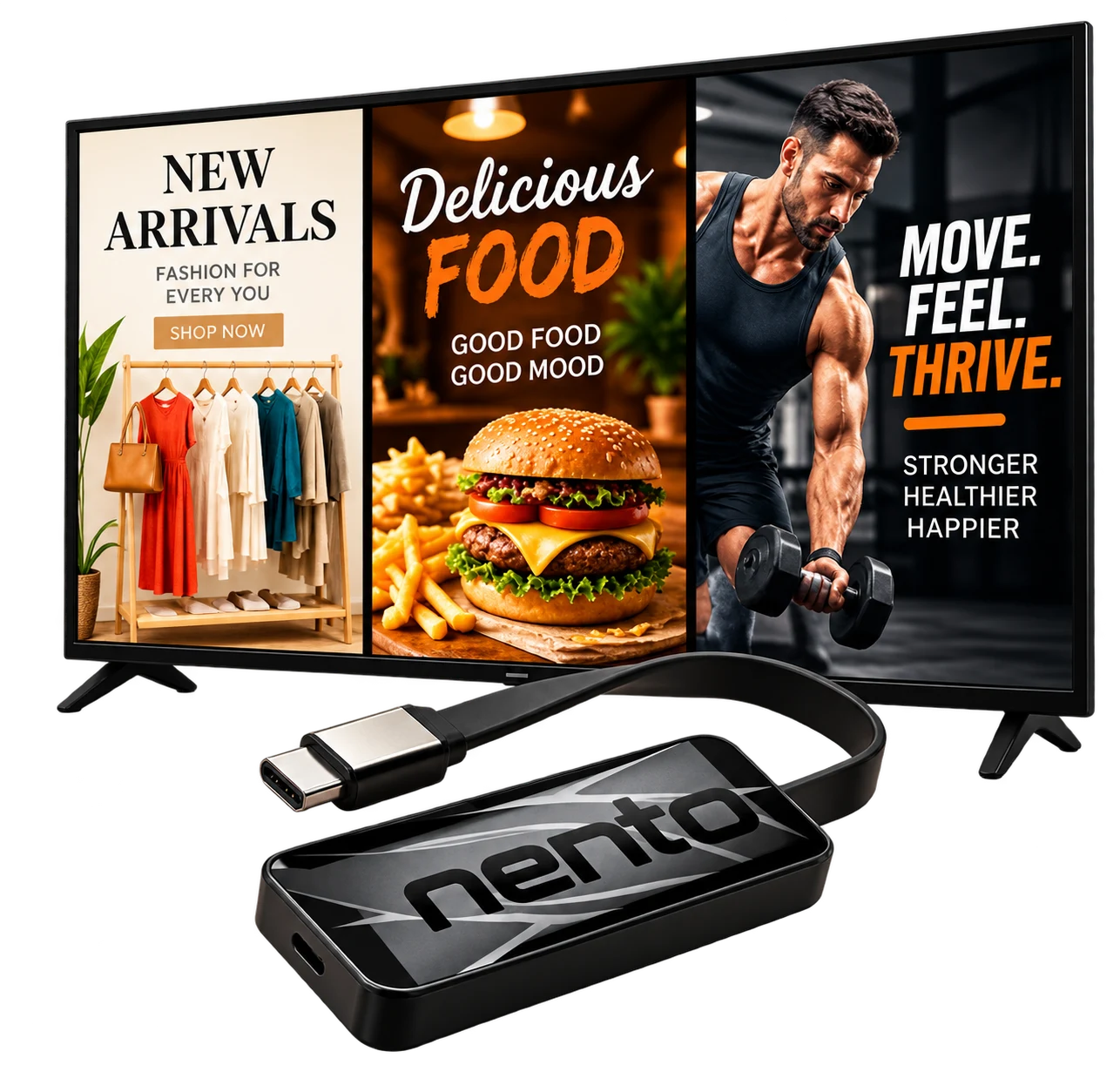
Showcase products, services, and offers.
Update your screens instantly—from anywhere.
Use your existing TV.
Integrated with 
Create. Customize. Display. All in One Place.
Integrated with Canva
Design in Canva.
Display with Nento.
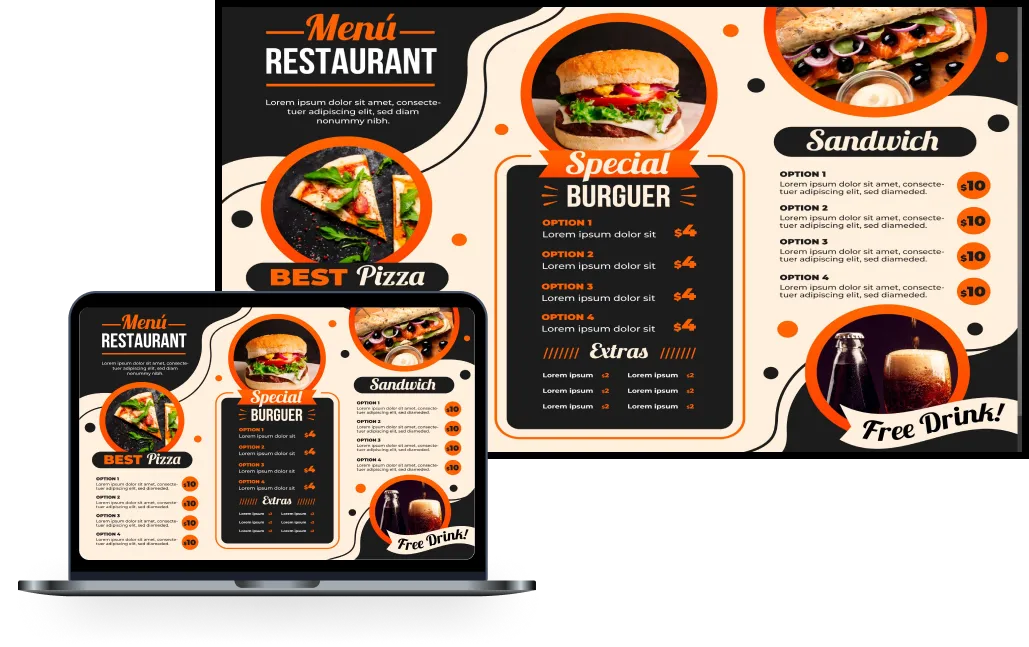
Create beautiful menus and promotions in Canva, then bring them to your Nento screens.
Bring it to your screens
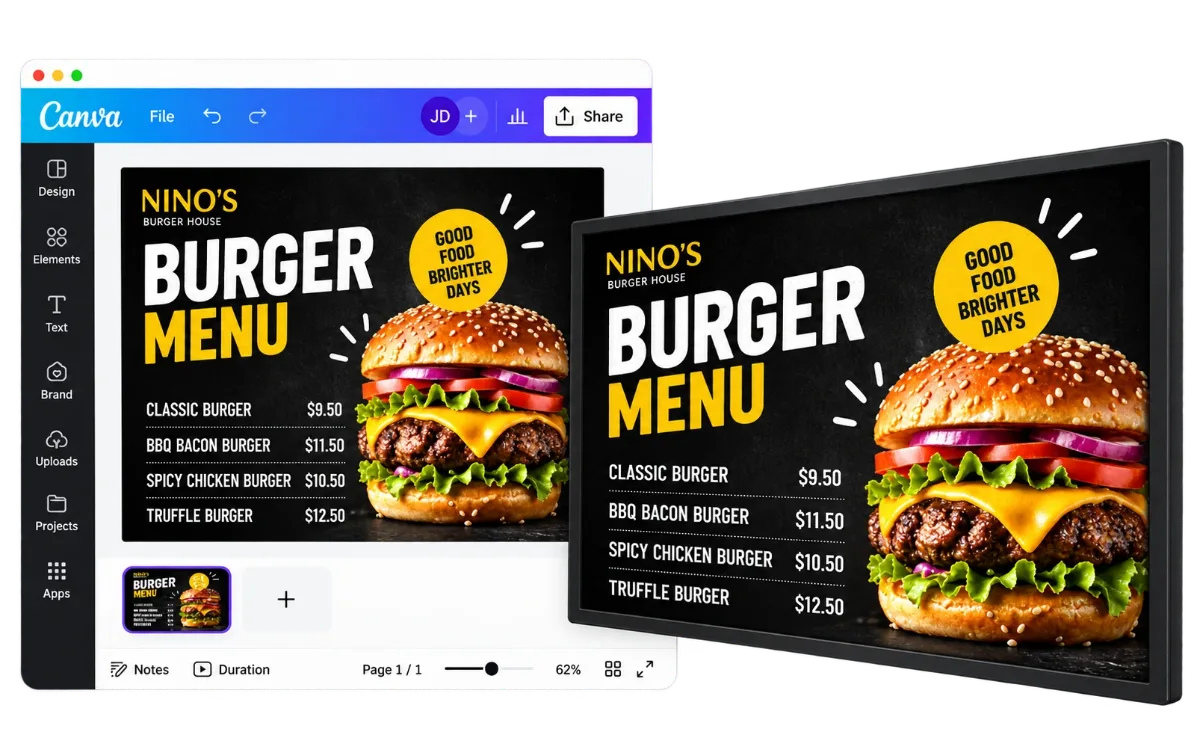
Boost Your Sales with Pro-Grade Restaurant Digital Menus
Update prices instantly, showcase mouth-watering specials, and give your dining area a modern look. Nento makes it easy to manage your restaurant’s screens from anywhere.
Alper Kalp
Bambu Juice
Pompani Beach, Florida, USA
After working with Nento, we increased our sales and customer retention a LOT!
Nento has everything we need and it is simple to change the settings with just one click. Nento is very user friendly and I HIGHLY recommend to anyone!

Kerri
Empire Plaza
London, England, UK
The wayfinder from Nento has been incredibly helpful for our restaurant.
It’s easy to use, looks great, and customers love it! Highly recommended!
Dominic
De Felice Pizza
Shady Side, Ohio, USA
If you only want the BEST, you only choose the BEST! That’s why we choose Nento. Their ALL IN ONE SOLUTION, is EVERYTHING you need!

Poya
Mexican Amigos
Richmond Hill, Ontario, Canada

Nento is the BEST marketing company that I have across! Digital Signage, SMS and Email Marketing, Online Ordering, Reputation Management, and Smart QR!
Super fast display signage setup guide
1Create your free
STEP 1
Create your free
Nento account
Try it free for 14 days. No credit card required.
2
STEP 2
Choose your player
Pick ONE option to run your content.
Recommended
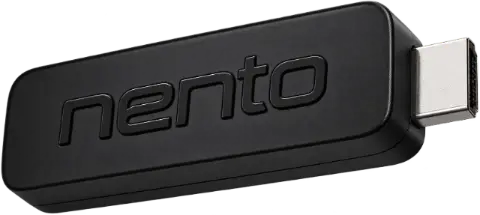
Nento Device
Get a dedicated player for your TV.
OR
Use a device you already own
 Android TV
 Fire TV Stick
 Roku TV
 Chromecast
 Samsung Tizen
 LG webOS
3
STEP 3
Connect & pair your screen
Follow the setup instructions for your selected player.
In your account, go to Screens and enter the 6-digit code displayed on your TV.
You’re ready to showcase your content!
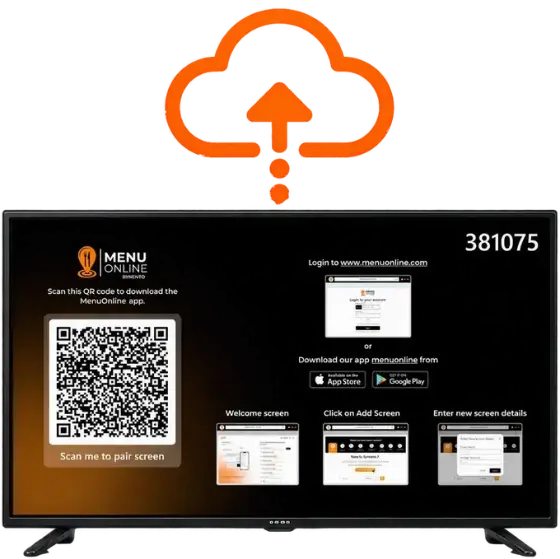
We also offer pop-up setup guides tailored for Amazon Firestick and Android Streaming devices!
We Create Your Content.
You Control It.
Easily manage multiple locations from one central dashboard — total control,
one decision maker.
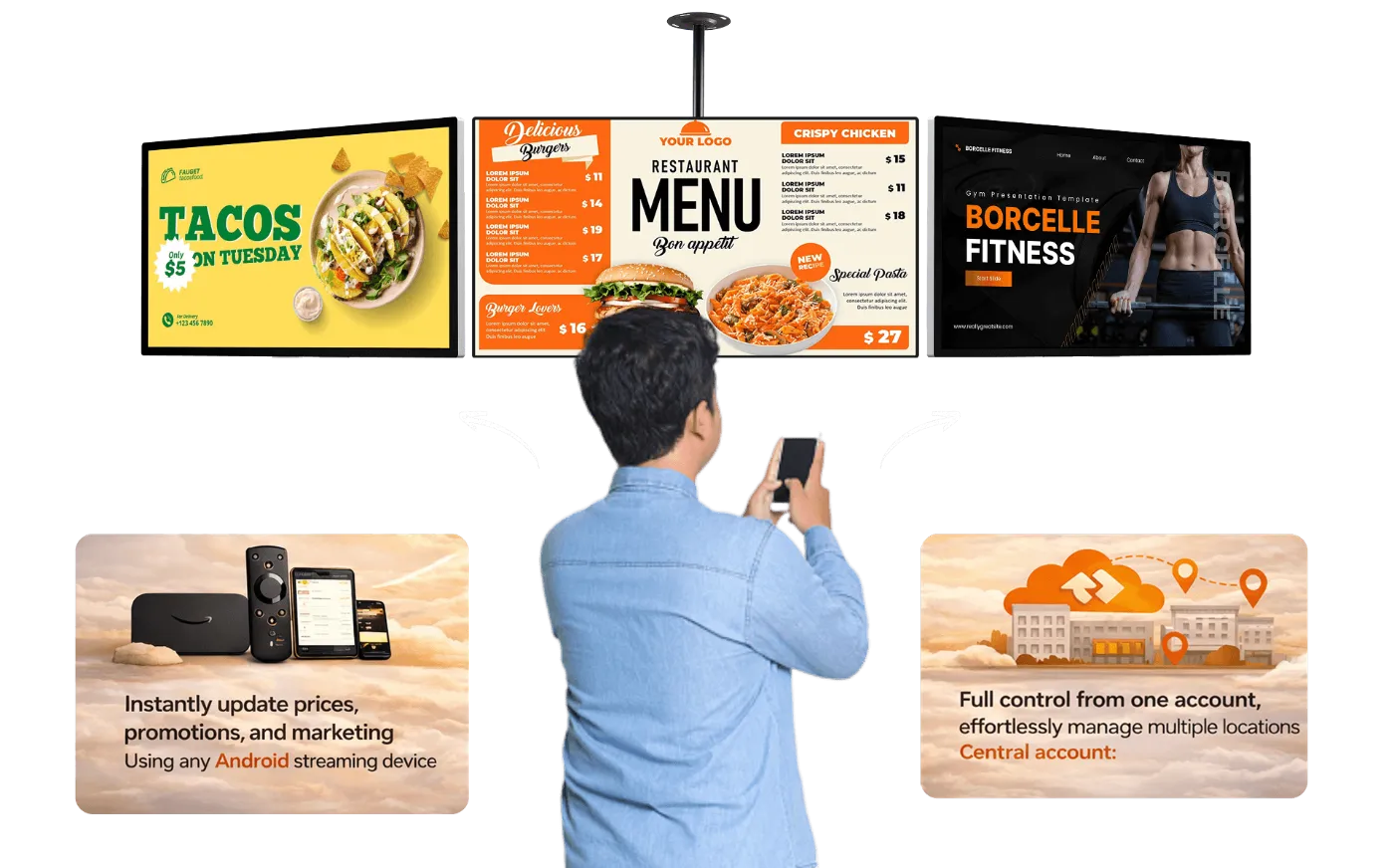
#Plug in Any of the Device into Your TV Screen











Designed for Screens. Built for Engagement.
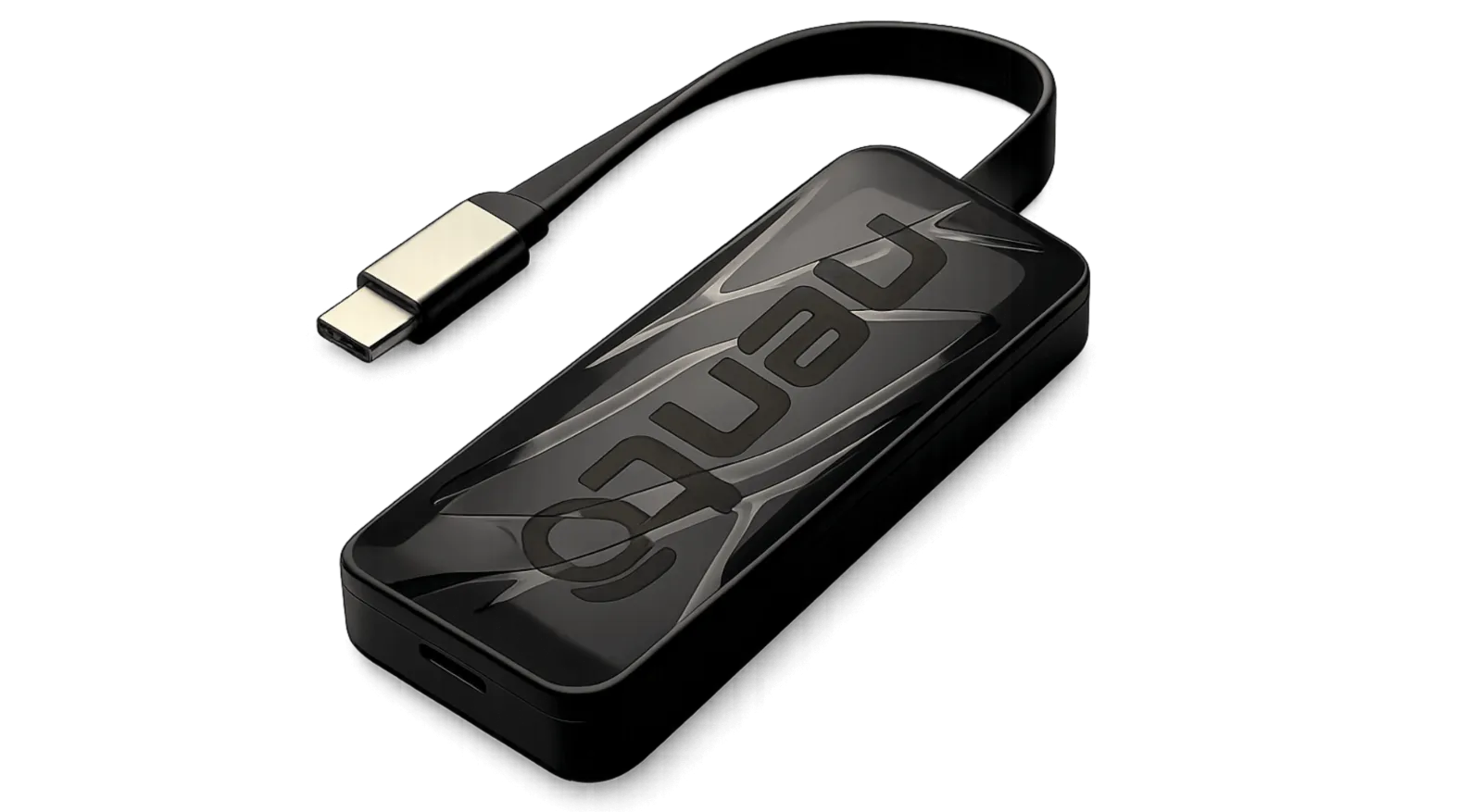
Meet Nento Player!
All you need is Wi-Fi.
The Easiest and Most Advanced Player in the Market, Hands Down! Control All Your Screens with One App with 4k or 8k resolution – A Must-Have for Any Business. read more…
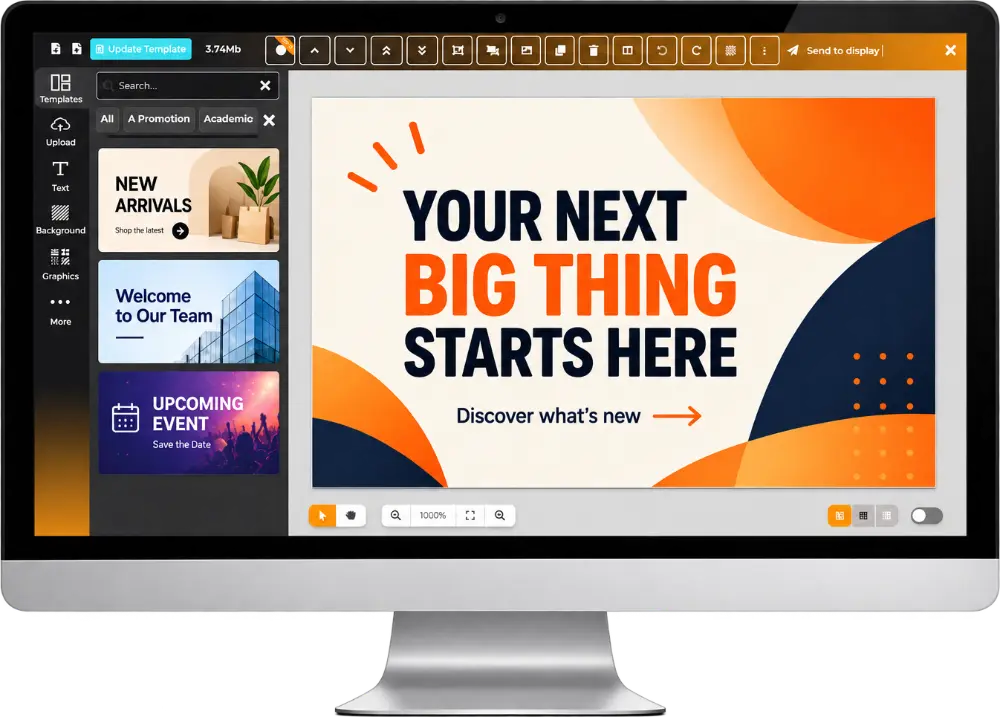
The Content Designer Built for Every Business
Create professional promotions, announcements, and displays—even if you’re not a designer. Update anytime, publish everywhere.
- Professional templates for every industry
- Customize layouts, fonts, colors, and images
- Showcase products, services, offers, and announcements
- Add QR codes to connect customers with your business
- Download, print, or publish to your digital screens
Our design team can save you time and effort.
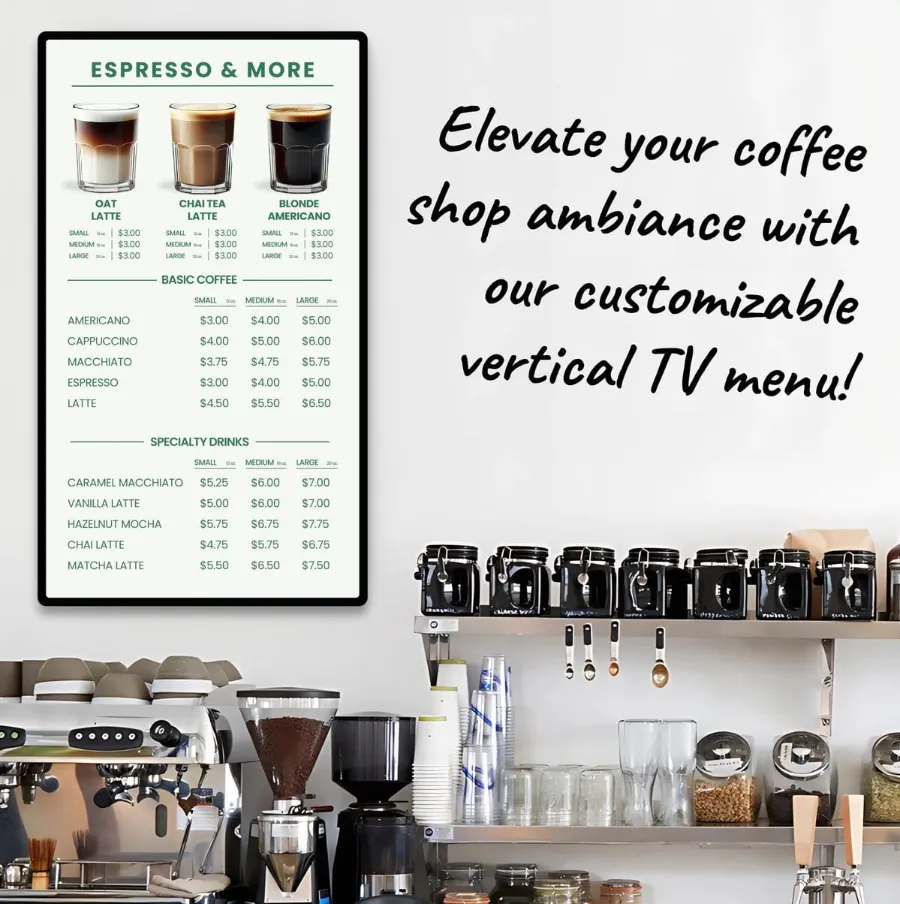
Get professional menu design and onboarding help for breakfast, lunch, dinner, drinks, catering, and more.
Same-day design available (on request)
Fresh, modern layouts that look great on screens and print
We can match your brand colors and style
Easy updates whenever your prices or items change
Perfect for restaurants, cafés, dessert shops, and food trucks
Our system connects you with customers and builds brand love
https://www.youtube.com/watch?v=FkXpSQmosFA Aa video hto
Automate your growth
2:05 duration
Digital Signage for Every Business
Promote your offers. Inform your customers. Grow your business.
Most Popular
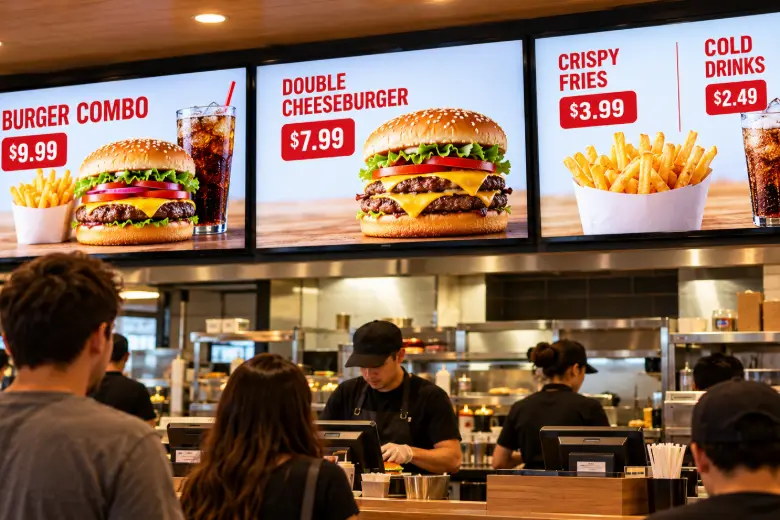
Quick Service Restaurants (QSR)
Update prices, combos, limited-time offers, and upsells instantly during rush hours.
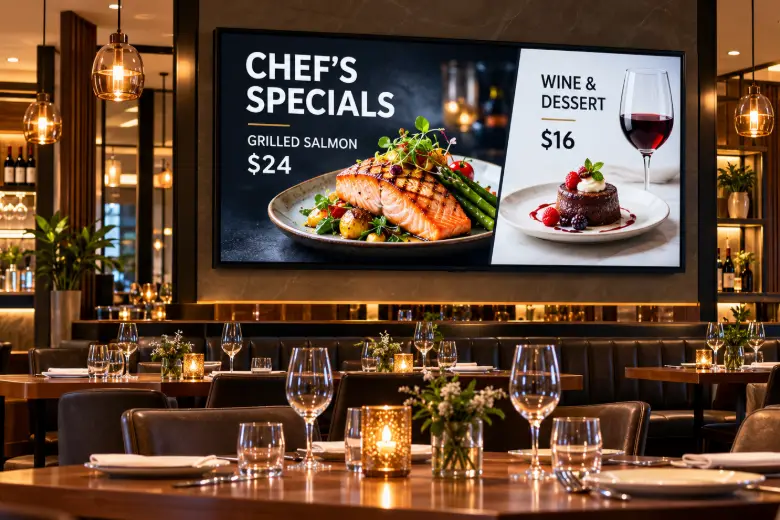
Full-Service Restaurants
Highlight daily specials, wine lists, and promotions with elegant, dynamic menus.
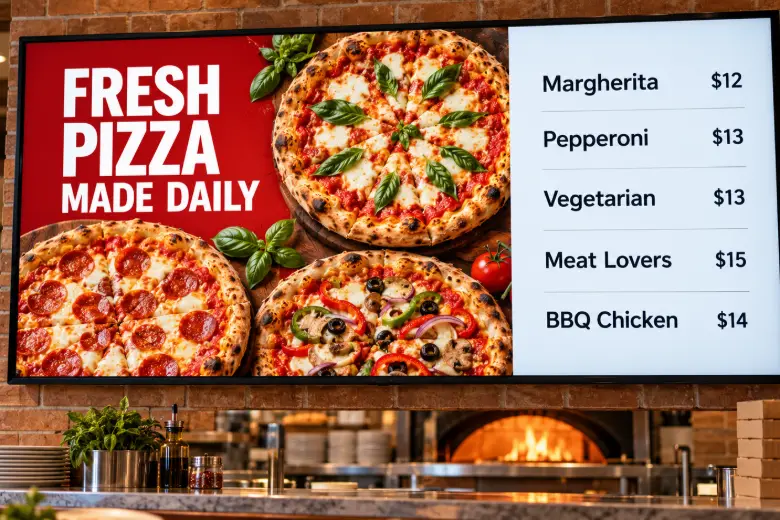
Pizzerias
Showcase menu items, combo deals, and mouthwatering visuals to drive more orders.
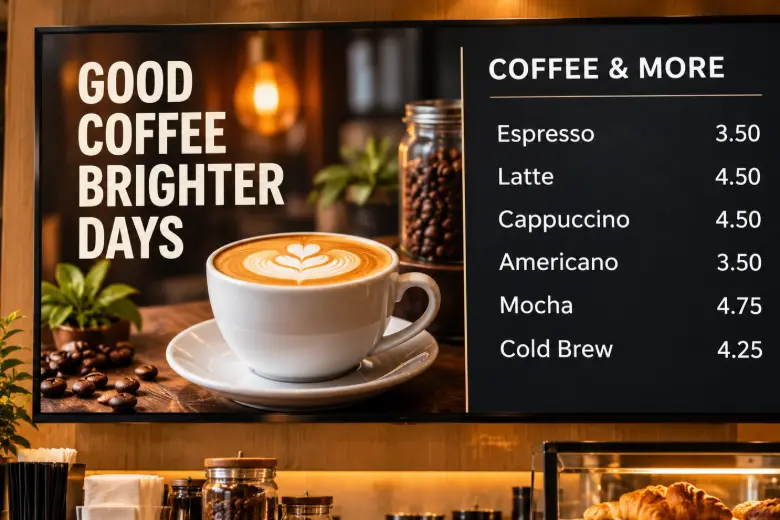
Cafés & Coffee Shops
Display menus for breakfast, lunch, and seasonal drinks with automatic scheduling.
More Businesses We Help
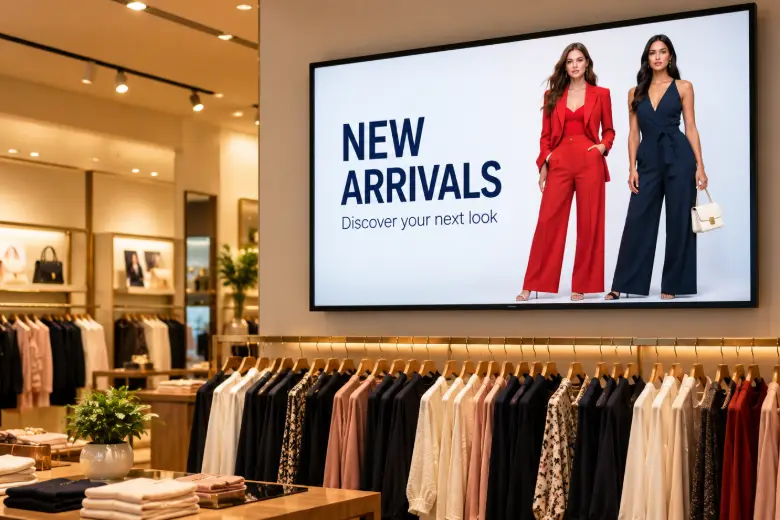
Retail Stores
Showcase products, new arrivals, and special offers.
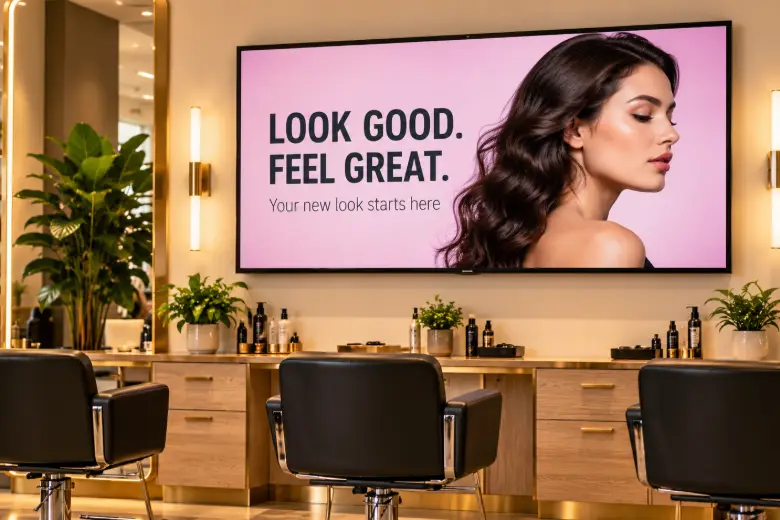
Salons & Barbershops
Display services, pricing, and seasonal promotions.
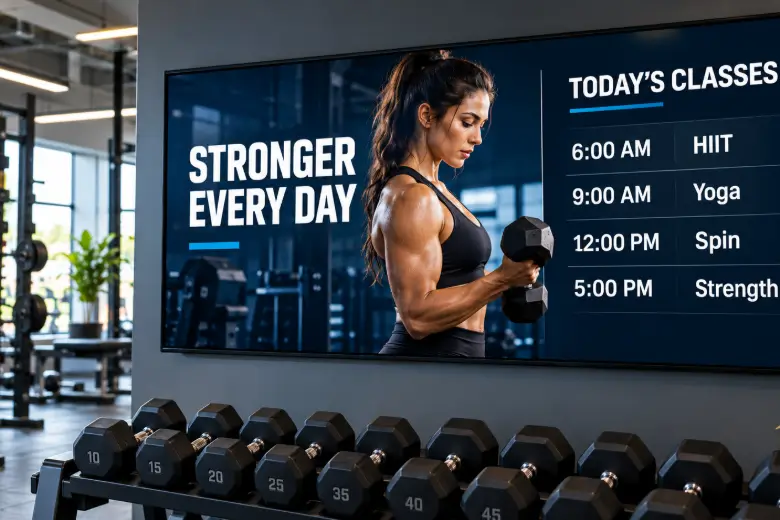
Gyms & Fitness Studios
Share class schedules, memberships, and fitness offers.
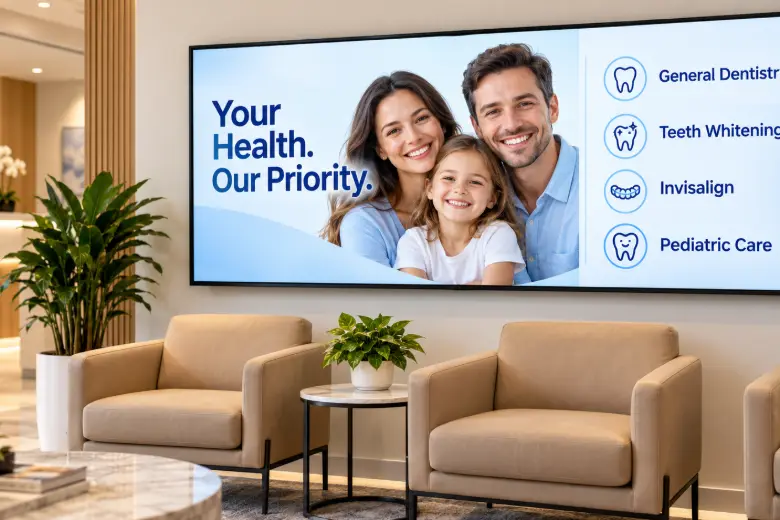
Medical & Dental Clinics
Inform patients and promote services in waiting areas.
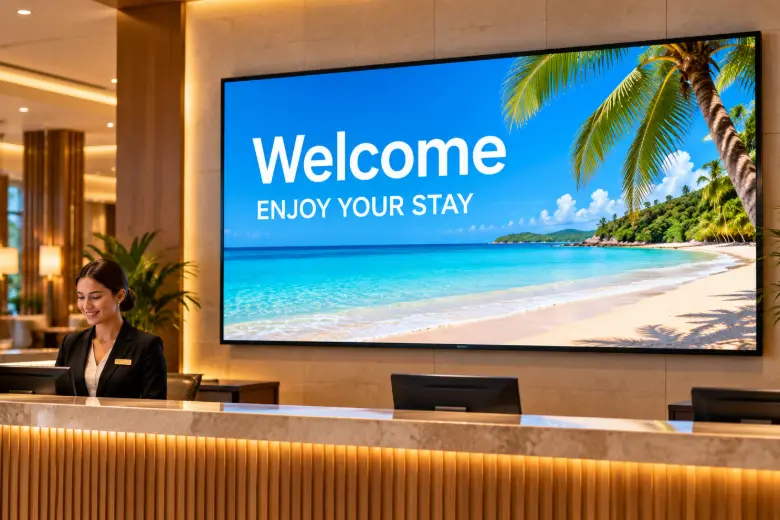
Hotels & Hospitality
Welcome guests and share amenities and local attractions.
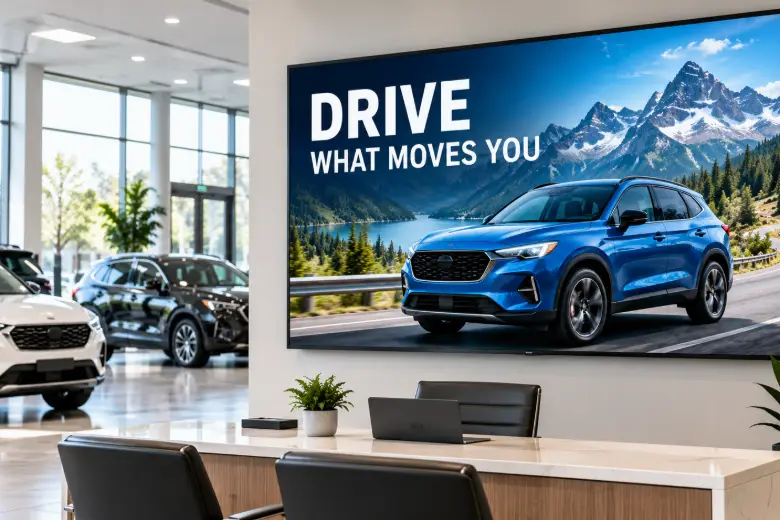
Auto Dealerships & Repair Shops
Highlight vehicles, service packages, and promotions.
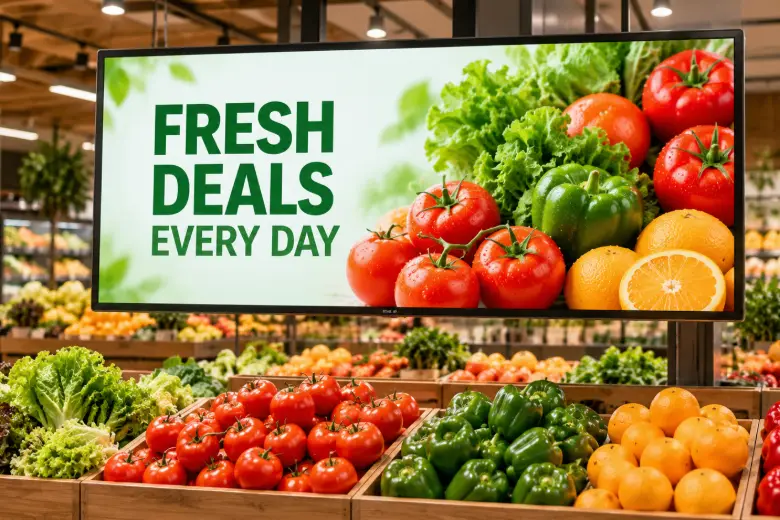
Grocery & Convenience Stores
Promote daily deals, featured products, and specials.
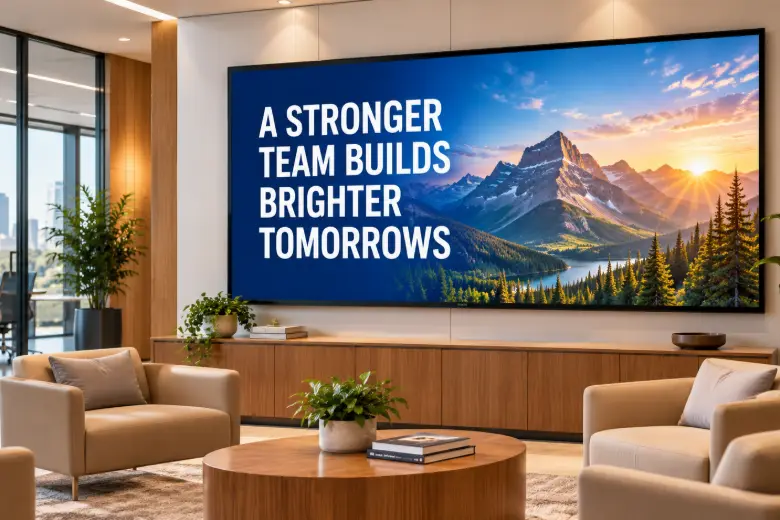
Offices & Corporate Spaces
Share company updates, announcements, and team news.
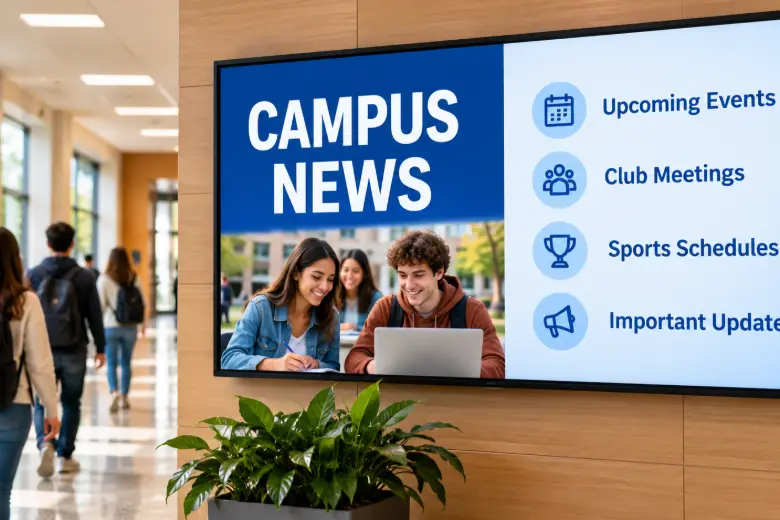
Schools & Training Centers
Display schedules, campus news, and upcoming events.
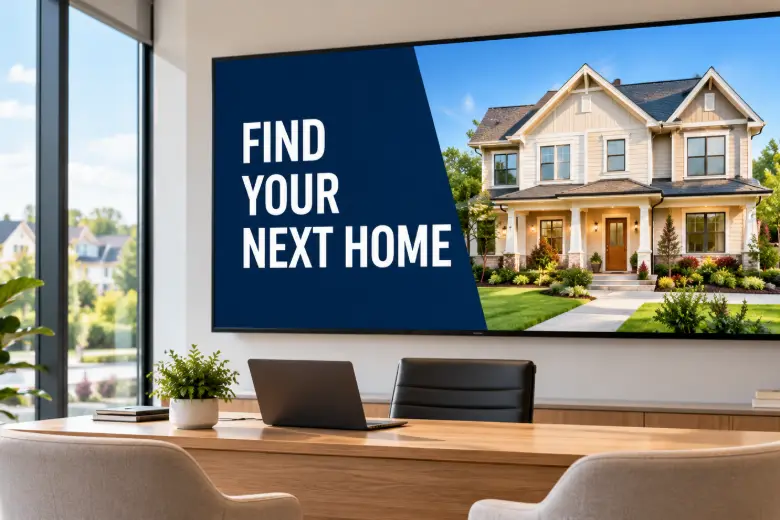
Real Estate Agencies
Showcase listings, open houses, and agent details.
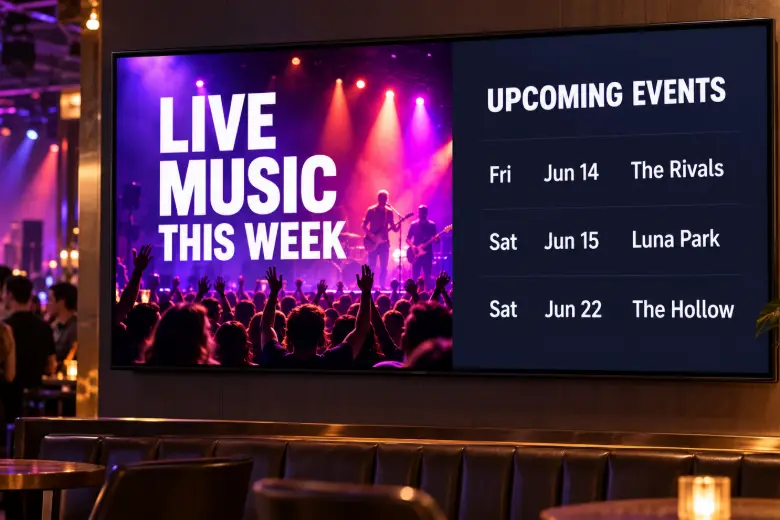
Entertainment & Event Venues
Promote events, ticket offers, and show schedules.
Other Businesses
Create custom content for your space and audience.
Beautiful Templates for Every Business
Choose a template. Make it yours. Publish to your screens.
Restaurant & Café Menus
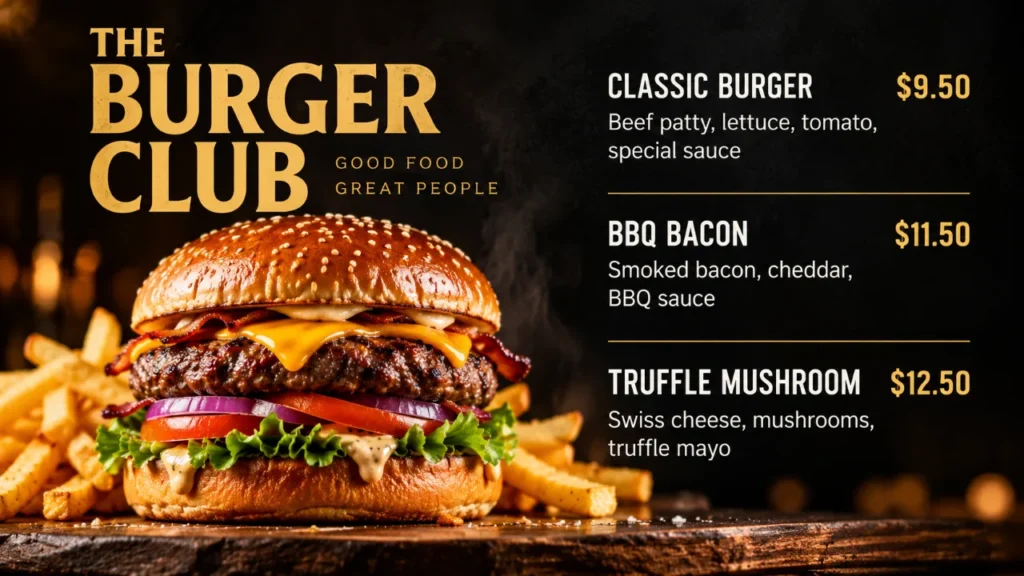
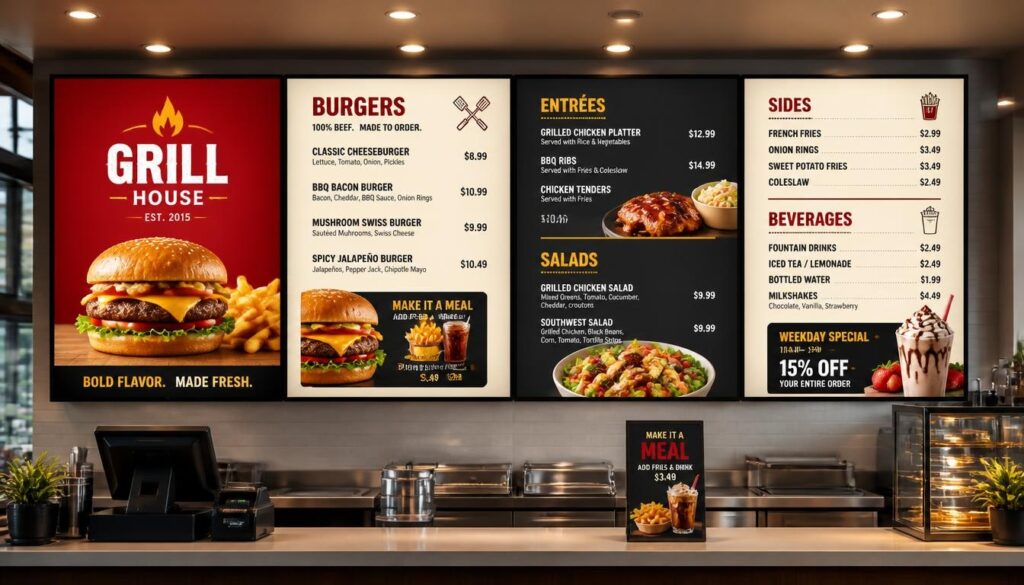
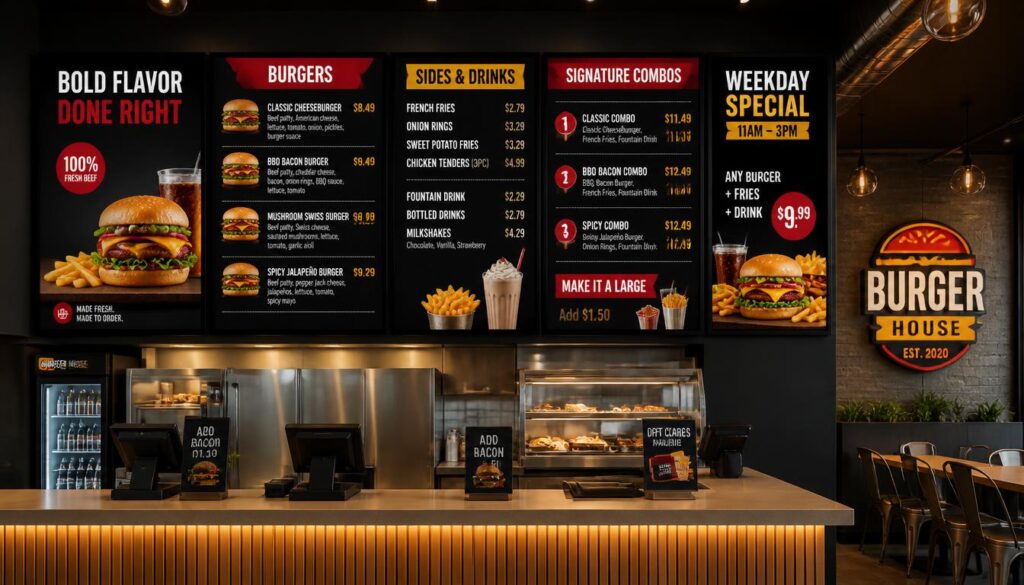
Burger Menu
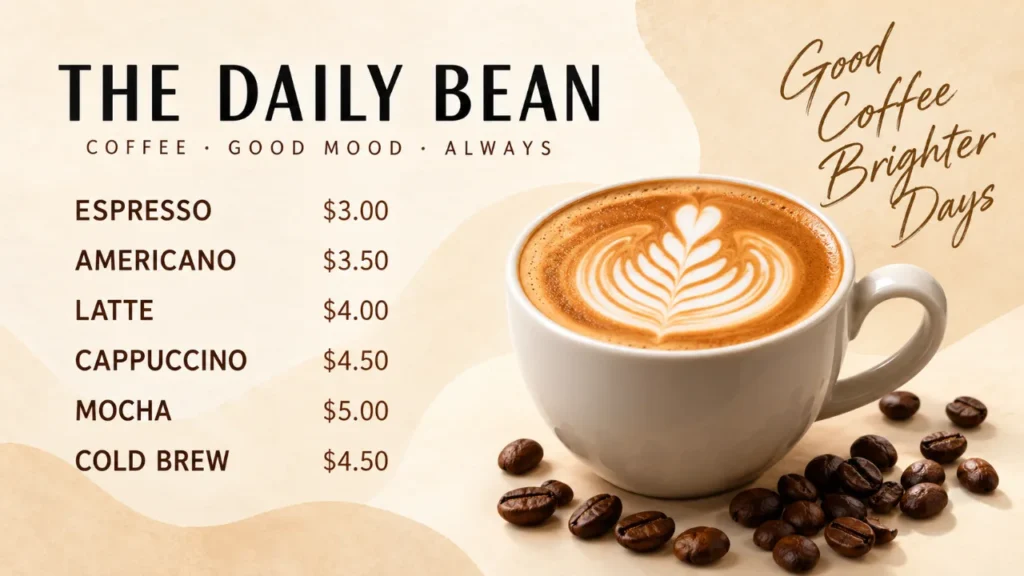
Café Menu
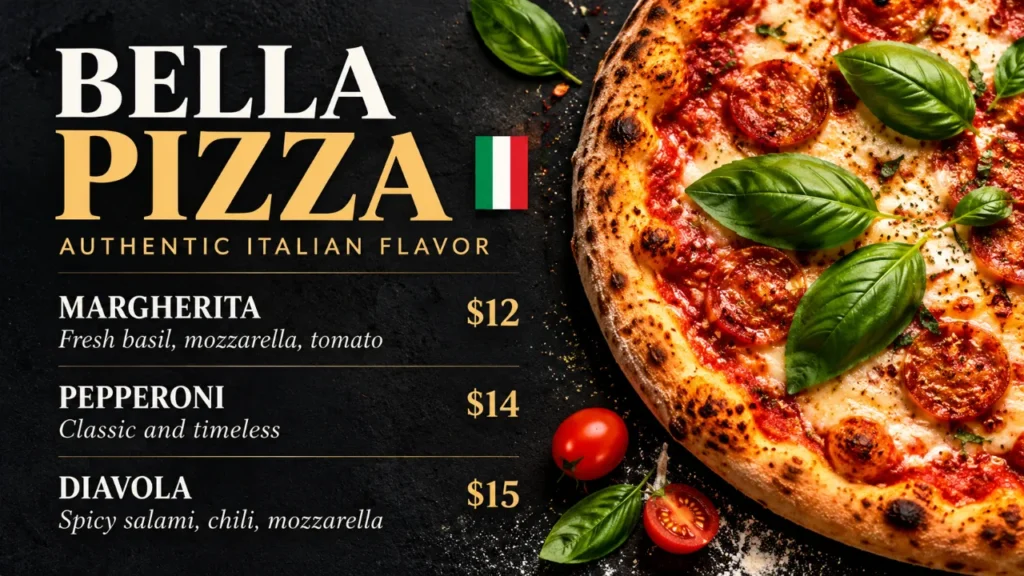
Italian Menu
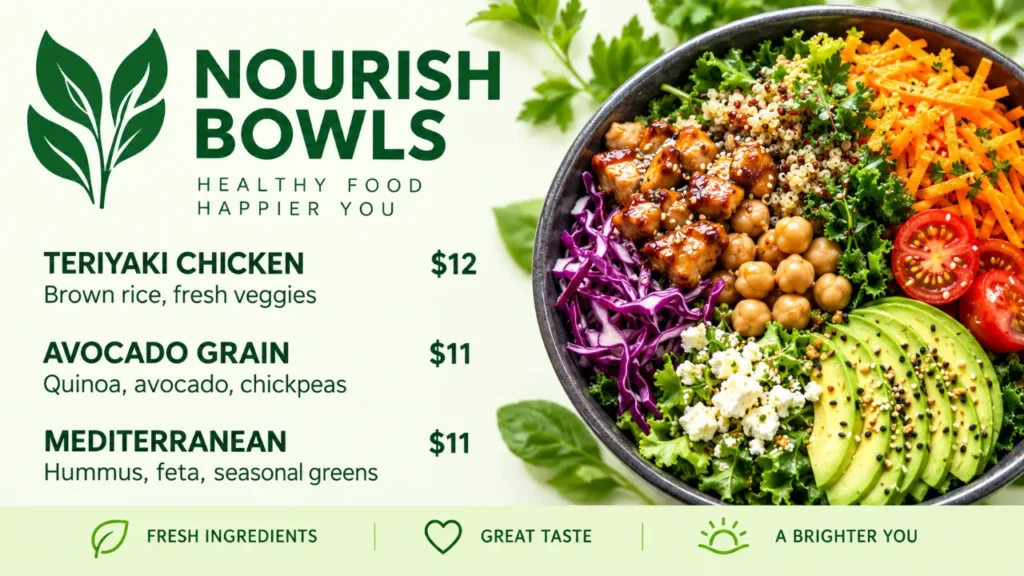
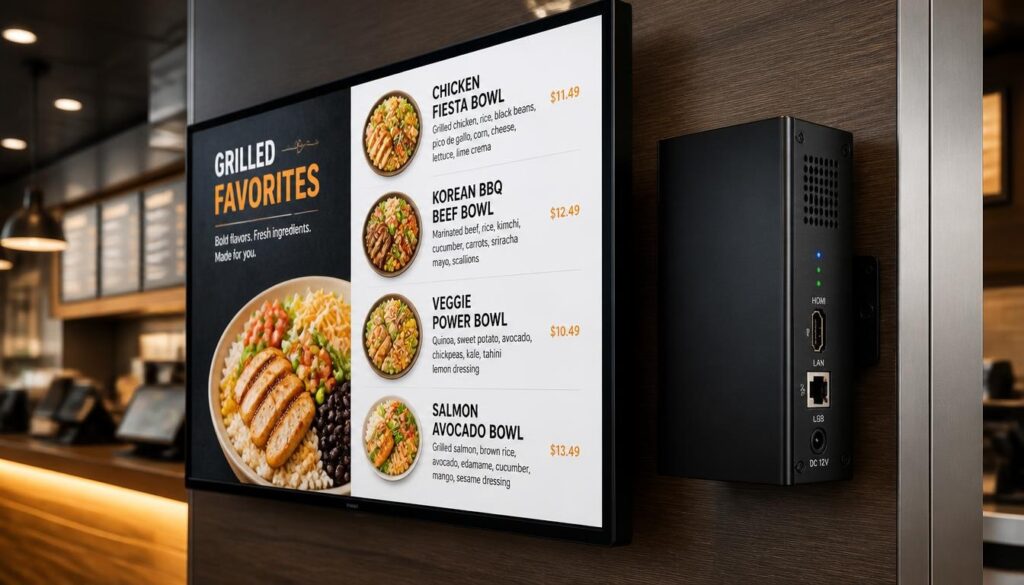
Healthy Bowls Menu
Promotions & Announcements
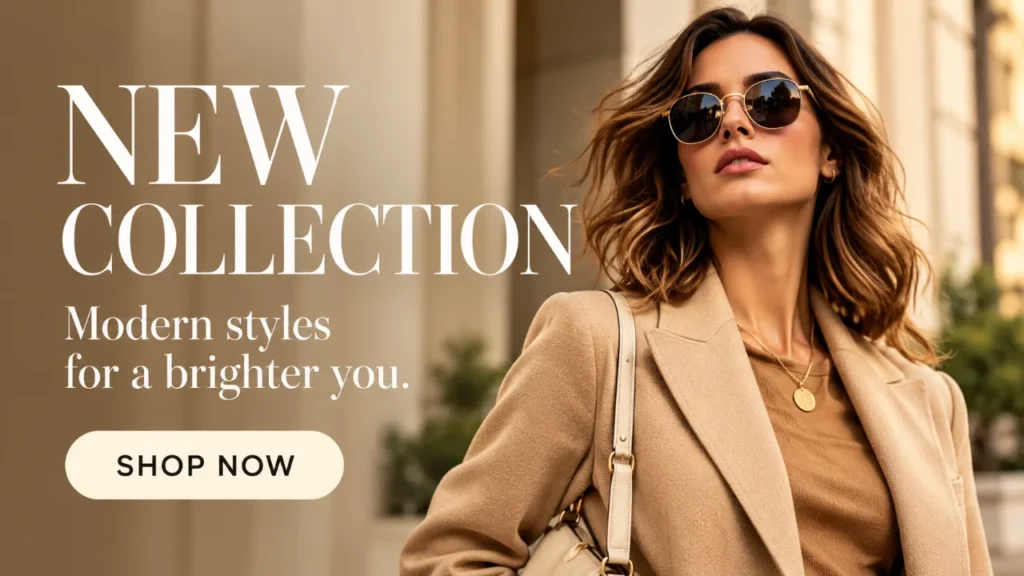
Retail Promotion
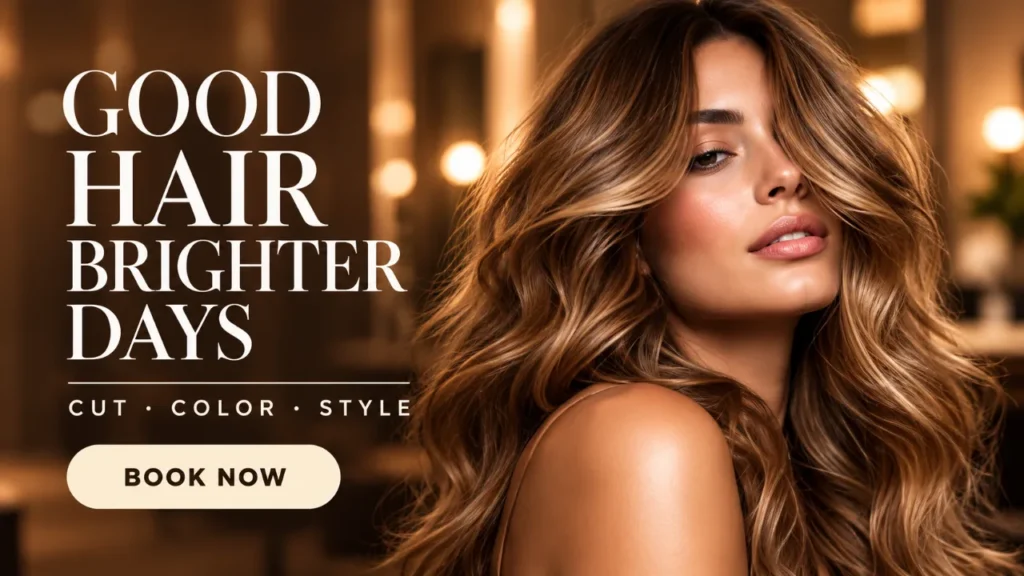
Salon Promotion
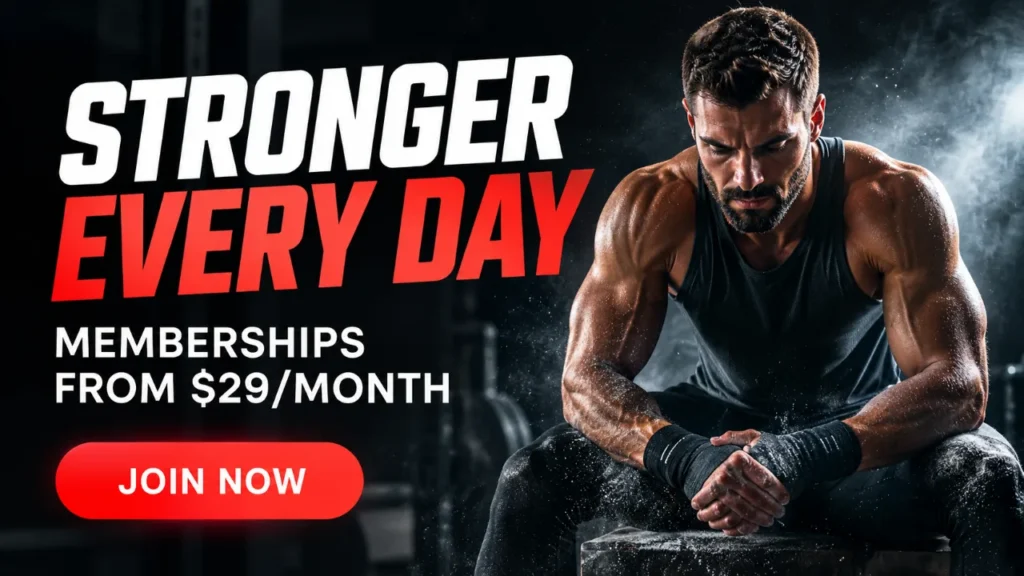
Gym Membership
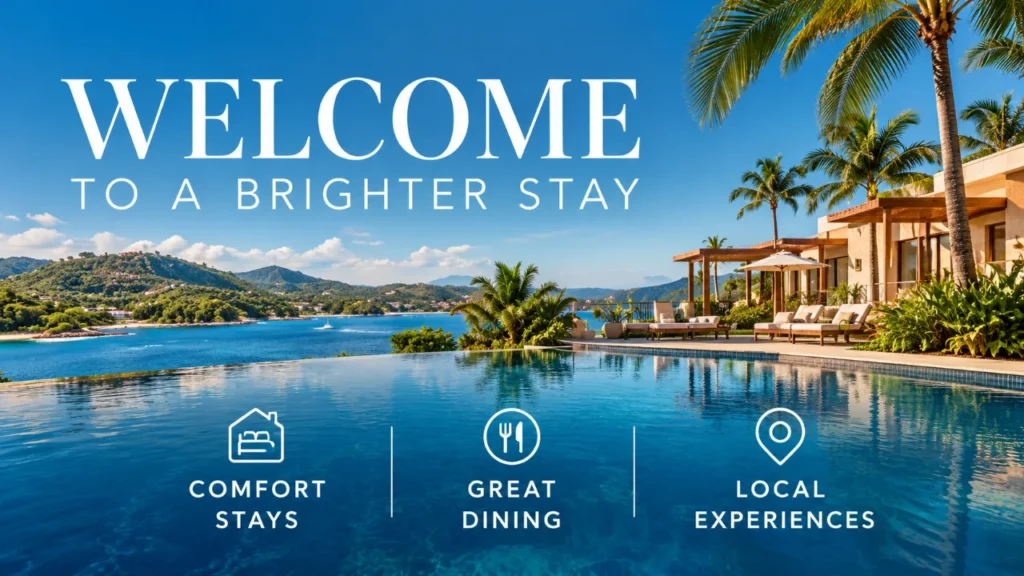
Hotel Welcome
Sales & Special Offers

Retail Sale
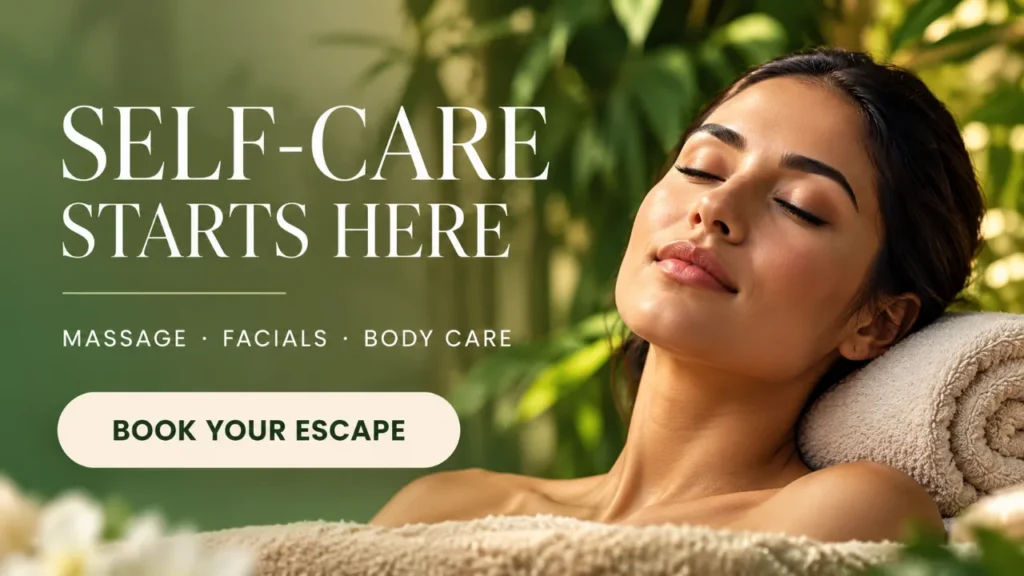
Spa Promotion
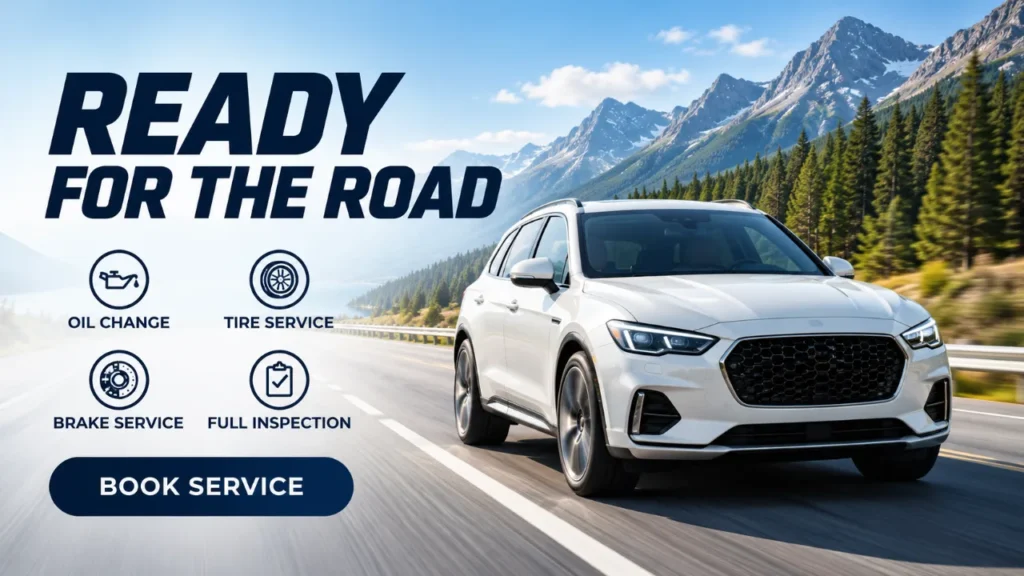
Automotive Promotion
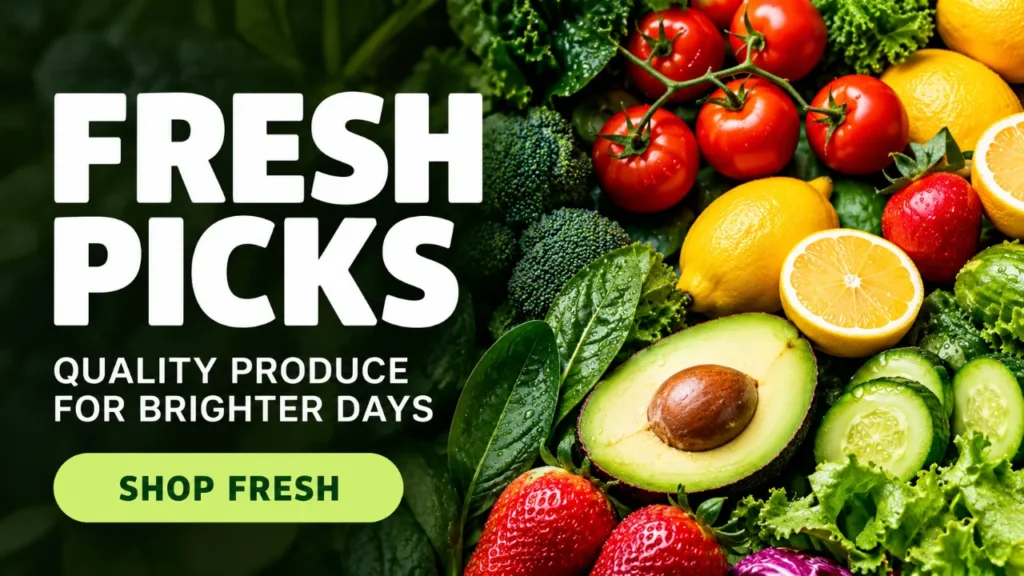
Grocery Sale
Services & Waiting Rooms

Dental
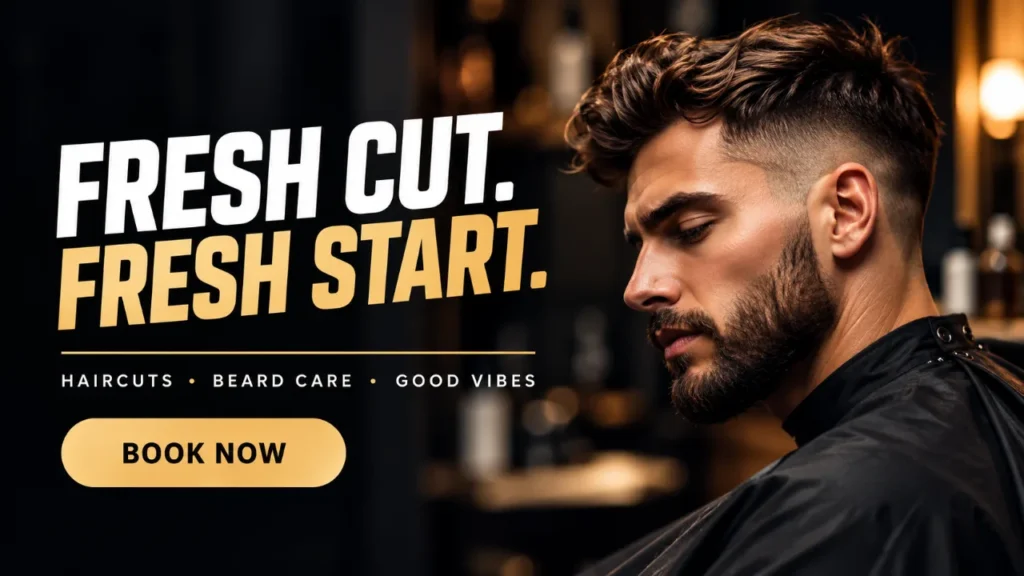
Barber Shop
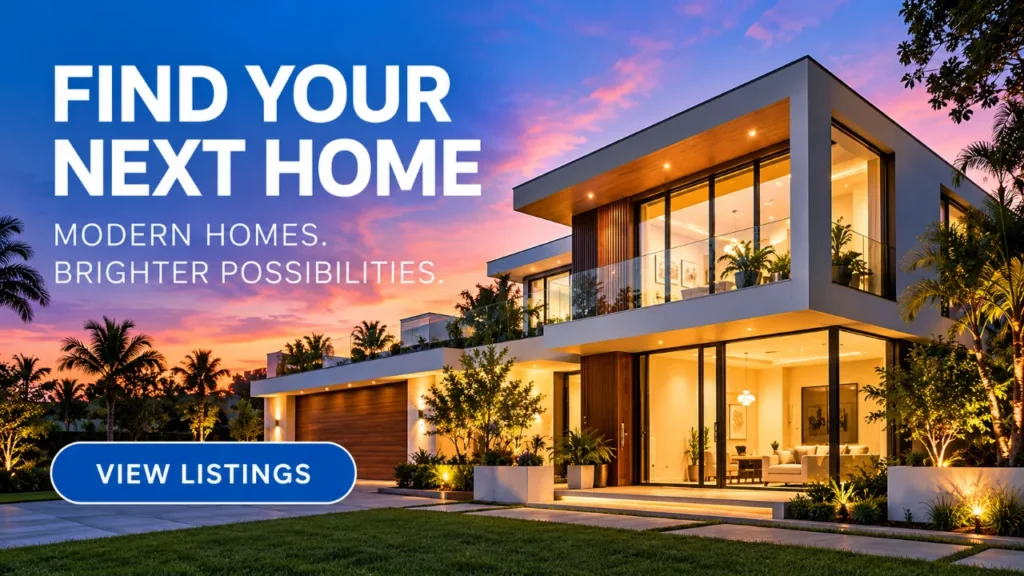
Real Estate
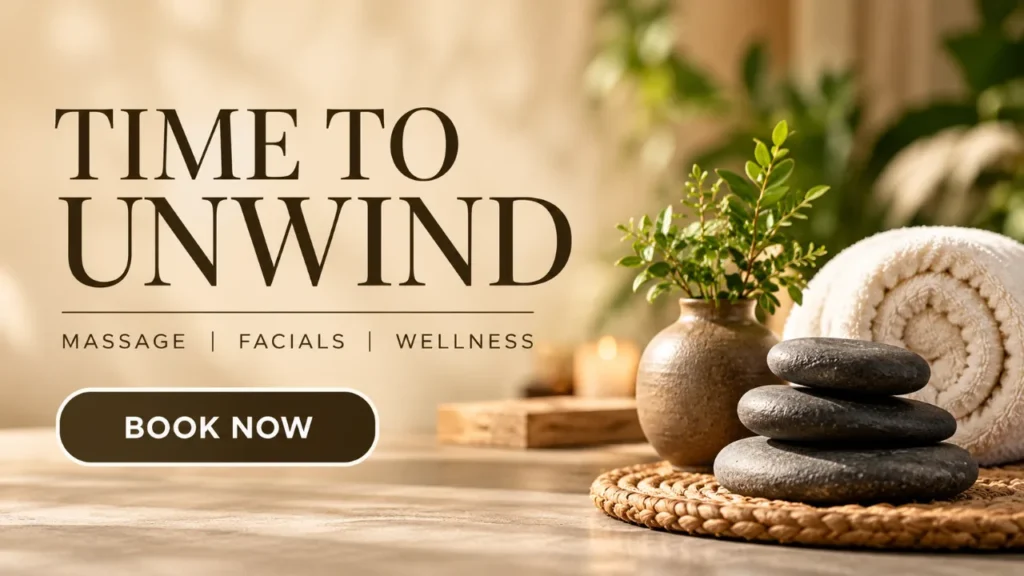
Wellness & Massage
Workplaces, Schools & Events

Employee Announcement
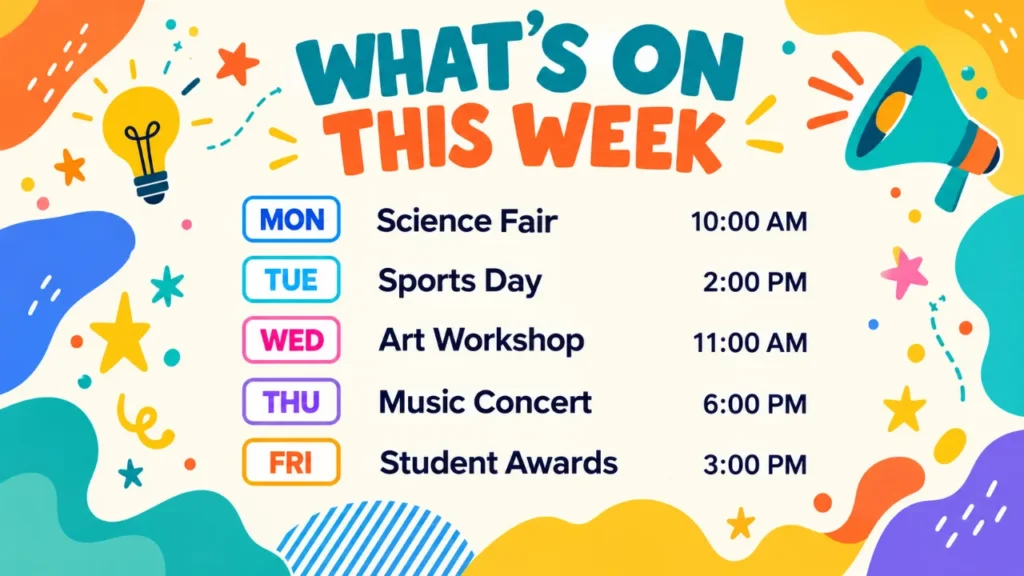
School Events
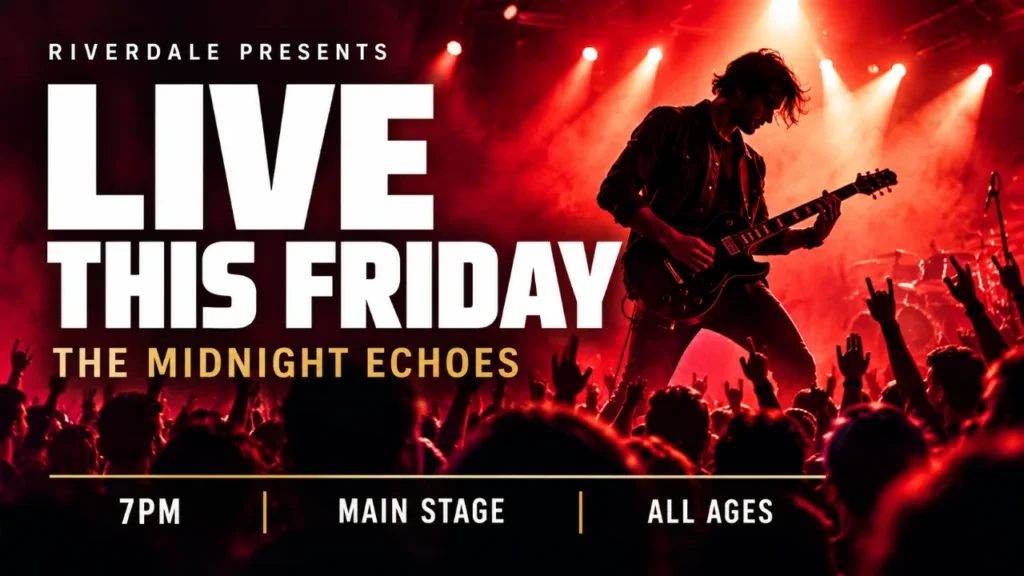
Event Promotion
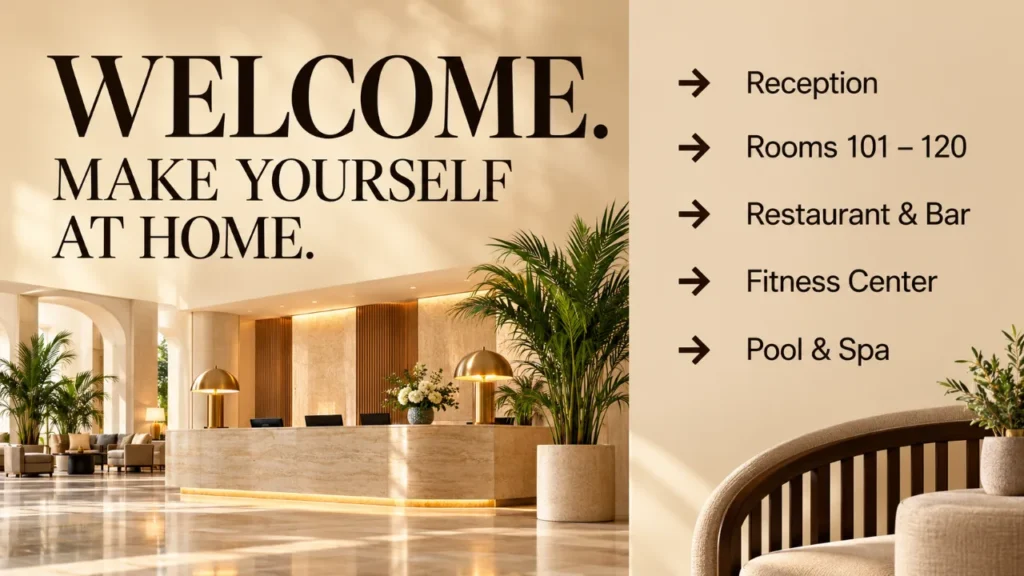
Hotel Wayfinding
Designed for your business. Ready for your screens.
Why Digital Signage ?
30% of customers state that Digital Signages influenced their purchasing decision
66% of customers report that Digital Signage catch their attention
60% of upsells are made from the point of purchase
Nento Foundation
The Nento Foundation showcases its initiatives aimed at aiding the homeless community. Through various programs and outreach efforts, the foundation strives to make a positive impact and bring about meaningful change in the lives of those in need. The video offers viewers an insight into the foundation’s mission and the dedicated work being done to support vulnerable populations.
Grow your business
Grow your business
Grow your business
Grow your business
Grow your business
Grow your business
Grow your business
Grow your business
Grow your business
Grow your business
Tailored Pricing Plans Designed For You
WHY 9 OUT OF 10 CHOOSE US
Feature-by-feature comparison across platforms. |  Powerful digital signage |  General signage solution |  SMB digital signage |  Signage for mixed use |
|---|---|---|---|---|
| Cost per Screen | $20/Month/Screen | Up to $30/Screen | Up to $15 a screen | Up to $45 a screen |
| Pos Integration | ✓ | X | X | X |
| Content /Menu Design | ✓ | X | X | ✓ |
| Template amount | +Million template combination | Limited | Very limited | 500 |
| White label ready? | ✓ | X | Reseller only | X |
| 24/7 support | ✓ | X | X | X |
| Scheduling | ✓ | ✓ | ✓ | ✓ |
| Split Screen | ✓ | ✓ | ✓ | ✓ |
| Tv Wall | ✓ | X | X | X |
| Bluetooth Remote | ✓ | X | X | X |
| Offline Mode | ✓ | X | X | X |
| Multi location/Subuser control | ✓ | X | X | X |
| 30+ app | ✓ | ✓ | ✓ | ✓ |
| Ai Template Creator | ✓ | X | X | ✓ |
| Super easy Mobile app creator | ✓ | X | X | X |
| Turn off/on Tv Scheduler | ✓ | X | X | X |
| Background music | ✓ | X | X | ✓ |
| Easy Restaurant Menu Designer | ✓ | X | X | X |
| Video Editor | ✓ | X | X | X |
| Advance Animation | ✓ | X | X | Limited |
| Social Media integraton+coupon | ✓ | X | X | X |
| 30+ Marketing tool Included | ✓ | X | X | ✓ |
Our Latest Blogs
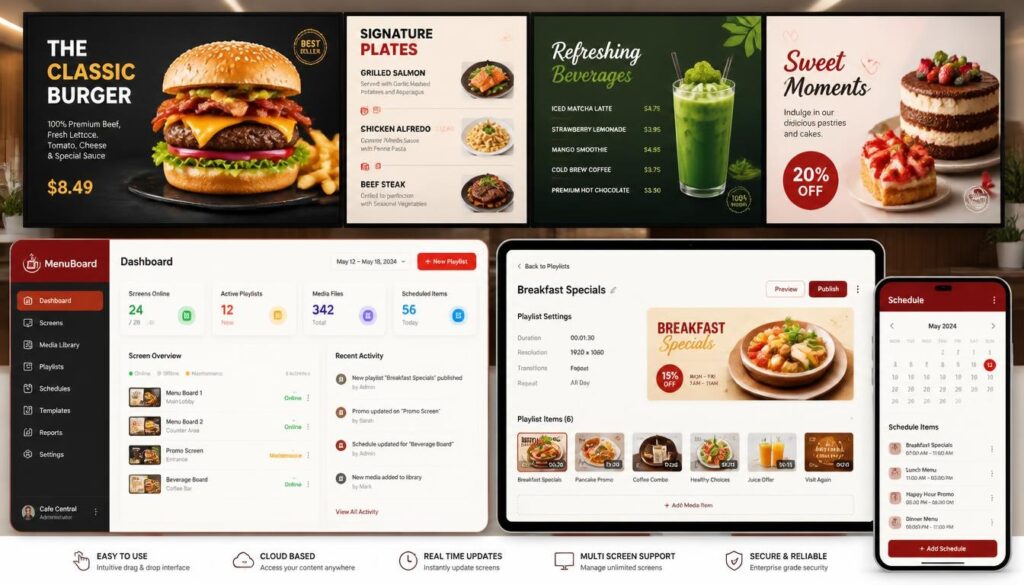



Advanced Features
Music and Spotify
Integrate playlists for ambiance with Spotify music support.
Adding User
Easily add users to manage and update signage content.
Weather
Display real-time weather updates with localized accuracy.
Time and Date
Keep patrons informed with live time and date displays.
QR Codes
Generate QR codes for menus, promotions, and more instantly.
Animations
Attract attention with smooth, engaging on-screen animations.
Scheduling Time
Automate display changes with precise time scheduling.
Scheduling Content
Plan and execute content rotation seamlessly.
POS Data
Instantly import menus from your POS to digital boards with one click.
Library
Access a vast library of media to enhance your displays.
Millions Photos
Choose from millions of high-quality photos for any theme.
Image to Text
Convert images to text to streamline content creation.
Apply Diverse Themes to the Same Menu According to the Timing of the Occasion
Breakfast
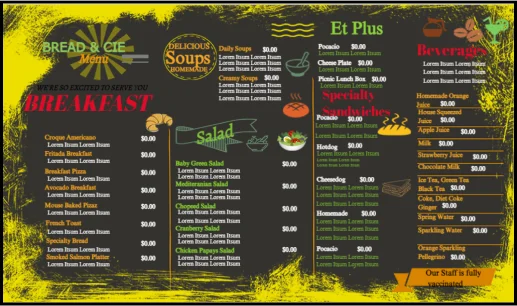
6 AM
Lunch
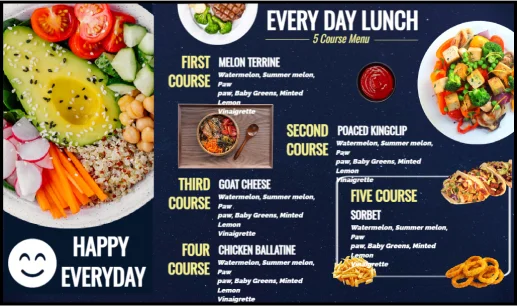
12 PM
Dinner
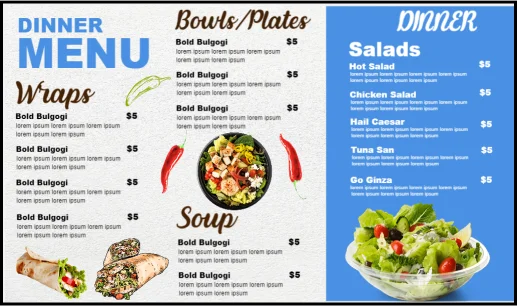
6 PM
Automate Screen Content: Diverse Menus & Promotions
Christmas
AUTO START ON: Dec 15th
AUTO END ON: Dec 31st
Valentine
AUTO START ON: Feb 1st
AUTO END ON: Feb 15th
Halloween
AUTO START ON: Oct 15th
AUTO END ON: Nov 1st
Nento Digital Signage FAQ’s
1. How do I connect the Nento device to my TV?
First, sign up for a free Nento account. Plug the device into your TV’s HDMI port and connect its USB power cable to your TV’s USB port, not a wall outlet. Select the matching HDMI input.
Connect to Wi-Fi using a compatible TV remote: open the device’s Settings > Network. Or use the MenuOnline Business & Remote app on Android or iOS (see Question 5).
In your Nento account, open Screens > Add Screen and enter the six-digit code in the top-right corner of your TV. Your screen is paired and ready to receive content.
HDMI + TV USB
Connect to Wi-Fi
Enter 6-digit code
2. How do I connect my smart TV to Nento?
Open your smart TV’s app store and search for Nento or MenuOnline. If available, install and open the app, then follow the on-screen instructions.
Log in to your Nento account, open Screens > Add Screen, and enter the six-digit code shown in the top-right corner of the TV.
If your TV does not support the app, order a Nento device from our Amazon store and connect it through HDMI.
Find the TV app
Add your screen
Ready to display
3. How do I create my first piece of content?
Log in to Nento and choose the option that works best for you:
- Nento Editor: Choose a template and customize text, photos, prices, products, services, or promotions.
- Canva: Create your design in Canva and bring it into Nento.
- Playlists: Upload existing images or videos and arrange them in a playlist.
When ready, select your screen and publish. Our team can also help you create your first design.
Choose or upload
Customize
Publish to screen
4. Why doesn't the Nento device come with a remote?
You can control the Nento device using a compatible TV remote, so a separate remote is not necessary.
If your TV remote does not support this feature, use the MenuOnline Business & Remote app to turn your phone into a Bluetooth remote. One app lets you switch between and control multiple Nento devices.
Compatible TV remote
Or use your phone
Control your device
5. How do I connect the remote app to my device?
- Create your Nento account and download the MenuOnline Business & Remote app for Android or iOS.
- Turn on Bluetooth and open the app near your Nento device.
- Tap the three-line menu in the top-left corner.
- Select Remote App > Add Device.
- Select the screen number that matches your TV and follow the prompts to connect.
Allow Bluetooth or nearby-device permissions when requested. Use up, down, left, right, OK, and back to navigate. For Wi-Fi setup, open Settings > Network and select your network.
Open Remote App
Add matching device
Navigate your screen
6. I'm not very tech-savvy. How can I get help?
Our team can walk you through connecting your screen, setting up your content, and using Nento. Book an onboarding session or contact us for assistance.
You can also follow our setup videos at your own pace.
Book onboarding
Connect together
Get comfortable
7. How easy is it to upload or create content?
Nento is designed to be simple, even without design experience. Upload your existing images and videos, or choose a template and customize it for your business.
Publish right away or schedule your content for later. Manage content and make updates from your phone, tablet, or computer.
Upload or create
Edit or schedule
Display your content
8. Is training provided for new users?
Yes. During your onboarding session, we’ll help you connect your screen and show you how to create, upload, update, and schedule your content.
We’ll also explain how to manage your screens and where to find support whenever you need it.
Guided onboarding
Learn content tools
Ongoing support
9. Do I need one Nento device per screen?
Yes. Each screen requires its own Nento device when using our hardware. Manage screens individually or display the same content across multiple screens.
If your smart TV supports and runs the Nento app directly, you do not need an additional Nento device for that screen.
One device
Per screen
Manage in one account
10. Is internet needed to play my content?
Internet is needed for initial setup and to download content to the Nento device. Once downloaded, images and videos are stored on the device and continue playing without internet.
Exclusive to Nento customers: content already downloaded in the MenuOnline Business & Remote app can be transferred directly from your phone to your Nento device through Bluetooth. The two devices communicate directly, so you can upload that content without internet.
Features that use live online information still require internet access.
Downloaded app content
Direct Bluetooth transfer
Stored for playback
We Are Here To Become The #1 Digital Signage Software Provider & Offer You The Best Price
Using our digital signage online studio, easily design and remotely manage your digital signage content. using the drag-and-widgets that let you add slideshow, information, live TV, scrollings news, weather, social media feeds, event listing , HD videos and more.
Millions of Template Combinations
It's simple to customize, and easy to use so get started