I. Introduction
When a guest enters your lobby, an impression is created. Even the most innovative organization might seem disconnected and old-fashioned due to an untidy noticeboard, old posters, or a PowerPoint that keeps on running on TV. A professionally designed digital lobby experience, on the other hand, signals professionalism, clarity, and confidence.
This is where digital lobby signage software comes in. By replacing fixed signs with dynamic, centrally controlled displays, the organizations will be able to communicate better, direct the visitors easily, and support their brand from the very first contact. From corporate headquarters to hotels and hospitals, the contemporary lobbies are turning out to be intelligent communication centers.
Nento is designed to enable this shift. Its user-friendly platform helps organizations to develop a robust corporate lobby display that is integrated with design, information, and interactivity. This guide discusses the nature of lobby display software, its functionality, and how to select a suitable solution for the space.
Your lobby isn’t just an entrance—it’s your brand’s handshake.
II. What Is Digital Lobby Signage Software?
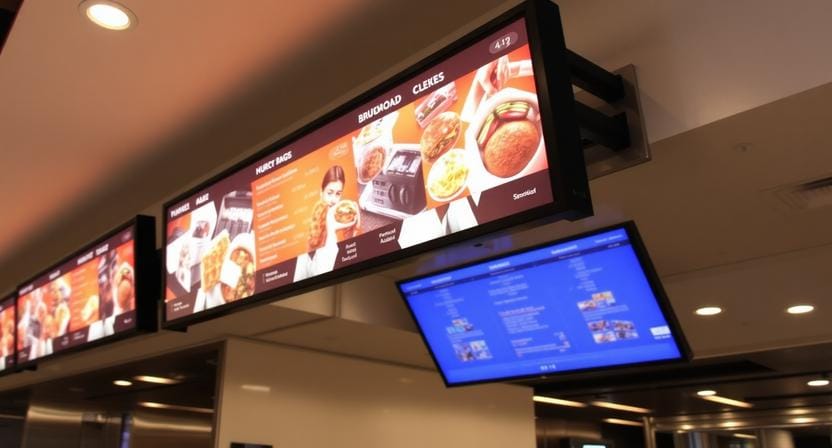
Digital lobby signage software is centralized software, cloud-based or on-premise, that enables organizations to create, manage, schedule, and update the content displayed on the screens in the lobby and reception areas. This software is real-time controlled, automated, and scalable, unlike simple media players that merely repeat videos.
Having an appropriate system in place, teams are able to push updates remotely, schedule content to be put up by the time of day, and show live information with no human intervention. Such terms as “lobby TV display software,” “digital lobby display software,” and “lobby presentation software” are all used in reference to different versions of the same ecosystem.
Fundamentally, the software transforms a screen into an animated information surface, a surface alive to visitors, time, and context instead of a stationary one.
III. Key Features to Look for in Lobby Display Software
Intuitive Content Management
The most viable lobby display software is user-friendly. Drag-and-drop editors and professionally crafted templates enable reception staff or office administrators to make changes without involving the IT department or designer.
Scheduling and Playlists
Strong scheduling is possible to enable various messages at various times. Welcome messages in the morning, company news in the middle of the day, and visitor instructions in the after-hours may all be operated automatically without the need to intervene on a daily basis.
Integrations with Front-Desk Systems
The digital lobby displays are intelligent at integration. Visitors can be welcomed in real time on the screens by connecting with lobby attendant software like Envoy or The Receptionist. Meeting schedules and room availability are made visible immediately with calendar integration with Outlook or Google.
Interactive Wayfinding and Touchscreens
Touchscreen lobby software can be used to make displays interactive directories. Visitors can also find employees, departments, or meeting rooms and have them guided to their destinations—this is particularly important in large offices, campuses, or hospitals.
Live Data and Multi-Zone Layouts
Weather, news, stock tickers, or social media feeds are examples of live feeds supported by modern lobby information display software. Multi-zone layouts can be used to enable one screen to show a welcome message, meeting schedule, company updates, and live data all at the same time.
Nento Advantage: Nento combines all these features into a single, user-friendly platform, making polished and professional lobby presentations easy to deploy and manage.
IV. Powerful Use Cases and Benefits of Corporate Lobby Displays
Enhancing the Visitor Experience
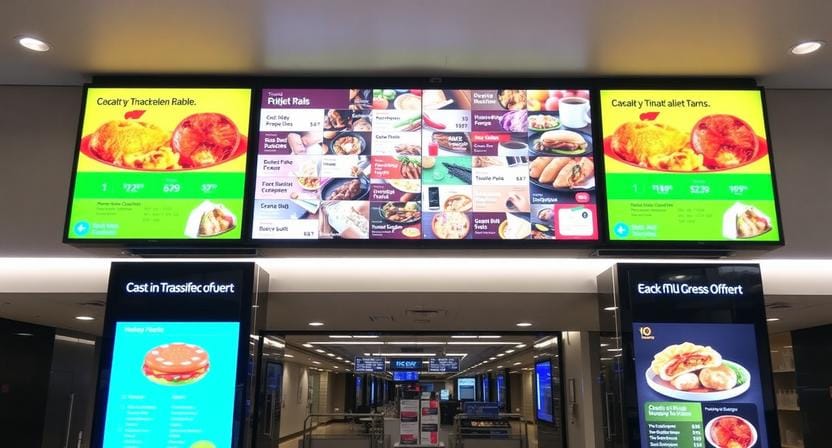
There are digital lobby displays that make the entrance process smoother. Visitors feel welcome by receiving personalized welcome messages, and also the interactive wayfinding minimizes waiting time and confusion. Credibility and intent are instantaneously conveyed by company videos or investor presentations through lobby presentation software.
Strengthening Internal Communications and Branding
Visitors are not the only ones that have lobbies. Employees see them daily. The lobby can be turned into a communication channel by using screens to showcase accomplishments, acknowledge employees, post announcements, and strengthen company culture.
Revenue and Marketing Opportunities
Value can also be created in the lobbies, which are directed at the public. A TV screen is an example of digital advertising that can be used to advertise products, services, events, or partners. Lobby screens can even be monetized using sponsored content by hotels, hospitals, and multi-tenant buildings.
A lobby screen can welcome, inform, inspire—and even generate revenue.
V. Types of Lobby Display Software and Key Considerations
Cloud-Based vs. On-Premise
Cloud-based solutions are remotely accessible, update more quickly, and require less maintenance, making them suitable for most organizations. On-premise systems can be attractive for strict internal IT policies but tend to be more complex to install and maintain.
Free vs. Paid Software
Searching for free lobby display software is common, and often free software is limited in some way (watermark, ads, feature restrictions, or unsupported). Business solutions such as Nento deliver a clear ROI in terms of reliability, security, and time savings.
Specialized vs. All-in-One Platforms
There are also tools that are simply media playback, and others are full-scale digital lobby display software platforms that are integrated, interactive, and analytical. A holistic solution will eliminate the necessity of managing a number of systems.
Hardware Compatibility
The software must be compatible with regular commercial televisions and monitors through dependable media players. Consumer TVs can be used in some limited circumstances, whereas commercial displays are advisable in the case of constant operation.
VI. How to Choose the Right Software for Your Lobby
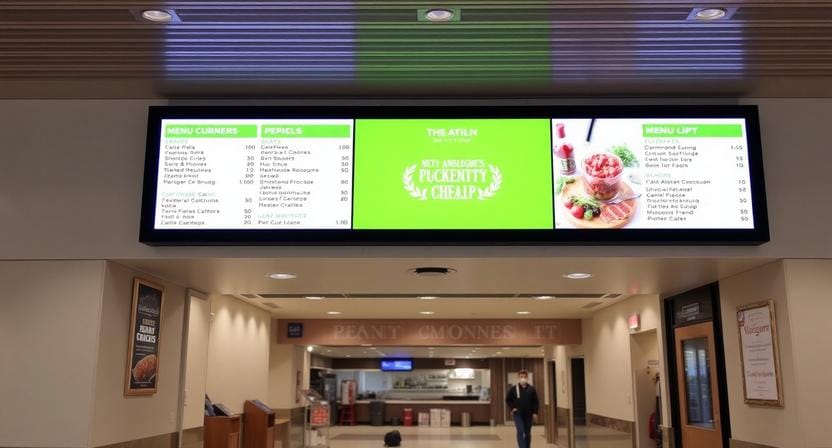
Begin by explaining what your main goal is, whether it is to better visitor experience, internal communication, or advertising. Test the ease of use of the platform for your team and its integration with your systems.
Scalability matters as well. What works well on one screen today should scale across multiple locations tomorrow. Lastly, check security measures, user authorization, and trustworthiness.
The best way to evaluate any platform is hands-on experience. Start your free trial of Nento today and see how a professional lobby display solution transforms your space.
VII. Frequently Asked Questions (FAQs)
What’s the difference between lobby signage software and a PowerPoint slideshow?
Digital signage software enables remote control, scheduling, real-time data, and 24/7 operation without the need of a specific laptop or manual updating.
Can I use my existing TVs?
Often, yes. Nento is used with the majority of HDMI-connected commercial displays through low-cost media players. Commercial-grade screens are suggested in case of continuous usage.
How easy is it to update content?
Updating Nento is as fast as editing a webpage. Any browser can instantly show changes on the screens.
Can different screens show different content?
Yes. State-of-the-art digital lobby display software enables targeting of content by screen or by group—ideal for entrances, waiting areas, and meeting areas.
Is there a free lobby display software option?
There are a few free tools, but they are normally not scheduled, integrated, and supported. There are professional platforms such as Nento, which have low-cost plans that are full-fledged.
Can the system integrate with visitor management tools?
Absolutely. Lobby attendant software can be integrated—this is a core feature, allowing personalized greetings to be made when a visitor checks in.
VIII. Conclusion
Digital lobby signage will make the lobby a dynamic communication hub as opposed to a waiting area. Through the appropriate digital lobby signage software, organizations take the level of professionalism to another level, enhance efficiency, and make the first impressions meaningful.
The most important enabler is the software. It defines the level of flexibility, interactivity, and reliability of your lobby experience.
Ready to turn your lobby into a dynamic gateway for visitors and employees? Schedule a live demo with a Nento expert or start your free trial today and create your first lobby presentation in minutes.