
Introduction: The End of the Manual Update Era
For most teams, digital signage continues to be a manual process, involving uploading images, fixing last-minute typing errors, and rushing to make changes to promotions before they run out. This reactive workflow is time-consuming, it raises the probability of making mistakes, and it also restricts the ability of the signage to respond to real-world situations.
That’s why digital signage content automation has become a critical shift. Automation substitutes manual updates that occur frequently with smart rules and data links that ensure that screens are accurate, timely, and relevant without constant human updating. Rather than screen-by-screen management, the business can focus on strategy and leave the execution to the system.
Nento is at the forefront of this change, and it provides sophisticated digital signage automation software that allows organizations to scale communication, reduce workload, and enable data-driven messaging on all displays.
Tired of manual updates? See how Nento automates your signage in minutes. Start Your Free Trial
Automation doesn’t replace creativity—it gives it room to scale.
What Is Content Automation for Digital Signage?
Defining Content Automation for Digital Signage
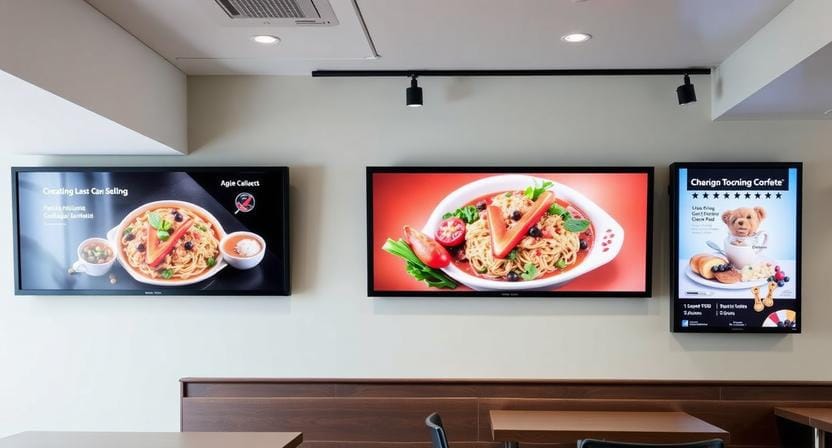
Digital signage content automation is the application of software rules, triggers, and live data feeds to create, maintain, and show content automatically without the manual process of constant updating. Once the system is set, it makes sure that the appropriate message is displayed at the appropriate time and location.
Automation vs Traditional CMS Workflows
The conventional digital signage content management is commonly centered on the storage of the media files and manual playlist arrangement. Automation goes further to make content dynamic based on conditions like time, inventory levels, weather, calendar events, or performance data.
The Core Principle Behind Automation
The basic idea is to program the logic once and then let the system run. This strategy will turn signage into a responsive and smart channel that will adjust in real time.
Why Automate? The Tangible Business Benefits
Operational Efficiency at Scale
Automation drastically reduces the time used by teams to update screens and control devices. Hours of work can now be done automatically, and employees can be left to do more valuable work.
Accuracy and Error Reduction
Automated digital signage eradicates most of the human errors that occur during the process, including outdated prices, expired offers, or wrong timetables. Content stays updated on all screens without duplicating work by hand.
Relevance and Agility in Real Time
Automated systems react immediately to real-world inputs. Messaging can be dependent on the time of day, weather conditions, or inventory levels so that it is always contextually relevant.
Brand Consistency Across Locations
Business signage automation allows organizations to have consistent branding and messaging across dozens or even thousands of screens through one platform.
The most effective signage updates itself before anyone notices it needs to.
Key Features of Powerful Digital Signage Automation Software
Dynamic Data Integration
Advanced platforms pull live data from APIs, databases, Google Sheets, RSS feeds, and social media to automatically update content.
Trigger-Based Scheduling and Logic
Automation rules specify the time, date, weather, inventory levels, or sensor inputs when content will be displayed, making it possible to respond to sensor inputs without schedule manipulation.
Template-Driven Design Systems
They can use branded templates so that layouts have a consistent appearance, and data fields can be auto-filled to scale and automate the creation of digital signage using automation.
Centralized Cloud Management
A single dashboard is used to operate all screens regardless of the location, and this helps ensure quick updates and full visibility.
Advanced Playlists and Conditional Flows
Complex zoning, dayparting, and conditional rules control the rotation and adaptation of the content on a daily basis.
Advanced Applications of Automated Digital Signage
Data-Driven Content Automation for Digital Signage
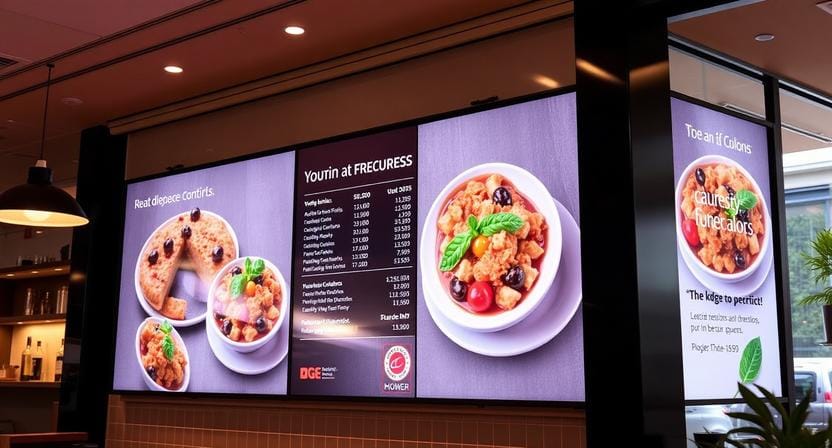
KPIs, sales figures, production indicators, or engagement data are shown in real time in live dashboards and help teams stay aligned and informed.
Advertising Display Automation
Automated ad rotation allows campaigns to be targeted by location, time, or audience profile to increase relevance and efficiency.
Multilingual Digital Display Automation
In global, diverse environments, content language can automatically switch based on location data or audience.
Interactive Digital Signage Experiences
Touchscreen signage is linked to automated back-end systems, enabling product catalogs, directories, and wayfinding to update in real time.
Business Signage Automation Use Cases
Automated workflows are useful in corporate communications, retail pricing, factory floor metrics, and hotel directories.
Ready to explore advanced automation? Nento’s platform is built for these sophisticated use cases. Schedule a Consultation with an Expert
Implementing Automation: A Step-by-Step Guide
Step 1: Audit Your Content and Data Sources
Identify the content that needs updating on a regular basis and what data sources can be used for frequent updates.
Step 2: Choose the Right Platform
Choose software that doesn’t just have a manual scheduling option but true digital signage automation.
Step 3: Design with Automation in Mind
Create dynamic templates that can pull live information instead of fixed designs.
Step 4: Set Rules and Triggers
Define when the content can be changed, e.g., time, weather, or inventory.
Step 5: Test, Launch, and Optimize
Pilot automation processes, and optimize them using performance data and analytics.
Choosing Your Digital Signage Automation Software
Essential Features to Look For
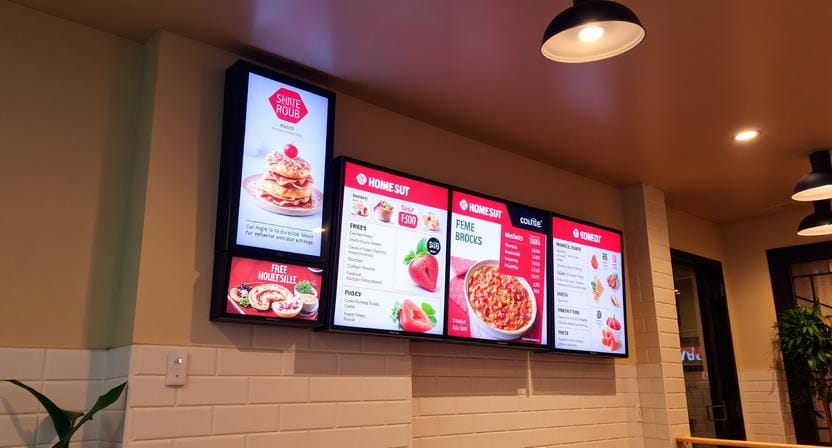
The platform must be cloud-based, API-ready, have a template engine, and have advanced scheduling and automation logic.
Reliability and Scalability
Automation can only be successful when the uptime is reliable and the systems can scale without complexity.
Ease of Use for All Teams
Automation should be easy for both technical and non-technical users.
Why Nento Stands Out
Nento is software that is easy to use, has robust automation, is enterprise-grade and dependable, and is available with professional support.
Compare your current solution to Nento’s feature-rich automation platform. Get a Free Demo
Conclusion: Automate to Communicate More Effectively
Digital signage content automation is no longer a luxury for agile organizations. Automation turns screens into smart communication tools that react to data, context, and audience requirements in real time.
Automation helps teams to be more effective in communicating and to scale with confidence by reducing manual work and enhancing relevance.
Frequently Asked Questions (FAQs)
Is automated digital signage difficult to set up?
A: Not with the right platform. Solutions like Nento use intuitive tools and pre-built connectors that make it easier to set up automation.
Can I still manually control my screens?
A: Yes. Automation handles regular updates, although full manual control is possible.
How does data-driven content automation work?
A: The system is connected to live data sources and automatically populates templates with real-time data.
Can automation handle multiple locations and languages?
A: Yes. The ability to have multilingual digital display automation and centralized control is a key strength of modern platforms.
Is digital signage automation software secure?
A: Trustworthy vendors such as Nento have enterprise-level security, encryption, and access controls.
Stop managing your screens and start automating them. Experience the Nento difference with a personalized, no-obligation demo.