Introduction
In any modern restaurant, retail shop, office lobby, hospital, school, or airport, you will see the same trend: traditional posters are being replaced by dynamic screens. Menus move. Promotions update. Schedules change automatically. Waiting room displays show live, up-to-date information rather than outdated paper notices.
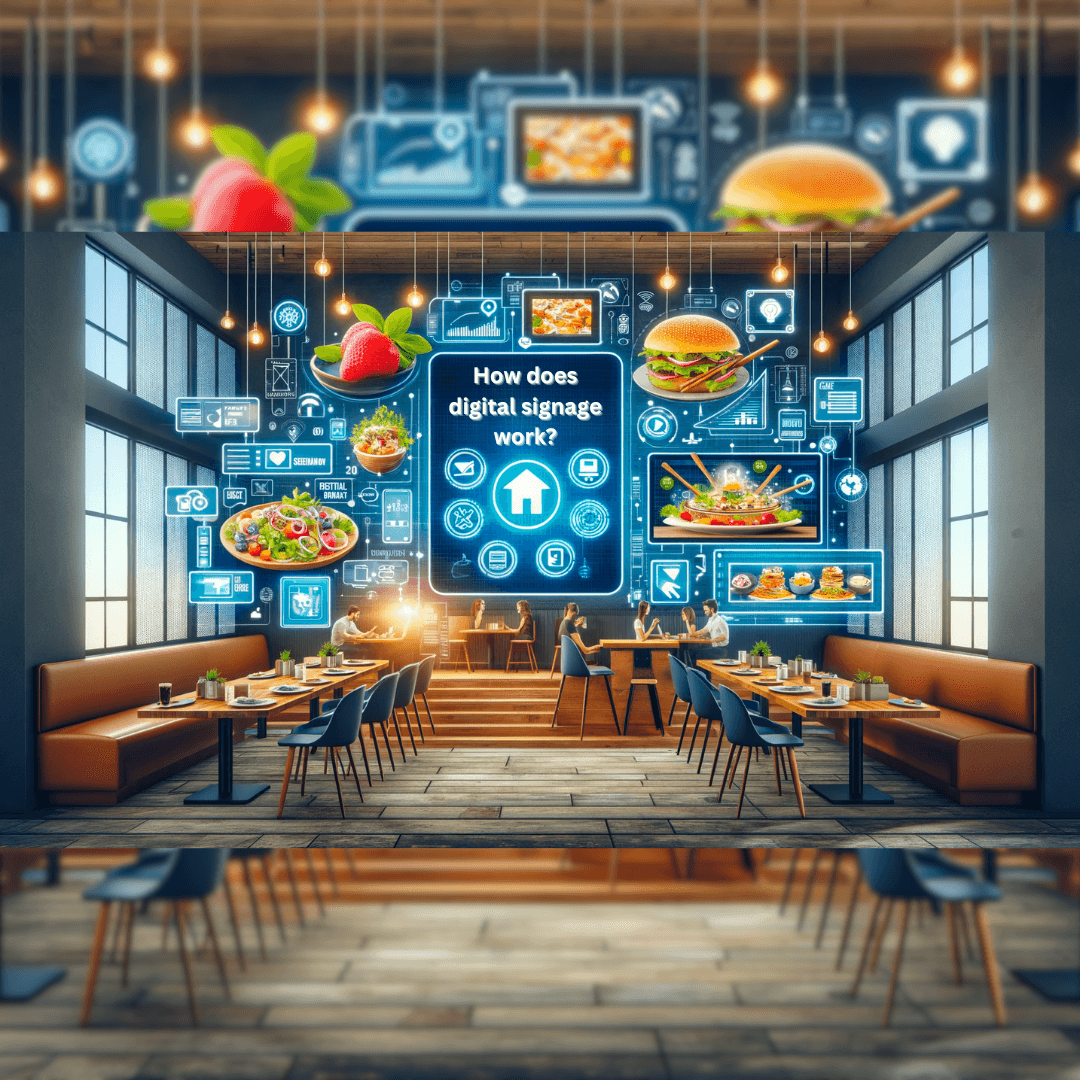
But many business owners still ask the same practical question: how does digital signage work?
What is digital signage? It is a system that uses screens, software, and connected tools to show digital content in physical spaces.
The simple answer is that digital signage is not just a TV monitor on the wall. It is a connected ecosystem made up of displays, media players, software, Internet connections, content, and management tools. Together, these components enable businesses to present the right message on the right screen at the right time.
Understanding the system is important because choosing the wrong setup may result in wasted money, inability to control content, screen downtime, and low ROI. Choosing the right system helps you communicate more quickly, update content remotely, and control your digital signage system with ease.
Ready to simplify your digital signage? Discover how Nento can help streamline your digital signage network.
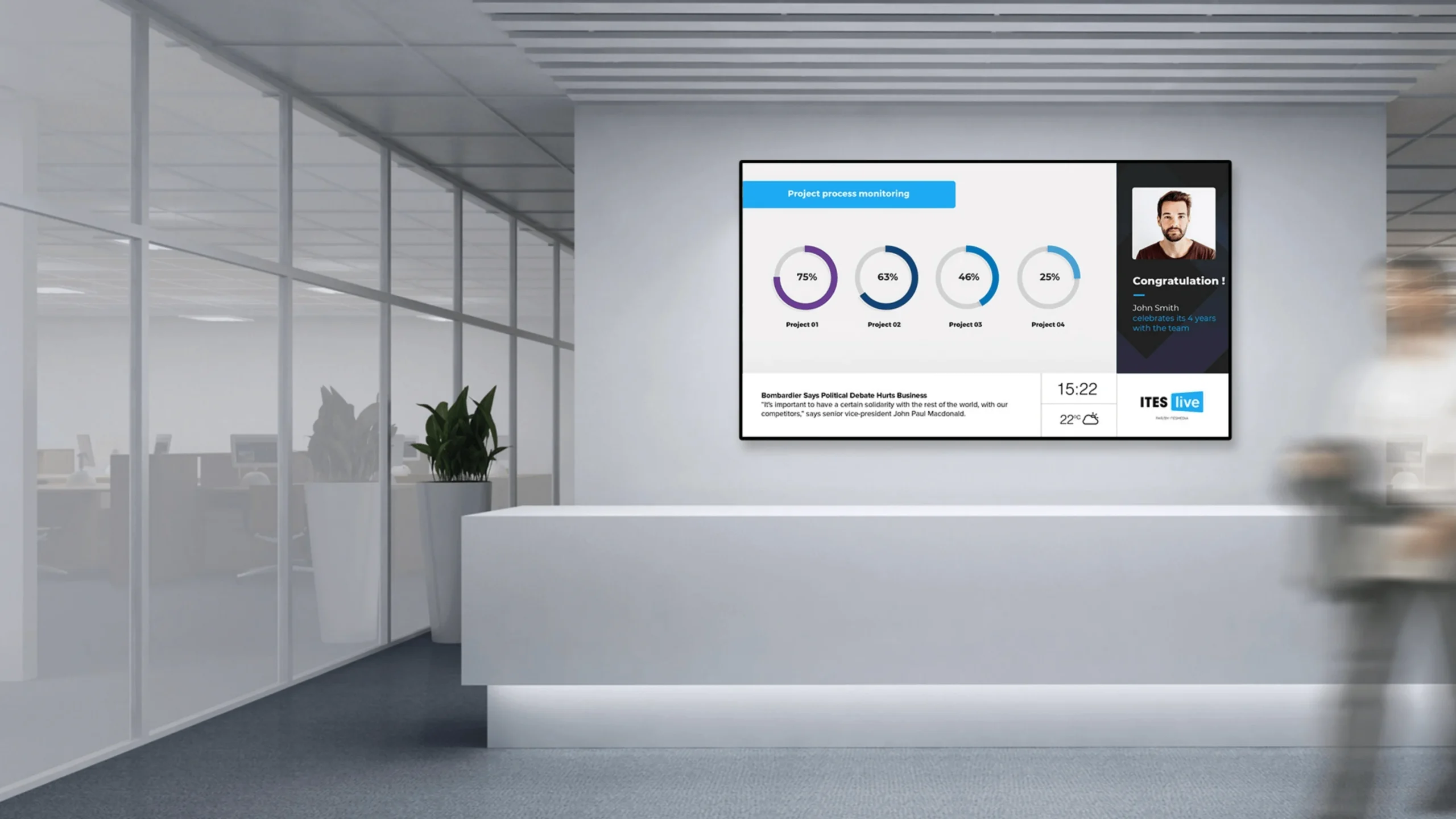
The Anatomy of a Digital Signage System
Before looking at the software, it helps to understand the hardware. The physical elements are the parts you can see, touch, and manage. This is the visible layer of digital signage technology.
The Display
The screen itself is the display. It may be an LCD or LED display, a video wall, a touchscreen kiosk, a menu board, or a commercial monitor. The right display varies with location, viewing distance, brightness requirements, screen size, and operating hours.
For example, a restaurant menu board may require a bright screen above the counter. A business lobby might require a sleek screen to display greeting messages. A large LED wall can be used by a shopping mall as a wayfinding and advertising tool.
The Media Player
The media player is often the “brain” of the screen. It receives content from the software and tells the display what to show. A media player may be a small PC, Android stick, Fire TV device, Raspberry Pi, professional signage player, or embedded system-on-chip within a smart display.
Even a high-quality display will not work without a reliable player. Playback, schedules, transitions, and occasionally offline storage of content are handled by the player.
The Network Connection
A digital signage connection enables the screen or the player to communicate with the content management system. This may occur via Ethernet, Wi-Fi, or 4G/5G cellular connection.
Fixed installations typically use Ethernet, which is the most reliable. Wi-Fi is dynamic and simple to install. Cellular works for remote screens, outdoor displays, or places where wired Internet is not feasible.
Peripherals and Interactive Tools
Some signage systems include sensors, cameras, touch overlays, barcode scanners, QR code tools, or motion detectors. These peripherals make the screen more interactive and help businesses gather engagement data or trigger specific content.
This is where digital signage becomes more than a screen. It turns into an interactive means of communication.
The Software Layer: The Brain Behind the Screen
Hardware shows the message; software manages the message. Without software, the screen is just a monitor. With the right software, the screen becomes a controlled business communication system.
Centralized Control
Digital signage software works as a control center. It enables business owners, marketing managers, IT teams, and operations teams to upload content, create playlists, schedule campaigns, and manage multiple screens from one location.
Users can update all screens from a laptop or mobile device without walking to each display with a USB drive. It is particularly significant to companies with more than one location.
The User Dashboard
The dashboard lets users control the screen network. The dashboard allows you to add media and layouts, assign content to screens, schedule messages, and monitor the online status of displays.
For example, a restaurant owner can change menu prices in multiple restaurants. A hotel manager can schedule lobby content. A corporate communications team can post internal announcements on screens in the office.
Integration With External Data
Modern software can connect to external data feeds like weather feeds, social media, RSS news, stock levels, calendars, POS systems, or internal dashboards.
This makes content more useful. A display can indicate the weather, wait times, real-time menus, meetings, or social media updates without having someone manually update every item.
The content is displayed on the screen. The software determines what is displayed, when it is displayed, and where it is displayed.
“The screen shows the content. The software decides what appears, when it appears, and where it appears.”
How Does Digital Signage Software Work?
Now let’s answer the second key question: how does digital signage software work?
Digital signage software works by helping users create, upload, schedule, distribute, and monitor content across screens. The process may sound technical, but modern platforms such as Nento are created to simplify it.
Content Creation and Design
The first step is content creation. This may include images, videos, menus, announcements, dashboards, social feeds, wayfinding maps, emergency alerts, or promotional slides.
Most modern platforms offer templates or drag-and-drop builders. This enables non-designers to design polished layouts without advanced graphic design skills.
Scheduling
Scheduling tells the system when specific content should play. A restaurant can show breakfast menus in the morning and dinner specials in the evening. A school can show morning announcements in the morning and event reminders in the afternoon. A retail store can automatically schedule weekend promotions.
This is one of the biggest advantages of digital signage over printed signs.
Distribution
After creating content and scheduling it, the content is uploaded to the cloud or the local server. It is then sent to the media player, which delivers it to the screen.
This is what makes remote screen management possible through an upload-and-distribute process. The user does not need to physically touch the display to alter what is on the screen.
Playback and Rendering
The media player receives the content and renders it on the screen. It handles timing, transitions, animation, videos, and layout zones.
For example, a menu can be displayed on the left side of one screen, a promotion on the right side, and a weather widget at the bottom. The player makes all of that happen based on the software specifications.
Real-Time Updates
Real-time updates enable users to make changes in real time. If an item sells out, a manager can remove it. The screen can update if a meeting room changes. If an emergency alert is required, it can be pushed immediately.
This is one of the main reasons businesses choose professional signage software.
Remote Monitoring
Good software also checks screen health. It is able to indicate the online status of a screen, player status, and playback status.
This reduces downtime and helps teams resolve issues before customers or employees become aware.
The Connection: How Content Gets to the Screen
To understand how digital signage works, trace the path of content from your desk to the screen.
The first step is to create or upload content in the software dashboard. Then you assign that content to a screen, group, or playlist. The system then transmits the content to the media player either via the cloud or a local network. Finally, the player shows the content on the screen as per the schedule.
Cloud vs. Local Systems
Cloud-based systems are web-based. You control content online and push updates remotely. This is the most common modern setup since it is flexible and scalable.
Local or on-premise systems are operated on servers within the business’s premises. They can be deployed in extremely controlled settings, yet often require more IT support.
The Digital Signage Network
A digital signage network is a group of connected screens, players, software, and data sources that work together. A small business may have one screen. A franchise may have hundreds across different cities.
The network keeps screens synchronized, updated, and centrally controlled.
Connectivity Options
Digital signage can use Wi-Fi, LAN, and cellular connections. Wi-Fi is easy, LAN is reliable, and 4G/5G works in remote or mobile signage.
A good digital signage connection is also necessary since poor connectivity may slow updates, disrupt playback, or affect remote monitoring.
Security
Professional systems protect content during transfer through encryption and secure access controls. This is important since screens can be used to show internal messages, prices, business information, or promotions to customers.
Role-based access also helps prevent unauthorized users from publishing content.
Setting Up and Using Digital Signage
If you are wondering how to use digital signage, the setup process is not as complicated as most people assume.
Step 1: Set Up the Hardware
Install the screen, connect the media player where applicable, power it up, and connect the device to the Internet. The player may already be built in if you are using a smart display.
Step 2: Install the Software or Log In
Depending on the platform, you can install a player app on the device or just log in with the built-in system on the screen. Using cloud services, such as Nento, management is handled through a web dashboard.
Step 3: Complete Onboarding
Your account is linked to the screen or player. This typically includes pairing the device with a code or assigning the display within the dashboard.
Step 4: Create Playlists and Schedules
Add content, select templates, create playlists, and determine when each message will be displayed. It is here that automation starts.
Step 5: Go Live
Once the content is assigned, it begins to show on the screen. From there, you can update content remotely, track performance, and adjust schedules as necessary.
Digital signage works best when content is updated regularly, routine updates are automated, and messages are designed to be understood quickly.
Why Businesses Use Digital Signage
Digital signage for business is effective because it improves communication and visibility and speeds up updates. It is used for both external and internal communication.
External Communication
Promotions, menus, product information, wayfinding, advertisements, queue numbers, or service updates can be displayed on customer-facing screens. These screens help customers make decisions faster and enhance the overall experience.
Internal Communication
Employee dashboards, safety alerts, meeting notices, performance indicators, company updates, HR notices, and emergency notices can be displayed on internal screens.
This is especially useful in workplaces where employees might not check email frequently.
Digital Signage Restaurant Use Cases
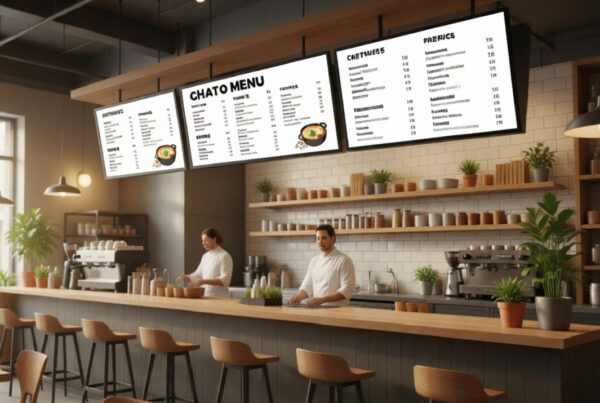
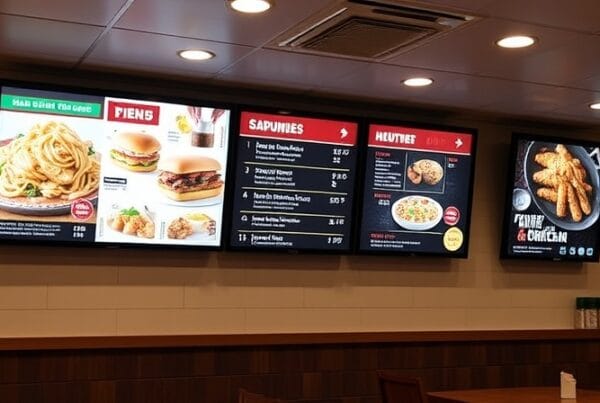
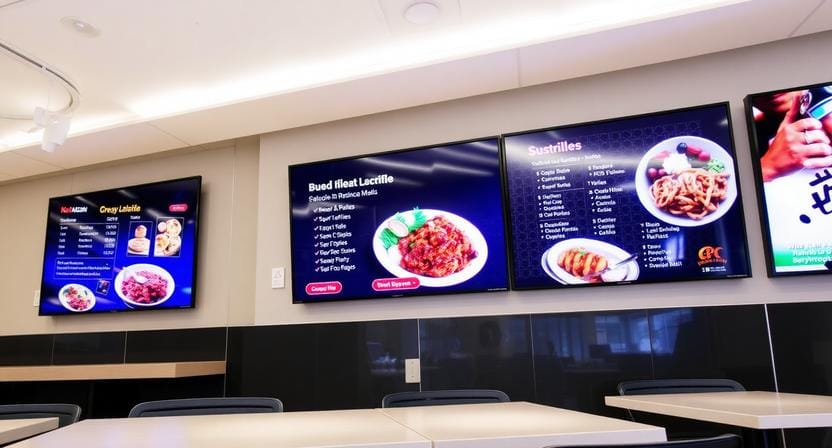
A digital signage restaurant system can consist of menu boards, order pickup displays, drive-thru displays, promotion displays, or QR code guidelines. Signage is used by restaurants to upsell items, update menus, reduce perceived wait time, and keep customers informed.
The menu can automatically change at 11 AM when breakfast is over. If a product runs out of stock, it can be removed from the menu. If a new combo is introduced, it can be promoted immediately.
Industries Using Digital Signage
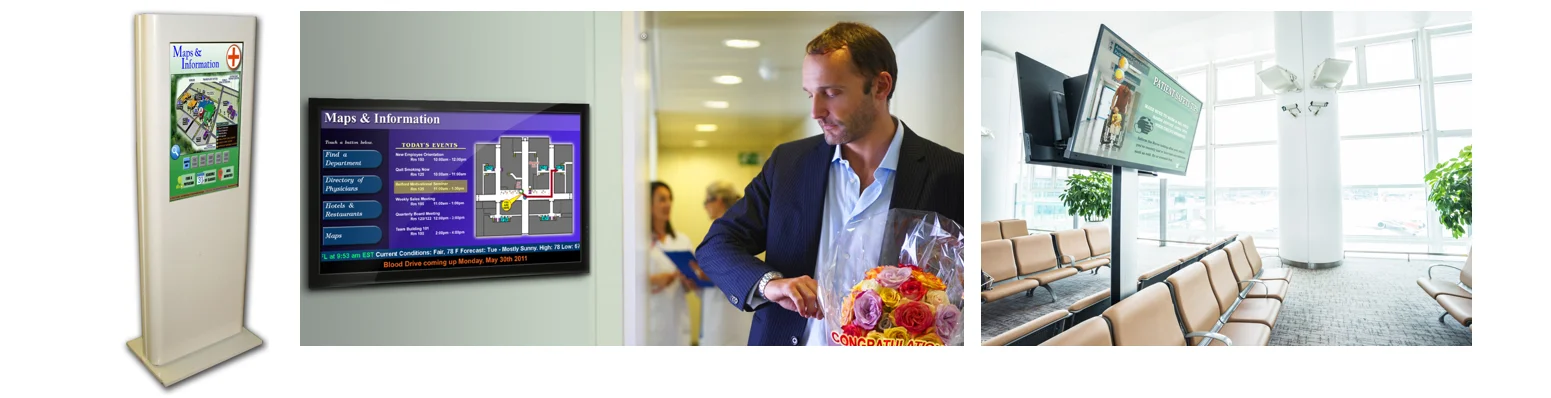
The list of industries using digital signage continues to grow. Retail stores use it to promote products and tell product stories. Healthcare facilities use it for wayfinding and patient education. Schools and universities use it for campus notices and emergency alerts. Transportation hubs use it for schedules, announcements, and delays.
The use case varies by industry, but the purpose remains the same: better, faster, more visual communication.
Interactive Features
Signage becomes more interactive through touchscreens, QR codes, motion detection, and mobile integration. Users can not only view but also interact, scan, search, browse, or respond.
Features of Modern Digital Signage Solutions
Modern digital signage solutions offer far more than simple playback.
Interactive Capabilities
Interactive screens allow users to search directories, browse catalogs, place orders, scan QR codes, or view maps. This creates a more engaging experience for customers and visitors.
Data Integration
Signage can connect to internal databases and external feeds through data integration. This may include inventory, prices, social media, weather, event calendars, business dashboards, or POS systems.
AI and Analytics
Some platforms can track engagement, screen performance, content effectiveness, and viewer interactions. AI can also help personalize content, suggest better timing, or automate content selection.
Scalability
A good platform should enable businesses to easily add more screens. The system needs to be manageable whether you start with a single screen or expand to many screens.
“The best digital signage systems grow with the business instead of forcing the business to rebuild later.”
Frequently Asked Questions
What is digital signage software?
Digital signage software is an online or on-premise platform that allows users to create, manage, schedule, and show content on digital screens remotely. It determines what plays, when it plays, and where it plays.
What is digital signage technology?
Digital signage technology refers to the integration of screens, media players, software, network connections, and data integrations to deliver digital content to screens.
Is digital signage hard to set up?
Modern platforms such as Nento are made to be plug-and-play. After connecting the screen and the player, most content management can be managed through a simple dashboard.
Can I use any TV for digital signage?
Yes, you can begin with many consumer TVs, especially for light indoor use. Nonetheless, commercial-grade displays are suggested when there are longer working hours, brighter displays, and more stable performance.
Do I need an Internet connection for digital signage?
Yes, remote management, scheduling, monitoring, and content updates require an Internet connection. Nonetheless, certain players are able to locally store content and resume playback in case of a temporary loss of connection.
What is the meaning of digital signage in retail?
In retail, digital signage means using dynamic displays to show promotions, product information, brand messages, and customer guidance.
Can digital signage work without Wi-Fi?
Yes. Digital signage may be operated via Ethernet or cellular networks like 4G/5G. Wi-Fi is common, but it is not the only option.
Challenges and How to Overcome Them
Digital signage is powerful, but it must be managed properly.
Keeping Content Fresh
Fresh content matters. If the message on the screens does not change for weeks, people stop noticing it. Keep displays updated using schedules, templates, and content calendars.
Connectivity Issues
Delays can be caused by weak Wi-Fi, unstable networks, or disconnected players. Choose reliable Internet options and select software with monitoring tools.
Player Crashes
Media players can freeze or crash just like any other connected device. Good software will minimize downtime through checking player health and remote troubleshooting.
The Solution: Proactive Management
Proactive management software can identify issues before they become visible. It displays the screen status, playback health, and update activity so teams can respond quickly.
Reliability matters because a screen only creates value when it is working.
The Future of Digital Signage
Digital signage is becoming smarter, more interactive, and more connected.
AI may help personalize content, with screens displaying more relevant messages based on time, location, and broad audience context. The digital signage network will be expanded through IoT integration connecting the screens to sensors, devices, and business systems.
AR experiences, interactive holograms, and gesture-based displays might also gain popularity in retail, events, education, and entertainment.
Yet despite the changes in technology, the purpose remains the same: better communication.
Conclusion
So, how does digital signage work? It operates through two primary layers: hardware that shows the message and software that controls the system.
The physical system is the display, media player, network connection, and peripherals. The software handles content creation, scheduling, distribution, playback, real-time updates, and monitoring. Together, they create a networked digital signage system that helps businesses communicate clearly and effectively.
The best definition of digital signage is straightforward: communication. It is about delivering the right message to the right person at the right time.
Talk to our experts to get your Nento demo scheduled today. We handle the tech so you can handle the business.