Introduction
Digital clarity at speed is the core expectation of the modern drive-thru experience. Customers do not want to strain their eyes on dimmed-down panels or take time for a menu to be explained—they want to scan. That is why McDonald’s is often the standard for drive-thru performance—not just for how much food it serves.
One of the main causes of that benchmark is the McDonald’s digital menu board. It allows quick and steady communication with the help of dynamic pricing, upsell logic, and even contextual recommendations (sell hot beverages when it is cold). In the case of small restaurants, the moral of the story is straightforward: speed isn’t just about staffing—it’s about signage systems that reduce hesitation and mistakes.
“When the menu is clearer, the line moves faster.”
Looking to upgrade your fast food drive-thru menu boards like the industry leaders? Nento provides enterprise-grade digital signage software tailored for restaurants of any size.
What Is a McDonald’s Digital Menu Board?
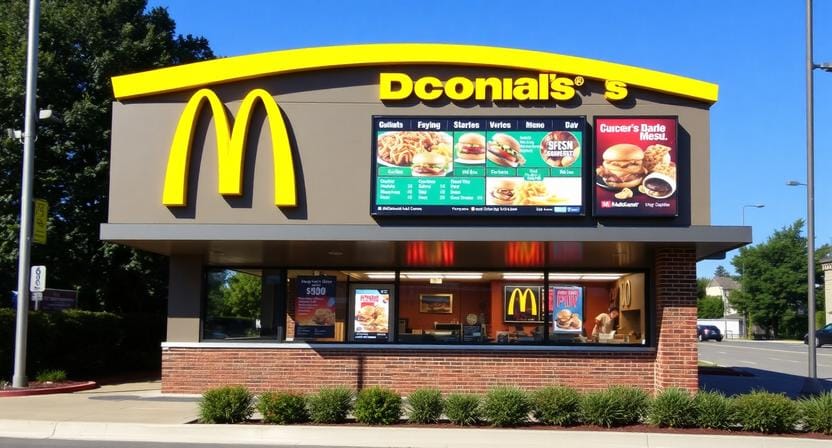
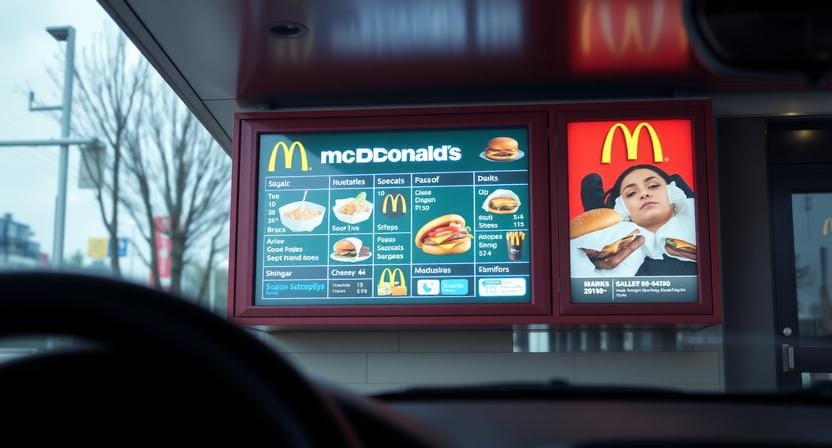
A McDonald’s digital menu board is an outdoor digital display system designed for fast, consistent drive-thru ordering. It usually involves the use of bright screens designed to be readable in direct sunlight, a content management system, and the capability to update content in real time so that promotions and prices are correct all day.
Control is what distinguishes it as compared to the use of static boards. McDonald’s can update content in a short period of time and regularly as opposed to printing and replacing panels. This enhances the flow of operations since customers are able to view up-to-date items and prices and plain combo arrangements without delays.
The McDonald’s drive-thru digital menu board isn’t the same as an order confirmation screen in the traditional drive-thru order screens workflow. The role of order screens is generally confirmation and accuracy, whereas the menu board is conversion, which is to assist the customers in making quicker and more certain choices before they talk.
“The menu board sells; the order screen verifies.”
Why Drive-Thru Digital Signage Software Matters
Behind any successful digital drive-thru menu board is the software layer, which handles content, scheduling, and operational updates. It is drive-thru digital signage software that transforms screens into a responsive system, which accommodates speed.
One of these fundamental capabilities is time-based menu changes. Breakfast, lunch, and late-night menus can switch automatically without the intervention of staff members, which will reduce the level of confusion and delays in ordering. Another critical driver is integration with POS and kitchen display systems, as the correct pricing and item availability will prevent the loss of trust and throughput.
The model scales through remote updates across locations. McDonald’s maintains centralized control in ensuring that the messaging remains the same throughout huge networks. In the case of smaller restaurants, the same principle applies—although you might only have one lane—because a single late update can result in a price dispute, a remake, or an elongated queue.
In short, drive-thru digital signage is a competitive advantage since it enhances the two factors that drive-thrus run on, which are clarity and speed.
“When updates are instant, mistakes don’t get a chance to spread.”
Benefits of Digital Drive Thru Menu Boards for Restaurants
The reduction of order accuracy and the decrease of the number of the so-called hold times are two of the greatest advantages. Customers take less time to make decisions and place orders when they can easily view items, pricing, and combo structure. That eliminates the repetitive questions and accelerates the communication with the speaker.
Another obvious victory is dynamic upselling. Offers such as add fries for a dollar or make it a combo are best when they are constantly available at the point of purchase. Digital boards implement upsell logic without the use of staff memory, especially during high traffic when teams are concerned with throughput.
Relevance is also enhanced by weather-sensitive recommendations. Digital systems have the ability to adjust the content depending on the context, like hot coffee on a cold day or cold drinks during hot weather. These minor content changes will be able to enhance conversion and make the menu feel up to date.
Lastly, digital boards reduce recurring printing costs that are repeated and enable promotional changes to take place instantly. To a number of independent operators, this is the reason drive thru digital menu boards are becoming more common: you are free to be flexible without the extra burden of manual work.
“Speed improves when customers don’t have to think twice.”
Drive Thru Order Screen & Installation: What to Expect
Drive-thru processes generally have numerous screen roles: pre-order screens (to affect choice early), drive-thru order confirmation display screens (to minimize errors), and screens near payment or pickup to reinforce totals or promotions. Positioning is important as every screen is associated with a decision point.
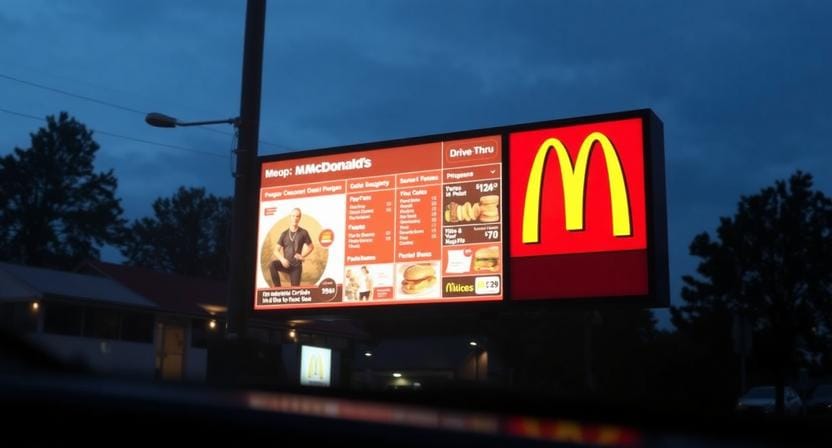
Most projects are made or broken at the stage of installation. Outdoor systems need to be weatherproofed, very bright (typically 1,500 nits or more for direct sunlight), and mounted securely to maintain position in wind. When screens are exposed to water, heat, and vehicle vibration, cabling and network planning should be clean and safe.
Common pitfalls with drive-thru menu board installation are poor line-of-sight planning (customers cannot read at the right angle), glare, and disjointed wiring, which will lead to downtime in the future. Such compliance issues as accessibility and safe mounting standards should also be considered, in particular, with multi-lane arrangements.
Planning a drive-thru menu board installation? Nento offers end-to-end support—from hardware procurement to cloud-based signage management.
Case Study in Speed: McDonald’s Digital Menu Board Drive-Thru Efficiency
McDonald’s drive-thru service is often cited for strong service times that have been improved in terms of the service time, and the use of digital menu systems helps to minimize the hesitation in decision-making and create more opportunities to upsell. Even a minor change of 20-30 seconds per car will add up quickly when dealing with hundreds of cars every day, increasing throughput and revenue capacity.
“Seconds per car become hours per day when volume is high.”
McDonald’s also combines signage upgrades with suggestive selling logic and more and more with AI-assisted decision-making systems that assist in establishing what items to focus on in particular situations. The main lesson that the small operators should learn is that speed isn’t a wish—it’s engineered.
The same point is supported with the help of comparisons with other fast food brands such as Burger King and Taco Bell: the high-performing fast food drive-thru menu boards are built on digital control, scheduling, and regular promotion logic, rather than on fixed prints.
How Smaller Restaurants Can Compete
Small restaurants don’t need McDonald’s scale to enjoy the same principles. Today’s solutions are more affordable, using cloud software and outdoor-rated displays. Automation and consistency are the keys to the win, and not complexity.
Even in the case of a single-location QSR, where only one of the lanes is digitalized with a drive-thru, the benefits of digital signage can be significant: the menu can be updated easily, the number of price conflicts can be reduced, the ordering process will be quicker, and the upsell can be implemented more successfully. The trick is to select a system that can fit into your operational reality, such as simple updates, high availability, and a design that can run fast.
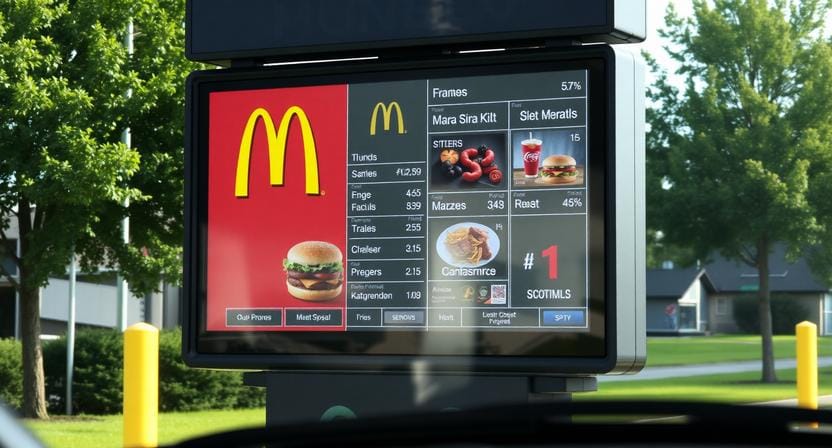
The choice of hardware is also important. Sufficient brightness and durability of outdoor-rated displays secure readability and uptime, which in turn secures throughput. This is not aimed at imitating McDonald’s but at using the same logic of operation but with a smaller, smarter setup.
“Competing on speed is possible when your signage stops slowing you down.”
The Role of Nento in Modern Drive-Thru Transformation
Nento is an easy-to-use and scalable digital signage product designed to serve restaurants with a desire to have digital performance without the complexity of an enterprise. In the case of drive-thrus, it is more practical: minimize errors, speed up decision-making, and eliminate the need to print menus manually.
Nento embraces live menu updates in order to enable operators to update prices and promotions in a short period of time. It also supports integration with inventory and pricing logic and pricing logic, which assists in ensuring that customers view what the operations can provide. In the case of multi-store operators, the multi-store dashboard ensures that messaging stays consistent across locations and lanes.
Ready to boost your drive-thru revenue and order accuracy? Nento powers digital drive-thru menu boards for restaurants worldwide. Start your free trial today.
Frequently Asked Questions (FAQ)
How much does a McDonald’s digital menu board system cost?
McDonald will spend between $5,000 and 15,000 per lane, but with smaller installations, where Nento is used, one can begin with a lot less by using cloud-based software and commercial displays.
Can I use drive-thru digital signage software with my existing screens?
Yes, when screens are at outdoor brightness and temperature standards. Nento supports most major hardware brands.
What’s the difference between a drive-thru order screen and a digital menu board?
The order screen validates customer orders; the menu board shows choices/pricing. These two can be handled through drive-thru digital signage programs such as Nento.
How long does drive-thru menu board installation take?
12-14 days per lane, including mounting, wiring, and software installation. Nento provides remote configuration to shorten downtime.
Are digital drive-thru menu boards weatherproof?
Yes, the screens must be of the outdoor type (IP65 rating). Nento assists in the finding of compatible hardware with your climate.
Can I show different menus at different times of day?
Absolutely. Digital drive-thru menu boards can automatically switch between breakfast, lunch, and late-night menus.
Conclusion
McDonald’s digital menu boards set the pace of drive-thru speed due to the decreased hesitation, aiding in the upselling of the menu and maintaining the correctness of the menu information in real-time. When it comes to smaller restaurants, the most important thing is that speed is an operational design, and digital signage is a significant component of design.
More affordable options—like drive-thru digital signage software from Nento—can help enable an independent operator to modernize without an enterprise budget. When you want to take orders faster and more consistently, one of the most straightforward steps that you can take would be to upgrade your drive-thru digital menu boards.
Don’t let static signs slow you down. Visit Nento today and see how easy digital drive-through menus can be.