Introduction
Companies are replacing the old-fashioned posters with dynamic, smart digital signage systems as attention declines and information has to change more rapidly. A printed poster cannot update dynamically, cannot change depending on the time of day, and cannot scale across locations without ongoing manual effort. Digital signage is the solution—but only if you choose the right format for your goals.
The problem is that digital signage and digital displays are so many and varied that it may seem difficult to select the appropriate one. Performance is influenced by screens, software, placement, and content—and the best choice will be based on what you are trying to accomplish.
This guide provides a concise, practical overview of the different types of digital signage, such as hardware types, use cases based on location, examples of digital signage, and the type of digital signage software that makes all this possible. We’ll cover outdoor screens, LED displays, and the software platforms that will allow you to align every solution to your business objectives.
“The right screen isn’t the fanciest one—it’s the one that fits the job.”
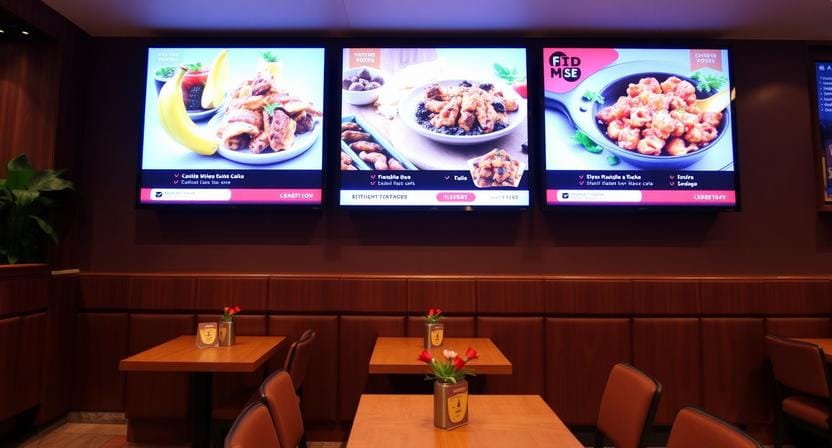
What Exactly Is Digital Signage?
Digital signage is a networked electronic display that is utilized to deliver content in the form of video, pictures, text, and real-time information. The main difference with conventional signage is that digital signage works as a system: it is possible to schedule content, remotely update it, and deploy it across one or more screens.
A digital display refers to the screen hardware, such as one of the numerous types of electronic displays. Digital signage is the full solution: screen, software, content management, and distribution. It is at that point that the idea of a smart digital signage system enters the picture: a cloud-based service that can be updated remotely, with a grouping of screens, templates, and, frequently, interactivity or data integrations.
“A display shows content. Digital signage manages communication.”
The Main Types of Digital Signage by Hardware
Indoor Digital Signage
The construction of indoor signage is designed with controlled lighting and close-to-medium viewing distances. These are the most widespread forms of digital displays in offices, retail stores, gyms, and schools.
1. Standalone Displays – Single screens in lobbies or break rooms
The simplest indoor solution is standalone displays: a single screen mounted on a wall or placed on a stand. They are effective for announcements, promotions, menus, internal communications, and welcome screens. They also happen to be an effective entry point for small businesses that need a single reliable screen and nothing more.
2. Video Walls – Multiple screens tiled together for large-format impact
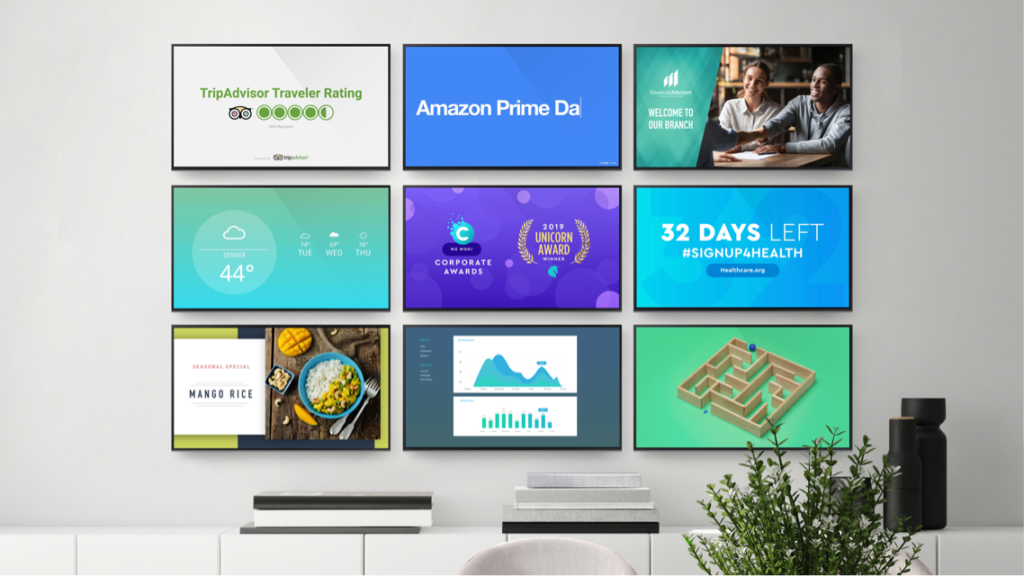
Video walls are screens that are integrated to form a single large screen. They are applied in impact areas such as flagship retail stores, corporate lobbies, airports, and big venues. The advantage is scale and visibility, particularly where single screens are lost.
3. Kiosks – Interactive touchscreens for wayfinding or self-service
Kiosks facilitate communication: product search, directories, self-check-in, or ordering. They are particularly useful when you wish the screen to cut down on the staff workload by taking the customer through a process.
Indoor signage is also ideal as indoor digital signage for a retail store that requires product lookups and interactive experiences without having to create an app.
“Indoor hardware wins when readability and consistency beat sheer brightness.”
Outdoor Digital Signage
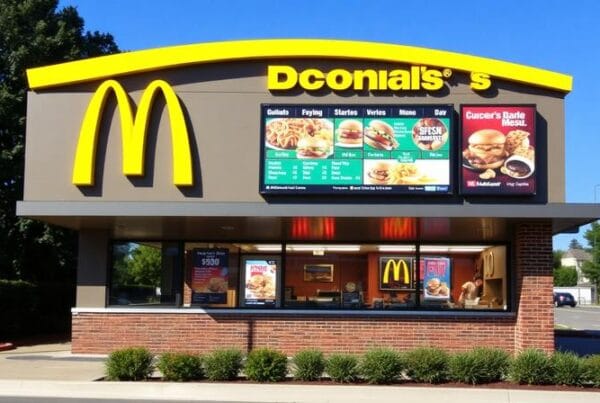
Outdoor signage should be able to cope with weather, sunlight glare, and temperature variations. These screens are weatherproof and high-brightness, and they can be viewed in direct sunlight. The most frequent are digital billboards, bus stop screens, and drive-thru menu boards, where uptime and readability are directly related to revenue.
Commercial LED Displays
When you require very large-format images or when you see the object at a very far distance, then you use LED displays. Fine-pitch LED is used to assist close-up viewing (usually inside), whereas a bigger pitch is designed to help see far (usually outside). These are used in stadiums, building fronts, and window displays in retail stores where high visibility is the order of the day.
Mobile & Temporary Signage
Mobile signage involves cart-mounted displays and pop-up displays of events, which can be relocated according to the traffic flow, event schedules, or the temporary campaigns. This type is increasing as companies want flexible placement without necessarily having permanent changes in infrastructure.
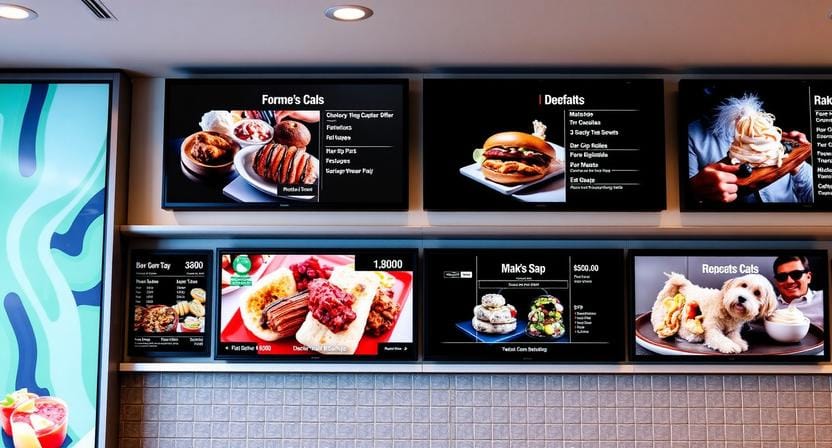
Types of Digital Signage by Placement & Industry
Retail Stores
Retail uses digital signage to draw foot traffic, support decisions at the shelf, and provide interactive experiences.
- Digital posters in the window attract people to the store through motion, promotion, and brand storytelling.
- Shelf-edge screens: Dynamic pricing and quick promotion changes are supported at the point of decision.
- Smart mirrors: Allow virtual try-on and smart suggestions to be more interactive.
A common detail worth noting: types of digital screens retail stores use most often include 32”–55” commercial LCDs and video walls, depending on store size and visibility needs.
Corporate & Office
Signage is used in corporate settings as lobby welcome boards, meeting room schedulers, and internal communication screens. This is to provide clarity and coordination so that people can find rooms, update, and have a consistent brand experience.
Healthcare
The areas of healthcare signage commonly include waiting room education, wayfinding kiosks, and patient queue management. Such screens minimize confusion and enhance flow, especially in facilities where departments and schedules are constantly changing.
Hospitality
Digital menu boards, event signage, and concierge tablets are used in hotels and restaurants. Branding comes into play in hospitality signage: the messages of guiding the guests, advertising, and service should be appealing and legible.
Education
Campus announcement screens, cafeteria menus, and digital library directories are used in education to keep the information up to date. These arrangements are the most efficient when time windows are used to schedule content and centrally manage across buildings.
Looking for indoor digital signage for retail stores that actually drives sales? Nento provides pre-configured retail kits with free content templates. See retail packages →
Real-World Examples of Digital Signage
| Industry | Digital Signage Example | Type of Display Used |
| Fast food | Digital menu board changing prices by time of day | Outdoor-rated LCD |
| Clothing store | Interactive mirror suggesting accessories | Touchscreen kiosk |
| Airport | Flight info video wall | LED video wall |
| Gym | Class schedule screen near entrance | Wall-mounted indoor display |
| Bank | Queue number display | Small-format LCD |
Brief case study snippet: How a boutique used a digital signage example (a 55” window screen) to boost foot traffic by 30%.
A short case-study example: a boutique is using an example of digital signage, such as a 55-inch window screen, to advertise new arrivals and limited-time offers, increasing foot traffic by 30 percent. This is because it is easy to notice motion where there is none, as is the case with static posters.
“In retail, visibility is the first conversion step.”
Types of Digital Signage Software
Software is as important as hardware since it controls scheduling, updates, and scalability.
Cloud-Based vs. On-Premise
Cloud software can be updated remotely and, in most cases, reduces upfront cost, making it the most common option today. On-premise systems have the greatest internal control and are commonly used in high-security settings such as banks or government.
Key Software Features to Look For
It has core features such as content scheduling, templates, screen grouping, and live integrations of data such as RSS, weather, and social feeds. An intelligent digital signage system can also have such advanced functionality as AI-driven content optimization and audience analytics.
Popular Software Categories
1. Basic player software (single screens)
Best with simple deployments when you are controlling one or two displays.
2. Enterprise platforms (hundreds of screens)
Designed to support huge networks and user roles, approvals, device monitoring, and more advanced analytics.
3. Specialized software (menu boards, wayfinding, emergency alerts)
Specifically designed to fit certain industries where content logic and speed are more important than generic features.
Nento’s cloud software includes 200+ industry-specific templates and 24/7 support. Try Nento free for 14 days—no credit card required.
How to Choose the Right Type of Digital Signage for Your Business
Step 1: State your objective—advertising, information, engagement, or wayfinding.
Step 2: Choose indoor vs. outdoor—brightness and range of temperature should correspond to conditions.
Step 3: Choose the display size and resolution according to space and viewing distance.
Step 4: Select software that fits your level of expertise and number of screens you will be operating.
Step 5: Content plan—the least thought-out step and the one that makes or breaks the screen.
“Screens don’t fail because of pixels; they fail because content isn’t planned.”
Common Mistakes to Avoid
- Purchasing consumer TVs rather than commercial displays.
- Neglecting content strategy (screen = solution) fallacy.
- Forgetting about maintenance and support.
- Neglecting to consider what form of digital signage is required in various areas within a single location—lobby, checkout, aisle, back office.
Frequently Asked Questions (FAQ)
What are the main types of digital signage?
There are primarily indoor (video walls, kiosks), outdoor (billboards, menu boards), commercial LED, and mobile/temporary signage.
What is the difference between digital signage and a digital display?
A digital display is merely the screen hardware. Digital displays are LCD, LED, OLED, and e-paper. The entire system (display + software + content management) is called digital signage.
What types of digital screens do retail stores use most?
Common types of digital screens retail stores prefer are 32”–55” commercial LCDs, video walls, and interactive kiosks for indoor use.
Can you give an example of digital signage in a small business?
A coffee shop with a 43-inch screen on top of the counter displaying a rotating menu and daily specials—basic digital signage at less than $800.
What is a smart digital signage system?
A smart digital signage system is connected to the cloud, AI, and sensors to show custom or contextual content (e.g., displaying a different ad depending on the demographic of the viewer or the time of the day).
What types of digital signage software exist?
Digital signage software can be free basic players or enterprise cloud-based with scheduling, analytics, and remote management.
Is digital signage expensive to maintain?
In simple configurations, there is little maintenance (software updates, some hardware maintenance). The intelligent digital signage will save labor expenses through remote control.
Conclusion
The selection of the appropriate kind of digital signage is based on your location, purpose, and budget. Hardware, software, and content work best together. Buying a screen and hoping it works usually isn’t enough.
The best way to do it is to start small, test performance, and move on to more advanced applications such as video walls, kiosks, or outdoor LEDs when you are sure of what makes results.
Ready to install your first screen? Nento provides end-to-end support – from display selection to cloud software and installation.