Introduction
Modern businesses can no longer afford to use static posters. Customers expect fresh visuals, rapid updates, interactive experiences, and information that feels relevant in the moment. Digital signage is now a powerful communication tool, whether it is a menu board in a restaurant, a wayfinding screen in a hospital, or a promotional display in a retail store.
There are plenty of options in the market. LCD screens, LED walls, OLED displays, kiosks, cloud software, on-premise systems, open-source tools, and all-in-one screens may all be helpful. The challenge is choosing the right type for your purpose.
Selecting the incorrect setup may waste budget, lead to poor engagement, and complicate content management. This is why the first step toward creating a system that works is understanding the key types of digital signage, as well as the types of digital displays.
This guide breaks down digital signage by hardware, software, supported content, and use cases, so you can compare your options clearly and choose a setup that fits your business.
Ready to cut through the noise? Discover how Nento helps businesses match the right tech to their goals.
Categorizing by Hardware – The Types of Digital Displays
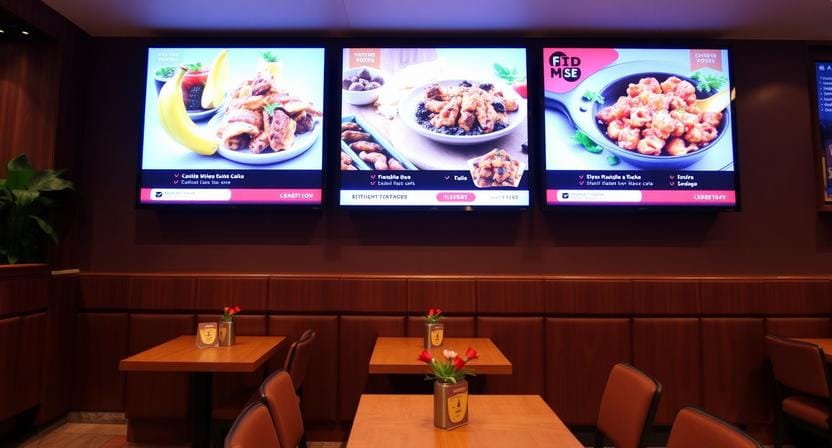
When people ask what screens are used for digital signage, the answer depends on where the screen will be installed, the brightness required, operating hours, and the content that will be displayed.
Here are the most common types of digital displays used in modern signage.
LCD/LED Panels: The Standard Choice
The most common digital signage displays are LCD and LED-backlit displays. They are affordable, widely available, bright enough to work in most indoor settings, and can be used in most business applications.
These screens can be found in retail stores, restaurants, offices, schools, clinics, and reception areas. They are effective for promotional videos, menus, announcements, dashboards, and wayfinding.
Best for: Retail windows, indoor wayfinding, menu boards, lobbies, and general business communication.
Direct-View LED: The Premium Choice
Direct-view LED displays consist of LED modules, which form large and seamless screens. Unlike typical displays placed side by side, direct-view LED can create a continuous video wall with no visible boundaries.
These displays are extremely bright, scalable, and aesthetically pleasing. They tend to be applied in high-impact locations where size and visibility are important.
Best for: Stadiums, malls, luxury retail, airports, event venues, large lobbies, and outdoor advertising.
OLED: The Visual Showstopper
OLED displays are characterized by deep blacks, high contrast, and high-quality visuals. They can also support curved or flexible display formats and are therefore ideal in high-end settings.
OLED is not necessarily the best option for every business due to cost and durability factors, but it offers a high-end appearance where visual appeal is the priority.
Best for: High-end corporate lobbies, luxury stores, art installations, showrooms, and premium brand experiences.
E-Paper and Electronic Shelf Labels: The Niche Option
E-paper displays consume minimal power and can be easily read in bright light. They lack the same motion or video capability as LCD or LED displays but are very useful for static or low-frequency information.
A typical example is electronic shelf labels. They enable stores to change the prices digitally without replacing paper labels manually.
Best for: Supermarket pricing, museum labels, shelf-edge information, logistics tags, and low-power information displays.
Interactive Kiosks and Touch Displays
Interactive kiosks and touch displays enable two-way communication. They do more than display information but allow users to search, browse, select, order, check in, or navigate.
These screens are applicable in cases where customers or visitors need control over the experience. They are particularly useful in self-service and information-rich settings.
Best for: Self-service ordering, directories, product catalogs, visitor check-in, ticketing, wayfinding, and customer support.
“The right display is not always the biggest one. It is the one that fits the location, audience, and purpose.”
Categorizing by Software – Types of Digital Signage Solutions
Hardware displays the content, while software operates the system. Understanding the types of digital signage software helps businesses decide how they will operate, schedule, update, and monitor screens.
A clear digital signage solutions comparison usually includes four main software categories.
| Software Type | Best For | Main Strength | Main Limitation |
| Cloud-Based SaaS | Most modern businesses | Remote management and scalability | Monthly subscription |
| On-Premise/Local Server | Highly controlled IT environments | Full internal control | More maintenance |
| Open Source Platforms | Developer-led teams | Customization and low software cost | Requires technical skill |
| All-in-One Systems | Simple single-screen setups | Easy launch | Harder to upgrade |
Cloud-Based SaaS: The Modern Standard
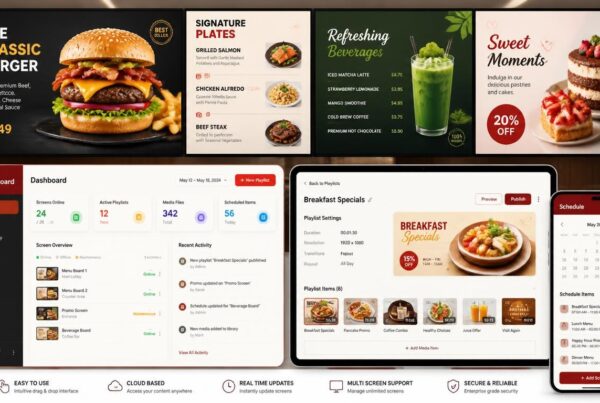
Cloud-based digital signage software is managed through an online dashboard. Users are able to upload content, organize playlists, manage screens, and remotely update displays.
This is the choice for many businesses today since it is scalable and flexible. A manager will be able to manage a single screen or hundreds of screens using a laptop, tablet, or phone.
Pros: Remote management, automatic updates, scalability, easier multi-location control.
Cons: Recurring subscription fees and reliance on internet connectivity for remote updates.
On-Premise/Local Server: The Legacy Option
On-premise systems run on local servers within the business. Organizations that have strict internal IT requirements or those with limited Internet access may prefer them.
Such systems offer more direct control but tend to be more expensive to maintain and support.
Pros: Full control and less dependence on cloud access.
Cons: Higher maintenance, limited remote access, and more IT responsibility.
Open Source Platforms: The Developer’s Choice
Open-source digital signage platforms are available, which is free and very customizable. They are appealing to technical teams that want control of the system.
Nonetheless, open-source products tend to be more difficult to set up, maintain, troubleshoot, and customize.
Pros: Low software cost and strong customization potential.
Cons: Requires technical expertise and may lack official support.
All-in-One Systems: Integrated Player + Screen
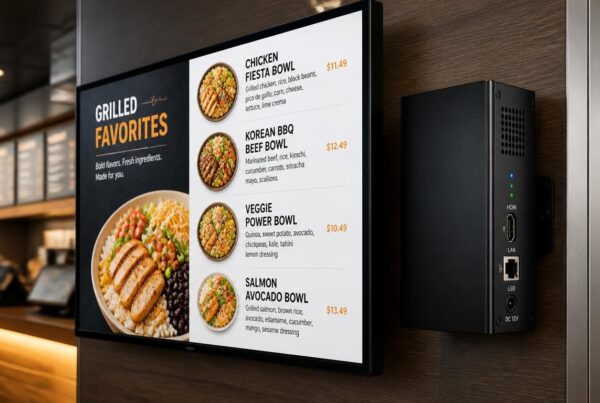
All-in-one systems combine display hardware with built-in signage software or a built-in media player. They are simple to install and reduce compatibility problems.
Nonetheless, they may be difficult to upgrade in the future and might lack processing capabilities as compared to dedicated media players or cloud platforms.
Pros: Easy setup and fewer hardware conflicts.
Cons: Limited flexibility, harder upgrades, and possible performance limits.
Not sure which software fits your workflow? Nento offers a seamless cloud platform that combines ease-of-use with business-ready security.
Categorizing by Supported Content and Use Cases
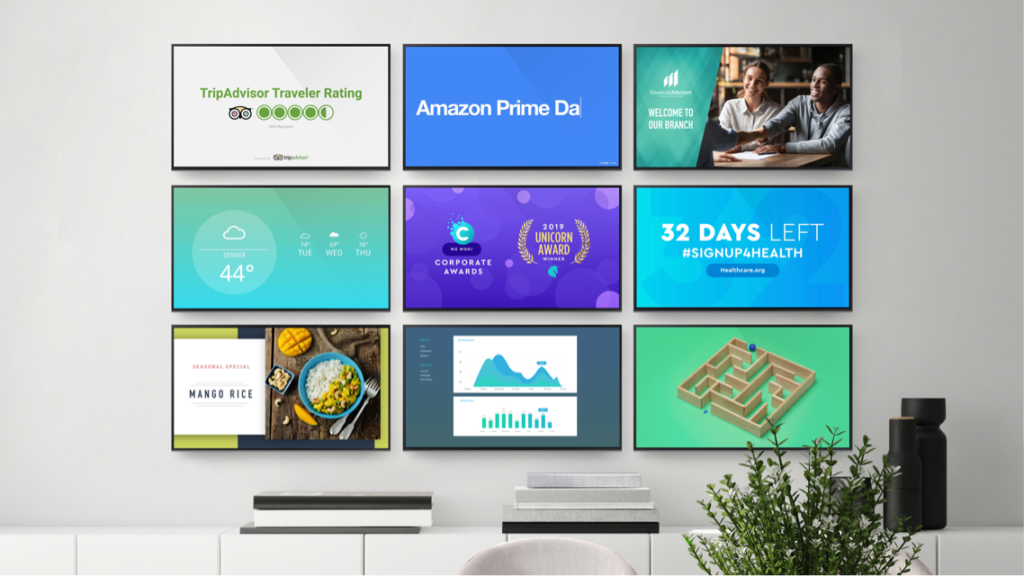
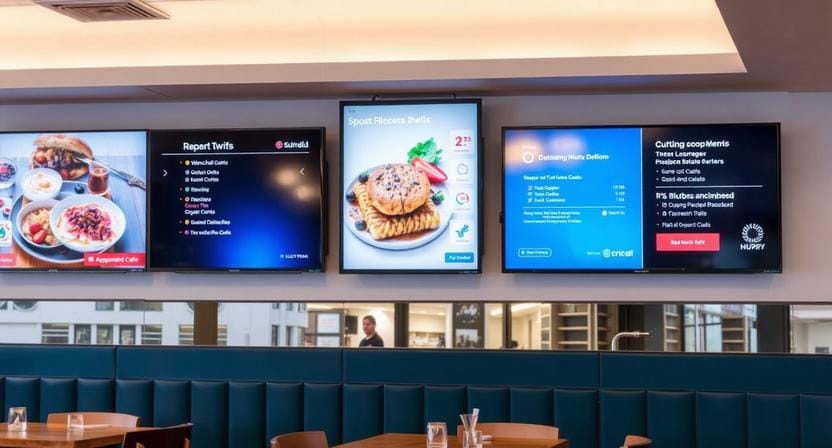
The right signage setup depends heavily on what you want to show. Digital signage supported content can include videos, images, maps, menus, social media feeds, dashboards, QR codes, alerts, product information, and interactive experiences.
Here are common digital signage use cases and practical examples of digital signage across industries.
Wayfinding and Digital Directories
Wayfinding signage is used to help people find their way around buildings, campuses, hospitals, malls, offices, and venues. Content can include maps, floor plans, directories, QR codes, and room information.
Large touchscreens are often useful, as visitors are able to search by department, person, room, or service.
Common content: Maps, directories, floor plans, QR codes, room schedules.
Recommended hardware: Large LCD/LED touch displays or kiosks.
Menu Boards for QSRs and Hospitality
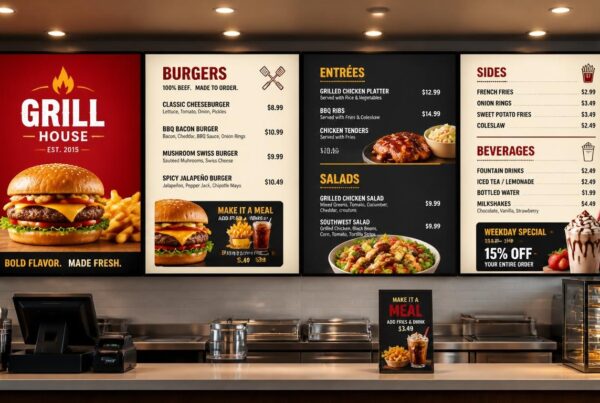
Restaurants, cafes, food courts, and hotels use menu boards to display prices, specials, nutritional content, promotions, and video advertisements.
Digital menu boards are useful because menus can change by time of day. Breakfast, lunch, dinner, and late-night menus can be automatically scheduled.
Common content: Dynamic pricing, food images, nutritional info, combo offers, video ads.
Recommended hardware: High-brightness LCD screens or commercial menu displays.
Corporate Communication
Corporate signage is used for internal communication. Break rooms, lobbies, meeting rooms, and office corridors can have screens that display company news, employee recognition, performance metrics, weather, and event reminders.
This helps reduce email overload and keeps important messages visible.
Common content: Employee metrics, company news, safety updates, birthdays, dashboards.
Recommended hardware: Small to medium-sized displays in shared workplace areas.
Retail and Point-of-Sale Advertising
Retail stores use signage to promote merchandise, display promotions, display social media feeds, and encourage customers to buy at the point of purchase.
A checkout display can show an impulse promotion, and a video wall can be used to create a more impactful brand experience.
Common content: Promotional videos, product demos, social media feeds, flash sales.
Recommended hardware: LCD screens, LED video walls, shelf-edge displays, and kiosks.
Outdoor and Transportation Signage
Outdoor and transportation signage should be bright, durable, and reliable. Common applications include schedules, emergency alerts, public notices, advertising, and live travel updates.
Since the outdoor conditions are harsh, hardware must be able to handle sunlight, weather, temperature fluctuations, and long working hours.
Common content: Timetables, public alerts, ads, route updates, emergency notices.
Recommended hardware: Weatherproof high-brightness LED or outdoor-rated LCD displays.
The Fit Factor – How to Choose the Right System
With so many digital signage options, the best choice depends on your environment, audience, goal, budget, and future growth plans.
The “Where” and “Who”
Begin with the place and the people. Screens used indoors require different brightness and durability than those used outdoors. Customer-facing screens should have different content than employee-facing screens.
Ask yourself:
- Will the screen be indoors or outdoors?
- Will customers, staff, visitors, or students use it?
- Will people view it from close range or far away?
- Does it need touch functionality?
- Will it run during business hours or 24/7?
These answers help narrow down the right digital signage display systems.
The “Why”
Next, determine the purpose. Are you trying to raise brand awareness, sell products, support wayfinding, shorten wait times, improve internal communication, or automate communications?
A retail display dedicated to impulse purchases requires different content as compared to a hospital wayfinding kiosk or a company dashboard.
The Budget Trap
Most businesses focus only on hardware cost. Yet bad content can be an even bigger problem. A low-priced screen of poor design will not work. A costly screen with outdated content will also not work.
Estimate the cost of the entire system: hardware, software, installation, content design, maintenance, and upgrades.
Scalability
Select a system that can expand with your business. You may have one screen today but need ten a year later and fifty after that.
A scalable platform helps ensure you do not have to rebuild everything when you need to expand your signage.
“Digital signage is not just about the screen. It is about the message, the management, and the experience.”
Frequently Asked Questions
What are the 3 main types of digital signage?
There are three primary types of digital signage systems: cloud-based, on-premise, and hybrid. Cloud-based systems are managed online, on-premise systems are operated by local servers, and hybrid systems combine both.
What are the types of digital signage?
Digital signage can be categorized into primary types based on hardware, software, and use case. Hardware types include LCD/LED panels, direct-view LED, OLED, e-paper, and touch kiosks. Software types include cloud-based SaaS, on-premise, open-source, and all-in-one. Use-case examples include menus, wayfinding, retail promotions, corporate communication, and transportation alerts.
What is the difference between digital signage and a digital display?
The physical screen is a digital display. Digital signage is the entire system, comprising the display, software, media player, content, network connection, scheduling, and management tools.
Can I use a regular TV for digital signage?
Yes, you may use a regular TV for simple indoor signage. Commercial displays, however, tend to be brighter, longer-lasting, and have better heat management and longer operating hours and are better suited for business use.
How much does a digital signage solution cost?
The price depends on the screen size, type of hardware, software license, installation, support, and content requirements. A one-screen system can be affordable, and networks, interactive kiosks, and outdoor displays are more expensive.
Is touchscreen digital signage better than non-touch?
It depends on the use case. Touchscreen signage is better for exploration, self-service, directories, ordering, and product browsing. Promotions, menu boards, dashboards, and alerts are better suited to non-touch signage, which is more passive.
Conclusion
The first step in selecting the appropriate signage system is to learn the key types of hardware, software, supported content, and applications. The LCD screens, LED walls, OLED displays, e-paper labels, and touch kiosks serve different purposes. Cloud software, local servers, open-source tools, and all-in-one systems also provide different levels of control and flexibility.
It is not about selecting the most expensive option. The key is selecting the right fit for your audience, location, message, and growth strategy.
Digital signage is more than a screen. It is about the message and how that message is managed. With the growing presence of AI-based content, data integration, and automation, businesses that select flexible systems today will be better equipped for the future.
Transform your communication strategy today. Whether you need a single screen or a global network, Nento provides the hardware-agnostic software and support you need.