Introduction
Most digital signage fails because it doesn’t account for customer psychology. Companies put up screens, load dull promos, and wait to see the outcome—and then wonder why customers don’t look up or take action.
“A screen is not a strategy. Customer value is the strategy.”
The shift from static posters to dynamic screens can only be effective in case your message is customer-focused. The real question for business owners is, “What can I do to make my screens work to my advantage, not to cover my walls?” This digital signage best practices guide covers best practices for digital signage across content, design, deployment, security, and management so your screens can be used to create measurable value.
Ready to stop guessing? Download Nento’s free Digital Signage ROI Checklist for Business Owners.
Digital Signage Basics: What Every Business Owner Must Know First
The digital signage basics are simple: signage should be viewed as a customer service medium, rather than an advertising billboard. Your screens should help customers do something faster, like where to go, what to buy, or what to know while they wait.
3 Customer-Centric Goals
1. Reduce perceived wait time
Wait estimates, wait status, and instructions on what to do next. When the process is predictable, customers are more willing to wait.
2. Answer questions before they’re asked
Make use of screens to process the repetitive questions that consume staff time: hours, pickup zones, restroom directions, shuttle times, or how-to-order steps.
3. Entertain without annoying
Light entertainment is effective when it helps the environment: trivia in a waiting area, relaxing visuals in a spa, or brief highlights in a retail queue.
Mistake to avoid: Overloading screens with information
If your screen is a wall of text, customers won’t read it. The fastest way to fail best practices for digital signage is to treat screens like flyers.
“If it can’t be understood in seconds, it won’t be used.”
Best Practices for Digital Signage Content
This section covers the digital signage content best practices that ensure that the screens are not noisy.
The 3×5 Rule
Give viewers about 3 seconds, and keep messages to 5 words where possible. This makes it clear and improves scan speed.
Content hierarchy
Primary: What helps the customer now
Examples: wait time, menu, wayfinding, queue number, “pick up here,” and instructions on check-in.
Secondary: Promotions or brand messaging
The primary info should not be blocked by promotions. When customers are attempting to locate the menu price and are presented with a full-screen advertisement in its place, you slow down service.
Best practices in digital signage content
Use motion to grab attention, but avoid fast flashing that annoys customers. Change content depending on the time of the day (breakfast vs. lunch menu, morning vs. evening messaging). Always include a clear call to action like “Scan to join loyalty,” “Order at kiosk,” or “Pickup at counter B.”
“Content works when it tells customers what to do next.”
Digital Signage Design Best Practices for Customer Clarity
The digital signage design best practices focus on readability and predictable layout.
Legibility over creativity
Don’t compromise on contrast: light backgrounds and dark text or vice versa. Rule of thumb: ~1 inch of text height per 10 feet of viewing distance to ensure that important information is read without causing eye strain.
Layout psychology
In left-to-right cultures, customers scan in predictable zones. Put important information (price, queue number, and pickup zone) in the upper-left or midpoint where the eye is immediately attracted.
Accessibility matters
Add captions where necessary and do not use color coding (red/green). Bright labels and contrast are beneficial to all people, particularly in bright or crowded areas.
Digital signage examples of good design
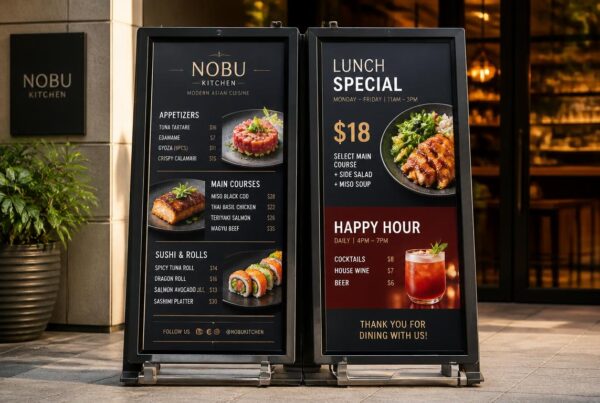
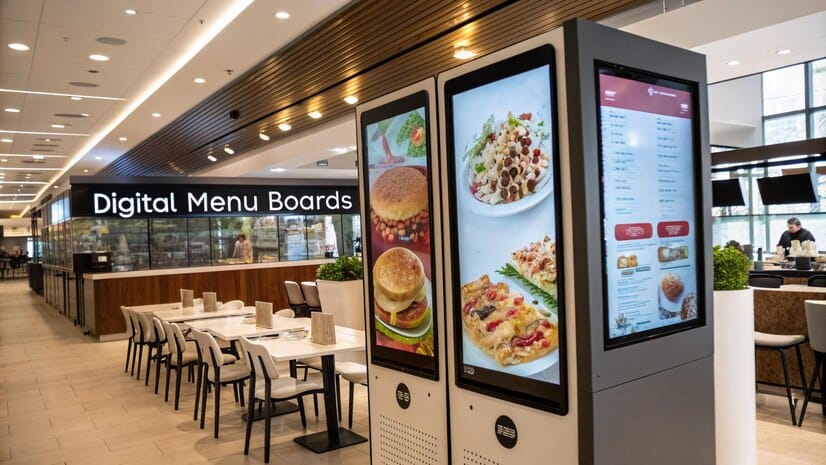
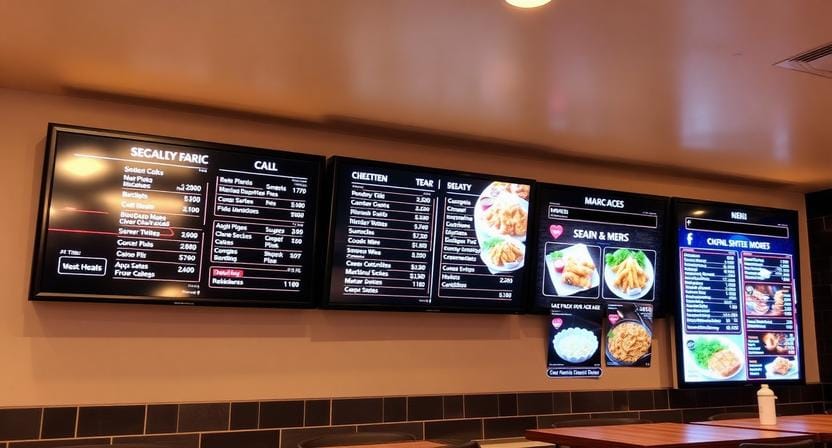
Airport departure boards are effective as they are clean, predictable, urgent, and free of clutter. QSR menu boards are most effective when the names of items are bold, the categories are organized, and the calories or any other important labels are always located. These are strong digital signage examples worth emulating.
Corporate Digital Signage Best Practices
The customer is internal in the case of business, and it is the employees. The best practices of good corporate digital signage are centered on clarity, morale, and alignment.
Show real-time KPIs to drive action: sales targets, safety metrics, and service metrics. Alternate recognition shout-outs to support culture and motivation. Never show sensitive HR information on shared screens.
Example: a call center with up-to-date wait times can promote better pacing and cooperation since all people are aware of the same reality of operations.
“Internal signage succeeds when it removes ambiguity.”
Best Practices for Deploying Digital Signage in Hospitality Environments
These best practices for deploying digital signage in hospitality environments are about being calm, useful, and timely.
Customer pain points addressed
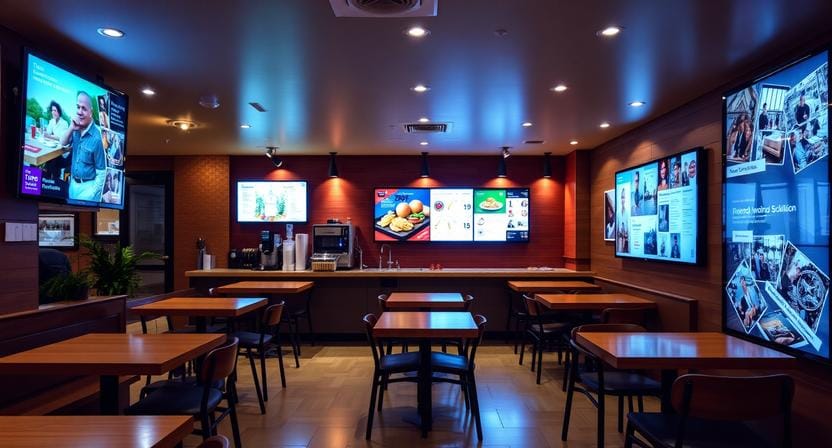
The lobbies of the hotels enjoy event schedules, weather, shuttle schedules, and check-in directions. Restaurants benefit from waitlist position, staff names, and daily specials. The spas require quiet content that is conducive to relaxation, instead of loud advertisements.
Deployment tips
Turn on ambient screens at a lower brightness at night. Where feasible, integrate with a PMS to make timely updates to the guest and personalize events.
Avoid: Promotional overload
The first thing that the hospitality customers desire is helpful information. Excessive advertisements cause the area to be cluttered and lack credibility.
“In hospitality, calm is part of the product.”
Digital Signage Content Management Best Practices
Best practices in strong digital signage content management safeguard uniformity and stop stagnant screens.
The centralized control means that the customer experience will be the same in any place. Holidays, slow hours, and rush windows should be scheduled to ensure that content does not rely on manual updates at the last minute.
Playlist strategy
Use a balanced rotation that keeps screens helpful:
- 70% helpful content (menu, wayfinding, weather)
- 20% promotional content (loyalty program, happy hour)
- 10% entertainment (fun facts, trivia)
Content freshness
Uninteresting screens are disregarded. Post at least once a week, and use templates to ensure brand consistency across the locations.
“Fresh content trains customers to keep looking.”
Digital Signage Security Best Practices
Security does not come free. A hacked screen can break trust instantly and will immediately break trust and become a brand incident.
“Security isn’t IT overhead—it’s reputation protection.”
Must-do list
Change default passwords of players and CMS. Upload content over encrypted connections (HTTPS). Limit access to HDMI/USB ports. Keep firmware auto-updated. Select a vendor that has role-based access control so only the right people can publish. These are fundamental digital signage security practices that business owners wish to have predictable control.
Real-World Digital Signage Examples That Benefit Customers
Here are practical digital signage examples tied to clear customer benefits:
| Industry | Example | Customer Benefit |
| Retail | Digital shelf tags with inventory status | Saves search time |
| Healthcare | Check-in screens with estimated exam wait | Reduces anxiety |
| QSR | Kitchen display system (KDS) | Faster, accurate orders |
| Corporate | Room booking tablets outside conference rooms | Eliminates meeting confusion |
“The best signage outcomes are fewer questions and faster decisions.”
Common Mistakes Business Owners Make (And How to Avoid Them)
- Considering screens as set-and-forget → plan monthly audits.
- Neglecting analytics → monitor dwell time and conversion.
- Lack of maintenance = dead pixels and damaged brand perception.
- Skipping security measures → apply remote lockdown and role controls.
FAQ: Business Owners Ask About Digital Signage Best Practices
How often should I change my digital signage content for maximum customer benefit?
At least once a week to update static information (specials, events) and every day to update real-time information (weather, wait times). Repetitive material decreases concentration by 40%.
What’s the single most important best practice for digital signage in a busy retail store?
Keep it simple. A single message, a single picture, a single act. Customer attention is often 3–5 seconds.
Can digital signage improve customer loyalty without being annoying?
Yes—add value first (e.g., “Show this screen and get 10% off before you leave) instead of disrupting their journey.
Is cloud-based or on-premise digital signage more secure?
The cloud can be safer in the cases when the provider is using enterprise-grade encryption, updating it automatically, and using 2FA.
What’s the recommended screen-to-customer distance for readability?
Rule: screen height (in inches) × 6 ≈ max viewing distance (in feet). Example: 50″ screen ≈ 25 feet max.
How do I measure if my digital signage is benefiting customers?
Use dwell time, QR scans, redemption of on-screen offers, and customer feedback surveys associated with screen IDs.
Conclusion: From Screen to Solution – Your Next Step
Digital signage that is customer-centric adheres to the best practices in terms of design, content, security, and deployment. It is not about a digital screen but about a more satisfying customer experience, which saves time, lessens confusion, and enhances decision-making.
“When screens serve customers, ROI follows naturally.”
Nento’s platform is built for business owners. Start your 14-day free trial—no credit card required.