Introduction
The shift to contactless dining after the pandemic didn’t fade—it became a new standard. Customers are in a hurry; they need cleanliness and comfort, and they do not want to download an application to find out what is available on the menu. A restaurant digital QR menu is the answer to that since it allows customers to scan and access your menu immediately on their phones.
“The fastest menu is the one guests can access without asking.”
A restaurant digital QR menu is more than a digital copy of your paper menu. When implemented correctly, it is a flexible, updatable system that will allow you to save money on printing, get tables moving quicker, and market high-margin items with more reliability. Nento backs this up with online signage and intelligent QR menu systems to fit actual restaurant operations.
Switch to a smarter restaurant digital QR menu today—get a free demo from Nento.
The Evolution of the Traditional Paper Menu
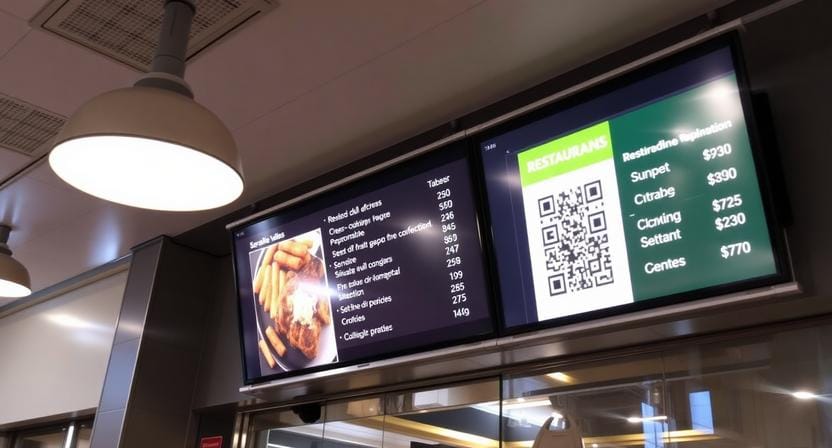
There are two nagging issues with paper menus: hygiene perception and operational friction. Although you may be sanitizing properly, most customers still like touchless options, and paper menus may easily appear tattered. Constant reprinting due to price changes, seasonal changes, and sold-out items creates repeated costs.
Paper menus are also static and slow down service. When customers can’t find what they need quickly—or don’t know an item is sold out—staff spend more time explaining. That is why an increasing number of restaurants are shifting to a restaurant digital QR menu that does not require reprinting to keep up-to-date.
Top Benefits of Using a QR Code Menu for Restaurants
Faster Table Turnover
An attractive QR code menu for restaurants cuts menu waiting time. Guests are able to scan when they have sat down, prior to a server coming to them, which speeds up the decision-making process. Quicker decisions result in quicker ordering, and that enhances table turnover at peak times.
Real-Time Menu Updates
You can change prices, descriptions, and remove items on the spot with a QR code restaurant menu. It is particularly useful when you have no more of a favorite dish or you have to change daily specials without having to reprint anything.
“The best menus don’t just look good—they stay accurate.”
Upselling Opportunities
Digital menus let you include pictures, short videos, and smart add-on prompts that raise the average order value. You are able to emphasize bundles, chef specials, and lucrative upgrades more reliably than a paper menu can. This is among the reasons why a restaurant QR menu usually wins over the ticket size of a static menu.
Data Collection and Customer Insights
A digital menu will enable you to know what guests really see and click on, which items receive the highest attention, and when they are most interested. Such insights can inform menu engineering decisions, promotion timing, and layouts.
Choosing the Right Solution
What Makes the Best QR Code for a Restaurant Menu?
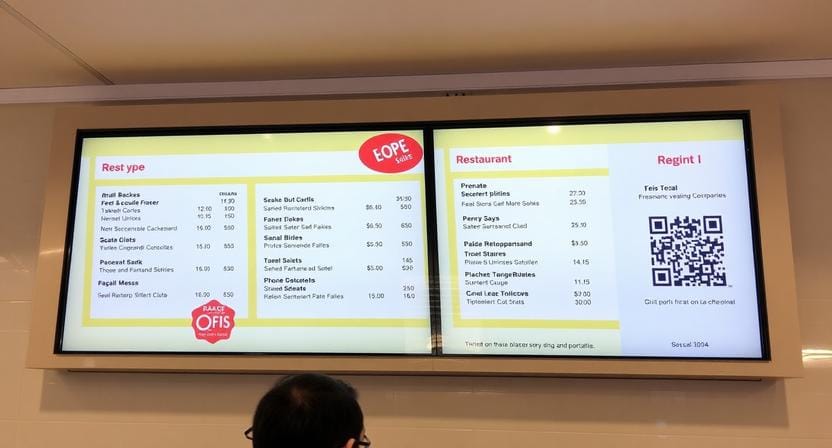
The best QR code for a restaurant menu is scannable, high contrast, and linked to a mobile-optimized menu page. It must not take long to load and show categories that are easy to follow to ensure guests don’t struggle to find basic information. Branded styling is an added advantage, but readability and scan reliability are most important.
Best QR Code Menus for Restaurants vs Generic QR Generators
A generic QR code generator for restaurant menus can create a link but typically not menu structure, menu updates, analytics, or branding capabilities. The best QR code menu for restaurants is a complete system: customizable content, standardized design, and reporting—so it becomes better over time rather than a set-it-and-forget menu.
Why a User-Friendly QR Menu for Restaurant Improves Experience
A user-friendly QR menu for restaurants reduces friction. It must be simple to scroll, quick to search, and straightforward on pricing and modifiers. When guests find it difficult to read or navigate, they will request staff to do so anyway, which is counterproductive to going digital.
“If guests need help scanning or browsing, the system isn’t truly self-serve.”
Need an easy restaurant QR menu? Look for drag-and-drop editors.
An easy restaurant QR menu is normally provided by a tool that is easy to edit. Drag-and-drop editors enable managers to edit items, prices, and pictures without the need for designers or technical expertise. This is essential in restaurants that have regular specials or menu changes.
How to Create a QR Menu for Your Restaurant
To create a QR menu for a restaurant, use a clear workflow: develop the menu page, create the QR code, and implement it in the appropriate locations. Begin with a QR code generator for a restaurant menu that uses a dynamic link; therefore, you can update the content without having to change the printed code.
Plan your mobile menu page. Keep sections minimal, font sizes readable, and the page loading fast even on average cellular connections. After it is developed, pair your restaurant QR code menu with in-store materials—table tents, window clings, and electronic displays—so that guests can view it at the appropriate time.
It can be easier with Nento, as it allows linking your QR menu to digital signage and can keep on-screen promotions and phone menus in sync. Having the same menu on all screens and phones makes the menu more reliable for guests and reduces time spent by the staff in clearing up misunderstandings.
Create your professional restaurant QR menu with Nento’s all-in-one platform — start your 14-day free trial.
Best Practices for Restaurant QR Menu Implementation
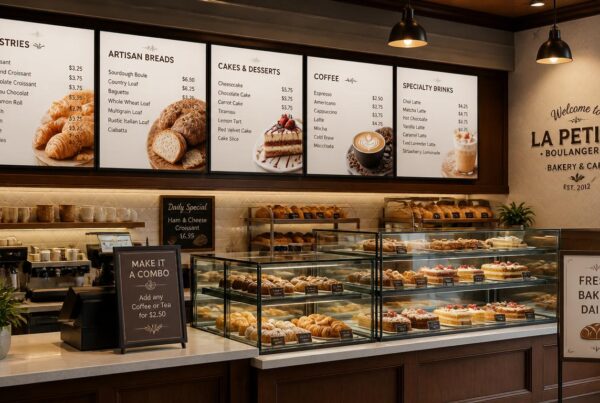
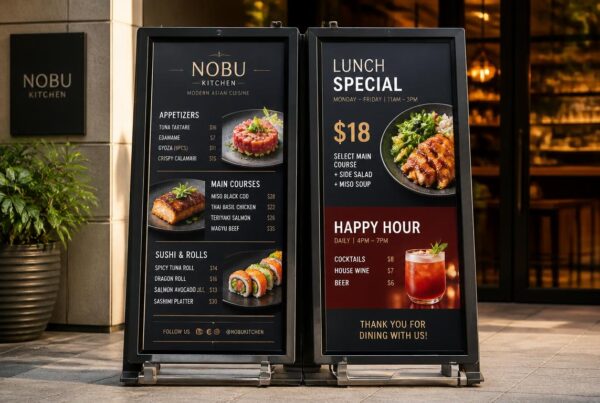
Placement matters. Place your QR code menu for restaurants where people are likely to stop: on table tents, receipt headers, window clings, and host stands. If you have screens, display your restaurant digital QR menu on your digital signage as a reminder, particularly during rush hours when the staff can’t keep answering the same question.
Have a backup plan. Not all guests have a good signal, and not all the customers desire to use a phone. Having some sanitized paper menus as a contingency measure will avoid friction but will still make QR the main route.
Train workers to help rapidly and smoothly. A 10-second “how to scan” explanation and a visible Wi-Fi prompt can prevent delays. When you have a restaurant QR menu with loyalty programs, include a QR sign-up block within the menu experience to allow guests to join without having to download an app.
Common Mistakes to Avoid with QR Code Menus
One of the most frequent failures is tiny and low-contrast codes. When the guests need to reposition their phone or make several attempts, adoption is lost instantly. The other error is the use of non-mobile-friendly PDF menus that need to be zoomed; this is slow and irritating.
Do not expect that all guests can access Wi-Fi or reliable cellular service. In case your system requires internet, ensure you make access easy and keep load times to a minimum. Lastly, don’t go digital without analytics and content updates—unless you constantly refine the menu experience, you lose one of the biggest benefits of digital.
Why Nento is the Best QR Code Menu for Restaurants
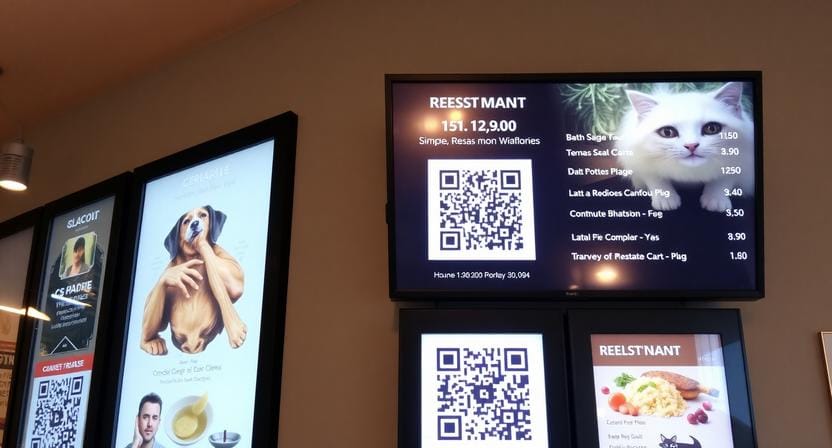
Nento integrates restaurant digital signage and QR menus into a single system. This means your phone menu and your on-screen promotions will remain the same, which will decrease confusion and enhance trust. Real-time syncing lets you update items, pricing, and specials across screens and QR menus without the need to juggle multiple tools.
Nento also delivers custom branding and analytics dashboards so you can refine what works and eliminate guessing. Nento is aimed at restaurants that desire a professional, scalable solution, not a one-time QR code, as compared to generic QR tools.
Join hundreds of restaurants using Nento’s restaurant digital QR menu—book a personalized walkthrough now.
Frequently Asked Questions (FAQs)
What is a QR code for a restaurant menu?
A scannable code that connects diners to an online version of your menu.
Do I need special equipment for a restaurant’s digital QR menu?
No, any smartphone with a camera can be used.
Can I update my QR code menu for restaurants without changing the code?
Yes, using dynamic QR codes, the content will change, but the link will remain unchanged.
What is the best QR code for a restaurant menu in terms of design?
Individualized, branded, and contrasting codes are best.
Is a restaurant QR menu expensive to set up?
No, there are a lot of solutions with low prices, such as Nento.
Can I use a QR code generator for a restaurant menu with my existing POS?
There are numerous sophisticated devices (such as Nento) that are connected to POS systems.
What’s the difference between a static and dynamic restaurant QR code menu?
Static = fixed link. Dynamic = can edit without reprinting.
How do customers scan a QR code menu for restaurants?
With the built-in camera of their phone or a QR reader app.
Is a user-friendly QR menu for a restaurant better than an app?
Yes, you will not have to download it; just access it.
Can I track scans on my easy restaurant QR menu?
Yes, using the analytics dashboard of Nento.
Conclusion
Going digital is no longer a movement but an effective upgrade that minimizes printing waste, enhances service speed, and upsells reliability. A strong QR code for a restaurant menu lets customers access your menu immediately, and a properly managed restaurant digital QR menu will allow your pricing and availability to be updated without reprinting.
In case you are interested in a solution that will integrate QR menus with digital signage, real-time updates, branding, and analytics, Nento can be a good way to modernize your menu experience.
Ready to upgrade? Let Nento power your QR code for a restaurant menu—contact sales today.