Introduction
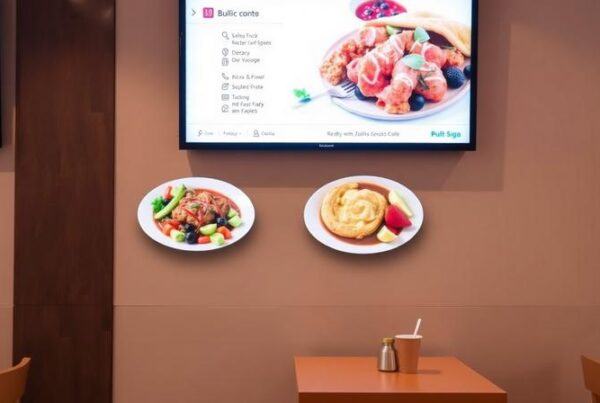
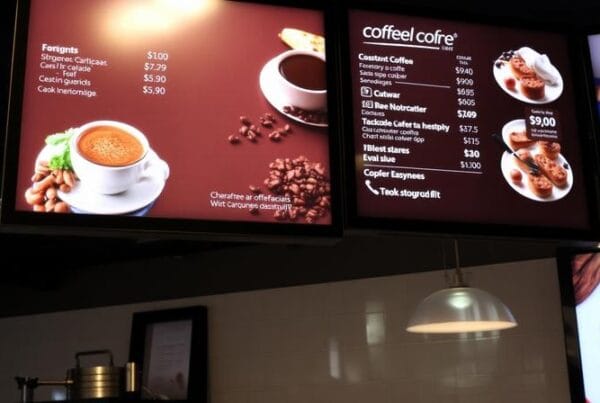
Go to virtually any contemporary fast-casual restaurant, cafe, bakery, or quick-service establishment, and you will find something slowly fading away: the laminated menu. Instead, television menu boards are taking the place of the old ones, offering a faster, more attractive, and cleaner ordering process.
In certain environments, however, the use of static menus is still possible, but it is limited. When something is sold out, they are not able to make adjustments. They are not able to automatically switch between breakfast and lunch. They are unable to make any changes to happy hour pricing without a reprint. And, when food prices are altered, printed boards tend to leave restaurants stuck between outdated prices and another design bill.
This is why all types of restaurants are shifting towards menu displays on TV. Menu items, pricing, promotions, food photography, videos, and rotating specials can be displayed on a screen in a manner that is fresh and easy to manage.
Nento assists food service companies in that transition with restaurant-ready digital signage software, solid screen management, and software designed to work in real day-to-day operations.
Thinking about making the switch? Talk to the Nento team about a setup that fits your space and budget.
What Exactly Are Television Menu Boards?
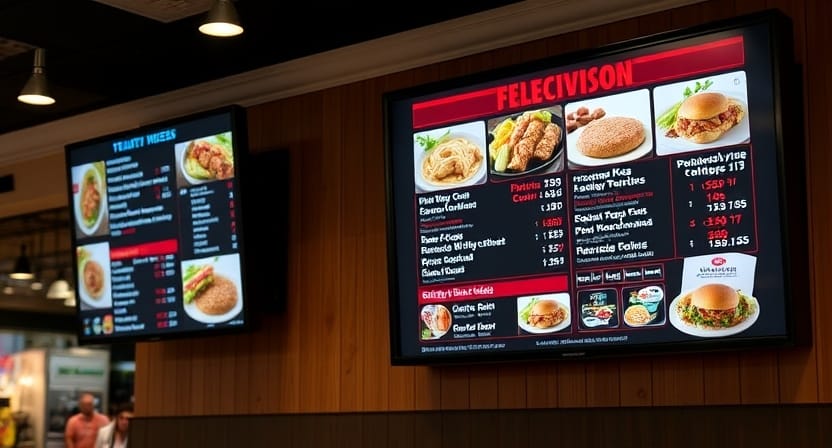
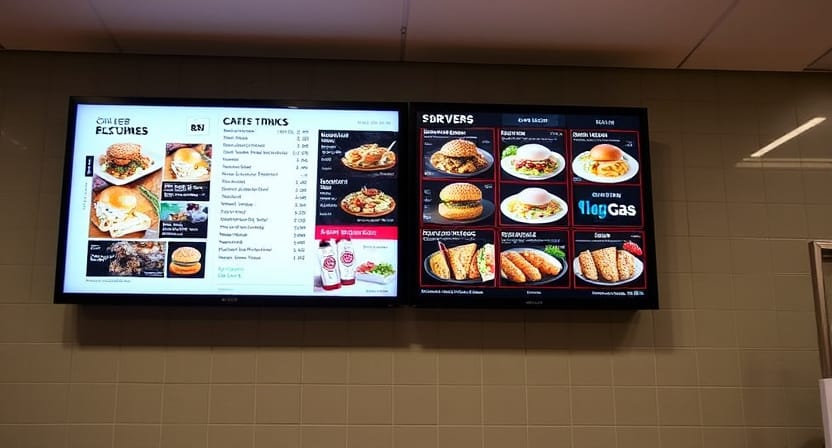
Television menu boards are digital displays on which the restaurant displays menus, prices, promotions, specials, and branded content. They are normally mounted over counters, behind service lines, around pickup areas, in dining areas, or in the drive-thru lanes.
In simple terms, they replace printed boards with flexible digital displays.
Common Setups
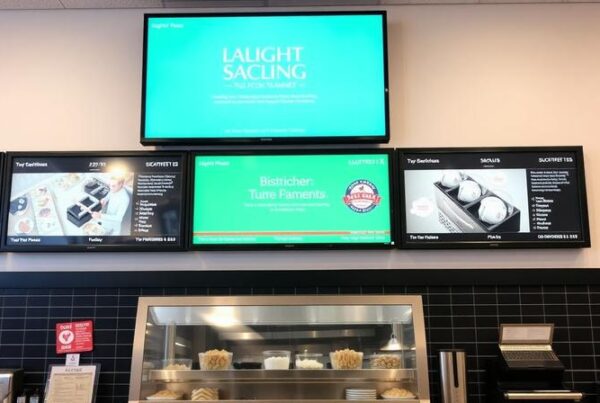
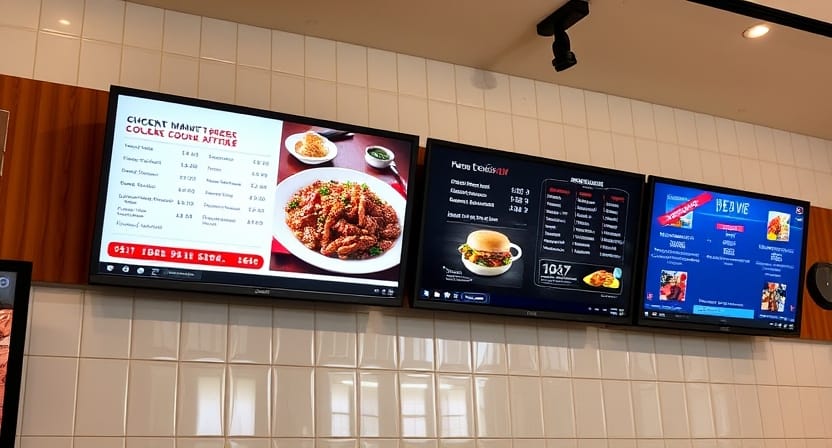
One TV menu display above the counter can be used in a small cafe. Three or four screens can be used in a service line of a fast-casual restaurant. A drive-thru restaurant can use outdoor screens that are weather-resistant and have a separate order confirmation screen.
Other restaurants have screens that are utilized as menus. Some make use of them for promotions, loyalty reminders, social media, pickup order numbers, or seasonal campaigns.
Hardware Basics
Initially, a restaurant owner might find himself thinking, Can I simply use an ordinary TV? Yes, sometimes, but it is a matter of the environment.
Light indoor use can be done on a standard consumer TV, but restaurants usually need screens that are on all day long. Ordinary TVs can be affected by heat, grease, bright lighting, and constant use, which may shorten their life. Here, a commercial display or LCD menu board comes in handy.
Business displays tend to be more robust, brighter and more business-oriented.
The Software Layer
The message is controlled by the software, whereas the picture is shown on the screen. Any digital TV menu board can only be as helpful as its software.
Proper software allows you to update prices, schedule menus, operate multiple screens, post food pictures, remove sold-out items, and update remotely. A screen is just a screen without powerful software. It can be an adaptable restaurant communication tool with the appropriate platform.
Quick thought: Hardware gets attention, but software does the real work every day.
Why Restaurants Are Ditching Print for TV Menus
Restaurants are not changing to TV menus simply because they are modern. The reason they are doing this is that print is slow, inflexible, and expensive to maintain.
Instant Updates
A printed menu is not able to respond fast. In case a product is sold out, employees are forced to repeat it. In case of a price change, customers can still view the previous price. When a new item is to be introduced, the restaurant has to wait until it is designed and printed.
In the case of TV menus, updates can be made quickly. A manager is able to adjust a price, remove a sold-out item, or include a time-limited deal via a dashboard.
Lower Printing Costs
The cost of reprints is a common expense in restaurants that change menus. Even minor alterations can turn out to be costly when the menus are printed in more than one location or several display spots.
A television menu reduces the hassle of having to print out a menu constantly. The content is changed when necessary, whereas the screen can be reused daily.
Dayparting Power
Most restaurants have different menus at different times. Breakfast in the morning, lunch at noon, snacks in the afternoon, dinner, and late-night service thereafter.
Restaurants can have menus on TVs that change automatically with digital scheduling. No one has to get up there and change a board or forget to change the menu when in a hurry.
Visual Selling
Food is visual. High-quality photos and the slightest motion can make a drink, burger, pizza, pastry, or dessert more attractive.
Images can be displayed on a printed menu, although a screen provides more flexibility to restaurants. Specials may rotate, featured items may be highlighted, and seasonal offers may appear livelier.
Reduced Wait Friction
When customers grasp the menu in a short time, they will order faster. An easy-to-use screen layout can decrease inquiries, indecisiveness, and misunderstandings at the counter.
This is most important during peak times, and even minimal delays can slow the line.
Better Upselling
Television menu boards facilitate easier advertising of combos, upgrades, desserts, add-ons, and limited-time offers. These products can be placed where the customers will look first.
It does not take a good screen to shout. It only requires guiding the eye.
Designing TV Menus That Actually Convert
A screen alone will not enhance sales. The design must be effective. Good television menu design is clear, legible, and customer-behavior-based.
Start With Visual Hierarchy
Not all menu items warrant the same space. The most popular products, high-margin products, time-limited products, and combos should be more noticeable.
The first high-attention zones that many customers will notice are the center or the top-right area; therefore, significant items must be displayed in the high-attention areas. Less significant details can remain below or smaller.
Readability Comes First
Even the most beautiful restaurant television menu is of no use when no one can read it. Font size, spacing, contrast, and layout are important.
Avoid long descriptions. Use clear categories. Keep prices visible. Do not clutter the screen with too much content.
A customer who is in a morning queue should not have to struggle to read the board. They ought to grasp the options promptly.
Motion With Purpose
Animation can be used to attract attention, but it must not make ordering harder. A brief movement effect on a beverage that is being featured can be effective. The menu may be more difficult to read when it is constantly flashing, changing quickly, or moving.
Be a pointer, not an ornament.
Color Psychology
Food can be made more inviting and vibrant with warm colors. Cooler colors can be effective in the case of health-conscious brands, juice bars, or premium concepts. The correct choice of color will be based on the identity of the restaurant.
Nevertheless, style is not more important than readability. If the text is more difficult to read due to the colors, then the design should be changed.
Design Each Daypart
Breakfast customers do not act in the same way as dinner customers. A breakfast board can require coffee, sandwiches, pastries, and fast combos. A dinner board can require food, drinks, sides, and desserts.
Rather than making a single layout throughout the day, make different layouts throughout the day.
Keep Screens Consistent
When a restaurant has more than one screen, all the digital menus on the TVs should be linked. Colors, fonts, image style, and spacing ought to be similar.
They should make customers feel that they are viewing a single menu system, not different screens that were created over time.
Nento-built menu templates enable restaurants to begin with restaurant-ready layouts rather than creating all designs individually.
Choosing the Right Display for Your Space
Screen size is not the only concern when it comes to choosing a screen. A restaurant should take into consideration the brightness, location, sightline, direction, and day-to-day working conditions.
Indoor vs. Window-Facing Screens
The brightness of a screen in a dark dining space should not be the same as a screen in a sunny room. The image can be washed out by sunlight in case the display is close to the street.
A restaurant menu TV, which is placed close to a window, might require a brighter commercial display to enable the customers to read it clearly during the day.
LCD vs. LED vs. Commercial Displays
LCD displays are very popular and useful in menu boards. They are good in brightness, image quality, and reliable performance when used in restaurants.
LED displays can be effective in a bigger installation or outdoor display but can be more costly based on size and pixel pitch.
For long operating hours, commercial displays tend to be superior to consumer TVs. They are geared towards the business world and are capable of heavier use.
Viewing Distance and Size of the Screen
A screen 5 feet away does not have to be the same size as one that is 20 feet away. The further the customer is, the bigger the screen and text should be.
Prior to purchasing screens, put yourself in the position of customers, and look at the menu as they would. Such a basic test avoids numerous bad installations.
Horizontal vs. Vertical Layouts
Horizontal screens can be used effectively over counters and service lines. Vertical screens are applicable in small walls, advertising stands, kiosks, and single-category menus.
The most suitable option will be based on the space and menu design. A cafe may have a vertical display of seasonal beverages and a horizontal display of the main menu.
Installation and Cabling
An effective installation ought to be clean and safe. Cables must be concealed where feasible, mounts must be fixed, and screens must be placed in a comfortable viewing position.
Even a good menu might appear unprofessional with a messy installation.
What to Look for in TV Menu Board Software
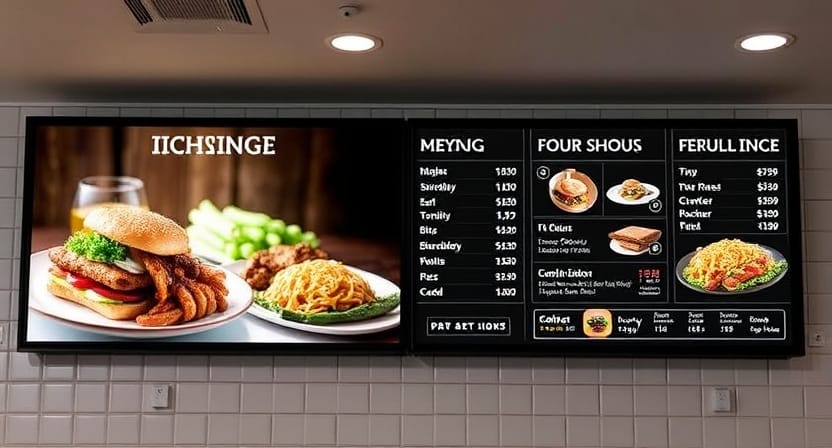
TV menu boards become practical with the help of software. If it is not user-friendly, the screens will ultimately become obsolete.
Ease of Use
A shift manager must be able to update the menu without calling IT. Find drag-and-drop editing, simple templates, fast publishing, and an easy-to-understand dashboard.
In case the software is too complex, then the staff will shun it.
Cloud Access
Cloud access enables teams to update a digital television menu board via a phone, tablet, or laptop. This can be helpful for the owners, managers, and franchise teams who might not necessarily be at the site.
A manager should not have to physically touch the screen to update the menu or make a quick price change.
Scheduling
Good software enables menus to alter automatically according to the time of day or day of the week. Breakfast and lunch, dinner, weekend deals, and holiday deals can be preplanned.
This saves staff time and keeps content updated.
POS Integration
POS integration assists in maintaining menu data in line with the real sales and stock levels. In case a product is out of stock, the system will be able to remove it or mark it as unavailable. When used with a register, screens can be in sync with the register in case of a price change.
This minimizes embarrassing customer interactions and order errors.
Multi-Location Control
Restaurants with several locations need central control. A single dashboard is necessary to enable teams to control screens across all branches and still be able to make local modifications where necessary.
This would be particularly helpful with chains, franchises, and groups of restaurants.
Reliability When There Are Internet Problems
There is one big question that restaurants need to ask themselves: what would happen in case the internet goes down during service?
Good TV menu board software supports local content storage, enabling screens to keep on running even in cases where the connection goes down. After the internet returns, the system will be able to update once more.
Nento is designed for uptime, simplicity, and restaurant-specific functions, aiding food service companies to keep menus working even at peak times.
See Nento’s software in action. Book a personalized walkthrough and get your questions answered live.
Common Mistakes to Avoid
Television menu boards have the potential to be very effective, but only in cases where restaurants do not commit the typical setup and design errors.
Overloading the Screen
Restaurants normally make the menu more difficult to read by displaying everything on it simultaneously. The customers require fast decisions, not a wall of text.
Divide big menus across several screens or rotate parts.
Using Low-Resolution Images
On big screens, food pictures should appear crisp. The menu looks cheap with a blurry picture on a large screen.
Whenever possible, use good-quality pictures of actual menu items.
Disregarding Glare and Lighting
Screen glare can destroy visibility. Turn on the lighting and check it during the day before installation. A screen that appears good in the morning might not be readable in the afternoon sun.
Forgetting Content Refreshes
The same promotion should not be displayed on a digital menu all the time. Arrange a refresh plan based on seasonal changes, new offers, and revised visuals.
Minor changes make the menu dynamic even when the changes are small.
Prioritizing Hardware Over Software
A lot of restaurants purchase screens and consider software afterward. That may cause compatibility issues.
The software workflow should be selected first, and then hardware that can support it should be chosen.
Frequently Asked Questions
What is the difference between a digital menu board and a television menu board?
The terms overlap. Television menu boards generally denote TV-style screens displaying menu contents, whereas a digital menu board is the wider term that may encompass kiosks, tablets, and other types of screens. Both rely on TV menu board software to control content.
Can I use a regular TV instead of a commercial display?
You can, particularly when used indoors for light use. Consumer TVs are, however, not designed to be used in restaurants on a long daily basis. LCD menu boards that are used in a commercial setting tend to be more durable and can better withstand brightness, heat, and prolonged usage.
How often should I update my TV menus for restaurants?
Items that are sold out and prices should be updated when required. Design refreshes can typically be useful seasonally or quarterly, based on the frequency of your menu and promotions.
Is TV menu design something I can do myself?
Yes. There are platforms such as Nento, which provide drag-and-drop tools and templates, which means that a design agency is not always required by restaurants. Nevertheless, the design must remain simple, clear, and aligned with the brand.
What happens if my internet goes down?
Good TV menu board software is used to store content locally. This means that screens are able to retain the last loaded menu when not connected to the internet.
How much does it cost to set up a TV digital menu?
The prices vary according to the number of screens, the quality of hardware, the mounting, the features of the software, and the installation requirements. The ROI in many restaurants comes from decreased printing costs, increased update speeds, and better upselling.
Conclusion
Television menu boards work to resolve actual restaurant issues. They can be updated quicker, save on printing expenses, enhance menu visibility, promote dayparting, and provide restaurants with greater control over promotions.
However, it is not only the screen that is different. The display is hardware. What makes the system smart is the TV menu board software.
A restaurant must select a partner that is knowledgeable about foodservice workflows, rather than merely displaying technology. The most appropriate arrangement is the one that the staff can operate with ease, is stable during service, is adaptable to menu changes, and is clear enough to allow the customers to make quick decisions.
Ready to upgrade your menu experience? Talk to Nento and see what setup fits your restaurant.