Introduction
Consider the last occasion you entered a crowded cafe or fast-food restaurant. You most likely looked immediately at the menu above the counter. You wished to know what was to be had, how much it was, and whether anything was very tempting.
Suppose now that menu is a tattered poster on which some price alterations have been taped on the old text. It does give information, but it does very little to make the food interesting.
This is among the reasons why indoor digital menu boards have become such a handy addition to restaurants, cafes, bakeries, and other quick-service companies.
There are limitations to traditional printed menus. Prices vary, seasonal deals come and go, and some products are sold out before the day ends. Every change may require printing new materials or manual updating of signs by employees.
Those tasks are made easier with digital menus. The restaurants are able to update the prices, post beautiful food pictures, set various menus, and advertise the relevant products without replacing the physical board.
The actual worth of the digital food menu boards is not in the fact that they appear modern. They offer restaurants a greater degree of control over what the customers are viewing at the time when making their decisions on what to have.
With the appropriate design and software, a menu can be a helpful selling tool and simplify daily operations.
This guide will discuss the functionality of indoor digital menus, the advantages they provide, the design considerations to make, and the hardware to take into account prior to installing.
Ready to upgrade your customer experience? Discover Nento’s cutting-edge digital signage solutions today.
What Are Indoor Digital Menu Boards?
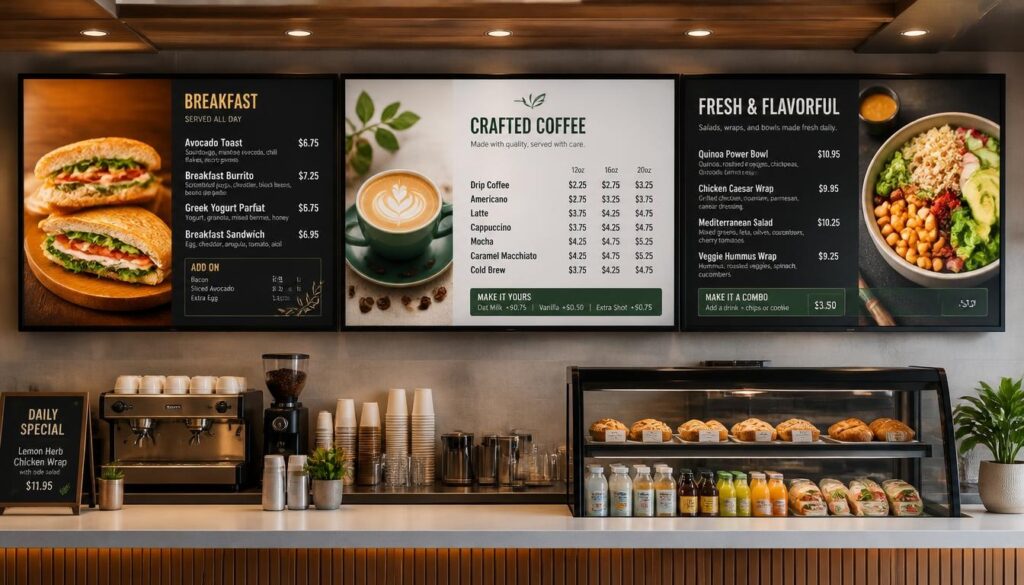
Indoor digital menu boards are electronic signboards that are used to display food items, prices, pictures, and promotions within a restaurant or other foodservice company.
Restaurants do not necessarily use printed menus or chalkboards to display information but can use compatible screens and software to display information that can be modified whenever the need arises.
As an illustration, a coffee shop could post its breakfast menu in the morning and change to lunch specials at noon and advertise desserts later in the afternoon.
The screen is also kept at the same position, with the contents being varied throughout the day.
How Do Digital Menu Boards Work?
A common digital menu installation consists of three key elements:
- Display screens: List menu items, prices, photographs, videos, and promotions.
- Media player or embedded player: Plays the menu content on the display.
- Content management software: Enables employees to make, update, and plan menu content.
The displays are normally placed above the ordering counter, and the customers can read them as they wait.
Other restaurants have a single screen of the whole menu. Some have multiple displays to differentiate between drinks, categories of food, and promotions.
A related content management system enables authorized personnel to modify the information without necessarily having to access each screen.
How Are They Different From Traditional Menu Boards?
Traditional indoor menu boards display fixed information. When there is a change, the printed material must be replaced or changed.
Digital boards are more versatile.
Restaurants are able to modify prices, to add new products, to take away those that are not available and to plan promotional campaigns.
They are also able to employ photography and light animation to bring to attention certain products they choose.
Take an example of a bakery that presents a new pastry each weekend. Using a printed menu, it may be necessary to advertise that product in another poster. Having a digital menu, the bakery will be able to post a photo and advertise the pastry over the weekend.
Why Are Restaurants Making the Switch?
In the case of quick-service restaurants (QSRs), cafes, and takeaway counters, time and brevity are important.
Customers often make ordering decisions while standing in line. They must be able to learn the menu in a short time without having to request employees to explain each menu item to them.
That can be facilitated by well-organized digital display menu boards.
They also assist restaurants in maintaining consistency of menus in different locations, especially where content is handled at a central point.
Not sure where to start? Let the experts at Nento guide you through selecting the perfect screens for your space.
Top Benefits of Digital Menu Boards for Restaurants
The best arguments to invest in digital menu boards are practical.
They are able to enhance product display, ease the process of updating the content, save on the cost of repetitive printing, and assist customers in comprehending the choices that are available.
Better Visual Appeal and Upselling Opportunities
Food is very visual.
A fresh burger, iced latte, or chocolate dessert can be promoted using a photograph that can convey more about the product than the name itself.
Digital menu screens enable restaurants to show high-quality images, prices, and descriptions.
This would be most effective in showcasing seasonal food, upgrades to meals, desserts, and other products that customers may not immediately consider.
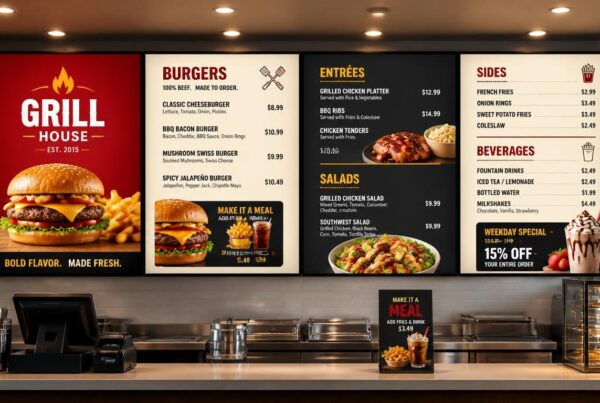
As an illustration, a hamburger shop might have two screens that show the usual menu and a third one that has a meal combination with fries and a drink.
This promotion can be more noticeable without the cashier mentioning it with every order.
Such displays offer upselling opportunities, yet the real improvements in sales depend on the offer, menu arrangement, and the demand of customers.
Instant Price and Menu Updates
The menus of restaurants seldom remain the same all year round.
Prices and descriptions of products vary depending on the ingredients used; new products are launched or discontinued; and seasonal offers demand new prices and descriptions.
These updates can be made to digital menu boards in restaurants through a content management system.
A manager is able to make price changes, change a picture, or delete a product without having to print another menu.
This comes in handy, especially where a restaurant has a number of locations.
Approved changes can be shared electronically as opposed to arranging printed material to be given to each branch.
Automatic Breakfast, Lunch, and Dinner Menus
Dayparting is one of the most helpful features.
Dayparting enables the content of the menu to be automatically updated at a predetermined time.
The following schedule might be used by a restaurant:
| Time | Menu Content |
| 7:00 AM–11:00 AM | Breakfast sandwiches, coffee, and pastries |
| 11:00 AM–4:00 PM | Lunch combinations and main dishes |
| 4:00 PM–9:00 PM | Dinner menu and family offers |
| Selected promotional periods | Limited-time specials and seasonal products |
The restaurant can prepare these changes in advance.
The employees do not have to be reminded to change menus when the business is busy and customers are offered relevant offers, which are applicable at a specific time of day.
Reduced Printing Costs and Waste
Menus that are printed generate recurrent costs.
When the price, promotion, or products are changed, restaurants might have to print new boards or posters.
Digital displays involve a start-up cost in equipment and software, but the displays can be reused in a variety of campaigns.
This has the potential of saving on printing and wastage incurred due to the constant changing of promotional materials.
Nevertheless, digital signage also uses electricity and requires maintenance. Restaurants ought to take into account such costs in determining long-term financial gain.
Improved Operational Efficiency
Digital signage is especially useful when menu information needs to be updated during service.
Consider a restaurant that is out of a favorite dessert at lunchtime.
An item can be advertised on a printed board until it is changed by an employee.
Digital signage enables the product to be eliminated or indicated out of stock much faster.
Certain systems can also integrate with POS software, allowing compatible systems to share selected pricing or availability information with the displays.
The real capability of integration is dependent on the systems.
Easier Ordering and Queue Management
Well-designed digital signage menu boards help customers find products and prices before reaching the cashier.
This can minimize the amount of basic questions that the staff will have to answer and simplify the ordering process.
This advantage is especially applicable in the busy times.
Nevertheless, a disorganized online menu can lead to the reverse effect. Customers might need more time to decide if prices are hard to find or promotions change too quickly.
Clarity should always come before visual effects.
Design Strategies for Digital Food Menu Boards
The mere installation of a screen does not necessarily make a good menu.
A restaurant might just put its already printed menu on the computer as a PDF, but it might not be easily readable across the counter.
The digital displays should be built in a manner that takes into consideration how customers will view them.
When it comes to digital menu board design, legibility, good organization, and information about products come first.
Use Strong Contrast and Readable Text
Menu boards can be seen by customers as far as several meters.
Prices and product names can be hard to read due to small text, decorative fonts, and low contrast colors.
Apply bold fonts and a good contrast between the text and the background.
An example is dark text on a light ground or white text on a dark ground as long as the contrast between the two is high.
Do not put significant writing on top of food pictures that are busy.
The menu should also be tested from the back of the actual ordering queue, rather than just checking how it looks on a laptop.
Create a Clear Visual Hierarchy
Not all things must have the same visual emphasis.
The customers are supposed to be able to identify categories of menus, locate prices and spot featured products without having to go through a busy layout.
The following hierarchy may be useful:
- Big category titles of burgers, beverages, desserts or other categories.
- Clearly displayed product names and prices.
- Brief descriptions where appropriate.
- Selected images of featured products.
- A separate section for promotions or specials.
The restaurants will be able to pay more attention to the bestseller and profitable combinations, but the primary menu should be user-friendly.
Use Motion Without Overwhelming Customers
Digital menus can be more interesting with the help of video and animation.
The gradual change between the promotional pictures or a brief food preparation video can be of interest.
Too much movement, however, can be distracting.
Customers might find it hard to make decisions when prices, name of the products and photos are constantly changing.
Always keep key menu details visible and use motion only for a few promotional elements.
Design Menus Around Your Restaurant Type
Various food companies require varying menu designs.
A hamburger shop can specialize in food combinations, toppings, and distinct product lines. A bakery could focus on fresh baked goods and desserts of the season.
Lifestyle photography, warm colors and well-chosen pictures of coffee, pastries, and specialty beverages can be used on a cafe digital menu board.
In the meantime, a digital menu board for coffee shop customers can focus more on drink sizes, milk options, syrups, and customization.
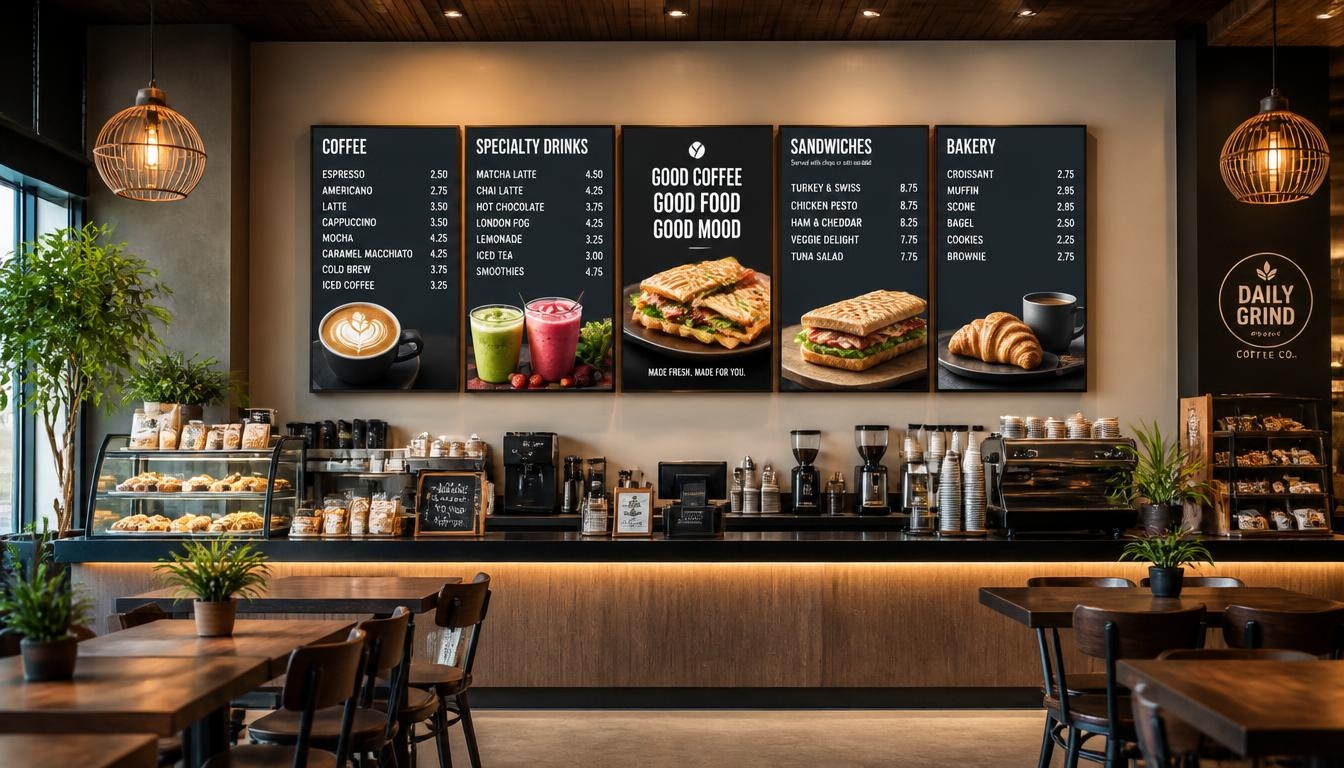
As an illustration, a coffee shop may arrange its menu in three categories:
Hot beverages: espresso, cappuccino, latte and tea.
Cold beverages: iced coffee, frappés, and seasonal beverages.
Food and extras: Pastries, sandwiches, milk substitutes, and flavor add-ons.
A seasonal drink could be featured in a separate promotional area, without complicating the regular menu.
Keep Your Branding Consistent
Menu screens are to be designed as a part of the restaurant.
Share brand colors, logo, typography and style of photography across displays.
In the case of restaurant chains, templates may be used to ensure consistency despite the fact that specific locations may have differing prices or promotions.
The aim is to produce a familiar presentation that can be easily comprehended by the customers.
Struggling with content creation? Nento offers professional content management services to make your menu pop.
Hardware and Installation: What Do You Need?
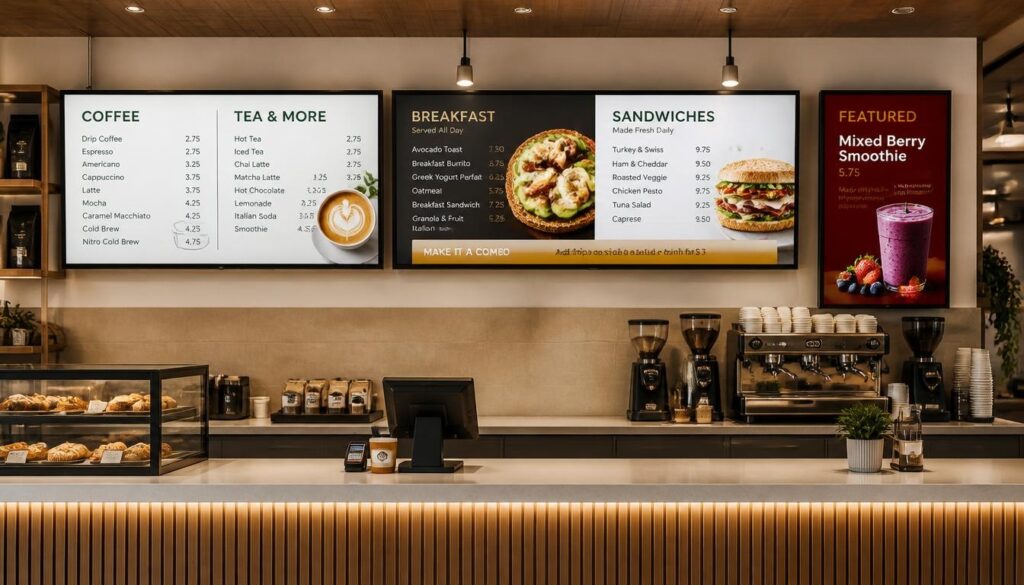
The selection of the appropriate digital menu board hardware is equally crucial as the development of good content.
What appears to be a fantastic screen in a showroom may not work well when mounted by a bright restaurant window or when used over a long period of time on a daily basis.
Screen size, brightness, mounting, connectivity and operating conditions are some of the factors to consider before buying.
Commercial Displays vs. Consumer TVs
Basic indoor signage installations can be used with consumer televisions, especially in cases where the operating hours are short.
Nevertheless, commercial-grade displays can be more appropriate to the harsh restaurant conditions.
Commercial screens can be provided with increased brightness, increased operating-hour ratings, remote control capabilities, and a more flexible installation than consumer-targeted screens, depending on the model.
There are commercial displays that have been rated to have 24/7 operation.
This does not imply that all commercial screens are the same in terms of capabilities. Always refer to the specifications of the manufacturer.
Display technology also differs in terms of image retention and burn-in behavior, so when using static menu content it is important to select hardware that is suitable.
Choosing the Right Screen Size
The size of the screen varies with the distance between customers and the menu, the amount of wall space available and the amount of information that should be shown.
A smaller cafe may need only one or two screens, whereas a big quick-service restaurant might require numerous screens.
The most effective approach is to test the menu layout at the desired viewing distance.
If customers cannot comfortably read prices from the back of the queue, the layout should be changed.
Mounting Options
There are various mounting options to install indoor menus.
Wall mounts are usually used when the screens are mounted behind ordering counters.
The ceiling mounts can also be applicable in cases where there is limited space on the walls or the menu is to be suspended above the service area.
Freestanding kiosks are another option for restaurants that offer self-service ordering.
Every layout must consider customer sightlines, structural support, and electrical connections, as well as safe installation.
Brightness and Glare
The brightness of indoor screens is not usually as high as that of outdoor drive-thru screens.
Restaurants that have large windows or have a lot of overhead lighting, however, may need brighter screens or more glare management.
Screen placement can make a big difference.
Do not put displays in places that cause the content to be hard to read due to its reflection.
Network Connectivity and Content Playback
Digital signage is typically based on network connection to update the content and manage it.
Some installations use Wi-Fi, while others use wired Ethernet.
In the case of fixed restaurant displays, wired connection may be a reliable alternative where cabling is feasible.
Some digital signage systems can also store downloaded material in the local drive, enabling menus to keep playing even when there is a temporary internet outage.
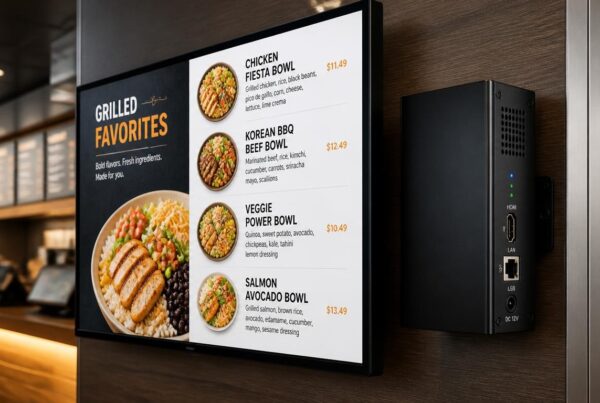
The platform of Nento enables remote updates and playback of locally stored content in compatible player devices.
5.6 Indoor vs. Outdoor Menu Boards
The requirements of the indoor and outdoor installations are different.
The indoor displays are used under relatively controlled conditions, whereas the drive-thru screens have to be able to withstand the sun, rain, dust, and fluctuating temperatures.
Digital display menu boards used outside may therefore need greater brightness, weather-resistant construction and suitable temperature control.
In the case of indoor installations, readability, stable operation, and appropriate mounting are typically prioritized.
Nento provides the digital signage player and display options which can be chosen based on the installation needs of a restaurant. Companies that are in operation at night should ensure that they select commercial hardware that has the right duty rating.
The Future of Digital Menu Boards
Digital menu technology continues to evolve.
Starting as a substitute to printed menus, it is becoming increasingly intertwined with the processes of the restaurant, the ordering system, and the business data.
There are a number of developments to be monitored.
AI-Assisted Menu Recommendations
Artificial intelligence can assist restaurants in deciding on what to put on the menu depending on the time of the day, weather, inventory or sales trends.
A restaurant could advertise dinner combinations in the evening whereas a cafe may advertise iced drinks during hot afternoons.
Modern signage software already has the ability to schedule by time. The more sophisticated AI-based suggestions will be based on the platform and the integrations that it has.
These systems will still need staff supervision to ensure that promotions are appropriate and prices are correct.
Interactive Ordering Kiosks
Customers are also using touchscreen kiosks to explore menus and place orders.
In contrast to the conventional overhead displays, interactive kiosks enable the customers to choose products, make their meals more personal, and revise their orders.
They have another use as compared to conventional indoor digital menu boards.
The overhead menus will assist customers in viewing availability. Self-ordering kiosks give a direct method of engaging in the ordering process.
Depending on the model of service, restaurants can consider taking advantage of both.
More Useful Analytics
Digital signage software is able to capture the time a certain content was shown.
Restaurants can compare these records with POS sales records to determine whether featured products had a different performance during a campaign.
As an example, a coffee shop may experiment with two types of promotion layouts of the same beverage at similar times.
Further measurement technologies could also enable more sophisticated audience analytics, but with the proper privacy protection.
The trick is to apply the information to enhance menus instead of gathering more information.
More Connected Restaurant Operations
The digital menu systems of the future can be more connected to the inventory management, ordering platforms, loyalty programs, and kitchen operations.
This may assist the restaurants in maintaining the menu information across multiple customer touchpoints.
The aim is not necessarily to add more technology. It is to minimize needless manual updates and simplify ordering.
Frequently Asked Questions
Are Indoor Digital Menu Boards Expensive to Maintain?
Maintenance fees are based on the quantity of screens, hardware quality, software subscriptions and conditions of operation.
Commercial displays and compatible media players may need maintenance and eventual replacement.
Nevertheless, restaurants with frequent changes of printed menus can keep down printing and replacement costs.
The payback period depends on the initial investment and the net savings or additional cash flow generated by the system.
Can I Update the Menu Remotely?
Yes. Digital signage systems that are hosted in the cloud enable users with access to manage the content using a compatible computer or mobile device.
Prices, images, promotions and new menus can be updated without having to access the physical screen.
Nento offers cloud-based content management software that enables restaurants to control the supported displays remotely.
What Is the Best Hardware for a Cafe Digital Menu Board?
The perfect hardware is based on the viewing distance, light, the space available and the number of hours of operation every day.
A small cafe might only require one or two suitably sized displays. Bigger cafes can enjoy the advantages of having different screens on drinks, foods and promotions.
Depending on the length of use per day, commercial-grade screens may be a good option, although the model used must be aligned with the installation needs.
Do I Need Special Software for Digital Food Menu Boards?
A simple menu image can be shown on a TV without specific signage software.
A content management system however makes regular updates a lot easier.
Digital signage software enables restaurants to plan the various menus, post new material, control multiple screens and ensure the branding remains consistent.
These features can save restaurants a lot of time when they update menus on a regular basis.
Conclusion
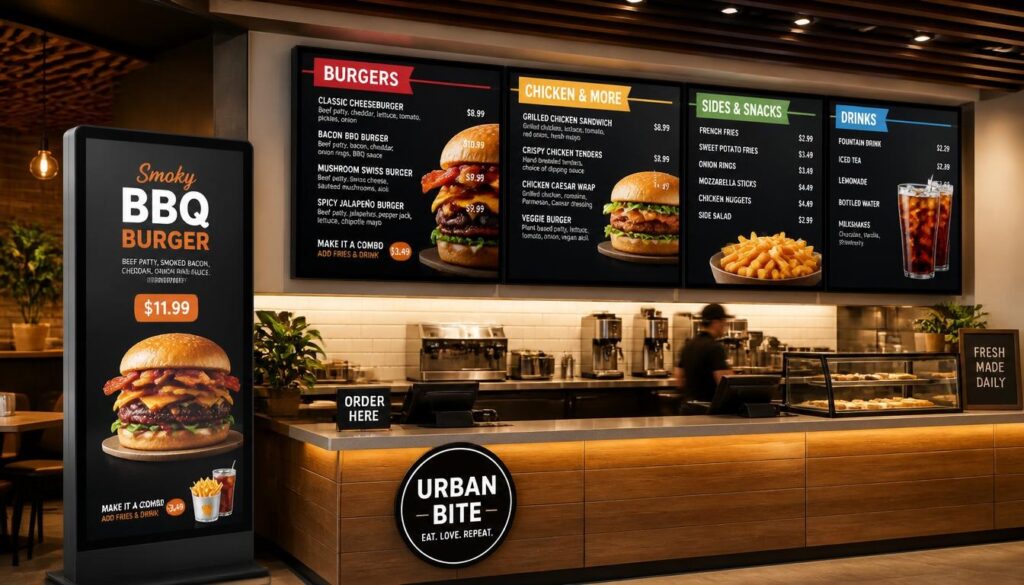
The digital menu boards that are placed indoors provide the restaurants with a more adaptable approach to displaying food, handling information and communicating with customers.
They substitute most of the restrictions of printed menus with options like remote updates, scheduled promotions, beautiful photography, and the same branding across numerous displays.
The advantages are more than cosmetic.
An effective digital menu can simplify the ordering process, help customers notice relevant products and reduce the need to repeatedly print and change menu materials.
Nevertheless, the outcome is determined by the selection of appropriate hardware, development of readable content, and the use of software that is easy to handle by the staff.
A small cafe might only require a single display whereas a fast-paced restaurant with a quick service might require a number of linked menu boards.
There is no need to install more technology than the business requires.
The best system is one that assists employees to work effectively and provide customers with clear and up-to-date information.
With the right mix of design, hardware and content management, a restaurant menu can be more than a list of products and prices. It may become an important component of the sales and services strategy of the restaurant.
Take the first step towards a modern, profitable establishment. Contact Nento today for a free consultation on your digital signage needs.