Most of the attention is normally on the screen when businesses invest in digital signage. The owners think about the sizes, brightness, 4K resolution, and the appearance of the display after being fixed on the wall. However, there is one more element that should be given the same amount of attention: the digital signage device that operates everything behind the scenes.
Consider it in this manner. What the customers see is the screen, and what makes the content work is the media player.
The signage software feeds it with videos, menus, advertisements, and other content, and it processes it before sending the complete content to the display. Even a costly screen may have frozen images, slow transitions, or missed scheduling changes when the player is underpowered or unreliable.
Especially annoying is the fact that these issues happen in restaurants, where an online menu must be functional at breakfast, lunch, and dinner without having to have somebody keeping an eye on it.
Choosing the appropriate digital signage network player can make a difference. It influences the ease of playing the content, the ease of controlling the screens, and the capacity of the setup to expand with the business.
It might take time to understand the hardware and software behind your signage, but it can pay off whether you are installing a single display in a small cafe or coordinating a series of displays.
Don’t let slow hardware ruin your visual message. Contact Nento today to find the perfect digital signage player hardware tailored to your needs.
What Is a Digital Signage Device?
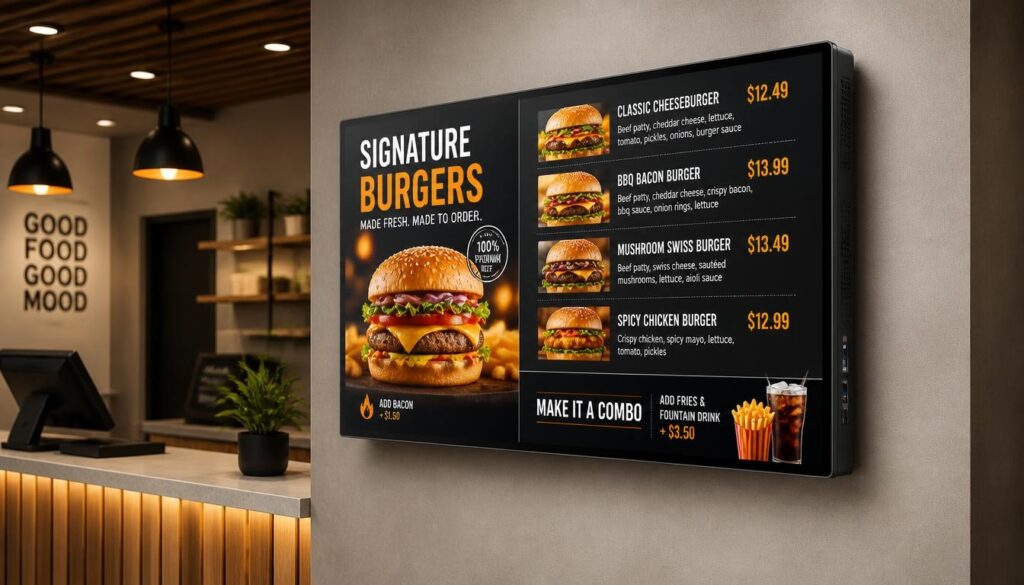
A digital signage device can be defined as the hardware or built-in computer system that displays digital content on a screen. It collaborates with digital signage software to accept, store, process, and display images, videos, and menus, among other information.
In an average configuration, the content is uploaded to a content management system (CMS). The player accesses that content and shows it as per the schedule that was developed by the business.
As an illustration, a coffee shop can have its breakfast offerings at 7 AM, lunch deals at noon, and evening deals at 5 PM. Those changes are taken care of by the player.
The procedure is not that complicated, yet various devices provide various performances and controls.
External Hardware Players
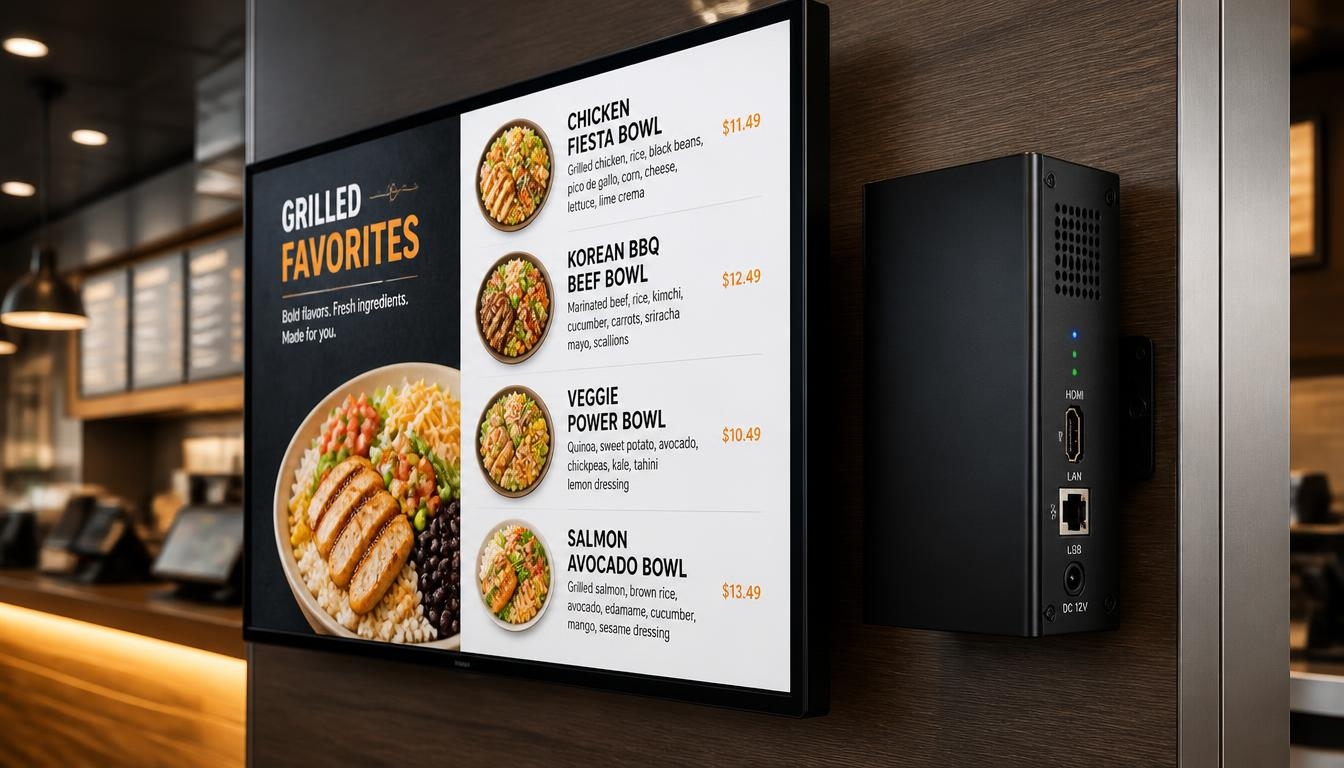
A digital signage player is normally a small box, stick, or compact computer that is connected to the screen with an HDMI or any other video connection supported.
Popular solutions are Android media players, miniature Windows PCs, and dedicated commercial signage players.
These gadgets do not depend on the television or display. In case a business wishes to upgrade its media player in the future, it can possibly retain the current screen.
External hardware is especially handy for businesses that need more processing power or expect their signage needs to change.
Built-In Players and Software-Based Systems
Not all screens need separate media players.
Some commercial displays also have a built-in System-on-Chip (SoC) platform with processing hardware, memory, storage, and an operating system.
These displays can be used to run compatible signage applications.
The other alternative is to have a Windows signage player app installed on an existing computer. The computer can also be used as the signage player when it is compatible with the hardware and software that it uses without buying another special device.
They can be easily applicable to smaller installations, but processing power and software compatibility should be taken into consideration.
What Makes It a Digital Signage Network Player?
A digital signage network player can be connected to the local network or cloud-based management platform that will enable businesses to remotely control the content.
A manager does not have to go to every screen with a USB drive and upload new material; instead, he can use the CMS and transmit it to connected players.
This is very helpful, especially when a number of screens are fitted in various buildings or locations.
For example, a restaurant chain can run the same promotional campaign in multiple locations while allowing individual stores to choose which prices or items to display.
Playback is controlled by the player at each location, and the CMS offers centralized control.
Key Features to Look for in a Digital Signage Player
Two devices can appear to be virtually the same, but they can behave very differently when they are running demanding content.
The type of media you want to use, the duration the device is to be used, and whether or not you want to expand the system are some of the things to consider before making a purchase.
Processing Power and 4K Playback
High-resolution screens are being installed in restaurants, retail outlets, offices, and hotels.
A 4K digital signage media player is capable of displaying content with a resolution of 3840 × 2160 pixels, so long as the media player, the software, the video connection, and the display support that resolution.
It may be helpful with detailed product photography, promotion videos, and bigger screens, where the quality of the images is important.
However, it is crucial to note that a device that is promoted as 4K-compatible does not always have the ability to stream all 4K videos without any issues.
The processor, graphics capabilities, video codec support, and the number of content elements currently running are also important factors that affect performance.
A single menu image can be ideal on a basic player, whereas a layout with multiple videos, live widgets, and animations might require a more powerful system.
That is why you should test the actual content you will display rather than relying solely on the resolution printed on the product package.
Connectivity Options
A reliable player should have the right display and network connections.
Common features include:
- HDMI/DisplayPort: To connect the player to a compatible display.
- Ethernet: To have a reliable wired network.
- Wi-Fi: To install where wired networking is not convenient.
- USB: To support peripherals, local content transfer, or maintenance.
- Local storage: To store downloaded content and support offline playback when the software allows it.
Wired Ethernet is also a better option in fixed, business-critical setups due to some of the reliability problems of wireless networks.
Nevertheless, a small office or cafe display might be satisfied by a properly set up Wi-Fi connection.
Compact Sticks vs. Media Player Boxes
A signage stick is small and cheap and can be installed behind a screen.
It may be a viable choice to use on basic promotional materials, simple slideshows, and plain menus.
A dedicated media player box typically provides greater degrees of flexibility in processing power, connectivity, cooling, and storage.
A smaller PC or a commercial player can be required in the case of a demanding installation.
The correct option will be based on the workload. A small restaurant with a simple menu does not always require the same hardware as the shopping center with a number of high-resolution displays.
Reliability During Long Operating Hours
Commercial signage can work up to 12, 16, or 24 hours per day.
It is a heavy load, especially on equipment mounted at the back of a warm display or in a cabinet.
Select hardware that has the operating temperature range, cooling system, and rated operating hours appropriate to the installation.
Auto-restart, scheduled restart, remote monitoring, offline playback, and other features can enhance reliability as well.
What is a good device at home might not prove the best device to use in a commercial application.
Looking for the best media player for digital signage that won’t overheat or lag? Nento offers robust hardware solutions built for 24/7 reliability. Explore our catalog now.
Hardware vs. Software: Finding the Right Fit
Not all businesses require the same signage system.
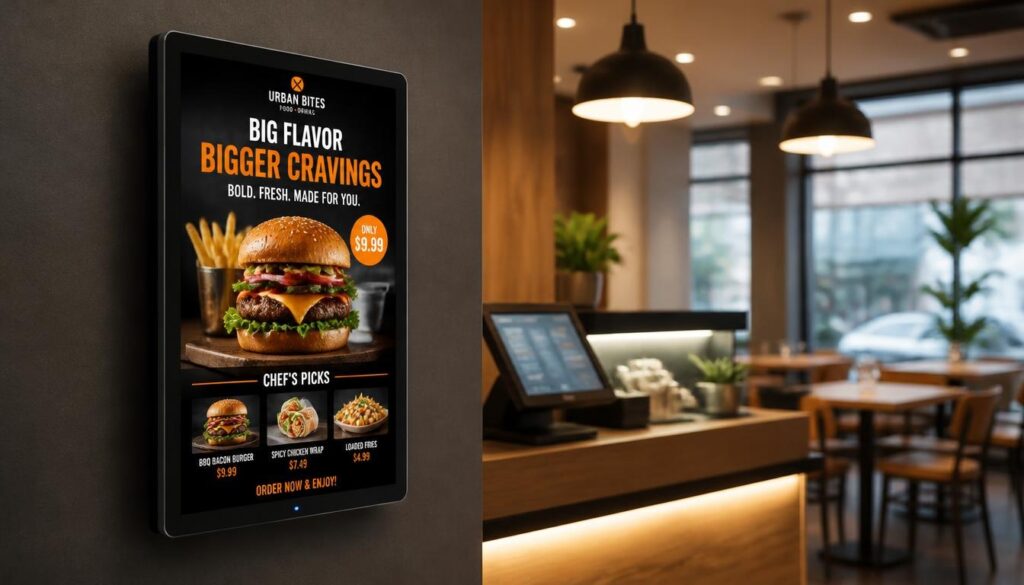
Other users would want to use external hardware, as it is flexible and has processing power. Some desire a simple player application that will run on equipment they already have.
The two strategies are beneficial.
Option A: External Media Players
External players are handy in situations where a business requires playback reliability, sophisticated content layouts, or more intensive processing.
A display can be linked to a commercial signage player that is controlled by appropriate software.
This design is typical of restaurants, retail outlets, hotels, and corporate buildings.
It is also able to make hardware replacement relatively easy. The business might not require replacing the screen in case the player requires upgrading.
Multi-Screen and Video Wall Installations
A multi-display player for digital signage can be useful when several screens need to operate together.
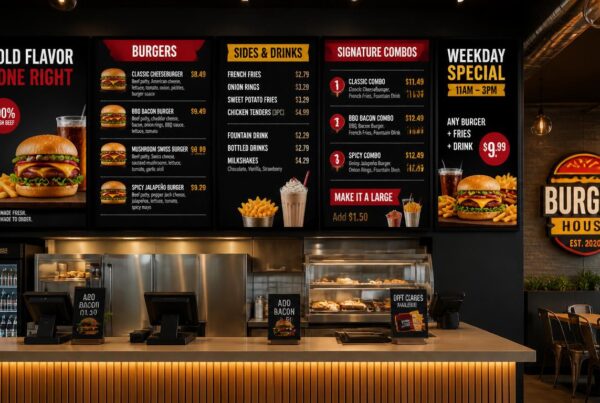
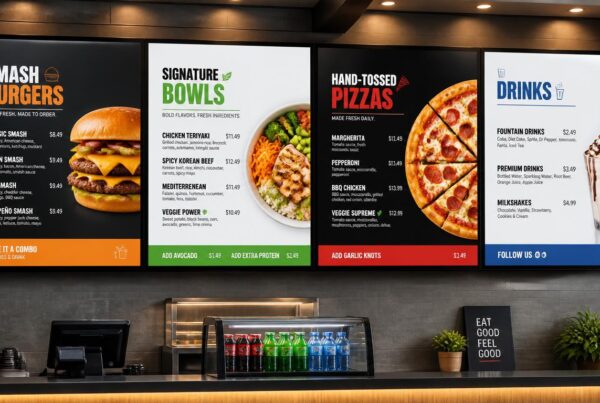
As an illustration, a restaurant can have three screens over the counter. One is a picture of burgers, another one is a picture of beverages and sides, and the third picture is a picture of the latest promotions.
This can be handled in a number of ways.
A single player’s video output can be duplicated across two or more screens. A more competent player that has several video outputs can possibly display various content on each of the screens. Alternatively, the displays can have their own players, and all devices are remotely controlled.
These are different arrangements.
In case your business requires independent content on each screen, ensure that the hardware and software can support multiple independent outputs as opposed to basic screen duplication.
In the case of video walls, synchronized playback and content across multiple displays are other factors.
Option B: Built-In Players and Signage Apps
In the case of simpler installations, an independent media player might not be required.
Supported signage applications can be directly executed on a compatible commercial display with embedded processing hardware.
Likewise, a computer that is already available can be utilized with a player app for digital signage.
This is an option that can be considered in businesses that already have appropriate equipment.
An example would be using an existing Windows mini PC in a small office to show announcements or a cafe to show menu content on a compatible smart display.
The primary weakness is that the performance and compatibility are based on the device.
Not all smart TVs support every signage application, and some internal processors cannot handle more complicated layouts.
Which Option Is Better?
| Feature | External Media Player | Built-In Player or Software App |
| Installation | Requires an additional device and connections | Usually fewer external components |
| Hardware upgrades | Player can often be replaced separately | Computing hardware may be tied to the display |
| Processing flexibility | Wider choice of hardware specifications | Depends on the built-in device |
| Cost | Additional hardware expense | May reduce initial hardware costs |
| Multi-screen support | Available with suitable hardware and software | More commonly used for individual screens |
| Best suited for | Advanced signage, demanding layouts, expandable networks | Simple menus, basic promotions, smaller installations |
For businesses that need flexibility, external players may be the better investment.
For straightforward content on compatible hardware, built-in players or software applications can be perfectly reasonable.
Where Digital Signage Players Make the Biggest Difference
The optimal device depends on the business environment.
Digital signage can be used for a restaurant menu board, an office information screen or a retail video wall, but these applications do not require the same hardware.
Restaurants and Quick-Service Businesses
A digital signage player for restaurant use needs to perform reliably during the busiest parts of the day.
Suppose there is a fast food restaurant whose ordering counter has three screens.
The first shows the main menu. The second one shows combos and beverages. The third shows promotional offers and short food videos.
The system must be able to maintain menu text readability and be capable of dealing with other forms of media.
Assuming that the restaurant will switch to lunch at 10:30 AM instead of breakfast, the content that is scheduled should show up as it should without the interference of the staff.
A player can also support a split-screen layout on one display, with a fixed menu in one area and a smaller promotional area in another.
In the case of restaurants, it is essential to have a smooth playback, yet reliability is essential. It is inconvenient to have a frozen promotional video. During lunch service having a frozen menu is a larger issue.
Retail Stores
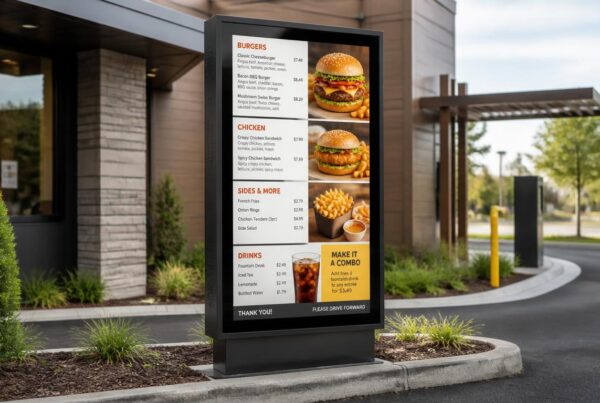
Digital displays are commonly utilized in retail businesses to showcase new arrivals, time-limited deals, product promotions, and seasonal promotions.
Simple promotional screens outside and more challenging video displays inside can be used by a store.
The needs of media players are determined by the type of content, i.e. whether it is a still image, short video, or interactive.
Brightness and equipment reliability are also important to window displays that are in operation all day long.
Corporate Offices and Educational Institutions
Corporate and educational signage is usually dedicated to communication and not direct sales.
The displays can include meeting-room schedules, visitor information, staff announcements, emergency notices, or campus updates.
A digital signage network player enables the central team to control the content in multiple departments or buildings.
Remote management and screen monitoring can be of use especially in these environments.
An IT crew will not have to visit all the screens every time a message is modified.
Small Businesses
For smaller organizations, cost is an important consideration.
Digital signage media players for small businesses do not necessarily need expensive processors or advanced graphics capabilities.
A small Android player might be utilized by a bakery that is showing daily deals. A compatible smart display could be used by a salon to show appointment reminders and promotions.
A preexisting computer with the appropriate signage software can also prove to be a cost-efficient solution.
The point is that it is necessary to select equipment that will be able to work with the real content.
It is generally better to start with proper hardware, rather than purchasing the most powerful device on the market.
How to Choose the Best Digital Signage Device for Your Business
Before selecting a player, it helps to answer a few practical questions.
What Content Will You Display?
A restaurant showing menu pictures does not need the same hardware as a retail business running multiple videos at the same time.
In case you intend to add animations, live information feeds, interactive content or high-resolution video, you must take a closer look at the processor and graphics specifications.
How Many Screens Will You Manage?
One screen is relatively straightforward.
With multiple screens in a single building, there is increased complexity. A network that spans across several locations needs to be well managed remotely and deliver content on a regular basis.
Decide whether to show the same content on the displays or different messages.
Such a decision will affect the hardware and software configuration.
How Important Is Offline Playback?
Not every business has a perfectly reliable internet connection.
An appropriate signage platform must have the capability of storing downloaded content locally such that the screen can still play its current playlist even when it loses connectivity.
Nevertheless, new information and updates might not be available in real time until the connection is restored.
Inquire of the providers about how their systems manage such situations.
What Does the Total Cost Include?
The purchase price is only one part of the investment.
Take into account hardware, software subscriptions, installation, electricity use, technical support, maintenance and replacement in the future.
A low-cost player can be appropriate for simple signage, but it becomes less appealing if it requires frequent maintenance.
The best media player for digital signage is the one that meets your performance requirements while remaining manageable over its expected operating life.
Why Nento Is Your Partner in Display Technology
When various screens, operating systems, players and software packages are put into consideration, the process of selecting a digital signage device can be confusing.
Nento assists businesses in putting these elements together.
Hardware and Software That Work Together
Nento provides digital signage management software and compatible player options that enable businesses to display and manage content using a centralized platform.
Instead of selecting equipment depending on the mere screen resolution, businesses can look at the entire package: display compatibility, type of content, scheduling, and remote management.
This method may prevent typical issues arising due to incompatibility of hardware and software.
Solutions for Different Business Environments
A restaurant requires rapid menu update and reliable playback daily. A retail outlet can emphasize more on the promotional content. An office might require information screens in several departments.
Nento assists the businesses in choosing the right solutions, according to these various needs.
Regardless of whether you have a small player that will be used on a single screen or a bigger signage system, it would be reasonable to begin with how the displays will actually be utilized.
Managing Content Across Multiple Locations
Signage can be made easier to scale using cloud-based control.
Businesses are able to organize screens based on location, remotely update content and pre-plan promotions.
A restaurant chain may post a seasonal campaign on all the outlets, and leave the individual stores to showcase their own prices or items.
The centralized content management applications of Nento are meant to accommodate such flexibility.
Support Beyond the Installation
The choice of hardware is just the start.
Businesses also need reliable content publishing, setup instructions and assistance when something is not working as expected.
Nento offers electronic signage products with a focus on easy management and support during the implementation and management process.
Ready to upgrade your screens? Nento provides top-tier digital signage player hardware and expert advice to ensure your message is seen, not buffered. Get a quote today!
Conclusion
An excellent digital display requires something more than a high-definition picture.
Behind each menu board, promotional display or information display is a system that will ensure that the right content is presented at the right time.
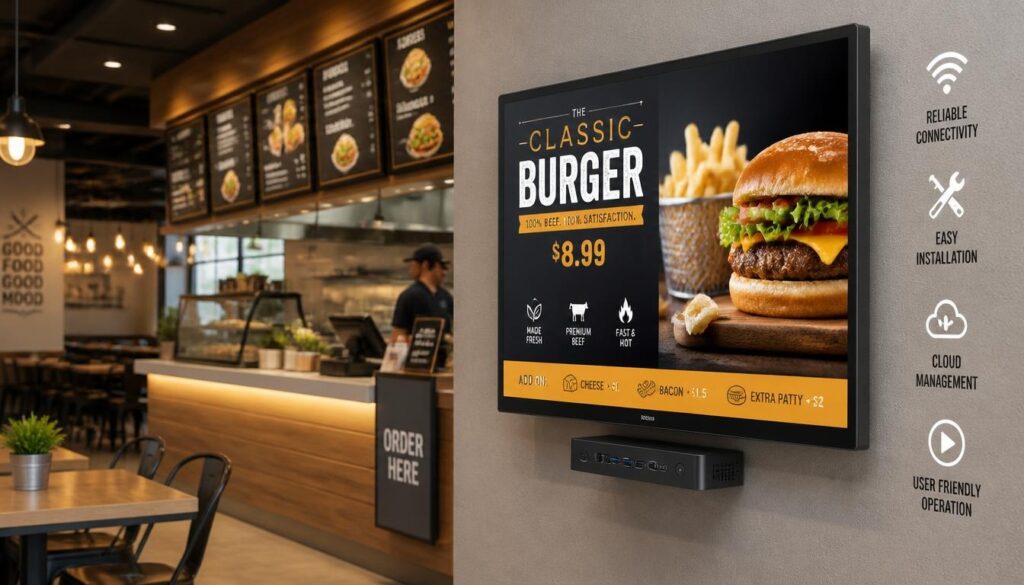
One of the components of that system is the digital signage device. It receives content from the content management system, processes it and sends it to the display, keeping the screen running throughout the day.
In the case of certain businesses, a small player or an in-built application will suffice. Others will require a more robust 4K digital signage media player, better connectivity, or hardware that can handle multiple independent displays.
No one device can be used in all situations.
The key is to choose hardware and software that fit your content, operating hours, budget, and future expansion plans.
A costly screen cannot be used to offset an untrustworthy player. Conversely, the appropriate device can be used to make a small display setup much more productive.
Put money in the system behind the screen and the screen itself will have a much better chance of doing its job well.
Frequently Asked Questions
Do I need a separate digital signage device if I have a smart TV?
Not necessarily. Some smart TVs and commercial displays directly support compatible signage applications.
Nonetheless, an external player might be a better option if the built-in hardware cannot run your preferred software or manage the content you need reliably.
To install professionally, verify application compatibility, supported operating hours, remote management capabilities and playback performance prior to making a decision.
What is the best media player for digital signage if I have a limited budget?
A low-end Android player, a compatible streaming device, or a computer with a signage application can be appropriate for a small budget.
The kind of digital signage media player that is to be used by small companies should be chosen based on the content that is to be displayed.
A basic slideshow does not require the same amount of processing power as a multi-video layout that is demanding. Ensure that the hardware selected can support the software you wish to use.
Can I use one player for multiple screens?
Yes, but this depends on the video outputs and software capabilities of the player.
Identical content can at times be reflected by a single player on multiple screens. A digital signage multi-display player can also display various content on multiple displays.
In the case of large video walls, more graphics capabilities or dedicated controllers might be needed.
Always ensure that the setup proposed can support independent displays or just duplicated output.
Is a 4K digital signage media player necessary?
Not always.
Assuming that your screens are 1080p and that you are viewing basic menus or images most of the time, then a good 1080p player will probably be all you need.
A 4K player will be more beneficial with 4K screens, high-resolution content, and material that needs more details.
But 4K output is not sufficient to ensure smooth playback. The processing power, video decoding, compatibility with software and the complexity of the content are also important.
What is the difference between a digital signage player device and a network player?
A digital signage player device is the hardware or integrated system that plays content on a display.
A digital signage network player has the same role but also connects to a network, allowing compatible software to update content remotely, schedule playback and provide centralized control.
Practically, a lot of contemporary signage players are capable of both functions. The language tends to focus on various abilities as opposed to a total division of product lines.