Introduction
The modern workplace is flooded with information. Employees are bombarded with emails, chat messages, meeting requests, intranet updates, HR messages, policy updates, and performance messages. However, even with all these avenues, many critical announcements are still overlooked.
This is the communication gap that many organizations face today. Emails get buried. Intranets are ignored. Bulletin boards become outdated. Hybrid teams are not connected. Deskless employees are often not in front of a laptop all day and, therefore, miss messages.
This is where digital signage for employee communication becomes a powerful workplace tool. Rather than having to depend solely on channels employees have to check regularly, digital signage places timely updates visually into the areas where people are already moving, working, waiting, and gathering.
Offices can be more connected, informed, and engaged with the help of strategically placed screens. Digital signage can make internal communication visible by turning HR updates, safety warnings, team wins, and real-time dashboards into part of the workplace culture.
Ready to transform your workplace? Explore Nento’s range of enterprise-grade digital signage solutions.
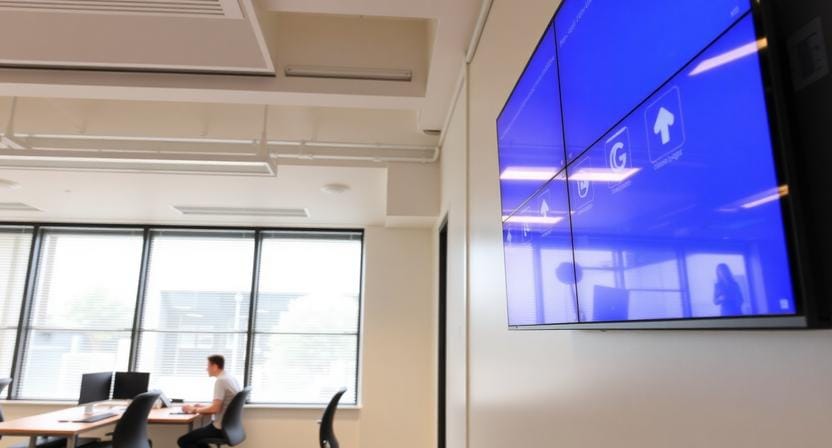
Why Traditional Internal Comms is Broken
The traditional internal communication channels are not useless, but they can no longer be relied on alone. Employees have been bombarded with information, and important updates often compete with dozens of other messages.
Email Overload
Many employees receive a large number of emails daily, and urgent messages may get lost in the flood of meeting requests, project discussions, newsletters, and automated messages. An email might not be remembered or acted on even after opening it.
This is frustrating for HR and internal communications teams: the message was delivered, but the message was not actually received.
Intranet Ignorance
Company portals are useful for storing files, policies, and resources, but they are not part of every employee’s daily communication routine. Most employees visit the intranet when they require something.
That renders intranets ineffective in terms of urgent updates, culture building, employee recognition, and real-time announcements.
The Deskless Gap
Many employees do not work at a desk all day. Manufacturing, retail, healthcare, warehouse, hospitality, and field employees may not be able to check email or internal platforms during shifts.
Digital signage for internal communications helps close that gap by placing updates in shared physical environments such as breakrooms, production floors, locker areas, cafeterias, lobbies, and staff corridors.
From Pull to Push Communication
Internal communication is traditionally based on employees pulling information through email, a portal, or shared folders. Digital signage transforms the model. It pushes information visually into employee spaces.
That shift is what makes internal communication with digital signage so effective: employees do not have to search for the message. The message appears where attention already exists.
“The best workplace communication does not wait to be found. It meets employees where they are.”
What is Digital Signage for Corporate Communications?
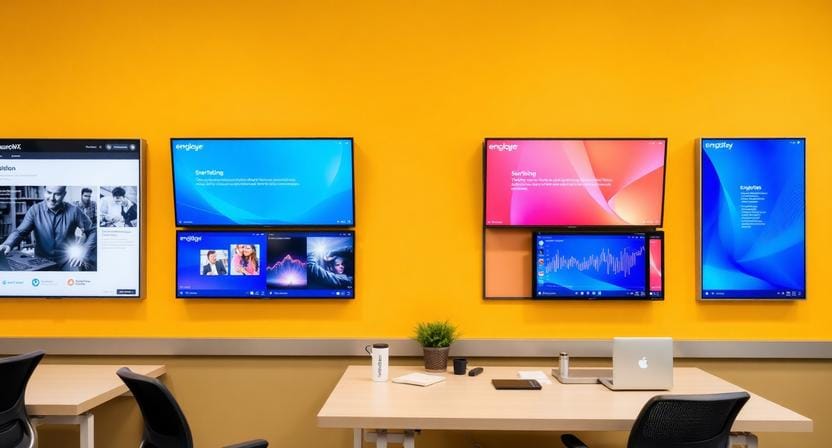
“Digital signage corporate communications” refers to using digital monitors to deliver company news, employee updates, KPIs, safety messages, HR reminders, and cultural content across the workplace.
These displays can be located in lobbies, break rooms, meeting rooms, elevators, production areas, cafeterias, reception areas, and open office spaces. They are centrally controlled by software that enables teams to schedule and update content quickly.
More Than Customer-Facing Advertising
Most companies consider digital signage as a customer-facing application: menu boards, retail promotions, hotel lobby screens, or advertising displays. But corporate communication digital signage serves a different purpose.
It works as an internal megaphone. It keeps employees informed, makes them focused, aware, recognized, and in touch with company priorities.
The Key Components
A good employee signage system has three key components:
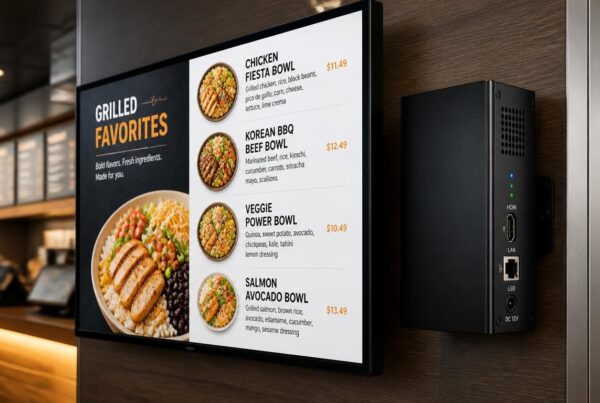
• Hardware: Screens, video walls, kiosks, or media players placed in high-traffic areas.
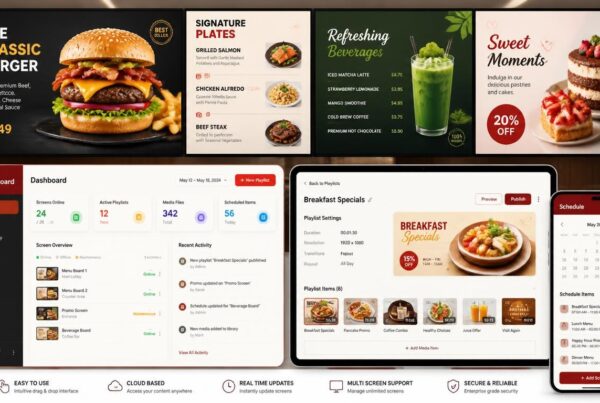
• Software: A content management platform, such as Nento, to create, schedule, and publish updates.
• Strategy: A clear plan for what to show, where to show it, and how often it should change.
This is what differentiates internal communications digital signage and simple screen playback. It is not merely about presenting slides. It is concerned with creating a purposeful workplace communication system.
Key Benefits of Digital Signage in Corporate Communications
The benefits of digital signage in corporate communications go beyond visual appeal. Signage can be used strategically to enhance attention, alignment, engagement, and communication speed.
1. Boosts Employee Engagement
Visual information is often more appealing than large blocks of text. Breakroom screens, office lobby screens, and shared screens can be used to showcase employee success, projects, company events, and team successes.
This makes digital signage employee engagement more than a buzzword. It becomes part of the everyday employee experience.
2. Improves Information Retention
Employees often remember visual messages more easily than plain text. Key messages are absorbed and remembered easily when they are shown repeatedly in the right places.
Information can be reinforced by a safety reminder on one of the production floors, a KPI dashboard in a sales office, or an open enrollment message in a breakroom without adding another email.
3. Reaches All Employee Segments
Employee digital signage is especially useful because it reaches different employee groups at once. Targeted messages can be displayed to deskless workers, HQ employees, frontline teams, visitors, and even hybrid employees as they enter shared spaces.
Screens in huddle rooms, break areas, and operational zones help extend communication beyond the inbox.
4. Drives Real-Time Urgency
Screens can be used to push messages when an urgent update is required. Crisis alerts, weather warnings, building closures, safety instructions, and emergency policy changes can be displayed on selected screens within seconds.
This makes signage useful in communication and safety in the workplace.
5. Strengthens Company Culture
Culture is built through visibility and repetition. Employee birthdays, promotions, project openings, customer wins, team accomplishments, and organizational values can be displayed on screens to strengthen belonging.
This is where employee engagement signage becomes powerful. It makes people feel seen.
6. Reduces Email Clutter
Not every update requires an email. General notices, culture updates, social updates, and frequent announcements can be placed on screens, and inboxes stay cleaner and more focused.
Experience these benefits firsthand. Start your free trial with Nento today.
Top Use Cases for Employee Digital Signage
Signage can be used in various ways by different departments. The most effective programs include both operational updates and HR communications, safety messages, and culture-building content.
Onboarding & Training
Onboarding schedules, welcome messages, training videos, company history, leadership introductions, and first-week reminders can be shown on the screens. This gives new employees a more professional and organized experience.
Reception areas and training rooms are ideal locations for onboarding content.
HR & Policy Updates
HR departments can send live messages about open enrollment periods, holidays, benefits, compliance, wellness, and company policy changes.
Instead of relying only on email, screens keep these messages visible throughout the workplace.
Sales Performance Walls
Signage can be used to display real-time targets, leaderboards, revenue progress, and team performance to sales teams. This can promote healthy competition and keep everyone focused on current objectives.
Safety & Emergency Alerts
Some of the most critical applications of corporate signage are safety communication. Screens can display evacuation routes, emergency procedures, wellness tips, hazard warnings, and real-time notifications.
This can assist in safer day-to-day operations in the manufacturing industry, healthcare, logistics, and facilities management.
Social & Cultural Hub
Screens can share employee spotlights, birthdays, work anniversaries, team photos, upcoming events, and informal office moments. These changes foster community and make the workplace more human.
Wayfinding & Navigation
Signage can be used in large offices, corporate campuses, hospitals, and multi-floor buildings to direct employees and visitors. Digital directories, room lists, and directional displays minimize confusion and interruptions at the front desk.
“When employees know where to go, what is happening, and who is being celebrated, the workplace feels more connected.”
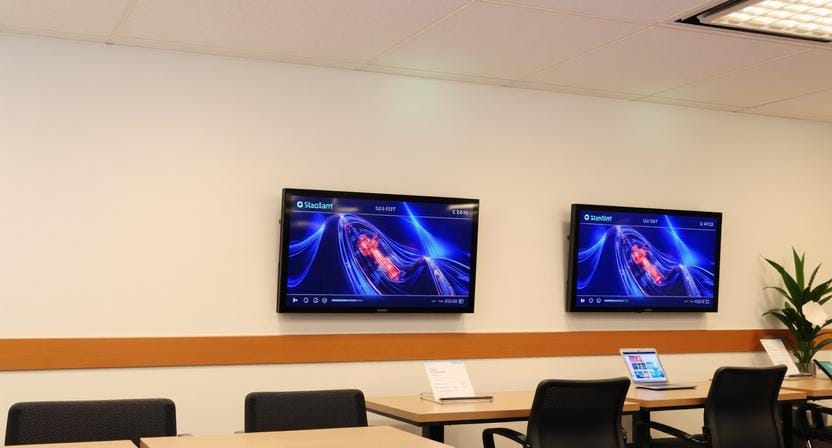
Implementing Digital Signage in Offices: A Step-by-Step Guide
Implementing digital signage in offices works best when the rollout is planned carefully. A screen network cannot be considered a one-time installation. It must be built as a communication system.
Step 1: Audit Your Communication Gaps
Begin by identifying where information breaks down. Are employees receiving HR updates? Do frontline teams not know what happens in the company? Are there safety reminders that are not being followed?
These gaps can be identified through employee surveys, manager feedback, and communication audits.
Step 2: Identify High-Traffic Zones
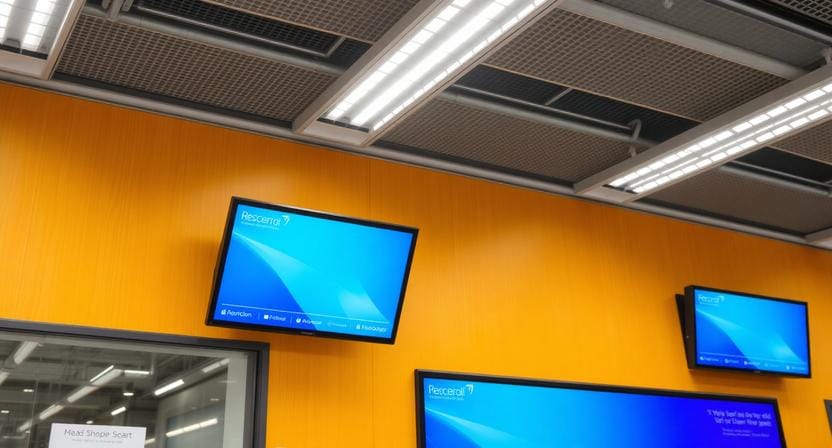
Place screens where employees are likely to take a break or walk by. Good locations are break rooms, elevators, lobbies, production floors, cafeterias, waiting areas, corridors, and meeting areas.
The right placement improves visibility without forcing employees to change behavior.
Step 3: Choose the Right Hardware
The size of the screen, brightness, resolution, and the way it is mounted should match the viewing distance and setting. A big lobby display requires different hardware than a small breakroom display.
A screen is only as effective as its placement and readability.
Step 4: Select a Robust Software Platform
Select cloud-based software that is simple for HR, internal communications, and facilities teams to use. The platform of Nento allows remote scheduling, templates, and content updates without being dependent on IT all the time.
Step 5: Develop a Content Strategy
Determine what appears, when it appears, and how often it changes. Combine announcements, recognition, safety messages, dashboards, and event reminders to make screens useful.
Step 6: Train Your Team
Give the right people control over content. HR is able to refresh benefits reminders. Company news can be published by communications teams. Operational alerts can be posted by facilities teams.
Role-based access can be used to maintain control while enabling faster updates.
Step 7: Measure & Optimize
Monitor staff responses, interactions, and content performance. Improve the plan based on what employees notice and use.
Need help with implementation? Nento’s experts are here to guide you every step of the way.
Best Practices for Corporate Communication Digital Signage
Effective corporate digital signage communications depend on clarity, freshness, and relevance. The goal is not to fill every screen with as much information as possible. The aim is to ensure that key messages are easily noticed and understood.
• Keep it fresh: Stale content causes screen blindness. Refresh content at least once a week, and publish time-sensitive messages in real time.
• Use less text: Use short and scannable messages. Employees should understand the key message in a few seconds.
• Follow the 3×5 rule: Aim for content that can be read in about 3 seconds from about 5 feet away.
• Mix content types: Swap between short videos, still images, countdowns, live feeds, dashboards, and announcements to keep screens visually engaging.
• Involve employees: Provide employees with the opportunity to post birthdays, project wins, photos, recognition moments, or team updates. Participation increases buy-in.
• Schedule strategically: Morning content may be on motivation and priorities. Lunchtime content can show events and reminders. Afternoon content can show metrics or updates.
• Integrate with workplace tools: Integrate signage with Slack, Teams, SharePoint, Google Calendar, HR systems, or spreadsheets to automate updates and minimize manual work.
“The most effective screens feel current, useful, and connected to the rhythm of the workplace.”
Common Mistakes to Avoid
Digital signage will not work when companies treat it as a technology project instead of a communication project. These are some of the pitfalls to avoid.
Mistake 1: Treating Signage as a One-Time Setup
A screen is not a poster. It needs an ongoing content plan. When it is not regularly updated, employees cease to notice it.
Mistake 2: Displaying Generic Content
Generic messages rarely work for specific departments or employee groups. A sales team, production team, and HR team may each need different content.
Mistake 3: Ignoring Accessibility
Poor color choices, low contrast, and small fonts make content difficult to read. Use accessible design to enable more employees to take advantage of the message.
Mistake 4: Overcrowding Screens
Excess information is perplexing. A single screen should not try to convey five different messages simultaneously.
Mistake 5: Forgetting to Measure ROI
Monitor feedback, engagement, and communication results. Without measurement, it is difficult to prove value or improve the content strategy.
How Nento Simplifies Digital Signage for Internal Communications
Nento assists organizations to transform screens into an effective internal communication network. Nento offers an easy-to-use platform designed for teams and for organizations that need speed, consistency, and control without complex tools or IT-intensive processes.
Key Features
Intuitive drag-and-drop CMS: Non-technical users are able to create and publish content without coding or design experience.
Cloud-based management: Teams can schedule and update the content remotely across various screens, offices, or locations.
Real-time updates: Updates can be pushed in real time across connected screens.
Pre-built templates: Announcements, HR updates, recognition, and event reminders can be created quickly.
Analytics dashboard: Teams will be able to monitor performance and understand what content is performing best.
24/7 support: Customer service and account managers assist organizations with ensuring that the communication is running smoothly.
Why Nento Works for Corporate Teams
Nento is built for enterprises that need reliable corporate communications and digital signage without unnecessary complexity. It helps HR, internal communications, and facilities teams streamline content, reduce manual work, and improve visibility across the workplace.
Join hundreds of companies transforming internal comms. Get a personalized demo from Nento now.
Frequently Asked Questions
What is digital signage for employee communication?
It refers to using digital displays, such as video walls or kiosks installed in workplace settings, to share internal news, announcements, metrics, safety messages, and cultural content with employees in real-time.
How does digital signage improve employee engagement?
Visuals are often more engaging than emails or text-heavy announcements. It establishes common experiences, shares wins across the organization, and ensures employees remain focused on company objectives, enhancing the effectiveness of employee engagement signage.
Can digital signage reach deskless or remote employees?
Yes. In the case of deskless employees, the screens can be installed in breakrooms, locker rooms, production floors, and corridors. In case of remote teams, huddle rooms or shared offices can use signage, or digital signage apps can be used on personal devices.
What type of content works best for internal digital signage?
Brief announcements, staff highlights, real-time metrics, safety notices, event countdowns, inspirational quotes, policy notices, and company updates are effective. Avoid long paragraphs or complicated data.
How much does implementing digital signage in offices cost?
The cost is determined by the number of screens, their size, type of hardware, mounting requirements, and software subscription. Nento has flexible pricing packages that are customized to the organization’s size and communication requirements.
Is digital signage difficult to manage?
Not with the right platform. The cloud-based CMS by Nento enables non-technical personnel to create, schedule, and publish content from anywhere in minutes.
How do I measure the ROI of corporate communication digital signage?
Track employee survey results, email volume, intranet usage, interaction with internal campaigns, and screen content analytics (views or screen dwell time).
Can I integrate digital signage with existing tools like Slack or Teams?
Yes. The Nento platform can be connected to collaboration tools, calendars, HR systems, and live feeds to automate content updates and ensure information is up-to-date.
How often should I update content on employee digital signage?
Content should be updated daily, or at least weekly. Time-sensitive content, such as lunch menus, event reminders, alerts, and daily metrics, should be updated in real time.
What hardware do I need for digital signage corporate communications?
You will require commercial-grade displays or appropriate TVs, media players or built-in smart capabilities, and mounting materials. Depending on your space, audience, and location of your screens, Nento can advise you on the best setup.
Conclusion
The workplace is changing, and digital signage for employee communication is no longer a luxury. It is becoming a practical necessity of organizations desiring quicker updates, stronger culture, better alignment, and more connected teams.
Screens are no longer just displays. They are silent communication partners that make crucial messages visible, recognize individuals, promote safety, and keep everyone updated.
With Nento, companies can simplify internal communication, reach more employees, and create a workplace that will feel connected day in, day out.
Don’t let your internal messages go unnoticed. Partner with Nento to build a connected, engaged, and informed workforce. Contact us today for a free consultation.