Introduction
The contemporary customer wants fast, precise, and customized service. They do not wish to stand in long queues while making decisions on what to order. They do not wish to view an item on the menu screen and then hear from the cashier that it is out of stock. Nor do they desire price discrepancies between the menu board and the checkout counter.
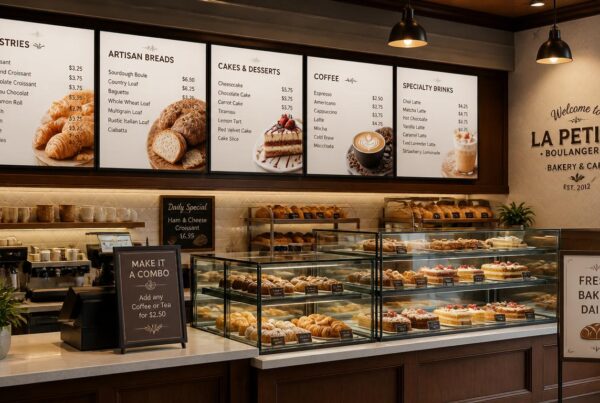
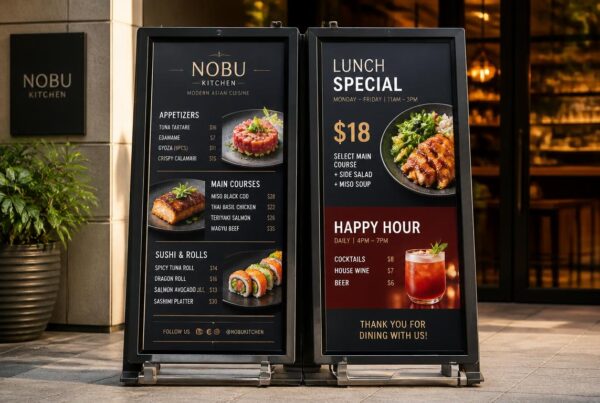
Here, POS integration for digital signage offers significant benefits to restaurants, cafes, QSRs, franchises, and retail foodservice brands. The use of static menu boards and disconnected screens is no more. Unless your digital screens are connected with your sales and inventory system, they may soon be obsolete.
Unlinked systems cause actual business issues: incorrect prices, sold-out products still displayed on the screens, increased waiting times, angry customers, and additional efforts by employees. Digital menus can be contemporary, but unless they are integrated, they still rely on manual updates.
POS integration links your front-of-house screens to your back-end sales system. This implies that prices, product names, menu availability, promotions, and inventory status can automatically update on your displays. Your screens are made smarter, faster, and more reliable with the proper setup.
Digital menu boards POS integration is no longer a luxury for growing businesses. It is a convenient means to minimize mistakes, speed up order processing, enhance upselling, and better decision-making based on actual sales data.
Ready to ditch the static menus? Discover how Nento’s intelligent integration can transform your locations today.
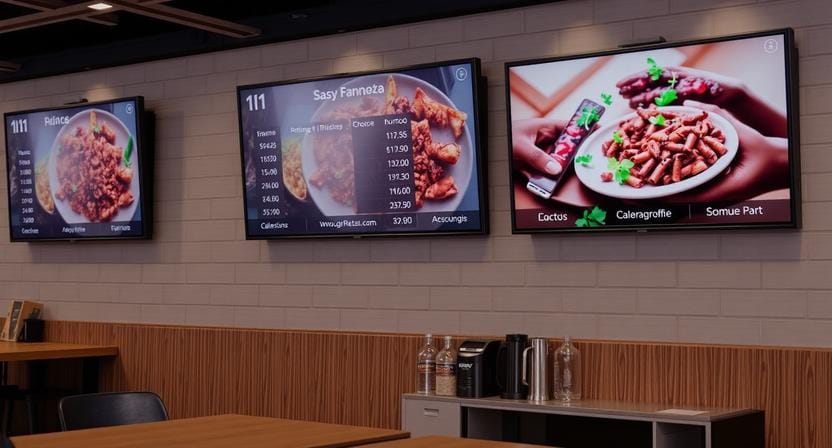
What is POS integration for digital signage?
Many restaurant owners may ask themselves, “What is a POS digital signage setup?” before they decide on the system.
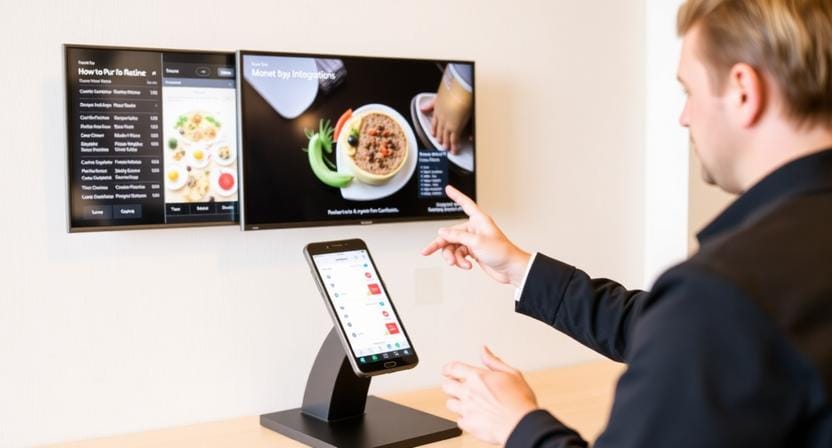
Digital signage POS integration refers to a technical linkage between your digital screens and your point-of-sale system. Your POS handles transactions, pricing, menu items, inventory levels, modifiers, and sales information. The menu, promotions, offers, and graphic content that customers view appear on your digital signage.
In case the two systems are integrated, they will communicate automatically.
How It Works
Imagine your online menu board as a dynamic mirror of your POS database. When you edit the price of a burger in your POS, the screen also updates. When an item is sold out, it is removed or greyed out on the display. Should a new combo be added, it can be displayed on the screen without having to be redesigned manually.
This is what POS signage is all about. The display is not simply displaying a fixed design. It is controlled by live sales data.
Key Terms to Know
A digital POS system is the program that handles the sales transactions, payments, inventory, and product information.
POS signage refers to computer displays that are driven or manipulated by POS data.
Digital signage integration refers to integration between your signage platform and other business systems, including POS, inventory, CRM, or online ordering tools.
The greatest advantage is simple: you have to update the POS once, and the screens will update automatically.
“The best digital menu is not just beautiful. It is accurate, synced, and always current.”
Key Benefits of POS Data Integration for Digital Menu Boards
The value of POS data integration for digital menu board systems is not only technical. It directly affects daily operations, customer experience, and sales performance.
1. Real-Time Inventory Management
Ordering out-of-stock products is one of the most annoying customer experiences. With integrated signage, sold-out items can be automatically removed or greyed out.
To illustrate, when a popular dessert is sold out during the dinner rush, the POS can update inventory status, and the digital menu board can update instantly. This will help eliminate confusion, minimize the number of refunds, and save the staff the hassle of having to explain the same thing to the customers.
2. Dynamic Dayparting
There are usually various menus served in restaurants during the day. There may be a need to have different prices, products, and promotions for breakfast, lunch, dinner, happy hour, and late-night menus.
Menus can be automatically changed depending on time, place, and availability with POS integration. Breakfast can end and lunch can start without employees having to switch screens manually.
This ensures that the customer-facing menu is in line with what the kitchen is actually serving.
3. More Intelligent Upselling and Suggestive Selling
Sales data can be used by integrated systems to market high-margin or high-demand items when it is the right time. In case iced drinks are selling better in the afternoon, the display can be used to showcase them at the best times. When a combo has good margins, it can be provided with a better screen position.
This answers a common business question: how does digital signage improve order processing? It guides the customer’s eye toward ready, available, and profitable items before they reach the register.
When customers decide faster, lines move faster.
4. Centralized Control for Multi-Location Brands
In the case of franchises and multi-location restaurants, consistency is challenging. One branch can have old pricing, another branch may have old promotions, and another branch may leave sold-out products unchanged.
Nento focuses on solutions for integrating digital graphics into multi-location signage, which allows brands to have a centralized means to control menus and promotions yet leave location-related pricing or tax modifications.
This can be used to ensure brand consistency among cities, states, or regions.
5. Fewer Errors
Manual updates leave space for errors. An employee can enter the incorrect price, fail to refresh one of the screens, or leave an expired promotion after it has expired.
These problems are minimized by the use of integrated signage. Prices, product names, and availability are obtained directly from the POS, and therefore, there are fewer typos, fewer mismatches, and fewer customer complaints.
How Does Digital Signage Improve Order Processing?
The POS terminal is not the only concern in order processing. It starts with the initial glance at the menu by the customer. When the display is clear, precise, and well organized, the customer can make a decision quicker.
The Speed Factor
At the counter, customers tend to move slowly as they are yet to make a decision. A digital menu board will lessen this wait time by displaying the most crucial items in an easy-to-read format in front of the customer before they get to the cashier.
This can be further enhanced by integrated menu boards since only what is available is displayed. There is no time lost by customers selecting sold-out products or requesting employees to verify prices.
Kitchen Integration
With an integrated restaurant workflow, orders are passed on to the kitchen display system quickly. The front-end menu, cashier interface, and kitchen workflow are harmonized.
This assists in minimizing bottlenecks since the customer is able to see the same items that the cashier can select and the kitchen can cook.
Speed is currency in the digital dining point of sale world. Ensure your systems are lightning fast with Nento’s integration solutions.
Order Accuracy
Digital screens minimize misunderstandings among the customers, cashiers, and kitchen staff. With the menu board showing the same information as the POS, there is less opportunity for issues with what the screen said.
This enhances trust and makes the ordering process easier.
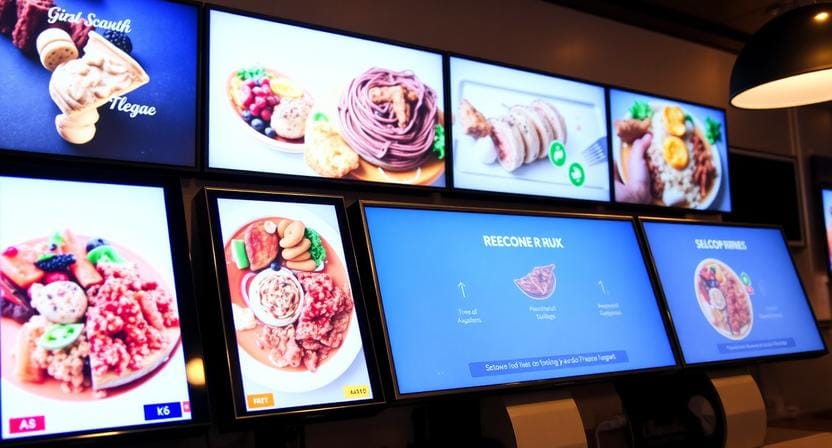
The Digital Dining Point of Sale Revolution
The POS in the restaurant has developed. It has ceased to be a payment terminal. The contemporary digital dining point of sale relates to ordering, inventory, customer experience, menu visibility, and promotional strategy.
Cashier to Host
Restaurants are not only moving away from a cashier-led model but also towards a more experience-led model. Employees remain a key factor, though digital systems are now aiding the guest experience before the counter.
Menus, entertainment, stories about the products, ambiance content, limited-time offers, and advertising can be displayed digitally. They assist customers in making decisions, and the staff can concentrate on speed and service.
Smarter Guest Experience
Sales metrics can be used to promote items through digital point-of-sale displays. As an illustration, when customers who purchase chicken sandwiches usually order a particular drink, the screen can suggest that drink during the peak time.
This makes the POS more than a transaction system. It is used as an intelligence source for customer-facing content.
Data-Driven Promotion
Sales information can reveal what is purchased, when it is purchased, and what sells best. The information can then be used to influence what is displayed on the screen.
Rather than relying on judgment about the kind of promotion to run, restaurants can rely on actual buying behavior to guide them to make smarter display decisions.
“The future of restaurant signage is not separate from sales data. It is powered by it.”
Overcoming Challenges: Solutions for Multi-Location Integration
Integration of POS and signage can be powerful, but the implementation requires the appropriate technical strategy. This is particularly true for chains, franchises, and brands that have an older system.
Legacy POS Systems
The older POS systems might not be easily integrated with new signage systems. They can be based on CSV exports, restricted access to data, or custom database designs.
One such provider is Nento, which can provide API support and compatibility with popular POS services, depending on the setup. In the case of legacy systems, API connectors might have to be custom-written.
Brand Standardization
Multi-location companies require uniformity. Menus must appear identical, brand colors must be consistent, and promotions must be in approved designs.
Meanwhile, various prices, taxes, availability, or regional offers may be required at each location. Nento assists in centralizing control and localizing flexibility among digital point-of-sale displays.
Network Reliability
A powerful system must also account for internet problems. In case of a drop in connection, the screens should not become blank. Quality digital signage integration also incorporates offline caching or buffering, thus allowing the previous menu to keep on showing until the connection is reestablished.
This safeguards the customer experience at busy times.
Best Practices for Implementing Digital POS System Integration
An effective digital POS system integration must be well planned. It is not only about connecting systems, but it is about the development of a stable workflow, which will be used by the staff members without confusion.
1. Audit Your POS
The first step is to ensure that your POS is able to export data in CSV, XML, API, or any other format that is supported by the signage platform. This defines the ease with which it can be linked to your signage system.
Additionally, check which fields are of the greatest interest: item names, prices, descriptions, modifiers, stock status, tax regulations, and categories.
2. Design for Readability
Automatic updates are beneficial, and the screen design should handle them appropriately. The layout should not be disrupted by longer names of items, changes in prices, and sold-out tags.
Your online menu should be adaptable to remain clean even when the data is altered.
3. Test the Lag
Integration in real-time must be quick. When a certain item is out of stock, it should not take five or ten minutes to disappear from the screen. Determine the speed of changes between the POS and signage system.
The most important thing is speed when service is at its peak.
4. Train Staff
Employees should be aware of the system behavior. When they mark that an item is not available in the POS, they ought to be aware that it might disappear from the display screen facing the customer.
Training prevents misunderstandings and gives the employees confidence in the linked workflow.
5. Monitor Performance
Monitor post-launch technical and business performance. Monitor screen uptime, accuracy of updates, order speed, customer complaints, upsell uptake, and staff feedback.
This assists in enhancing the system in the long run.
Frequently Asked Questions
Can I integrate digital signage with any POS system?
Not all POS systems are equally integrated. Nonetheless, there are current solutions such as Nento that provide pre-integrated support for popular systems, including Toast, Square, Clover, Revel, and Oracle. A custom API connector may be possible, in case you are using a legacy system.
Does the digital menu board update automatically when the price changes?
Yes. When you adjust the price in your POS system, the integration synchronizes the information with the digital signage in real time and assists in keeping the prices across the screens and checkout systems aligned.
What happens if my POS goes offline?
High-quality digital signage integration solutions store the latest available information. Your screen may continue displaying the last known prices and menu details until the connection is re-established.
How does POS integration affect drive-thru times?
POS integration enhances drive-thru speed by ensuring that menu boards are updated to reflect available inventory and up-to-date prices. Customers identify items and combinations more quickly, and cashiers are able to work more effectively, as the menu is the same as the POS.
Is it difficult to manage this for multi-location signage?
Not if you are using a cloud-based solution. Nento enables you to operate all locations from a single dashboard, use various price lists by area or tax jurisdiction, and ensure brand consistency across all screens.
Conclusion & The Future of Retail
Digital signage with POS integration no longer remains a luxury. Restaurants and retail foodservice businesses are finding it increasingly necessary to become faster, more precise, more effective in upselling, and more able to control their operations.
When your POS, inventory, and digital screens are integrated, your customers will be able to view the correct menu, the staff will have fewer corrections, and the managers will have better control of the locations. The outcome is easier ordering and reduced lost sales.
Smarter integration will come in the future. AI-based recommendations can modify the promotions according to weather conditions, past order history, stock, customer needs, and time of day. Screens will not merely show menus but will also respond intelligently to what is going on in the business.
It was not today but yesterday that you should have begun to optimize your digital POS system. Now is the second-best time.
Don’t let outdated tech cost you a single dollar. Visit Nento’s website to see a demo of how our seamless integration can automate your operations and support your bottom line.