Introduction
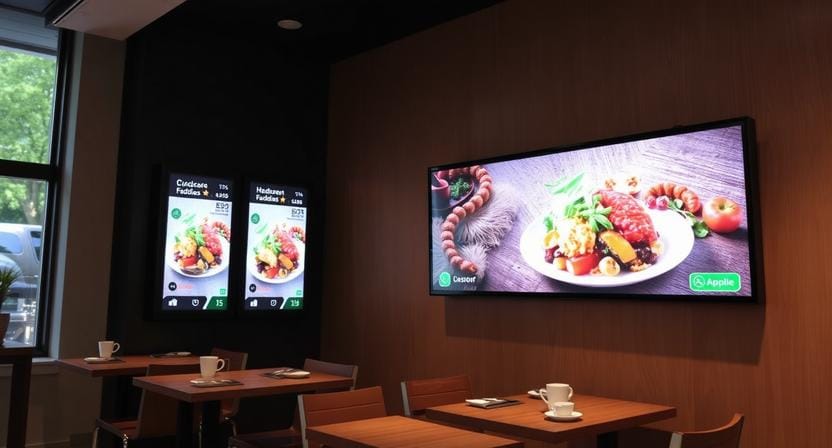
Businesses are shifting away from fixed posters and towards the dynamic screens due to the fact that attention spans are shorter and that updates need to happen at a faster rate. Android is at the forefront of that change since it will reduce cost, lessen the friction of setup, and make digital signage available to teams that lack a dedicated IT department.
“When content changes weekly, printing becomes a bottleneck.”
A lot of small business owners continue to think that digital signage is costly or involves complicated infrastructure. The truth is that one of the most cost-effective and versatile methods to modernize communication is Android digital signage—whether you own a cafe, a retail shop, a salon, or a small franchise.
This guide explains how Android-based systems operate, what features are important, and how Nento makes the experience easy with reliable Android-based digital signage software and easy installation.
Ready to simplify your screens? Explore Nento’s Android digital signage solutions for small businesses.
What Is Android Digital Signage?
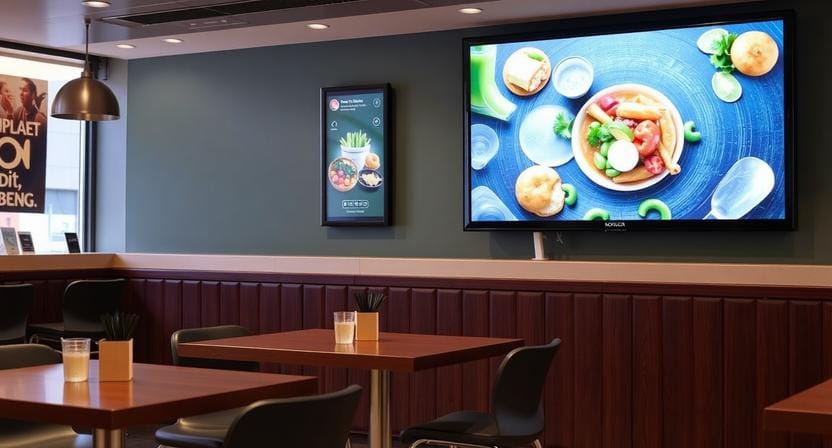
Android digital signage refers to the utilization of Android OS-based devices like media players, sticks, and smart displays to control digital screens. Rather than Windows PCs or proprietary hardware, Android signage relies on compact media players that are easier to deploy and are often cheaper.
Operation simplicity is the most important distinguishing factor. Android devices can be updated more easily, replaced more easily, and standardized more easily across locations. The brains behind the screen are the Android digital signage software, which dictates what plays, when it plays, and how the screens can be managed remotely.
Why Choose an Android Digital Signage Player?
A specialized Android digital signage player is designed for uptime and predictable playback. Although consumer Android TV boxes may be suitable when used in a basic manner, they may be less reliable, and management controls may be limited when used in a professional setting.
A commercial Android digital signage media player is usually more stable, remotely manageable, and offers 4K playback. This is important when screens are used in bright environments and needs to be predictable, especially in retail and restaurant settings where downtime is conspicuous and expensive.
The simplest example is to match a player with Nento: install the app, connect the device, and publish content in a couple of clicks without building a complex IT stack.
“The player determines reliability; the platform determines control.”
Key Features of Android-Based Digital Signage Software
With powerful Android-based digital signage software, publishing and management should be easy and scalable.
Cloud-based scheduling enables you to schedule different playlists based on time of day, day of week, or campaign window. An android digital signage app can be easily updated from a phone, even when not on-site, which is easy thanks to app-based control.
Interactive kiosks can be supported by touchscreens, and real-time updates can make instant changes to promotions or announcements. Stability: Offline playback is essential to maintain stability—the content should continue to play even when the Wi-Fi is unavailable temporarily.
Android digital signage open-source options were also mentioned in the outline. Open source may be applicable to DIY teams, but at the cost of maintenance, security work, and limited support. Business platforms such as Nento are designed so that businesses can get templates, monitoring, and support when something goes wrong.
“Open source saves license cost but often increases operational cost.”
Best Android Digital Signage for Small Businesses
In the case of small businesses, the most appropriate signage system is one that would be simple to use on a daily basis. Android-based deployments are popular since it is a low-cost entry point for restaurants, retail stores, salons, cafes, and other local services.
There is no need to have long-term contracts or even costly hardware stacks to begin with. A bare-bones setup plus a reliable software platform can produce professional output and scale later as you add more displays.
See why local shops choose Nento—get started with a free trial of the best Android digital signage today.
How to Choose the Right Android Digital Signage Display
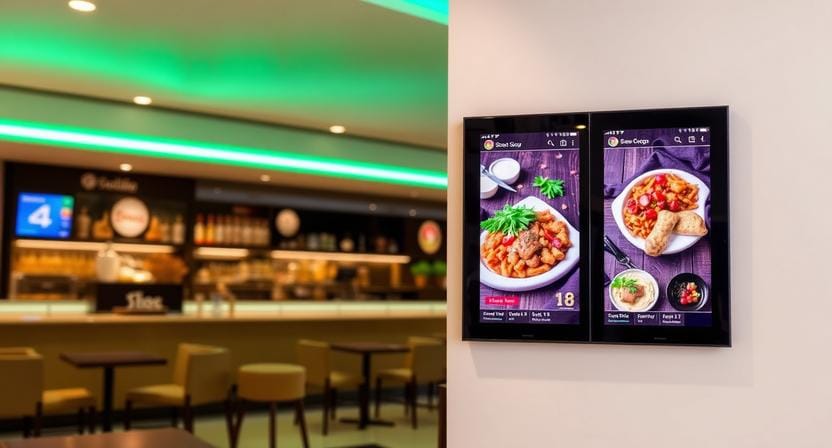
The decision to select the appropriate android digital signage display is based on placement and how people will view it.
The size of the screen must be equivalent to the viewing distance: larger screens will be used in lobbies and storefronts; smaller screens will be used in shelf areas or counters. The orientation (landscape vs. portrait) should match your content structure—menus and promos tend to work in landscape, and directory-like layouts work well in portrait.
The difference between indoor and outdoor ratings is significant since outdoor displays should be brighter and more weather-resistant. If you need touch, consider a touch-enabled display; otherwise, a non-touch display is less expensive and easier to deploy. Your display must work with Android players and support stable HDMI input and consistent uptime.
Comparing Top Android Digital Signage Software
In exploring the best android digital signage platform, it is important to look at how the platform works in practice, rather than merely looking at a list of features.
Find ease of use, templates, scheduling, and integrations (weather, social feeds, and RSS). Remote monitoring is important as it informs you when a screen has gone offline or frozen or is misconfigured. Nento is unique in that it allows users to drag-and-drop objects and remotely monitor them to enable small teams to operate like larger teams.
One more risk that should be mentioned in relation to open source is the lack of support, the responsibility to patch, and the increased risk of security breaches in case the patches aren’t maintained. In the case of most businesses’ reliability and support matter more than free software.
“If signage is customer-facing, uptime is the real KPI.”
Step-by-Step Setup: From Android Digital Signage App to Live Screen
Step 1: Choose your android digital signage media player
Choose a device that is built for continuous playback and has a stable operation.
Step 2: Install digital signage software Android.
Install via the Play Store or APK, based on how you are going to deploy it.
Step 3: Pair with your Nento account
Pair the player with your dashboard so you can control content remotely.
Step 4: Upload content and publish
Upload your visuals, set up the playback, and push the playlist to your screen.
“Setup should feel like onboarding a device—not building a system.”
Common Use Cases for Android Digital Signage
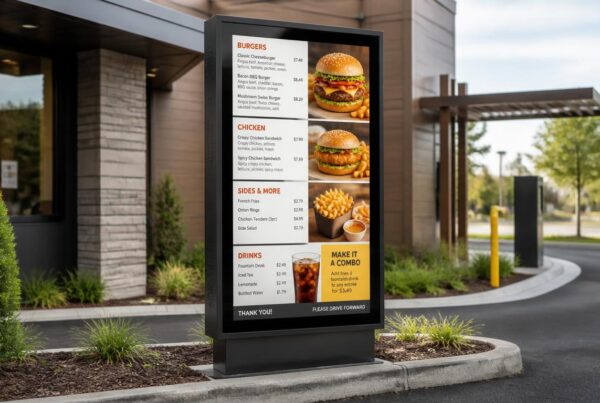
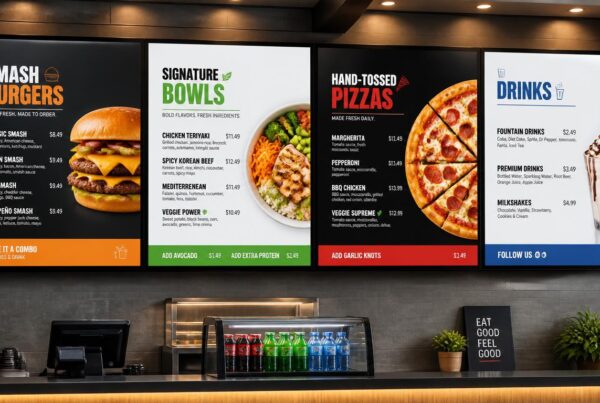
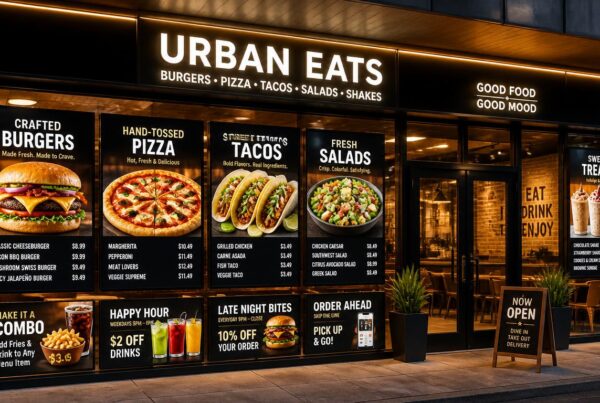
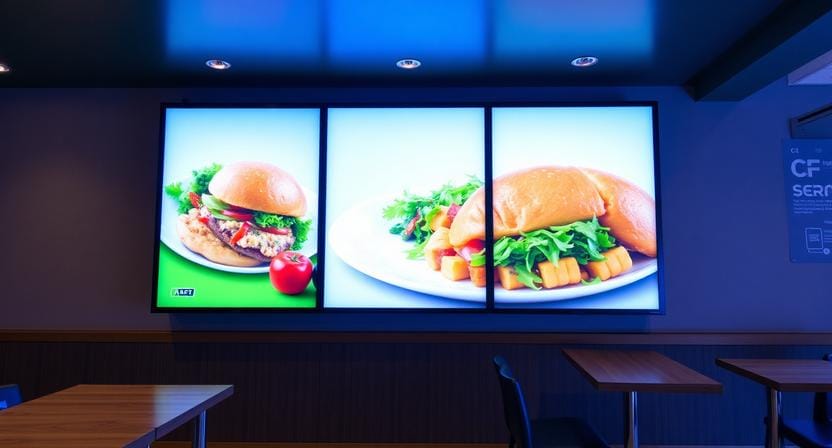
Android signage is also commonly used to display restaurant menus, retail promotions and loyalty displays, corporate internal communications, and waiting room entertainment. The unifying factor is simplicity: these settings require uncomplicated communication and rapid updates with no technical clutter.
Troubleshooting & Tips for Android Digital Signage
Always ensure your Android digital signage player is updated in order to be stable and secure. Long-run memory issues can be reduced with scheduled reboots, particularly when it comes to 24/7 displays. Optimize media too: properly sized images and compressed video reduce playback strain—especially on devices with limited memory.
“Most signage failures aren’t content issues—they’re device hygiene issues.”
Frequently Asked Questions (FAQs)
Is Android digital signage reliable for 24/7 operation?
Yes, using commercial-grade Android digital signage media players with proper ventilation, they can run 24/7. Nento hardware is stress-tested for 24/7 use.
Can I use my existing Android TV as a digital signage display?
It is perhaps possible, but the consumer TVs often lack remote management and scheduling. In business applications, pair Android digital signage software with a dedicated player or the display recommended by Nento.
What’s the difference between free, open-source, and paid Android digital signage software?
Open-source signage software gives you code freedom but often lacks templates, security updates, and support. Paid platforms like Nento provide drag-and-drop, cloud-based backup, and chat services.
How much does an Android digital signage system cost for a small business?
Entry-level: Entry-level: $50–$150 for a player + monthly software fee (e.g., Nento starts at $X/screen). Much lower than Windows-based systems.
Can I manage multiple screens from one account?
Absolutely. Most Android digital signage software, such as Nento, allows you to group, schedule, and monitor hundreds of screens remotely.
Conclusion
Android digital signage has become one of the smartest solutions to be used by small to medium businesses due to its affordability, flexibility, and ease in deployment compared to the traditional systems. Android in combination with the appropriate platform makes it a trusted means of communication that does not require manual updating all the time.
Nento makes installation simple, supports reliable players, and backs it with real support so that small teams can run signage like professionals. Stop printing posters and start running modern screens powered by Android.
Ready to launch your first screen? Visit Nento to choose your Android digital signage player and start your free trial today.