
Introduction
You know the problem: the menu is again out of date, the lobby screen is still advertising the announcement of last month, or the retail display is still advertising a campaign that ended days ago. The screen is there. The opportunity is there. However, the software behind it is slowing it all down.
Choosing the best digital signage software should make screen management simpler, not harder. when the best digital signage software is chosen. However, many businesses make the same mistakes: they spend too much money on the features they never use, use platforms with a lousy interface, or purchase software that is compatible with only one operating system or device type.
The correct platform must be easy to use, scalable, and robust enough to expand with your business. It is in this respect that Nento excels. It gives businesses an easy way to design, schedule, update, and manage displays without having to hire a full IT department or go through a complicated onboarding process.
At the conclusion of this guide, you will be aware of what features to consider, how to compare the best digital signage software, and why Nento is a strong final choice for businesses that desire reliable, contemporary, and interactive screen communication.
Struggling to pick the right platform? Explore Nento’s features here.

What Makes the “Best” Digital Signage Software?
So, what is the best digital signage software? There is no single answer. The best option depends on your industry, number of screens, budget, technical capabilities, and content objectives. A restaurant requires a quick menu change. A hotel needs lobby communication. A corporate office needs dashboards and internal communication. A retailer needs promotions that are easy to change.
Still, every strong platform shares a few core qualities.
Ease of Use
The best software should not require coding or constant technical assistance. A drag-and-drop editor simplifies updating content by enabling business owners, marketers, managers, and front desk teams to do so with confidence. When your team does not use the platform because it feels too complicated, the software is already failing.
Hardware Compatibility
An excellent system must accommodate typical devices like Android, Windows, Fire OS, smart TVs, and professional media players. Unless there is a serious operational reason, businesses should not be forced to use the costly proprietary hardware.
Cloud vs. On-Premise
Cloud-based digital signage software solutions are typically more suitable for growing businesses because they can be updated remotely, managed across multiple locations, and scaled more easily. On-premise systems can be effective in highly controlled environments, but they can be more IT-intensive.
Interactivity
The market is moving away from static content to touch-screen displays, QR codes, digital catalogs, and interactive wayfinding. This is why interactive digital signage software is becoming more important for businesses that want viewers to act, not just look.
The Nento Advantage
Nento meets these requirements by incorporating ease of use, device flexibility, cloud control, and interactive features. It is created to enable companies to publish polished content in a short period and keep long-term screen management straightforward.
“The best software is not the one with the longest feature list. It is the one your team can actually use every day.”
The Must-Have Features for 2026
Modern signage is no longer just about posting a slideshow. Companies require software that can design, schedule, update, integrate, measure, and customize content. These digital signage software features should be considered essential.
Design Flexibility
Strong digital signage design software should give users both speed and control. Templates allow teams to build content fast, and a custom canvas lets them have more flexibility in the brand-specific layouts. The most attractive platforms provide both.
A menu board template may be required by a restaurant. A corporate office may need a KPI dashboard layout. A retailer might require promo areas, video areas, and QR code blocks. Design flexibility assists every business to generate content that suits the actual environment.
Content Scheduling
One of the most significant features in terms of the daily operations is scheduling. Multi-zone layouts and dayparting are especially useful, particularly in restaurants, cafés, hotels, schools, and offices.
To illustrate, a restaurant can display breakfast in the morning, lunch specials in the afternoon, and dinner offers in the evening. A corporate lobby can display welcome messages during visitor hours and internal updates at the end of the day.
Real-Time Updates
A dependable platform should let you update a single screen—or 50 locations—in a few seconds. This is important when there is a change in prices, inventory changes, meetings change rooms, or emergent announcements must be published immediately.
Live updates eliminate the old system of USB drives, manual uploads, and location-by-location changes.
Interactive Capabilities
Interactive features turn displays into action points. Viewers can take action by using QR codes, touch-screen overlays, feedback forms, maps, and product catalogs. Interactive digital signage software is more beneficial in this case compared to simple display tools.
Analytics
You cannot improve what you cannot measure. Analytics helps to monitor the dwell time, engagement, QR scans, content performance, and viewer interaction. Reporting tools cannot be ignored by businesses that want to prove ROI.
Integration
A modern platform should connect with CMS tools, POS systems, calendars, spreadsheets, social media, weather apps, inventory systems, and third-party APIs. Integration minimizes manual labor and assists screens to show relevant information at the right time.
Top 5 Digital Signage Software Categories
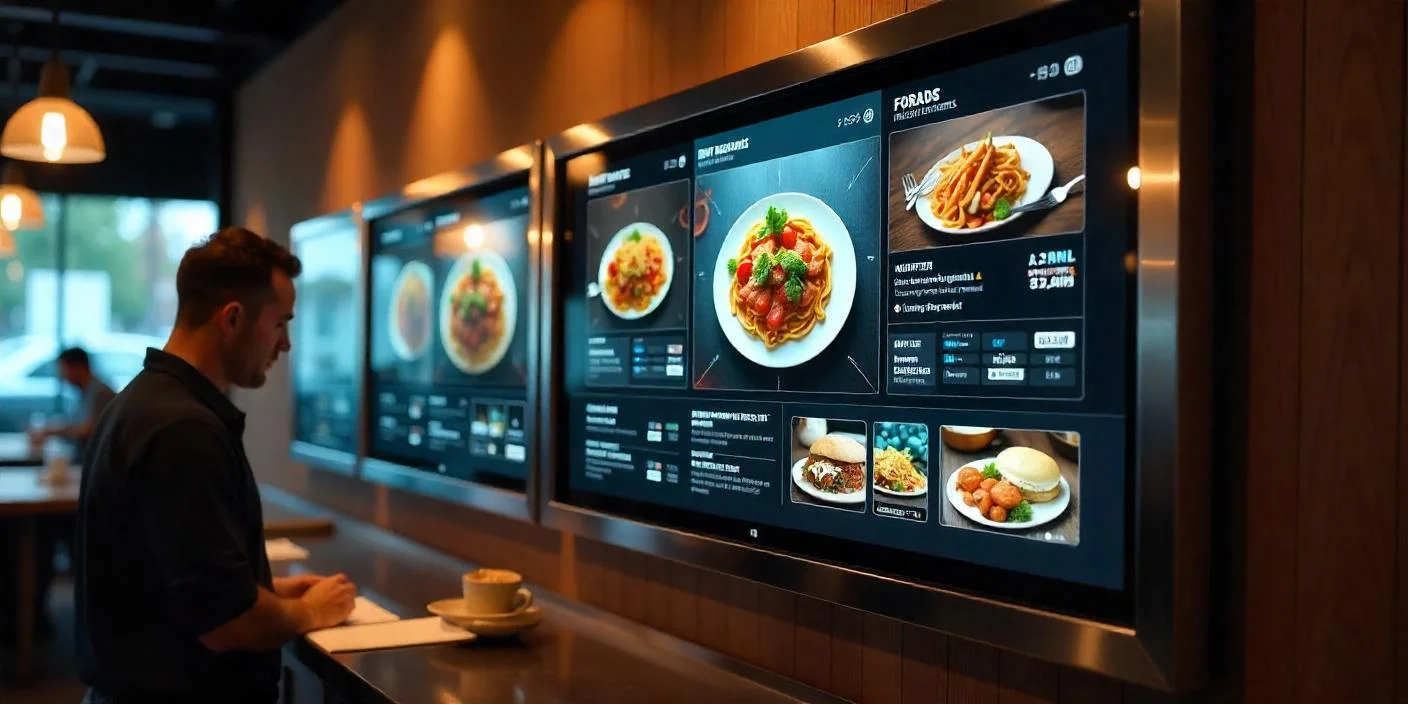
In making a comparison of the best digital signage software solutions, it is better to know the key categories within the market. Each category has strengths, but not every category fits every business.
Category A: Enterprise Solutions
Enterprise platforms can offer advanced functionality, have advanced permissions, and elaborate integrations. They are powerful, but many are costly and might need technical support or lengthy onboarding. These systems are commonly built for very large organizations that have IT teams.
Category B: Free or Freemium Options
Many companies search for the best digital signage software for free since they want to avoid upfront costs. Free tools are suitable for simple single-screen applications but are usually limited by watermarks, limited storage, fewer templates, ads, poor support, or limited scheduling.
Category C: Cloud-Based Startups
Cloud-based systems tend to have new interfaces, remote access, and quicker installation. They tend to be more user-friendly “than older enterprise systems and better suited for businesses that require rapid deployment and scalability.
Category: D: Hardware-Bundled Systems
Some signage systems are bundled with particular screens or media players. These can make it easier to purchase but might lock you into an ecosystem. Flexibility can be an issue later on if you want to switch hardware, add or remove locations, or utilize new devices.
Category E: The Nento Category
Nento provides a practical combination of price, power, and interactivity. It is designed to serve business needs that require professional screen management without enterprise-level complexity or the restrictions of free software. This makes it one of the stronger digital signage solutions for teams that require usability and reliability as well as expansion.
“The right software should not trap you. It should give you control.”
Free vs. Paid – The Hidden Cost of Free Software
Free software appears to be very appealing initially, particularly to small businesses. But free often comes with a cost—it is not always obvious at first.
The Free Trap
Free signage products may come with watermarks, limited storage, simple templates, a restricted number of screens, advertisements on your screens, poor support, or limited scheduling. Such limitations may give your company a less professional appearance and increase manual work for your team.
When a customer spots a watermark on your screen or an irrelevant advertisement, then the free software is already affecting your brand.
When Free Works
Free tools can be used with a one-screen pop-up, a one-time event, a hobby project, or a quick internal test. If the screen is not business-critical and the information does not require constant updating, it may be sufficient to use free software.
Why Paid Works Better for Commercial Use
Paid software normally provides reliability, support, enhanced templates, enhanced security, white-labeling choices, analytics, and scalable administration. For restaurants, hotels, clinics, offices, and retail stores, these features can save time and protect the customer experience.
Nento provides a risk-free way to test premium value prior to commitment. That simplifies the comparison of the difference between limited free tools and professional-level performance.
Ready to ditch the watermarks? Start your free trial with Nento today and see the difference premium software makes.
Vertical Specifics – Choosing by Industry
The best software for digital signage depends mainly on where the screens are placed and the intended purpose of the screens. A robust platform should support different industries without forcing the same content workflow on all the businesses.
Restaurants & QSRs
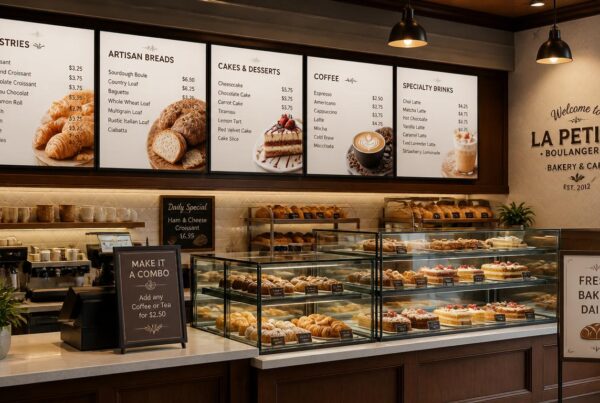
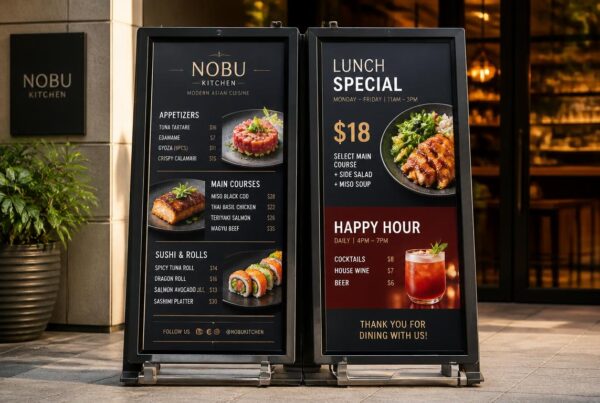
Restaurants must have menu boards, self-service kiosks, drive-thru timers, promotional screens, and real-time item updates. The best digital signage software for restaurants must support dayparting and update prices, menu layouts, and POS sync.
Nento assists restaurants to maintain up-to-date menus with real-time inventory and price updates through POS-linked menus. In case a product runs out of stock, the screen can be updated in a short period of time before customers place an order.
Retail & Ecommerce
Retailers require dynamic promotions, social media feeds, interactive catalogs, and product storytelling. An effective system assists teams to highlight offers, rotate campaigns, and react to inventory or seasonal demand.
Corporate & Education
Corporate and education settings require internal communications, event calendars, visitor wayfinding, electronic bulletin boards, staff recognition, and emergency notifications. The screens should be simple to update and dependable in various areas.
Healthcare
Digital signage is used in healthcare facilities to display information in waiting rooms, hygiene guidelines, wayfinding, patient education, and department updates. Effective communication will reduce anxiety and improve patient flow.
Hospitality
Hotels and resorts utilize signage to guide guests in the lobby and support room booking and promote spas, restaurants, local attractions, and activities. The appropriate platform assists in keeping guest information up to date and consistent.
Interactive Digital Signage – The Next Frontier
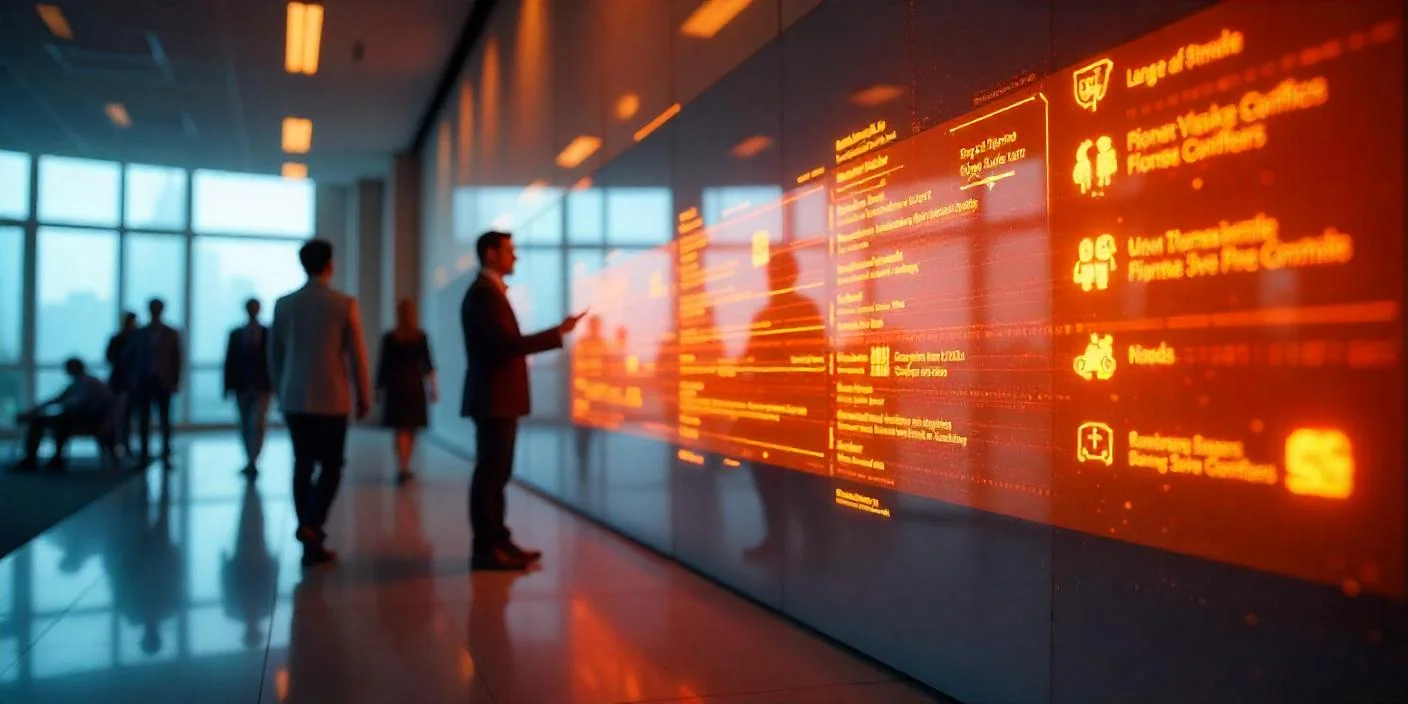
Interactive digital signage software is transforming the way businesses consider screens. Interactive displays encourage viewers to take part as opposed to passively watching.
What Is Interactive Digital Signage?
Interactive signage enables individuals to interact with the screen through touch, QR codes, forms, maps, catalogs, or mobile-triggered actions. It turns a display into a self-service experience.
Examples include wayfinding kiosks, restaurant order screens, digital product catalogs, event check-in screens, and gamified promotions.
Benefits of Interactivity
Interactive signage can improve engagement and dwell time and collect useful interaction data. It also enhances the experience of the customers as they do not have to wait for staff to provide information.
This means fewer repetitive questions and more quantifiable metrics for businesses. A touch map can show what visitors search for. A QR code will be able to monitor campaign response. It is possible to display a product catalog that would indicate what items are of interest.
Nento’s Interactive Tools
Nento makes it easier to create interactive content by assisting teams in creating touch-sensitive screens and interaction tools without complex coding. Businesses can create more interactive experiences and maintain the simplicity of content management.
“Interactivity turns a screen from a message into a conversation.”
Frequently Asked Questions
What is the best digital signage software for multiple locations?
The best option is usually a platform that has cloud-based management such as Nento, which enables you to manage hundreds of screens using one dashboard. This ensures that updates are quicker and more consistent and can be easily managed.
Is there good free digital signage software?
Yes, but free tools are typically limited to one screen, might have watermarks, and often lack reliable support. In case of commercial use, it is often more practical to invest in software such as Nento that offers scalability, support, and professionalism.
Does the software run on any screen?
Many modern platforms, such as Nento, work with standard devices such as Android, Windows, and Fire OS. The importance of hardware compatibility is that it will enable businesses to use the available screens and avoid unnecessary upgrades.
Can I integrate interactive elements easily?
Yes. The interactive design of Nento allows adding interactive elements without advanced coding skills. This assists businesses to create touch-friendly, action-driven displays more easily.
Do I need to sign a long-term contract?
Many providers such as Nento have monthly or annual plans to provide businesses with flexibility. This makes it easier to start small, test performance, and scale as needed.
Conclusion & Final Verdict
To choose the best digital signage software, it is necessary to balance cost, functionality, usability, support, and long-term flexibility. The lowest-cost option is not always the cheapest in practice, and the most complicated platform may not be the most useful to your team.
Nento addresses major industry pain points, including complexity, unknown costs, lack of support, limited interactivity, and poor scalability It gives businesses an easy way of creating content, controlling screens, publishing updates, and creating interactive experiences without needless friction.
Avoid overly complex systems and limited free versions. Your screens should help your business in communicating better, selling more, guiding customers, and saving staff time.
Transform your business communication today. Visit Nento’s website to book a personalized demo and see why we’re the best choice for your screens.