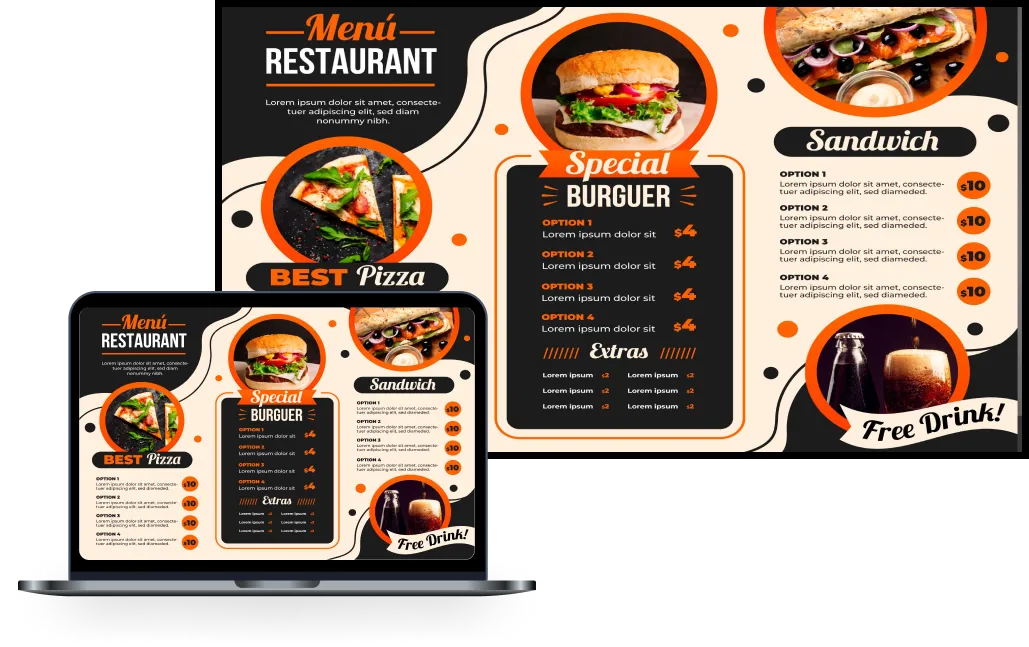
We create the menu. You update it anytime.


#Plug in Any of the Device into Your TV Screen









#1 Digital Signage For Restaurants
How it Works?

Step – 1
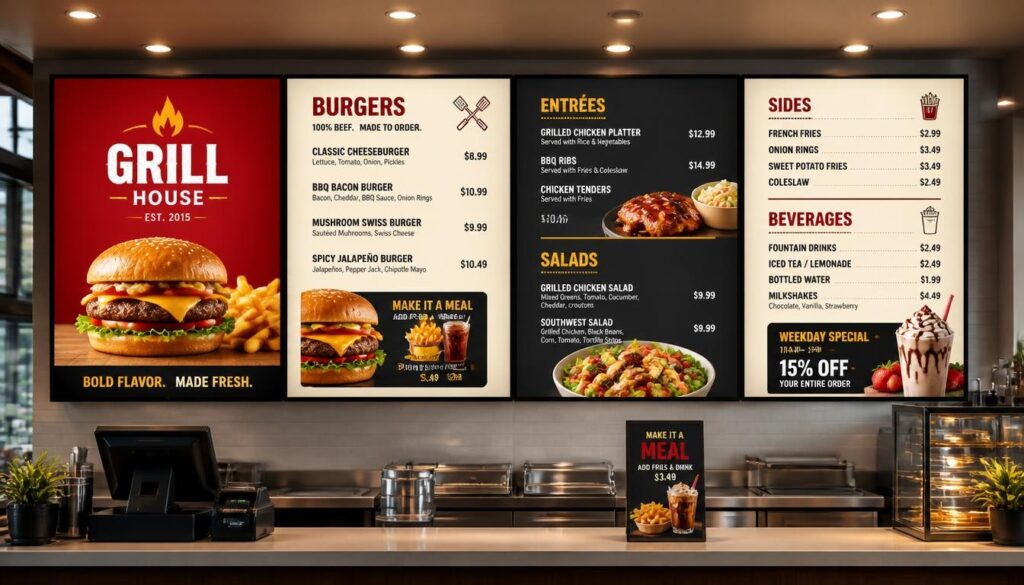
Upload your current menu, and let the system generate millions of template combinations customized to your brand and colors.

Revamped Menu with Our One Click Advanced Editor


Step – 2
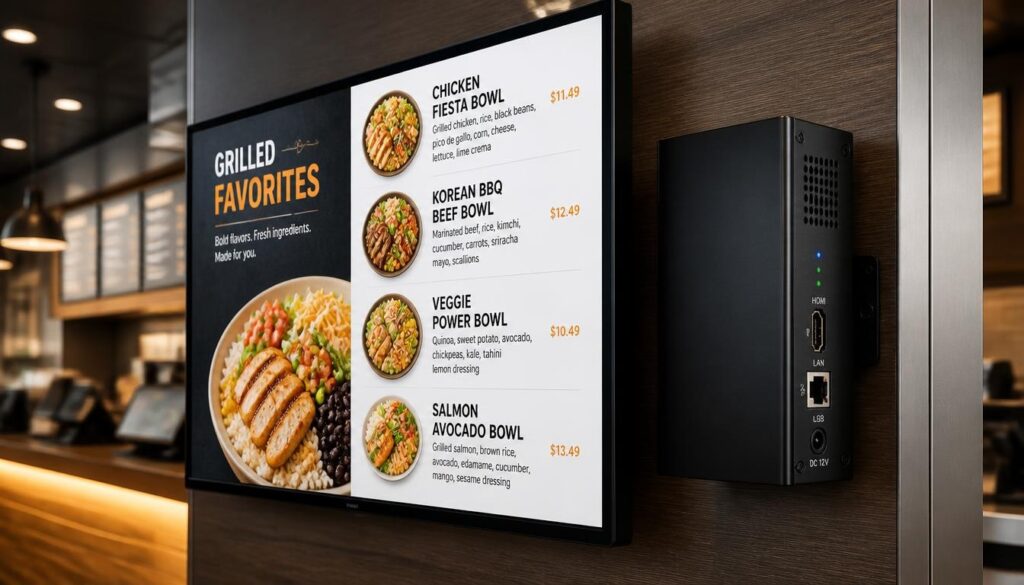
Use your device or our Nento’s Pre-Programmed Device.
Upload your menu to Nento and create stunning, customized designs from millions of combinations, perfectly tailored to your brand’s colors and style. Nento is fully compatible with Android devices, including Smart TVs and Android boxes, allowing you to make the most of your current hardware without extra costs. Simply download the Nento app on your Android device, and you’re all set to manage your digital signage content with ease!

Step – 3
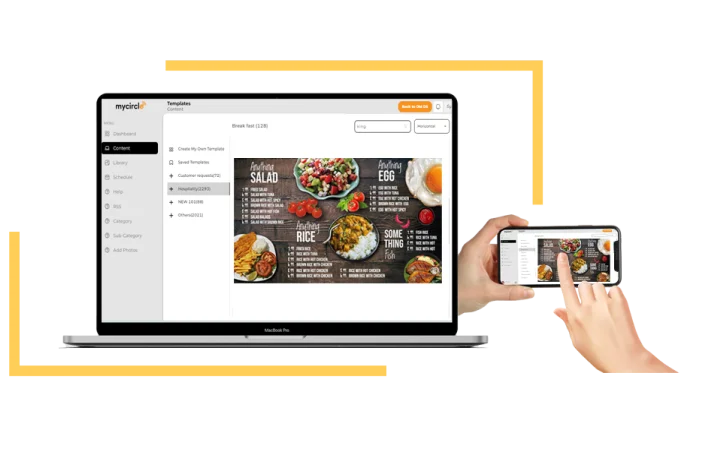
Send your content to any screen from your phone to computer
With Nento, explore a vast array of templates, personalize your choice effortlessly, and swiftly publish your creations. Unleash your creativity with ease, making every project uniquely yours.
Everything You Need For Digital Signage
https://www.youtube.com/watch?v=FkXpSQmosFA Aa video hto
Automate your growth
3:45 duration
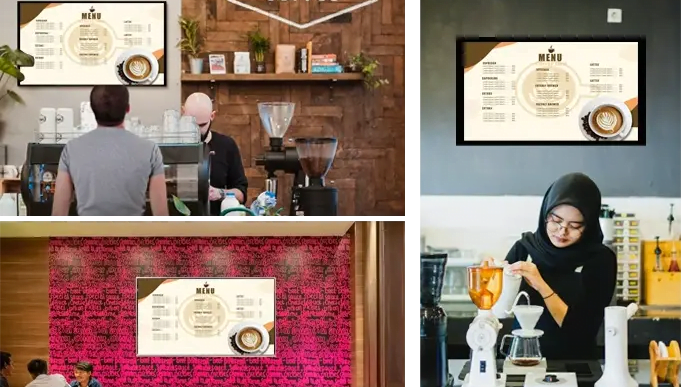
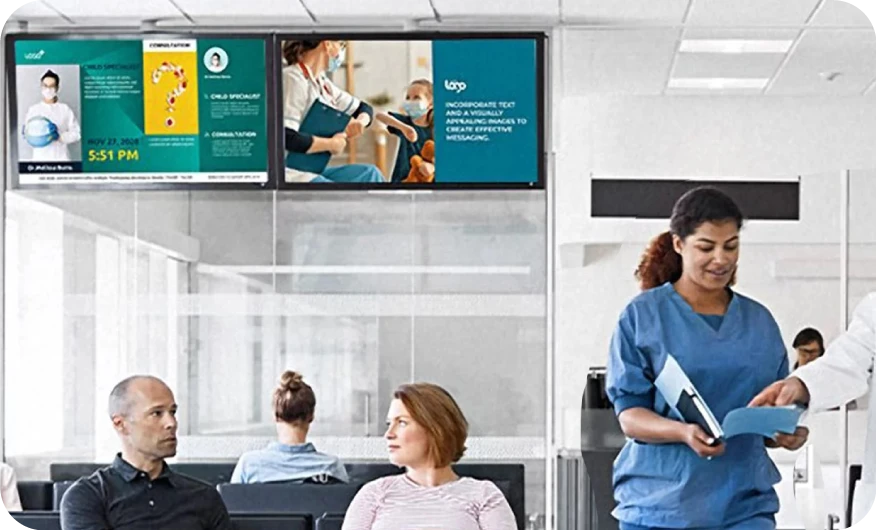
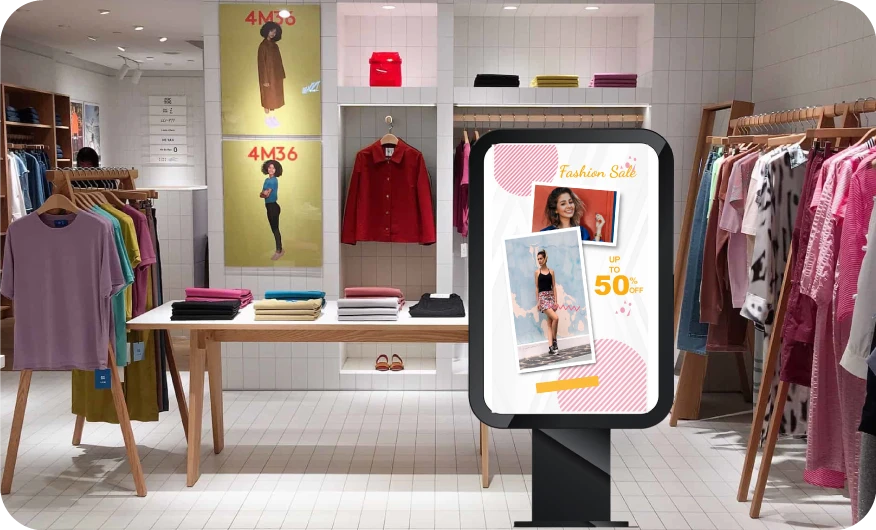
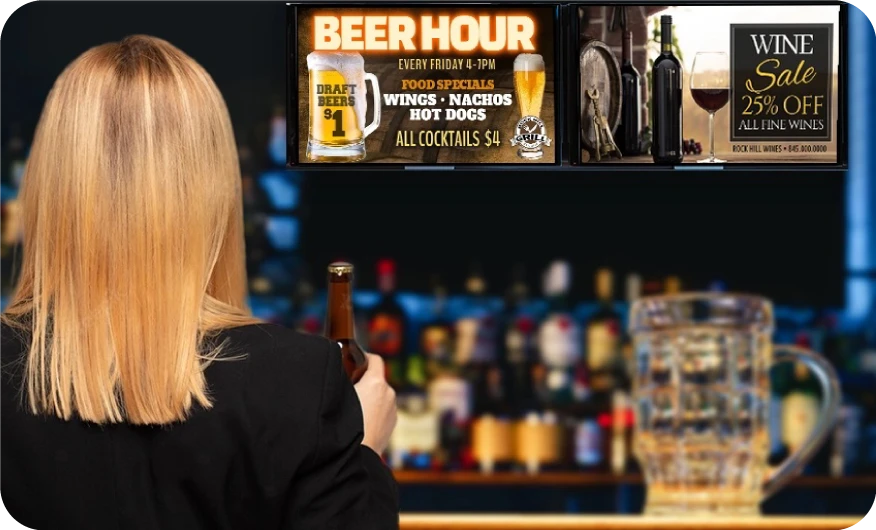
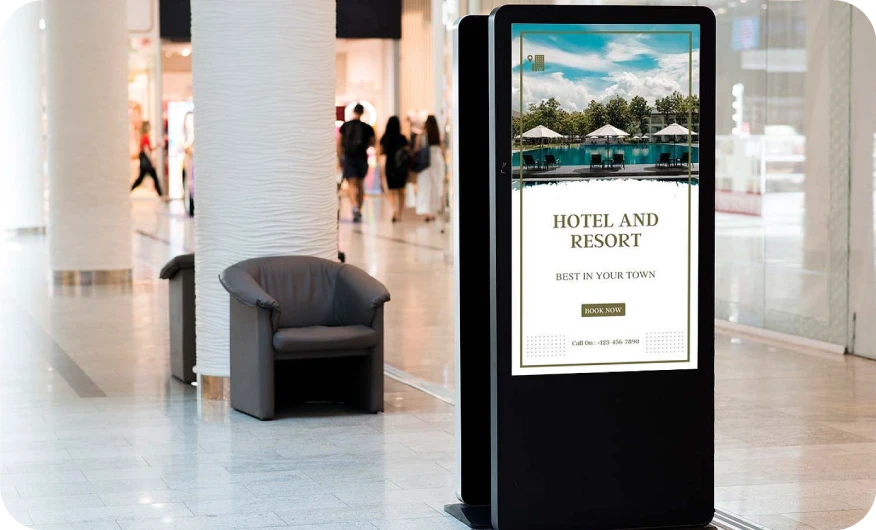
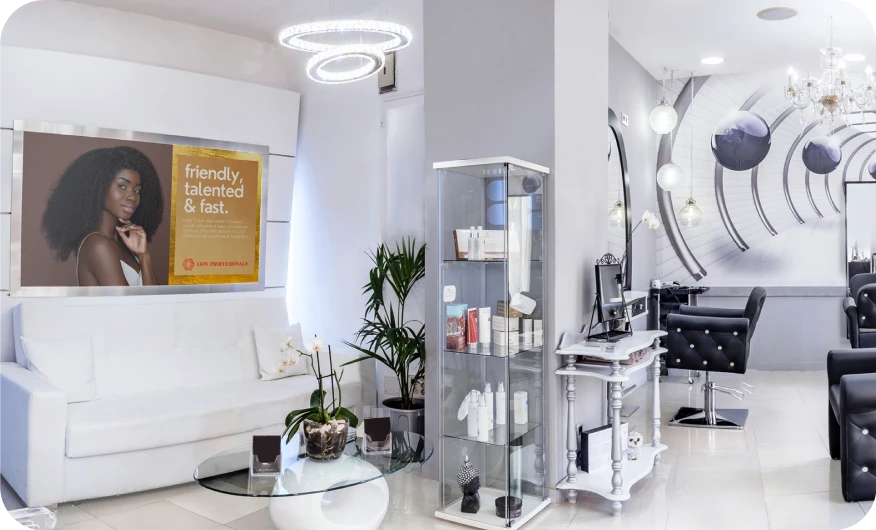
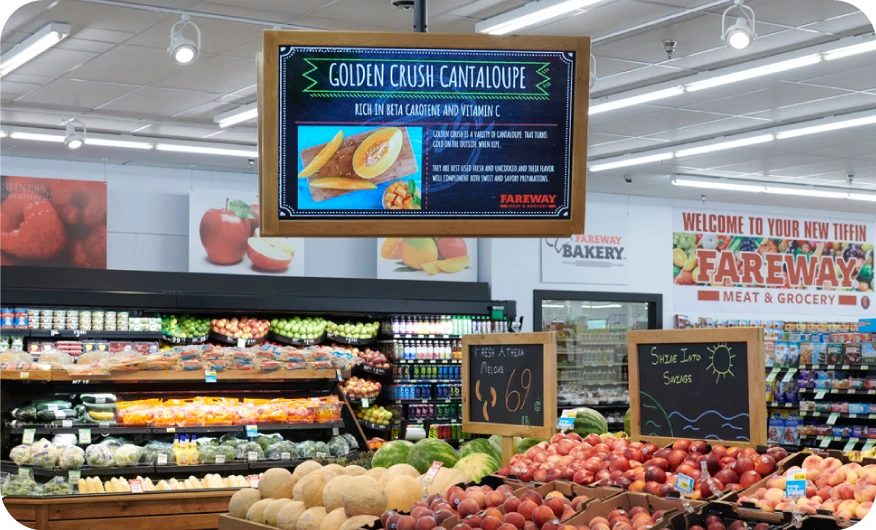
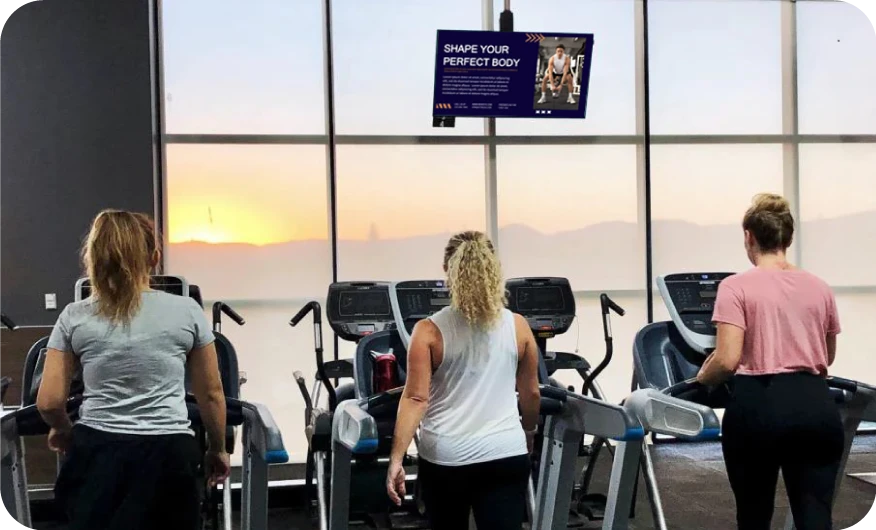
4000 + Templates Ready to Publish
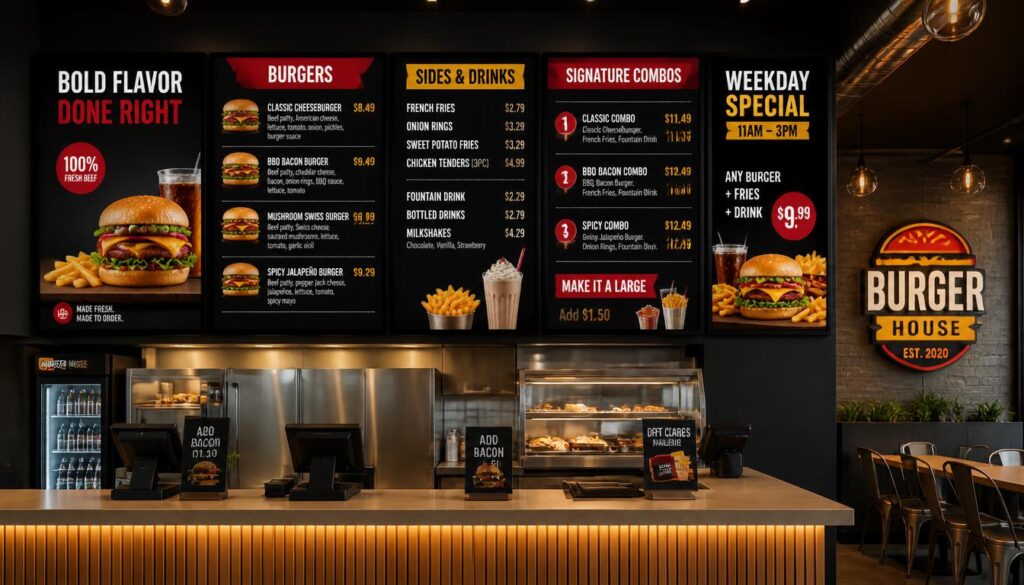
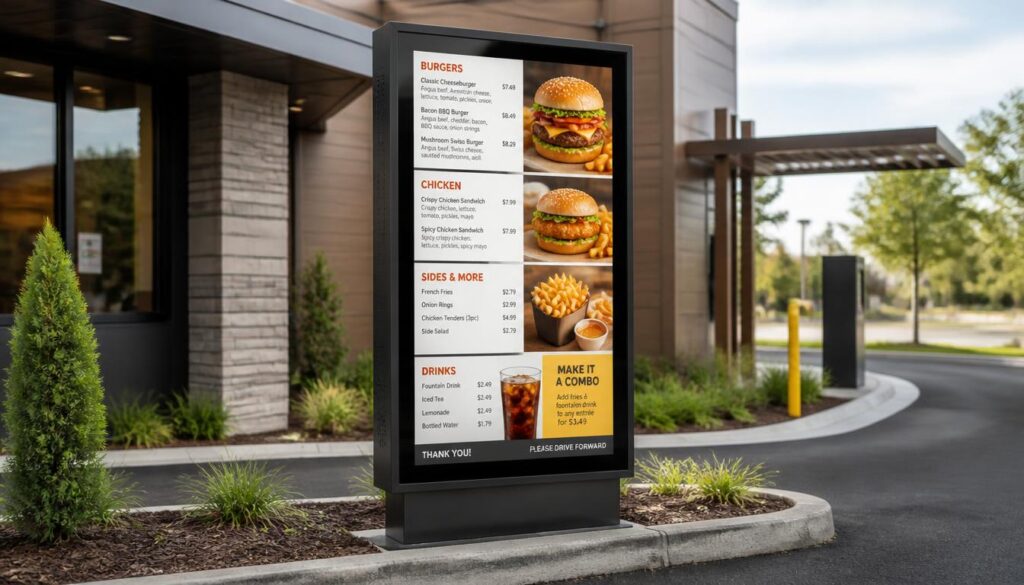
Restaurant Signage Boards
Salon Signage Boards
Hospital Signage Boards
Corporate Signage Boards
Retail Stores Signage Boards
Why Nento Digital Signage?
Elevate Your Business with Nento Digital Signage
Welcome to Nento, your leading provider of cutting-edge digital signage solutions. Interested in learning why Nento surpasses its counterparts? Allow us to outline a few compelling reasons.

Unrivaled Reputation
According to Google, we boast the highest-rated reviews in the digital signage industry. Our satisfied clients attest to the excellence we provide. Experience the Nento difference today.
Client-Centric Approach
At Nento, client satisfaction is paramount. We tailor our digital signage solutions to meet your unique requirements, ensuring a seamless and personalized experience that contributes to your success.
Aesthetic Excellence
At Nento, we prioritize the visual appeal of your space. Our state-of-the-art digital signage displays ensure your venue stands out and exudes magnificence, leaving a lasting impression on your audience.
Continuous Innovation
At our core, innovation drives us. Committed to advancing in technology and design, we continuously explore new avenues to enhance our offerings. Our goal is to simplify your experience and provide access to the latest advancements in digital signage.
Comprehensive Solutions
At Nento, we provide comprehensive solutions, from installation and maintenance to content creation and updates. Our end-to-end services ensure a hassle-free experience, allowing you to concentrate on your business priorities.
Reliability and Support
Trust Nento for reliable digital signage solutions. Our dedicated support team ensures seamless system operation. Choose Nento for unparalleled excellence in digital signage. Contact us today for a visually stunning and technologically advanced future.
Why Digital Signage ?
30% of customers state that Digital Signages influenced their purchasing decision
66% of customers report that Digital Signage catch their attention
60% of upsells are made from the point of purchase
Nento Foundation
The Nento Foundation showcases its initiatives aimed at aiding the homeless community. Through various programs and outreach efforts, the foundation strives to make a positive impact and bring about meaningful change in the lives of those in need. The video offers viewers an insight into the foundation’s mission and the dedicated work being done to support vulnerable populations.
Grow your business
Grow your business
Grow your business
Grow your business
Grow your business
Grow your business
Grow your business
Grow your business
Grow your business
Grow your business
Tailored Pricing Plans Designed For You
| Plan Features | Bronze | Silver | Gold | Multi Location |
|---|---|---|---|---|
| Playlist | ✓ | ✓ | ✓ | ✓ |
| Custom Layout | X | ✓ | ✓ | ✓ |
| Weather Widgets | X | ✓ | ✓ | ✓ |
| Live TV | X | ✓ | ✓ | ✓ |
| Spotify Integration | X | ✓ | ✓ | ✓ |
| Image to Text | X | ✓ | ✓ | ✓ |
| QR Code Generator | X | ✓ | ✓ | ✓ |
| Scheduling Mobile App Player | X | X | ✓ | ✓ |
| Business App Access (Provides easy access to all apps from your smartphone) | ✓ | X | X | ✓ |
| Editor/Layout Scheduling | ✓ | X | X | ✓ |
| Food Menu Importing | X | X | ✓ | ✓ |
| RSS Feed | X | X | ✓ | ✓ |
| YouTube Video Play | X | X | ✓ | ✓ |
| 100K Video Collection | X | X | ✓ | ✓ |
| 10K Graphics Collection | X | X | ✓ | ✓ |
| 35K Vectors Collection | X | X | ✓ | ✓ |
| Android/iOS Remote App | X | X | ✓ | ✓ |
| Dedicated Account Manger | X | X | ✓ | ✓ |
| Synchronized Screens (coming soon) | X | X | ✓ | ✓ |
| Onboarding & Training | X | X | ✓ | ✓ |
| Professional Design Support | X | X | X | ✓ |
| Storage | 300MB | 500MB | 1000MB | 1000MB |
Our Latest Blogs



Advanced Features
Music and Spotify
Integrate playlists for ambiance with Spotify music support.
Adding User
Easily add users to manage and update signage content.
Weather
Display real-time weather updates with localized accuracy.
Time and Date
Keep patrons informed with live time and date displays.
QR Codes
Generate QR codes for menus, promotions, and more instantly.
Animations
Attract attention with smooth, engaging on-screen animations.
Scheduling Time
Automate display changes with precise time scheduling.
Scheduling Content
Plan and execute content rotation seamlessly.
POS Data
Instantly import menus from your POS to digital boards with one click.
Library
Access a vast library of media to enhance your displays.
Millions Photos
Choose from millions of high-quality photos for any theme.
Image to Text
Convert images to text to streamline content creation.
Apply Diverse Themes to the Same Menu According to the Timing of the Occasion
Breakfast
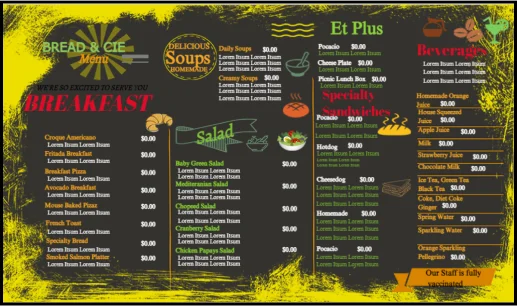
6 AM
Lunch
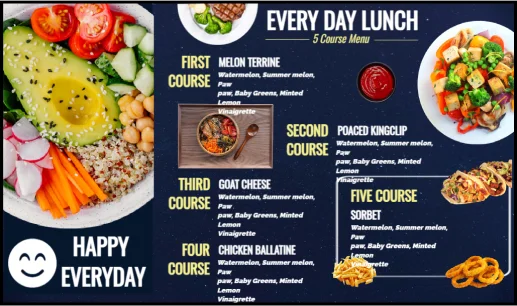
12 PM
Dinner
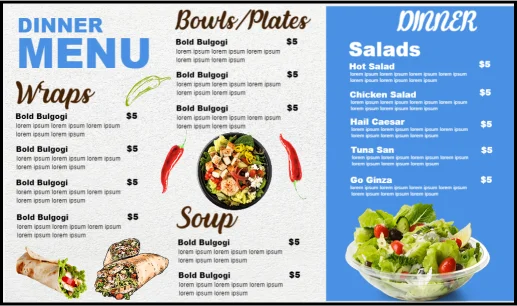
6 PM
Automate Screen Content: Diverse Menus & Promotions
Christmas
AUTO START ON: Dec 15th
AUTO END ON: Dec 31st
Valentine
AUTO START ON: Feb 1st
AUTO END ON: Feb 15th
Halloween
AUTO START ON: Oct 15th
AUTO END ON: Nov 1st
Nento Digital Signage FAQ’s
1. How do I connect the Nento device to my TV?
First, sign up for a free Nento account. Plug the device into your TV’s HDMI port and connect its USB power cable to your TV’s USB port, not a wall outlet. Select the matching HDMI input.
Connect to Wi-Fi using a compatible TV remote: open the device’s Settings > Network. Or use the MenuOnline Business & Remote app on Android or iOS (see Question 5).
In your Nento account, open Screens > Add Screen and enter the six-digit code in the top-right corner of your TV. Your screen is paired and ready to receive content.
HDMI + TV USB
Connect to Wi-Fi
Enter 6-digit code
2. How do I connect my smart TV to Nento?
Open your smart TV’s app store and search for Nento or MenuOnline. If available, install and open the app, then follow the on-screen instructions.
Log in to your Nento account, open Screens > Add Screen, and enter the six-digit code shown in the top-right corner of the TV.
If your TV does not support the app, order a Nento device from our Amazon store and connect it through HDMI.
Find the TV app
Add your screen
Ready to display
3. How do I create my first piece of content?
Log in to Nento and choose the option that works best for you:
- Nento Editor: Choose a template and customize text, photos, prices, products, services, or promotions.
- Canva: Create your design in Canva and bring it into Nento.
- Playlists: Upload existing images or videos and arrange them in a playlist.
When ready, select your screen and publish. Our team can also help you create your first design.
Choose or upload
Customize
Publish to screen
4. Why doesn't the Nento device come with a remote?
You can control the Nento device using a compatible TV remote, so a separate remote is not necessary.
If your TV remote does not support this feature, use the MenuOnline Business & Remote app to turn your phone into a Bluetooth remote. One app lets you switch between and control multiple Nento devices.
Compatible TV remote
Or use your phone
Control your device
5. How do I connect the remote app to my device?
- Create your Nento account and download the MenuOnline Business & Remote app for Android or iOS.
- Turn on Bluetooth and open the app near your Nento device.
- Tap the three-line menu in the top-left corner.
- Select Remote App > Add Device.
- Select the screen number that matches your TV and follow the prompts to connect.
Allow Bluetooth or nearby-device permissions when requested. Use up, down, left, right, OK, and back to navigate. For Wi-Fi setup, open Settings > Network and select your network.
Open Remote App
Add matching device
Navigate your screen
6. I'm not very tech-savvy. How can I get help?
Our team can walk you through connecting your screen, setting up your content, and using Nento. Book an onboarding session or contact us for assistance.
You can also follow our setup videos at your own pace.
Book onboarding
Connect together
Get comfortable
7. How easy is it to upload or create content?
Nento is designed to be simple, even without design experience. Upload your existing images and videos, or choose a template and customize it for your business.
Publish right away or schedule your content for later. Manage content and make updates from your phone, tablet, or computer.
Upload or create
Edit or schedule
Display your content
8. Is training provided for new users?
Yes. During your onboarding session, we’ll help you connect your screen and show you how to create, upload, update, and schedule your content.
We’ll also explain how to manage your screens and where to find support whenever you need it.
Guided onboarding
Learn content tools
Ongoing support
9. Do I need one Nento device per screen?
Yes. Each screen requires its own Nento device when using our hardware. Manage screens individually or display the same content across multiple screens.
If your smart TV supports and runs the Nento app directly, you do not need an additional Nento device for that screen.
One device
Per screen
Manage in one account
10. Is internet needed to play my content?
Internet is needed for initial setup and to download content to the Nento device. Once downloaded, images and videos are stored on the device and continue playing without internet.
Exclusive to Nento customers: content already downloaded in the MenuOnline Business & Remote app can be transferred directly from your phone to your Nento device through Bluetooth. The two devices communicate directly, so you can upload that content without internet.
Features that use live online information still require internet access.
Downloaded app content
Direct Bluetooth transfer
Stored for playback
We Are Here To Become The #1 Digital Signage Provider & Offer You The Best Price
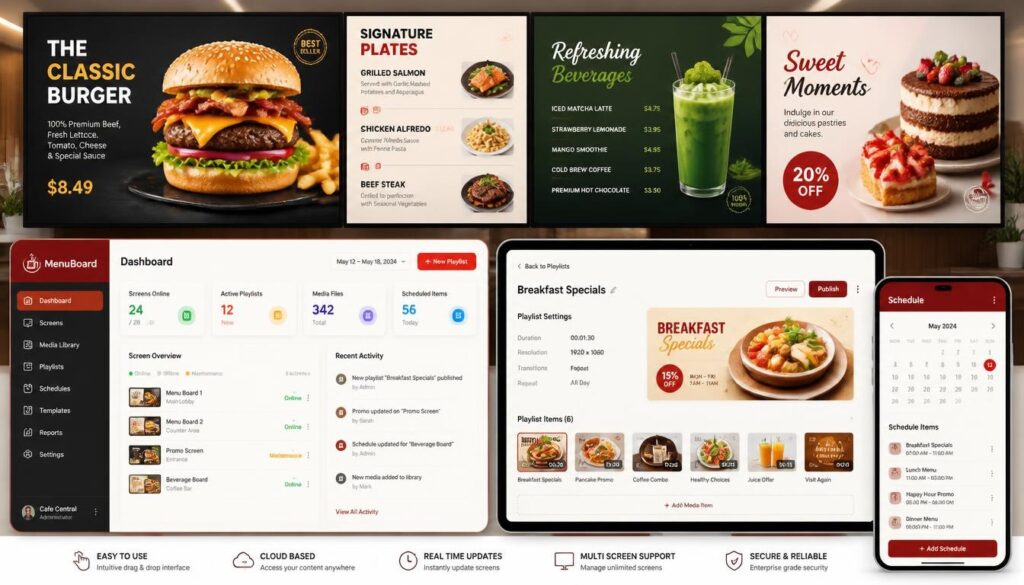
Using our digital signage online studio, easily design and remotely manage your digital signage content. using the drag-and-widgets that let you add slideshow, information, live TV, scrollings news, weather, social media feeds, event listing , HD videos and more.
Millions of Template Combinations
It's simple to customize, and easy to use so get started