Introduction
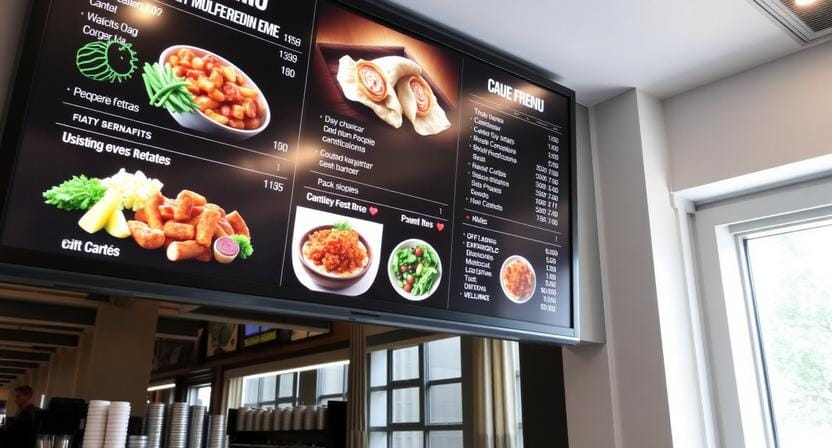
The hidden issue with most restaurant menus is the lack of flexibility—they simply don’t change, which leads to an assortment of problems that no restaurant owner can measure. If your menu board doesn’t respond to dayparts, sold-out menu items and promotion urgency, then your order flow tends to slow down, especially during busy periods.
“The menu isn’t just information—it’s the decision engine for speed and sales.”
A digital menu board maker helps solve this by converting your menu into a real-time, screen-based solution that can be updated in minutes. Nento’s Menu Board Maker lets you change your menu without design hurdles thanks to the mix of templates, drag-and-drop editing and wireless publishing. This guide shows how to make a digital menu board for restaurants, plus specific tips for how to make a cafe menu board and how to make a coffee menu board without days of redesign.
Try Nento’s Menu Board Maker free for 14 days – no credit card required.
What Is a Digital Menu Board Maker?
Digital menu board maker vs traditional design software
A digital menu board maker is often more convenient than traditional design software.
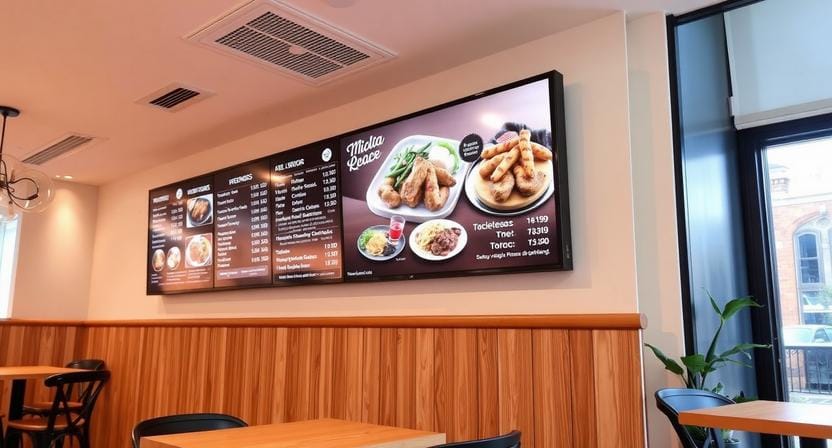
The digital menu board maker is designed to make menu boards for screens. Good design tools can generate the layout, but they are not able to solve the real operational challenge – which is updating and publishing across displays in a timely fashion. A screen-based tool is a tool that is intended to ensure menus remain readable, consistent, and easy to update when operations change.
How a Menu Board Maker supports drag-and-drop + templates
With a Menu Board Maker, you have a template to start from, so you don’t have to start from scratch. You add items, prices, categories and visuals, and tweak spacing and style without having to hire a designer for each edit. This will be especially important if you have promotions frequently or rotating seasonal products.
The key difference: real-time updates from any device
The operational advantage is real time control: update from laptop, tablet or phone, publish instantly – no graphic designer required. This helps restaurants move away from “projects” and onto “routine management” of menu changes.
Why Restaurants Are Switching to Nento’s Digital Menu Screen Creator
Increased average order value through strategic placement and animations
A digital menu screen creator is a tool used to build digital menu screens. Whether it’s best-sellers or combos or high-margin add-ons, if they’re in the most visible areas, customers decide faster and upgrade more frequently. Small animations and movement can help emphasize specials without overwhelming the menu.
Dayparting that runs automatically
Dayparting allows your menu to automatically change from breakfast to lunch and the correct items to be displayed at the correct time. This helps to eliminate confusion and unnecessary questions such as “Is breakfast still available?” during busy transitions.
Cost savings vs constant printing
It’s costly – and slow – to print non-interactive boards again and again. The prices and sold-out tags and limited time offers can be updated instantly with Nento, without the need to reprint or the associated work.
A better customer experience: modern, clear, engaging
Clarity is the key to customer responses. Simple menus, easy-to-read price information and appealing graphics minimize “menu anxiety” and accelerate food choices. That means that there are fewer obstacles in front of the customer and they will have smoother order flow at rush.
How to Make a Menu Board in 5 Simple Steps (Using Nento)
Step 1: Choose your screen (TV, tablet, or video wall)
Determine the location of the menu and how the menu will be displayed to customers. TVs can be used on counters, tablets will fit in tighter spaces and video walls are useful when you have larger menus or high traffic.
Step 2: Pick a template from the Menu Board Maker library
Use a tested layout to ensure that spacing, hierarchy and readability are optimized for the screens.
Step 3: Add items (prices, descriptions, allergens, QR codes)
Add your categories and menu items, and add the important information that customers need to make a decision quickly: price, short descriptions, allergen information, and a QR code if you accept orders or have a loyalty program.
Step 4: Customize (brand colors, fonts, motion backgrounds)
Align the menu with your brand and have the screen look like it’s part of your restaurant, rather than a generic slideshow. Motion backgrounds should be used sparingly, to direct the reader’s attention, but not to detract from it.
Step 5: Publish wirelessly to all screens in seconds
Publish once, copy to all displays. Here is where “how to make a digital menu board” becomes an actual reality – changes to the menu screens are no longer a manual process.
“A menu board should be as easy to update as changing a price in your POS.”
Visual tip: use product photography for higher engagement
Quality product images make people more engaged, because they minimize uncertainty and stimulate hunger. Don’t attempt to imagine all the images, use them strategically for hero items and best sellers.
How to Make a TV Menu Board
Why TV menu boards outperform static signs
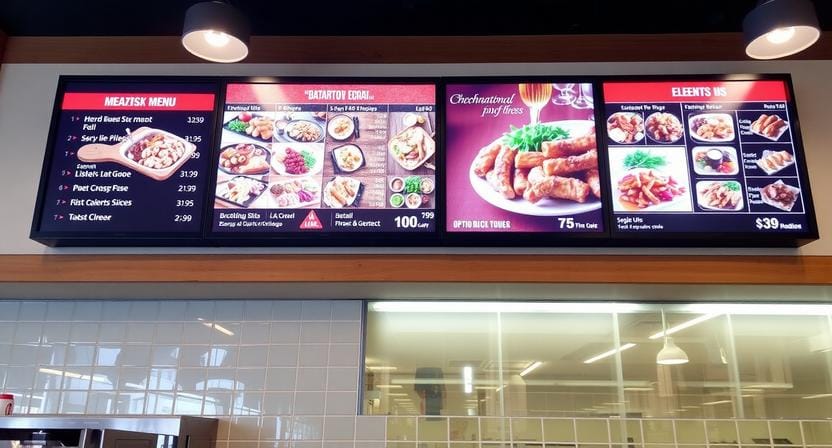
Menus stay up to date on TV screens. They rotate promos, support dayparting and allow you to highlight upsells over and over again without having to rely on staff memory. If you’re searching how to make a tv menu board, you shouldn’t be looking at the TV itself, you should be looking at the process of updating and scheduling.
Screen size and orientation decisions
Drive-thru style blocks and category grids are best suited for a landscape. Portrait might be suitable for narrower walls or for layouts that feature a lot of promotion. Choose based on viewing distance and the number of categories you need to display.
How to make a tv menu board with Nento
For clarity of text, even when customers are standing further back, use 4K-ready templates. Create content zones to maintain the readability of the menu, while also effectively highlighting core promotions: a main menu and a promo zone/social feed zone.
“Zones prevent clutter while still letting you market.”
Pro tip: avoid clutter—limit items per category
Each category should be brief and concise, allowing customers to make quicker decisions. When displaying a large menu, use more than one screen, do not reduce text size.
How to Make a Digital Menu Board for Restaurants of Any Type
A. How to make a cafe menu board
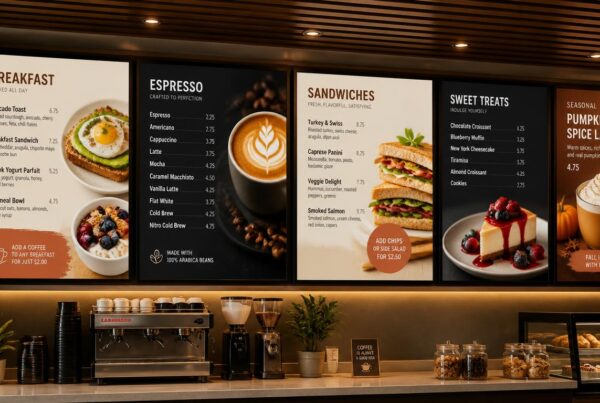
Cafés are great on a handcrafted basis. Be careful with handwritten style fonts (still readable), make pastries stand out with good imagery and add loyalty or order ahead QR codes where customers will pause. This way, it not only speeds things up, but maintains the café atmosphere.
B. How to make a coffee menu board
Seasonal spotlights and quick scanning come into play on coffee menus. Have a ‘Seasonal’ block that changes every month, and keep visuals in line with demand, be it cold brew in warm windows, and latte art videos in cooler ones. Nento’s digital menu screen creator allows you to change the message without having to redesign the whole menu.
C. How to make your own digital menu board on a budget
If you’re wondering how to make your own digital menu board, you’ll need to begin with what you have: existing TVs and an inexpensive subscription. There is no special code or expensive hardware required for professional results – only a dependable publishing system and screen-ready templates.
How to Make Menu Board on TV – Live Examples
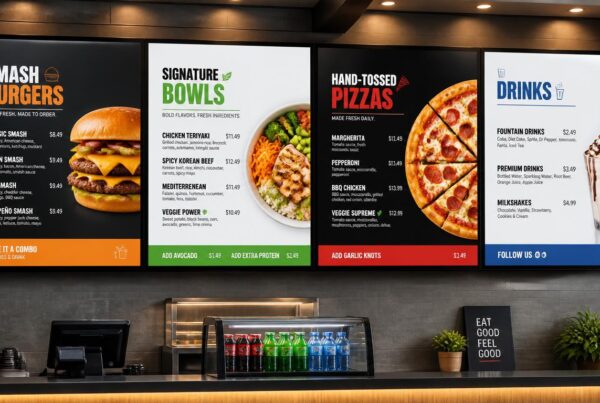
Fast casual example: combos with calorie counts
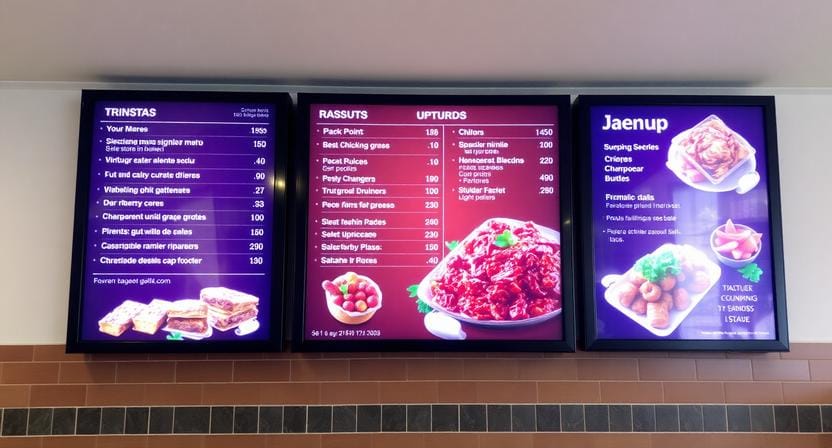
The quick casual design works well with straightforward combos, high prices, and calorie counts (if applicable). This will decrease the time taken to make a decision and increase the upsell conversion.
Bakery example: rotating daily specials
Daily specials that automatically rotate, and remain visually strong, are a win for the bakery! It’s a simple message – ‘Today’s best items’ – made clear and not changed by staff during rush.
Happy hour example: countdown timers that drive action
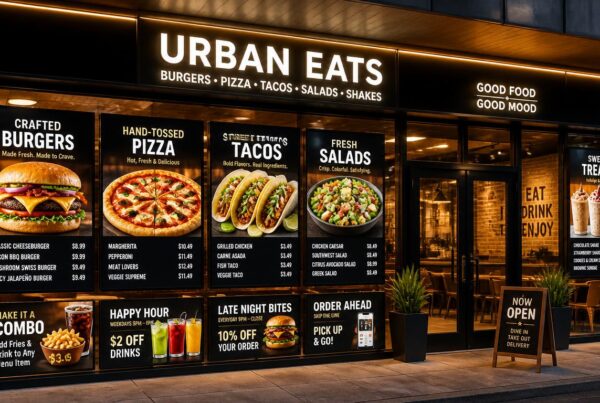
If you’re researching how to make menu board on tv, timers can improve conversion for time-bound offers. A believable countdown creates a sense of urgency without being a pest.
See live demo of Nento running on real TV menu boards – book your 5-minute walkthrough.
Common Mistakes When Making a Digital Menu Board
Mistake 1: too much text
Menus turn into paragraphs and customers don’t read them. Nento’s templates auto-format for readability without hurting readability of the content.
Mistake 2: static design
Static is not visible in the long run. Utilize motion backgrounds and brief video clips that emphasize main elements without distracting the menu.
Mistake 3: manual price updates
Manual updates can cause inconsistencies and errors. Cloud-based publishing supports one-click syncing, which means that instant corrections to pricing and promos are possible.
Mistake 4: ignoring accessibility
Small fonts and the lack of contrast make ordering difficult and customers unhappy. Nento has the ability to scale and display the text with high contrast, meaning that menus are legible for more customers.
“Most menu board problems are readability problems.”
Frequently Asked Questions (FAQ)
Can I use Nento to make a digital menu board without design skills?
Yes – Nento’s Menu Board Maker has 50+ restaurant templates, drag and drop editor and no coding.
What’s the difference between a digital menu screen creator and a static designer?
A digital menu screen creator (such as Nento) has the ability to update menus in real time, schedule them, remotely control them, and add animations.
How to make a cafe menu board that works for both dine-in and takeout?
Implementation of a dual zone format: left side in-store menu, right side pickup instructions and QR ordering.
How to make your own digital menu board if I have 10+ locations?
Take advantage of multi-location management – update all screens from one dashboard.
Do I need special hardware to make a TV menu board?
No – Any Android TV, Fire TV or HDMI stick + Nento app will work.
Can I schedule price changes for happy hour?
Yes. Define time pricing, item visibility and layouts.
How to make a coffee menu board that highlights seasonal drinks?
Create a campaign schedule – schedule assets to be automatically displayed throughout the season.
Is Nento better than Canva for how to make menu board on TV?
Canva is strong for print/social assets; Nento is built for screens with scheduling, loops, and remote control.
Why Nento Is the Best Digital Menu Board Maker for Restaurants
Ease of use
Publish in less than 10 minutes with templates and drag and drop editing.
Affordable pricing
Plans begin at $19 per screen per month, which makes it viable for individual sites and can be expanded to chains of sites.
Reliability
The offline playback ensures a high uptime with menus being available even for short periods of network downtime.
Support and integrations
Onboarding and chat support is free, which lowers set up hassles. Integrations (POS, Google Sheets, weather, social feeds) keep menus dynamic and in tune with real operations.
Final Thoughts & Next Steps
Static menus cause delays in decision making and preventable errors. A digital menu board maker transforms menu changes into a quick and repeatable process, so you can save time on printing, and get to publishing. The operational change is the same, whether you’re operating a coffee shop, café, or QSR: Using digital menus makes change easy, and easy change results in improved order flow.
Ready to upgrade your menu? Create your first digital menu board with Nento.