Introduction
Imagine a guest sitting at an exquisitely set table in a fine-dining restaurant. The lighting is just right, the service is refined, and the ambience is upscale. Then the guest is handed a scratched hardcopy menu with outdated prices, limited descriptions and no photos of the signature dishes.
That small moment can weaken the entire dining experience.
Modern restaurants are expected to be convenient, clear and elegant at every touchpoint. Physical menus may still feel familiar, but they are not dynamic, expensive to reprint, and are weaker for upselling, customization and real-time updates. Servers can also become overloaded during peak times answering the same questions regarding ingredients, availability, allergens, or specials.
A digital menu app addresses these issues, which turns the restaurant menu into a modern interactive experience. A high-end restaurant menu app can improve service speed, reduce errors, and create a more interactive guest experience whether delivered through QR codes, tablets, kiosks, or connected table-side displays.
For fine-dining restaurants, cafes, fast-service restaurants, and multi-location chains, the use of the appropriate digital restaurant menu application is no longer a luxury. It is turning into a need to remain competitive, protect brand quality, and increase revenue.
Ready to transform your guests’ dining experience? Talk to our expert for free trial.
What is a Digital Menu App?
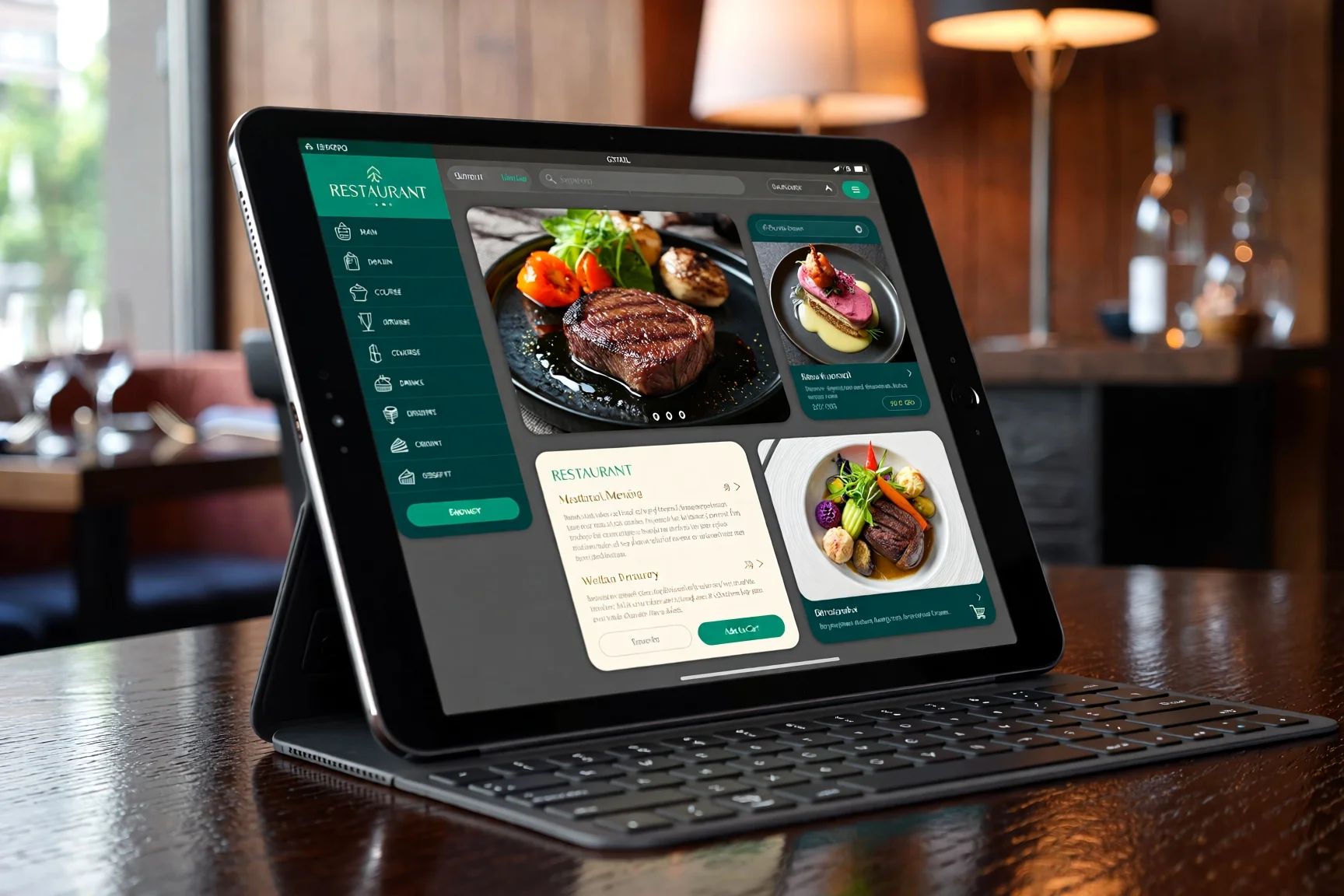
A digital menu app is a type of software that converts the traditional paper menu into an interactive digital menu. Guests can access it in the form of QR codes on their personal phones, tablets provided by the restaurant, or self-service kiosks inside the restaurant.
Simply put, it is an app for restaurant menu management, which enables the restaurant staff to edit dishes, prices, descriptions, allergens, availability, pictures, and promotions using a central dashboard.
Common Types of Digital Menu Solutions
QR code-based menus allow guests to scan the code with their personal smartphones and see the menu. It is among the simplest and most affordable methods of implementing contactless ordering or browsing.
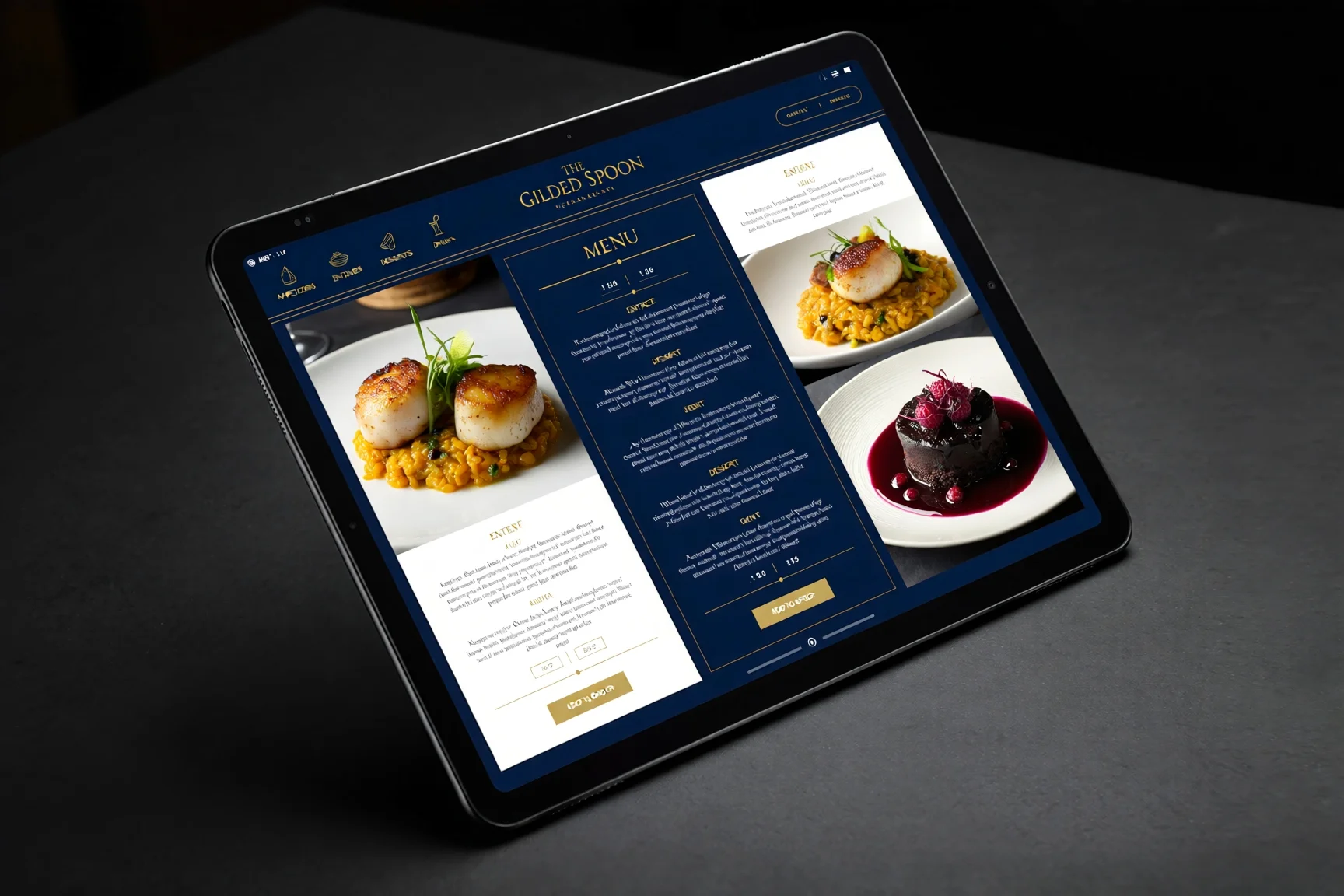
Tablet-based ordering systems create a premium table-side experience. They are particularly effective in fine dining, hotel restaurants, lounges, and modern casual dining concepts where guests may want to explore dishes, pairings and descriptions more thoroughly.
Kiosk solutions support self-service ordering in fast-casual, fast-food restaurants, and food courts. They reduce queues and enable the guests to make orders on their own.
Key Components of a Strong Digital Menu App
A quality online menu system should include three key components. The back-end dashboard enables managers to edit the content, prices and availability. The customer interface is what guests see as they browse the menu. POS integration connects menu activity with ordering, inventory, and payment systems.
A high-quality digital menu application is not just a phone-based PDF menu. It is a fully digital restaurant menu software platform, capable of supporting inventory visibility, facilitating the ordering, reducing staff workload, and enhancing the guest experience.
“The best digital menu does not just display food. It helps guests choose with confidence.”
Why Your Restaurant Needs a Digital Menu App
The most effective digital menu systems improve customer experience and restaurant operations. They help guests make decisions faster and give managers better control over the menus, prices and performance.
A. Enhanced Customer Experience
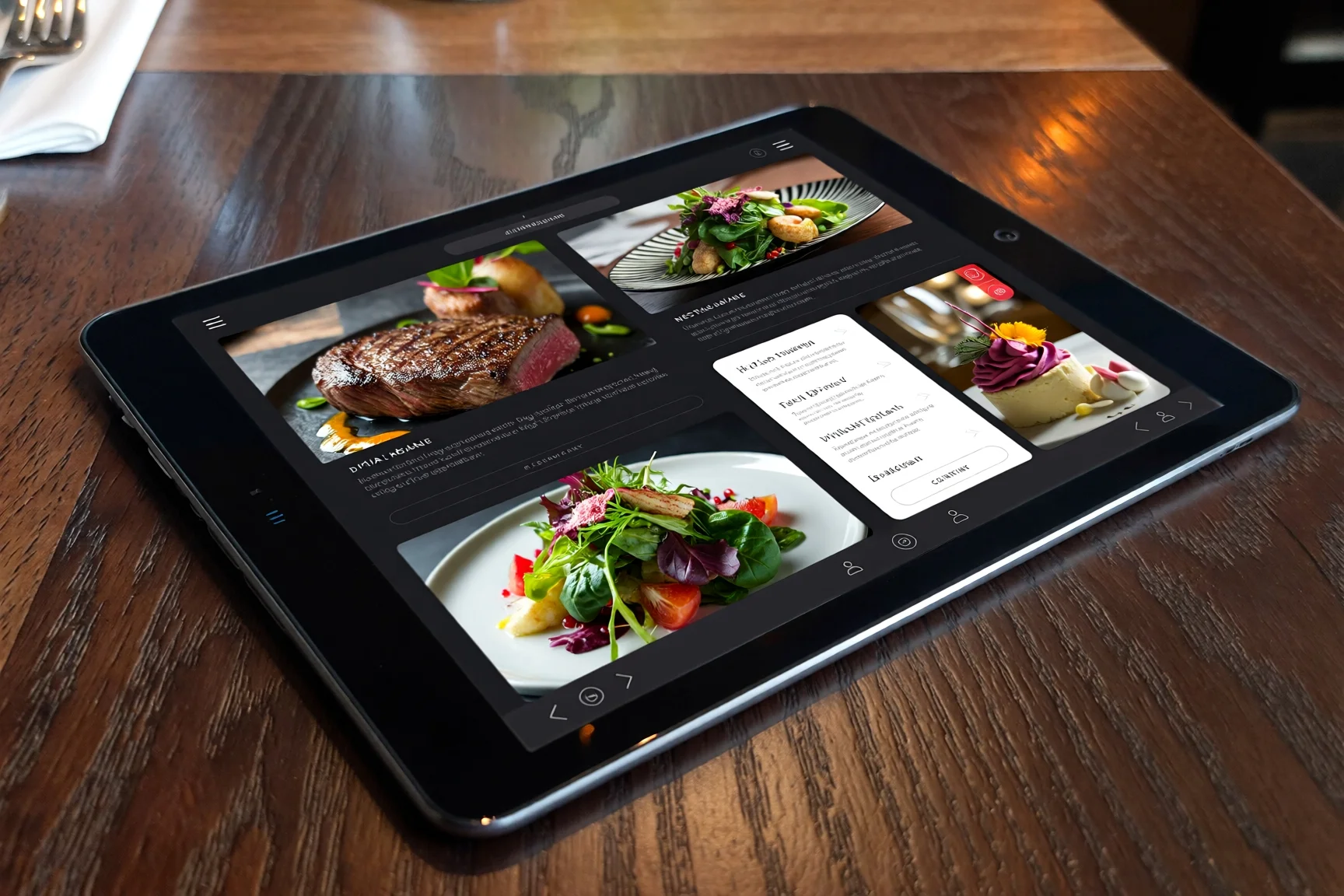
A restaurant menu app enables restaurants to display dishes in a more detailed and memorable manner. The menu can be made more interesting by adding high-quality images, short videos, tasting notes, chef recommendations and wine pairings, wine pairings, and descriptions of ingredients.
Physical menus rarely provide that much detail, without becoming long and cluttered. Digital menus also enable the guests to explore information at their own pace but maintain a clean interface.
Another significant benefit is accessibility. Guests may be able to adjust font size, change language settings and navigate more easily. This is particularly useful in restaurants with international visitors, older guests or when the restaurant has customers with dietary restrictions.
Online menus enhance speed of service as well. Guests can navigate faster, comprehend choices better and make orders with fewer repeated questions. In the case of servers, servers have more time for hospitality instead of repeatedly explaining the menu.
B. Operational Efficiency
Real-time updates are one of the biggest reasons restaurants adopt menu software for restaurants. When an item is discontinued or sold out, the restaurant can remove it immediately. Managers can update the prices on a dashboard if prices change. In case a special is offered only one night, it can be added without reprinting anything.
This reduces waste, confusion, and awkward conversations with guests.
Online menus improve order accuracy. When guests select items themselves or view updated menu information, there are fewer opportunities for misunderstanding between the table and the kitchen.
Self-ordering features can also reduce labor pressure. This does not mean replacing hospitality. In fine dining, it implies freeing staff to concentrate on personalized service delivery, suggestions, and customer satisfaction.
C. Increased Revenue
A digital menu application can help increase revenue due to improved upselling and cross-selling. Premium add-ons, wine pairings, dessert recommendations, combo upgrades and chef’s specials can be highlighted at the appropriate time.
For example, a guest who looks at a steak can see a recommended wine or side dish. A hotel guest can browse desserts and add a limited-time tasting flight. Premium sharing options can be presented as top-ranked appetizers for the table.
Data collection is another valuable benefit. Restaurant menu software can show what dishes are most frequently viewed, which items perform best and which parts of the menu are not used by the guests. These insights help restaurants to improve their menu, pricing and promotions as time goes by.
“A digital menu does not only reduce costs. It creates smarter opportunities to sell.”
Key Features of Top-Tier Restaurant Menu Software
Not all digital menu solutions are the same. Some are little more than PDF readers and there are those which support complete restaurant menu management. Design, operations, reporting and guest experience should be supported by the right platform.
1. Customizable Design & Branding
Fine dining depends heavily on atmosphere and presentation of the brand. The digital menu must be a reflection of the visual identity of your restaurant and not a template.
Look for customizable fonts, color, layout, image blocks, category setups and branding. A luxury restaurant must have the capability to create a digital experience that is as sophisticated as it is in-store.
2. Inventory Management Integration
Real-time stock visibility should be supported by a powerful system. When a dish is sold out, it should be removed or marked as unavailable before guests try to order it.
This avoids disappointment and fewer staff corrections. It also prevents the restaurant from taking orders which it cannot deliver.
3. Analytics & Reporting
Analytics can assist restaurants in knowing what guests are actually engaging with. Managers are able to track popular items, orders, most successful promotions, and the busiest periods.
This turns the menu into a business intelligence tool, not just a display.
4. Multi-Device Compatibility
An excellent online menu must be compatible with iOS, Android, and web browsers. Guests should not struggle using the menu because of device limitations.
This is especially important for QR-based systems where customers use their own smartphones.
5. Offline Mode
The guest experience should not be disrupted by internet problems. A good digital restaurant menu application must have offline caching mode so that, even during temporary connection issues, the menu should be available.
6. Contactless Payment
End-to-end transaction capability makes the experience easier. When needed, guests are able to browse, order and pay using the same system. This is particularly applicable in casual dining, hotel restaurants, bars and high-volume establishments.
Looking for software that checks all these boxes? Book a live demo with our team today to see the platform in action.
Digital Menu Boards vs. Digital Menu Apps
Digital menu boards and digital menu apps are related, but they serve different purposes.
Digital Menu Boards
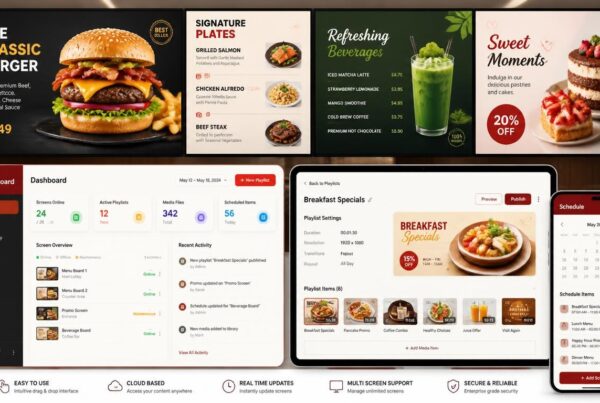
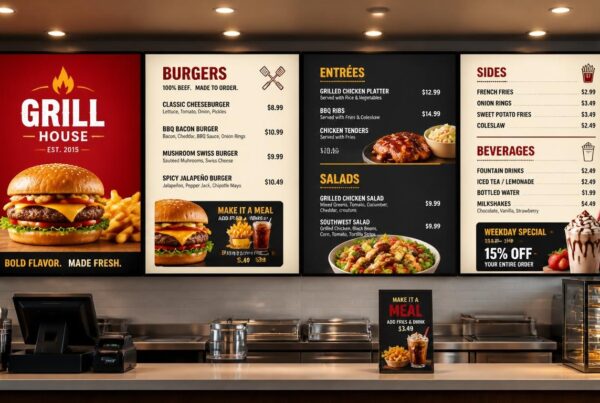
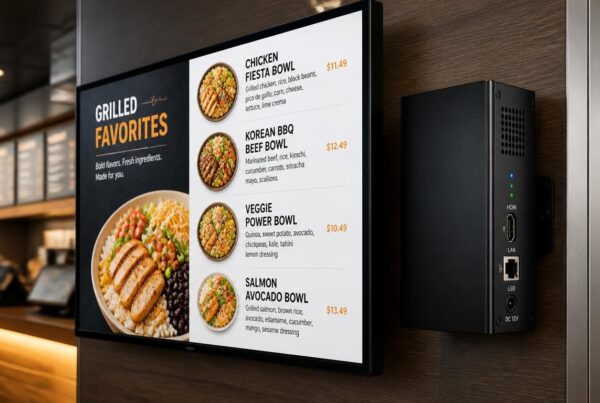
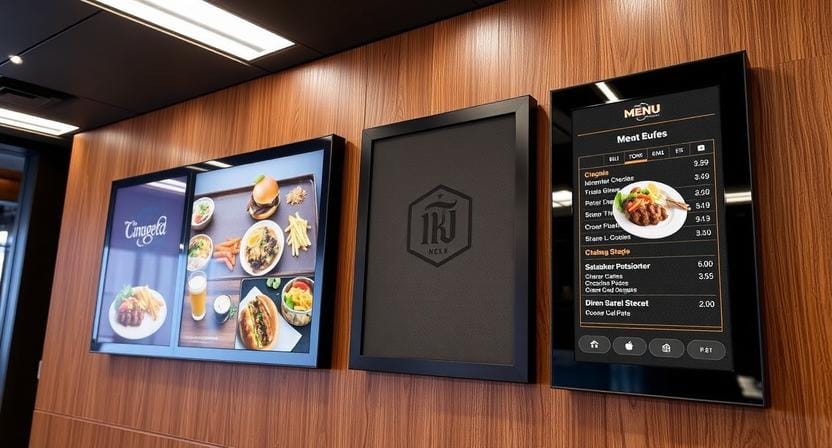
Digital menu boards for restaurants are large screens that are usually located above counters, behind service counters or near the entrance. They are typically found in fast food restaurants, cafes, and food courts, and drive-thru setups.
They are not typically interactive for guests, but their content can be dynamic. The managers are able to update the prices, emphasize specials, and switch promotions and menus based on the time of day.
Digital Menu Apps
Digital menu applications are interactive platforms used on personal smartphones, tablets or kiosks. They allow guests to search, filter, choose, personalize and even order or pay online.
This is particularly helpful in the fine dining, table service, takeout, delivery and personalized ordering experiences.
The Hybrid Approach
A combination of the two is often the best strategy. A restaurant may use digital menu boards to draw walk-ins, show specials or support counter orders, and an app for browsing the restaurant menu and place an order at the table.
This creates a unified brand experience. The screen catches attention, and the app helps the guest take action.
“Menu boards attract attention. Menu apps drive interaction.”
How to Choose the Right Restaurant Digital Menu App
Choosing the right software is not just about price. The optimal platform must align with your type of restaurant, staff workflow, the expectations of the guests, and the long-term growth plans.
Step 1: Assess Your Needs
Begin by determining your restaurant model. A fine-dining restaurant might require elegant visual presentation, wine pairings, and detailed descriptions. A QSR might require quick ordering, combo deals and kiosk ordering. A bar might require happy-hour schedule, digital beverage menus and late-night specials.
Your choice should reflect how guests actually order and how staff actually work.
Step 2: Check Integration
The app should integrate with your existing POS, inventory and accounting systems where possible. Integration eliminates the duplication of work and helps maintain accuracy of orders, prices and stock levels.
In the absence of integration, staff may have to operate two separate systems and this is likely to lead to mistakes.
Step 3: Evaluate Ease of Use
If staff find it difficult to update, then it will not be used appropriately. Choose software that have a user-friendly dashboard, intuitive controls and quick editing capabilities.
Digital menus are meant to simplify operations, rather than introduce another complex system to handle.
Step 4: Review Customer Support
Restaurant operations do not stop at 5 PM. Look for reliable support and hopefully ideally with fast response times and has easy onboarding materials.
If a menu update fails during service, your team requires assistance.
Step 5: Understand Pricing
Compare transparent subscriptions with hidden charges. Ask providers about extra fees for updates, templates, support, integrations, or additional devices.
Many online restaurant menu software platforms offer free trials, allowing you to test the system before deciding.
Implementation Strategy: Making the Switch
The transition from paper to digital should be planned, although it does not have to be stressful. A simple rollout strategy can help staff and guests adopt the new system.
1. Train Your Staff
Your staff should know how the app works and why it enhances the guest experience. Servers should be able to assist the guests, explain QR scanning, answer simple questions and assist guests who need assistance.
Staff members should continue to be the driving force in fine dining. The online menu should support hospitality, not replace it.
2. Market the Change
Promote your new contactless menus on social media, table signs, website updates, and at the entrance. Make guests aware that the change is aimed at improving speed, clarity, hygiene, and menu accuracy.
3. Gather Feedback
Ask guests how they feel about the new system. Can the menu be easily read? Are dish descriptions clear? Are images helpful? Is ordering smoother?
Early feedback helps you fix small issues before they become barriers.
4. Iterate Using Data
Use data from your restaurant menu software to fine-tune your offerings. If a dish receives many views but few orders, the price, description, or photo may need improvement. If a pairing performs well, feature it more prominently.
Digital menus are not static. They should improve over time.
Frequently Asked Questions
Do I need to buy expensive hardware to use a restaurant menu app?
No. Many modern digital menu applications are based on QR codes, meaning guests can use their own smartphones. You may only need a reliable Wi-Fi connection and a robust software platform.
Can I update my digital menu in real time?
Absolutely. Among the largest strengths of restaurant menu software is the ability to update prices, include specials, change descriptions or mark items as sold out in real-time via a dashboard.
Is a digital menu app expensive for a small restaurant?
Solutions exist for different budgets. Many providers have tiered pricing that is affordable to small cafes and can be scaled for large franchises.
How do I get customers to use the digital app?
Staff training and clear signage are important at the entrance and tables. Staff should introduce the digital restaurant menu application when seating guests and how it makes the menu easier to access.
What happens if the internet goes down?
Good restaurant menu software may include offline caching, so the menu can still be viewed during temporary connection issues.
Conclusion
Restaurants are switching from old paper menus to dynamic digital ordering for good reason. An advanced online menu application enhances customer experience, reduces printing costs, supports real-time updates, improves the accuracy of orders, and creates more effective upselling opportunities.
In fine dining, it brings a touch of sophistication, customization, and stronger storytelling. For fast-food chains, it provides speed, consistency, and control in operations. To any modern restaurant, the appropriate digital menu system can help create a more competitive and efficient business.
AI suggestions, customized deals, multilingual menus, real-time inventory updates, and POS integration will become part of restaurant menus in the future. By adopting these tools today, restaurants will be in a better position to anticipate the next expectations of the guests.
Don’t get left behind. Join thousands of restaurants already boosting sales with our digital menu solution. Start your 14-day free trial now—no credit card required.