Introduction
It is not simple to operate a restaurant nowadays. Labor costs are on the increase, food prices are subject to constant fluctuations, supply chains are volatile, and customers demand faster service than ever. In this environment, digital signage for restaurant operations is no longer just a modern design feature. It is turning out to be a convenient way of managing menus, enhancing speed of service, minimizing errors, and boosting sales.
The issue with the use of static menu boards is that they lead to menu lag. This is the time lag between an actual business change and what the customers experience. A price is modified, and the printed board displays the previous price. A poster remains on the wall after a special is over. An item that is popular sells out, but the customers continue to place orders as the menu has not been updated.
That divide costs time, money, and trust. With digital displays for restaurants, teams can update menus, promotions, and availability of items and prices in real time. The appropriate restaurant digital signage software can transform a plain screen into an intelligent business tool.
The use of modern digital signage for restaurant menu management helps restaurants to transition to flexible, data-driven operations as opposed to fixed communication. This article describes the way digital displays help to simplify workflows in restaurants, enhance customer experience, and support greater profitability.
The Shift: Why Static Menus Are Costing You Money
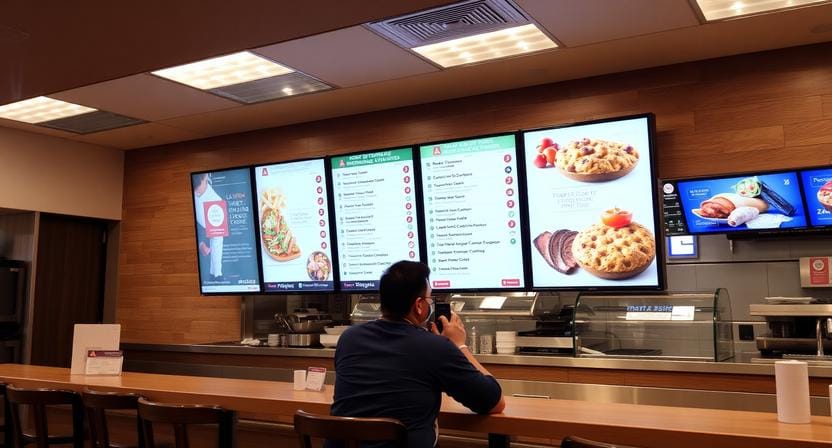
Printed menus and chalkboards might be simple to look at, but they usually have hidden expenses. Each update of the menu needs design time, printing, replacement, and staff time. These costs rapidly accumulate in restaurants that change their prices, specials, or menu items frequently.
The Hidden Cost of Print
Paper menus, posters, table tents, and wall boards are not a one-time cost. They have to be redesigned, reprinted, shipped, installed, and finally discarded or recycled. Restaurants can hold off updating the menu when food costs fluctuate often to avoid having to reprint.
Such a delay may decrease margins. When there is an increase in the cost of ingredients and the old prices are still on the menu, the restaurant will lose money on all sales before the update is finalized.
The Out-of-Stock Problem
Ordering something that is not available anymore is one of the most frustrating experiences that a customer may have. In case of fixed menus, unavailable dishes can stay on the menu for hours or even days.
This is solved by digital signage, which enables managers to remove or grey out unavailable items on the spot. This can minimize customer frustration and assist employees in avoiding repeated explanations.
Faster Updates with Software
Cloud-based restaurant digital signage software enables a team to update a single screen, a single location, or a chain using a connected device. That is why digital signage in restaurants is particularly useful for brands that require rapid changes without disrupting restaurant operations.
Stop wasting money on reprints. With Nento, update your entire chain quickly from your smartphone.
Core Operational Benefits Beyond Just Displaying Food
Digital signage is perceived as an interface that interacts with the customer, but its value is more profound. It can help in restaurant operations, staff efficiency, inventory planning, drive-thru performance, and improved decision-making.
Labor Efficiency
The managers and staff need not waste time reprinting menus, changing posters, and repeating the same promotion throughout the day. Restaurant digital displays lighten this load by displaying the daily specials, limited-time offers, and menu changes on the screen in a clear manner.
The screen does not leave all the offers to be promoted verbally by staff. This will enable the employees to concentrate more on service, food preparation, and customer support.
Inventory Management Integration
Digital signage is even more powerful when it is linked to POS or inventory systems. Sold-out items can be removed from the screen. Products that have high stock levels can be advertised more. Better placement can be given to high-margin products during busy periods.
This will assist restaurants to minimize waste and use inventory better.
Dayparting Made Easy
Restaurants serve different menus throughout the day. Breakfast, lunch, happy hour, dinner, and late-night menus might need to be priced differently and have different categories and different promotions.
Digital signage is capable of dayparting automatically. The breakfast menu can change to lunch automatically without staff doing it manually. A happy hour promotion can be shown only within the appropriate time frame. Dinner specials can start at the appropriate time.
Drive-Thru Efficiency
Drive-thru lanes can be enhanced by having clear and bright digital menu board screens that can enhance order speed and accuracy. Customers have limited time to read, make choices, and order. When the menu is not visually pleasing, the queue is slowed down.
Digital signage helps restaurants to show fewer items simultaneously, emphasize combos, and remove unavailable products quickly. This helps to make decisions quicker and helps service flow smoothly.
Operational note: A screen should not only look attractive. It should remove friction from the restaurant workflow.
Designing for Impact: The Psychology of Digital Menu Boards
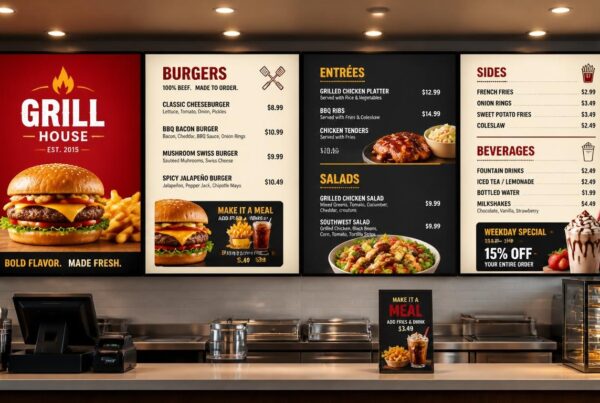
An effective digital signage restaurant menu is not merely a case of putting food on a screen. The design should lead the customer’s eye, support fast decisions, and emphasize the items that are most important to the business.
Visual Hierarchy
Visual hierarchy refers to the way of organizing information such that the customers will automatically pay attention to the most crucial information at the beginning. High-margin items, bestsellers, combos, and limited-time offers should not look the same as all the other items.
Use bigger pictures, higher contrast, badges, or highlighted areas to attract attention. The aim is not to fill the screen. The idea is to simplify the decision process.
The Power of Motion
Motion can be used to generate attention, though it should be used sparingly. Subtle animation can be used to emphasize a new drink, dessert, combo, or seasonal special. Excessive movement may cause the customers to lose focus while reading the menu.
In restaurant menu board digital design, movement should reinforce the message and not be in conflict with it.
Color Psychology
Colors have the ability to affect mood, appetite, and urgency. Bright colors are capable of generating energy and appetite, and darker colors might be luxurious and relaxing. The accent colors can be bright to emphasize offers or calls to action.
The key is balance. A screen that has too many colors competing on one screen makes it hard to read.
Legibility and Brightness
Clear menus are a necessity. Font size, contrast, resolution, and brightness are important. Indoor restaurant screens should be clear in bright light, and outdoor and drive-thru screens should have high brightness to counter the sunlight and glare.
When the customers take more than a few seconds to read the menu, then the design is not effective.
Less Text, Better Visuals
Digital menus do best with clean and visual layouts. The quality of food photography is significant, as customers tend to make their choices based on appearance.
Short item names, plain descriptions, and powerful pictures tend to be more effective than text-saturated designs.
Nento’s pre-built templates are designed for practical menu performance, not just appearance. View our gallery.
Choosing the Right Hardware: Screens, Players, and Mounts
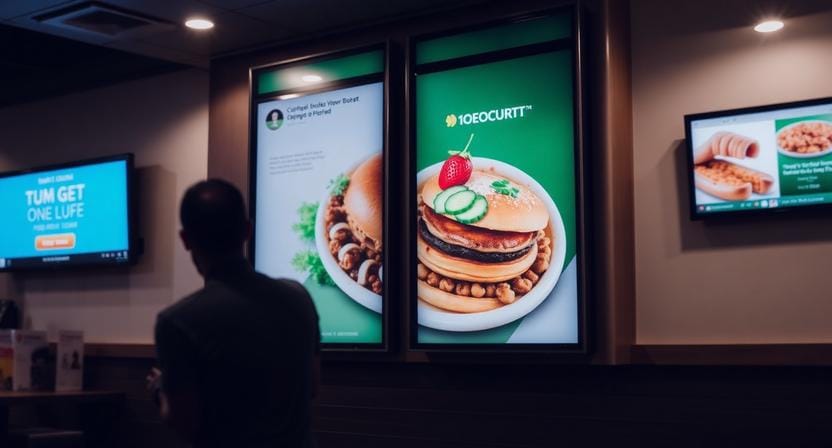
Digital signage for restaurants requires software and hardware to be successful. A good platform also requires a good screen, media player, installation, and connectivity.
Commercial-Grade vs. Consumer-Grade Screens
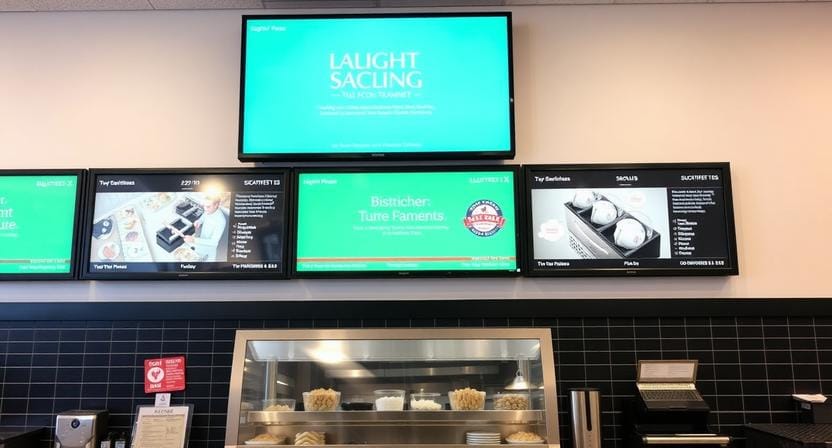
Consumer TVs can appear less expensive, but they are not necessarily meant to be used for long hours per day. Restaurants tend to require screens that can run for numerous hours, withstand heat, and be bright, as well as provide consistent performance.
Commercial-grade displays tend to be more suitable in restaurant settings since they are constructed to be reliable. LCD displays are prevalent, as they are very durable and bright. OLED displays have the potential to be beautiful, and in the case of restaurants, burn-in risk is something to take into account when the elements of the menu are permanently displayed on the screen.
Size and Aspect Ratio
The size of the screen must match the viewing distance. A counter menu viewed from several feet away requires bigger text than one mounted on a table. Drive-thru displays should be visible through a car window.
Aspect ratio is important as well. 16:9 screens are appropriate when the menu board is placed overhead, and the 9:16 screens may be effective when the space is narrow, when it is a promotional board, or for kiosk-like designs.
Brightness and Visibility
Brightness is measured in nits. Indoor displays may be able to have lower brightness, whereas outdoor and drive-thru screens require brighter displays to be readable in the sun.
The wrong brightness level may make the screen hard to read despite a good design.
Media Players
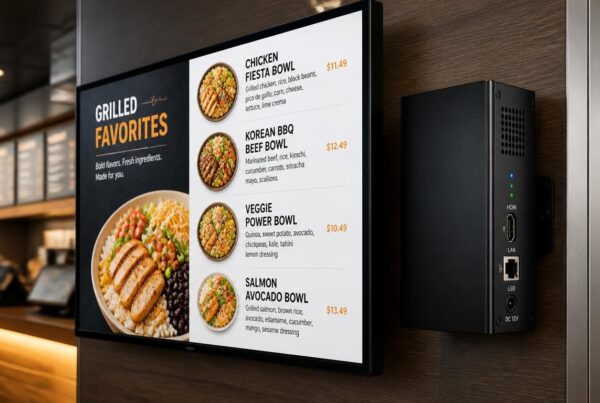
The software is linked to the screen via the media player, and playback can be controlled. A trusted media player must support high-resolution content, consistent playback, reliable performance, secure updates, and easy scheduling.
In the case of modern menus, 4K can be useful, particularly when it is necessary to display high-quality food pictures or videos.
Installation and Connectivity
Installation must take into account the angle of the screen, the safety of the mounting, access to power, cable management, and network stability. Ethernet tends to be more reliable than Wi-Fi, although Wi-Fi can perform well under the proper conditions.
Power management is also important. The screens must be easy to switch on, monitor, and maintain without interfering with the operations of the restaurant.
Worried about tech specs? Nento offers hardware-software bundles that are designed to work together smoothly.
The Software: The Brains Behind the Operation
Hardware shows the message, and software controls the operation. It is at this point that digital signage turns into more than a screen.
Simple User Interface
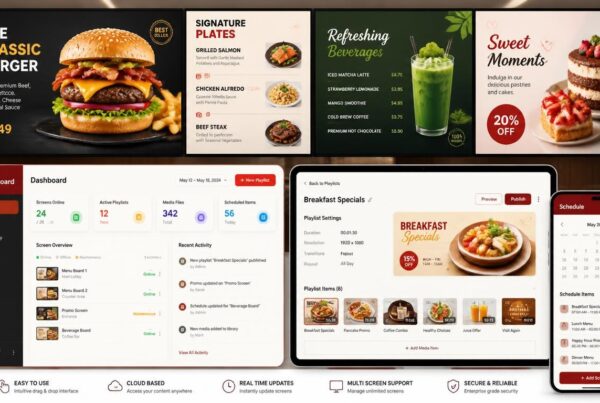
IT support should not be required whenever managers in restaurants update their menus. An excellent platform must have drag-and-drop editing, easy content uploads, easy scheduling, and clear screen controls.
Staff will not use software that is too complex. The most useful tools will make updates fast and effective.
Advanced Scheduling
The scheduling assists restaurants in planning the content. All promotions, holidays, seasonal menus, and weather-related suggestions can be pre-planned.
For example, soup can be advertised on rainy days, iced beverages on hot afternoons, and family meals during dinner time.
Multi-Site Management
One or two displays might be sufficient in a single restaurant, whereas tens or even hundreds might be required in a chain. The software should support both.
Multi-site management enables a restaurant chain to manage content using a single dashboard, yet still have location-specific pricing, taxes, or availability.
POS and Social Media Integration
POS integration assists in synchronizing pricing, inventory, and menu items. In case a product sells out, the screen can be updated. In case there is a change in price in the register, the menu can remain aligned.
Social media integration can also be shown in the form of customer posts, reviews, or user-generated content walls. This will assist in making the restaurant experience more interactive and realistic.
Data Analytics
Analytics can assist restaurants to know what works. A/B testing may be used to compare menu layouts or promotional designs or items featured. Performance data and heat maps can indicate what content is more likely to be looked at and what items can sell more after promotion.
This makes restaurant digital signage software a decision-support tool, rather than only a display manager.
Book a demo to see the Nento dashboard in action. It’s simple enough for daily restaurant use.
Best Digital Menu Boards for Restaurants: A Feature Checklist
Not all the largest and most costly digital menu boards are the best ones for restaurants. The best ones are those that suit the goals of the restaurant, its environment, and workflow.
Must-Have Features
A strong system should include:
- Cloud-based management
- Real-time menu updates
- High-resolution content support
- Trustworthy uptime and screen monitoring
- Easy template editing
- Playlist scheduling
- Multi-screen control
- POS integration options
- Offline playback support
- Strong customer support
These characteristics assist in making sure that the system is practical in day-to-day use, rather than flashy on the day of release.
Nice-to-Have Features
More sophisticated features like touchscreen interactivity, queue management, loyalty program displays, weather-driven content triggers, and in-depth analytics can also be useful to some restaurants.
These attributes are particularly useful to QSRs, cafes, drive-thru restaurants, and multi-location brands.
Nento’s Approach
Nento is built on reliability, ease of use, customer support, and restaurant-friendly workflows. Its platform is created to assist restaurants in handling content without technical strain and still have professional visuals on all the screens.
Real-World Use Cases
Digital signage can help various restaurant formats in a variety of ways. The optimal plan will be based on customer traffic, order type, and business requirements.
Quick-Service Restaurant
A QSR needs speed. Digital signage can display combo meals, limited-time offers, menu changes from breakfast to lunch, and drive-thru promotions.
QSRs can support quicker ordering and enhanced upselling by making menu items more visible and emphasizing the most important ones.
Casual Dining Chain
A casual dining restaurant can utilize screens to advertise wine specials, desserts, chef’s recommendations, loyalty programs, and seasonal dishes.
This provides the restaurant with greater power over what the customers see before and during the meal.
Coffee Shop
Digital menu board screens can be used to display seasonal beverages, bakery products, breakfast offers, and afternoon offers in a coffee shop.
Menus may change automatically during the day, which will allow the cafe to remain relevant both in the morning rush and in the evening service.
Restaurant insight: The best signage strategy changes with the customer journey. What works at the entrance may not be the same as what works above the counter or near the pickup zone.
Frequently Asked Questions
How much does digital signage for restaurants cost?
The price varies based on the size of the screen, number of locations, type of hardware, installation requirements, and software features. Nento has scalable pricing models to cater to various restaurant budgets.
Is digital signage difficult to install?
No. Modern solutions, such as Nento, are normally easy to configure. Remote installation assistance and onboarding can assist restaurants in getting started in less time.
Can I integrate digital signage with my existing POS system?
Yes. Nento is compatible with many major POS systems to assist in maintaining menu prices, item availability, and promotions in line with the register.
What happens if the internet goes down?
Quality software stores the content on the media player locally, and therefore, the menu will be displayed even when there is an outage. As soon as the connection is restored, updates may be synchronized once again.
Is it better to have one large screen or multiple smaller screens?
It depends on your layout. A single large screen can be used for a small menu, and in many cases, several smaller screens are more effective to divide the menu into categories like meals, drinks, combos, and specials.
How do I ensure my menu looks professional?
High-resolution pictures, minimal text, high contrast, and a consistent brand style should be used. Professional templates may be utilized to ensure a professional appearance on every screen as well.
Conclusion: The Future of Restaurant Tech is Visual
Digital signage for restaurant operations is not a luxury any longer. It is a practical need for restaurants that aim to enhance speed, lessen manual labor, manage menus, support upselling, and support profitability.
Digital signage in the restaurant of the future provides a more streamlined experience to customers and staff. Screens will not only present menus. They will be linked to POS systems, inventory data, promotions, customer engagement tools, and performance analytics.
The shift from traditional signage in restaurants to completely integrated menu systems is evident: the old-fashioned boards are being substituted with smarter and more versatile communication devices.
Ready to modernize your restaurant? Request a consultation with a Nento expert today.
Ask about our Digital Menu Board ROI Calculator to estimate possible savings.