Introduction
Operating an online menu restaurant system is no longer just a matter of posting a PDF on a website. In the modern restaurant setting, it entails the implementation of digital signage, online menu applications, screen-ready designs, and real-time updates to streamline the dining experience and make it clearer and more profitable.
Paper menus are now becoming tougher to justify because they are static. Prices fluctuate, food costs increase, seasonal foods change, and customers demand menus that are appealing and readable. Paper menus are problematic because even minor menu changes have to be edited and reprinted, and old copies have to be replaced.
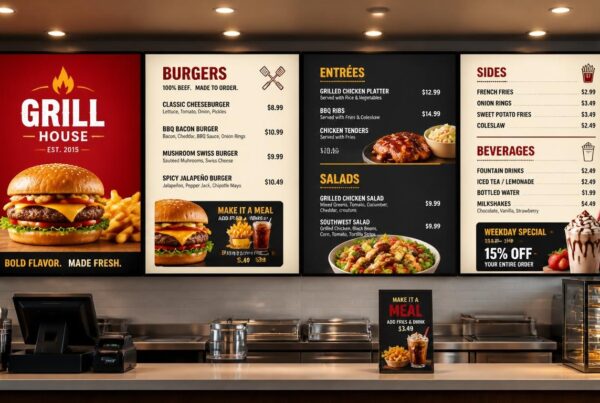
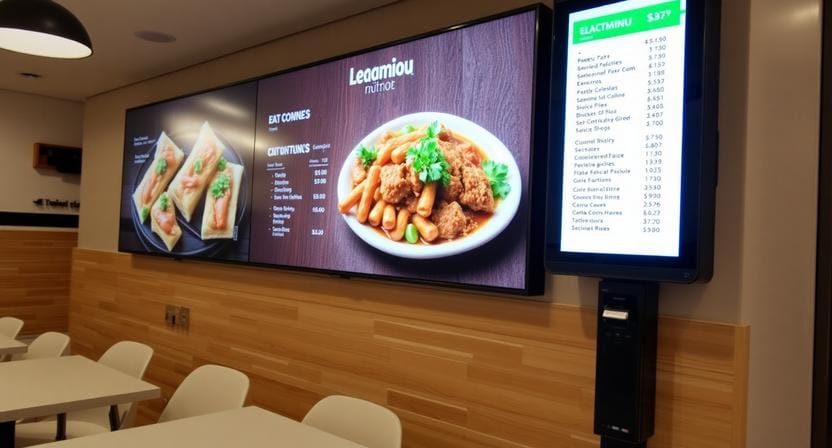
A restaurant will be able to show a clean online restaurant menu on the screens, update the food items immediately, advertise specials graphically, and direct the customers to make better decisions. Digital menus assist eateries in communicating quicker and selling smarter, whether it is a cafe, quick-service restaurant, food court, bakery, or casual dining area.
The combination of a good design, appropriate screens, flexible software, and regular content updates makes a strong digital menu strategy. Using a platform such as Nento, restaurants will be able to substitute their traditional paper-based printing with digital signage that is dynamic and allows menu management in real time and improves customer interaction.
Ready to go digital? Explore Nento’s digital signage solutions for restaurants.
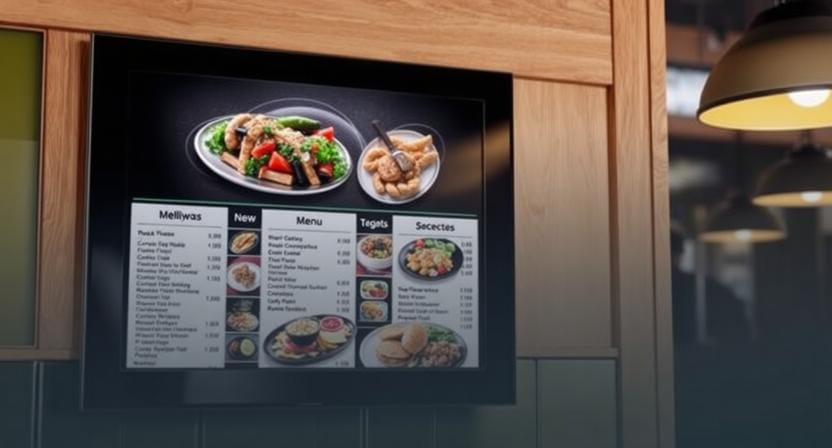
Why Your Restaurant Needs a Digital Menu
A restaurant menu is not a list of food only. It happens to be one of the most significant selling tools within the restaurant. A visual and simple-to-update menu can enhance customer decision-making and aid in day-to-day operations.
Instant Menu Updates
Among the greatest benefits of an online menu is the possibility to change the information instantly. In case prices are adjusted, a dish sells out, or a new special is added, the screen can be updated without having to print anything.
This comes in handy particularly when the menu of the restaurant varies depending on the time of day. Breakfast, lunch, dinner, and late-night deals can be automatically set to be displayed.
Better Visual Appeal
Food sells with pictures. Dishes can be made more attractive by high-quality photos, clean layouts, and short videos as opposed to plain printed text. A good restaurant menu food display will enable customers to visualize the food before they can order.
Here, digital signage works well. It enables the restaurants to display the bestsellers, desserts, beverages, combos, and seasonal foods more visually.
Improved Operational Efficiency
Printed menus are time-consuming to update and replace. Employees might be required to clarify out-of-stock products, fix outdated prices, or respond to the same inquiries on deals. Digital signage saves this effort by maintaining menu data up-to-date.
Customers spend less time processing the menu when they can read it clearly. This will help minimize wait time and make service seem easier during peak times.
More Cross-Selling Opportunities
High-margin items can be automatically promoted with the help of digital menus. An add-on beverage can be displayed on a menu of a burger. Pastries can be emphasized in a coffee menu. Desserts can be advertised towards the end of the ordering process, through a dinner menu.
This renders an online restaurant menu setup helpful both in terms of item presentation and in terms of enhancing average order value.
Quick thought: A good digital menu does more than show food. It helps customers decide faster and helps restaurants sell smarter.
The Power of Design: Using Free Menu Templates Restaurant Style
Design is important since customers have a tendency to make decisions in haste. In case the menu is messy, illegible, or not properly arranged, the customers might get lost or take more time to place an order.
That is why free menu templates and restaurant designs are a common starting point for many restaurants. Templates offer a pre-made layout of categories, prices, photographs, and promotional areas.
Save Time with Ready-Made Layouts
Ready-made templates assist restaurants in creating menus quicker. The owners do not have to create everything from nothing, but they can select a layout, add menu items, add pictures of food, and change colors.
It can be helpful for small restaurants, cafes, food trucks, and new businesses, which require a professional appearance without the necessity to hire a designer immediately.
Minimize Expenses
Early design costs can be lowered by using free designs for menus. A restaurant is able to experiment with layouts, screen formats, and types of promotions without investing in totally custom designs.
This is particularly useful in the case of the introduction of digital signage.
Maintain Brand Consistency
Even a good template must relate to the brand of the restaurant. All screens should feel the same in terms of colors, fonts, position of the logo, and style of the image.
Restaurants are advised to tailor the design so that it does not appear generic even when using free templates.
Link Design to Sales
Clean design has the potential to add value to menu items. With clear and attractive presentation, customers will be more inclined to see featured dishes and premium add-ons.
Here, professional menu designs are important. A professional appearance can instill a sense of trust and make the restaurant appear more refined.
Design tip: A beautiful restaurant menu design is not only about decoration. It is about readability, structure, and guiding the customer’s eye toward the right choices.
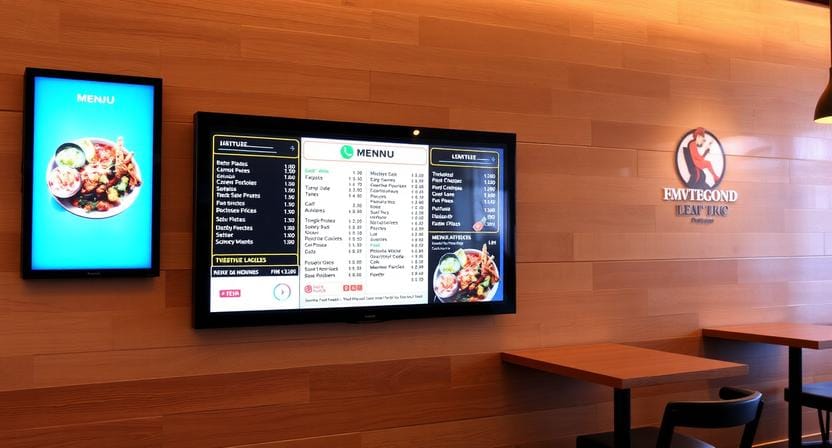
Creating Your Digital Menu: The Online Restaurant Menu Maker Approach
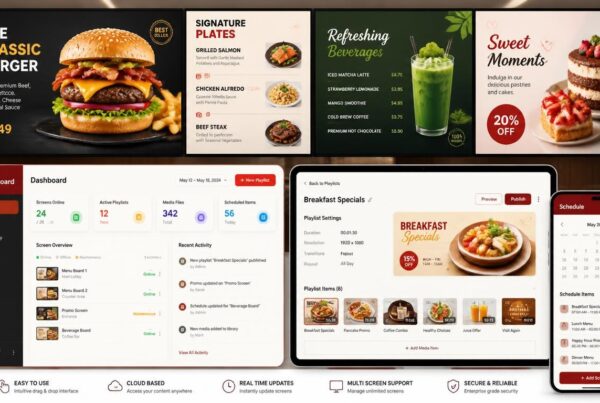
To develop digital menus, restaurants do not have to use complex design tools. An excellent online restaurant menu maker must simplify the process for the owners, managers, and employees.
The most suitable tools have drag-and-drop controls, editable templates, image uploads, and screen-ready formats.
Drag-and-Drop Editing
Technical skills should not be required of restaurant owners to update a menu. A drag-and-drop editor enables users to modify the names of items, prices, images, and sections quickly.
This is the reason why most restaurants have shown a preference to use an app to create restaurant menu designs rather than using some complex design software.
POS Integration
POS integration assists in maintaining the pricing, availability, and ordering information of the menu. In case of a sold-out item, the menu can be changed within a short time. The screen can display the right information in case there is a price change in the POS.
This assists in minimizing misunderstanding among customers, employees, and checkout staff.
Cloud-Based Updates
Restaurants can update menus using a phone, tablet, or laptop through cloud-based systems. A manager can adjust a price or a special or remove an item without having to be near the screen.
This would be of particular help to multi-location restaurants that require regular menu updates across branches.
Menu Scheduling
Scheduling enables restaurants to make preparations in advance. Breakfast menus may be offered in the morning, lunch menus at lunchtime, and dinner specials in the evening.
This keeps the menu relevant throughout the day and reduces manual work for staff.
Don’t settle for boring. Nento’s platform lets you update your menu quickly. Try it now.
Best Practices for Online Restaurant Menu Design
The digital menu must be readable, attractive, and customer-behavior-oriented. Effective online menu design will assist customers in making choices in a short period of time as well as assisting the restaurant with sales objectives.
Use high contrast.
Contrast enhances readability. It is best to use light text on a dark background or dark text on a light background. Do not mix colors that may appear good but will be hard to read when viewed at a distance.
This is among the most significant restaurant menu design best practices, particularly on screens attached to counters or near bright windows.
Use High-Quality Food Photos
Food pictures must appear natural, fresh, and tasty. Do not use blurred photos or images that are not specific to the food.
One good picture of a signature dish can work better than a number of small poor-quality pictures.
Group Items Logically
An excellent menu is one that is easy to scan. Divide items into distinct groups like appetizers, mains, burgers, pizzas, beverages, desserts, breakfast, or specials.
Customers should not have to search too hard to find what they want.
Guide Attention to High-Profit Items
Visual anchors can be used to direct customers to products that you wish to promote. This may involve bigger images, badges, emphasized boxes, or slight movement.
An example is to put a combo meal, a chef special, or a high-end drink in a more visible section of the screen.
Make the Layout Clean
An overload of information may undermine the menu. Do not put all the items, pictures, offers, and descriptions on a single screen. In case the menu is voluminous, split it into several screens or rotating parts.
A clean online restaurant menu design helps customers focus.
Restaurant tip: If customers cannot read your screen within a few seconds, simplify the layout before adding more graphics.
The Nento Advantage: Digital Signage for Modern Restaurants
Nento assists restaurants in transforming digital menus into practical business solutions. The appropriate platform can streamline content updates and make them more consistent, regardless of whether it is a single-screen restaurant or multiple locations.
Built for Single Stores and Multi-Location Chains
One or two screens may be required in a small cafe, but dozens of displays can be needed in a restaurant chain in various locations. Nento helps both of them by making menu control easy via a single dashboard.
This assists restaurants with consistent branding but still enables updates on a location-specific basis.
Remote Management
Remote management allows restaurants to refresh menus without having to go to each screen. Owners and managers are able to adjust prices, add new specials, or schedule content using a connected device.
This simplifies the online restaurant menu strategy during the busy days.
Screen Scheduling
One of the most beneficial features of restaurant digital signage is scheduling. It enables menus, promotions, and special offers to appear at the appropriate time.
As an illustration, a cafe may display coffee and breakfast in the morning, lunch packages in the afternoon, and desserts or beverages in the evening.
Menu Performance and Analytics
Analytics can be used to help restaurants identify the best promotions. In case a dessert promotion is placed on the screen and sales increase, the restaurant can apply the knowledge to the future promotion.
As an example, a restaurant with dynamic menus might showcase desserts after the meal orders and monitor the increase in dessert sales. This type of data assists menus in becoming more strategic in the long run.
Switch to Nento and turn your screens into stronger sales tools. Get a free demo today.
Frequently Asked Questions
Can I use Nento’s software with my existing screens?
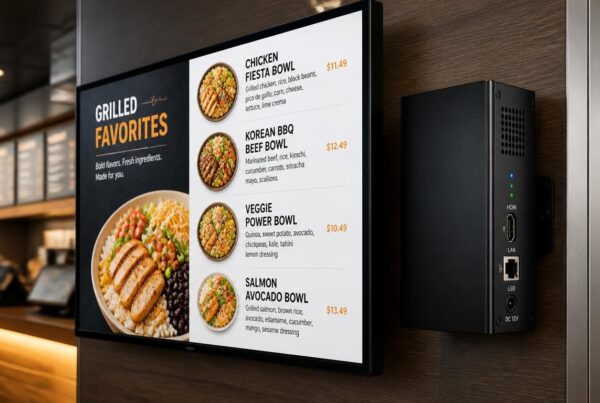
Yes, Nento can be used with most contemporary displays. Depending on the type of screens, media player, and setup requirements, restaurants may often use the available screens.
Do I need design skills to create a good-looking menu?
Not at all. Starting with Nento and a good online restaurant menu maker, you can use free restaurant-style menu templates and customize them to your brand.
How quickly can I update my menu?
You are able to update your menu in real time. As soon as you publish the change, it can be displayed on connected screens.
Is digital signage expensive?
Digital signage may be more cost-effective than frequent printing, particularly when restaurants change prices, specials, or menus frequently. It can also be used to support more sales due to improved upselling and promotions.
Can I use free menu templates for a professional restaurant?
Yes. Free templates may be a good place to start. Nevertheless, you get the most out of the templates by having them customized with your brand colors, real food photos, clear pricing, and correct screen formatting.
Conclusion
Restaurants no longer find digital menus to be a luxury. They are turning out to be a practical requirement for businesses that desire faster updates, better visualization, clearer communication, and enhanced customer interaction.
A powerful online restaurant menu strategy will help to save on printing costs, enhance the accuracy of the menu, market high-value food, and make the menu more modern for ordering. Free menu templates, restaurant designs, online menu tools, and screen-ready digital signage will enable restaurants to move beyond their paper-based menus and shift to a more vibrant visual menu.
The trick is to have a good design and dependable software. A beautiful restaurant menu design must be readable, easy to revise, and built around the way customers place orders.
Restaurants that start now will be better prepared for a more digital, visual, and flexible future.
Take the first step toward a smarter restaurant. Visit Nento today to see our plans.