Introduction
Your drive-thru can be the busiest area of your restaurant, but is it functioning optimally? The right drive-thru digital signage software is like an employee who never gets tired, never forgets to change the menu, and never misses an opportunity to support a buying decision.
For most fast food restaurants, speed, accuracy, and profitability are gained or lost at the drive-thru. A client might take a few seconds to peruse the menu and make an order. When the screen is not clear, not up-to-date, and hard to read, such a wait may cause even longer queues, frustrated customers, and lost chances to get a deal.
No longer is it sufficient to use printed signs and static boards. They are not up-to-date, costly to change, and cannot be used to respond to real-time menu changes. Conversely, drive-thru digital menu boards enable restaurants to adjust the prices, offer limited-time offers, rearrange menus according to time of day, and streamline the customer experience between placing the order and picking up the food.
Progressive brands are already upgrading their digital drive-thru signage by utilizing platforms such as Nento. A simple ordering line is transformed into a smarter, quicker, and more effective service channel with the right system.
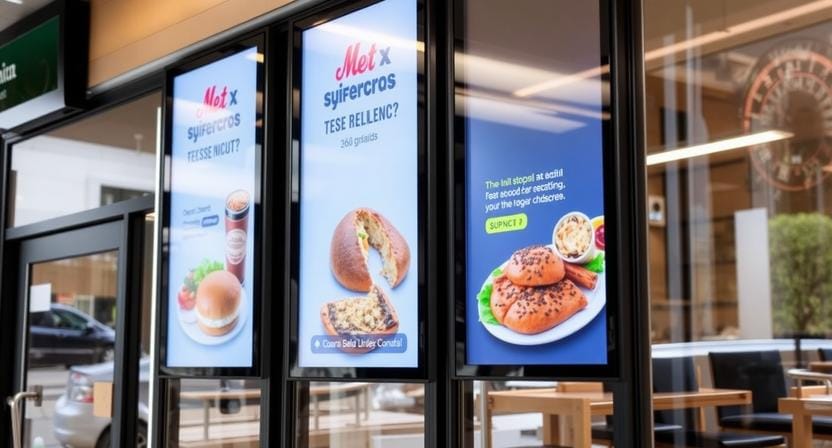
The 4 Critical Components of a Modern Drive-Thru Ecosystem
A powerful drive-thru installation does not consist of a single display outside a restaurant. It is an interconnected system that integrates menu screens, order confirmation, audio systems, POS information, and back-end computer programs.
The Main Display
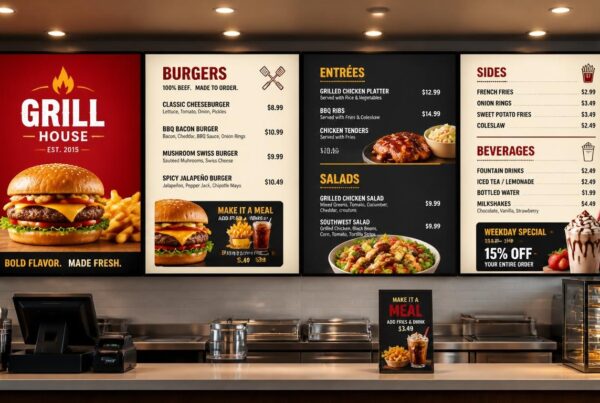
The new shopfront is the main digital drive-thru menu board. It can be the initial step in a drive-thru visit as a customer reads your menu in detail.
This display affects what customers see, how fast they make a purchase, and whether they include additional items. An intelligent board can emphasize the combos, high-margin products, seasonal beverages, desserts, and limited-time offers without cluttering the screen.
The Order Confirmation Screen
A drive-thru order confirmation screen provides visual confirmation to the customer that their order is correct. Customers are not required to rely on audio only since they can view every item, modifier, price, and total before proceeding with the transaction, as opposed to using audio only.
This saves confusion, decreases the cost of remakes, and establishes trust. It also provides the restaurants with another chance to present recommended add-ons subsequent to the first order.
Audio Integration
Powerful drive-thru menu systems are also linked with headsets and sound systems. The combination of audio, POS, and signage will streamline communication between customers, cashiers, and kitchen staff.
This is particularly essential during rush hour, when noise, speed, and pressure can cause errors.
The Back-End Dashboard
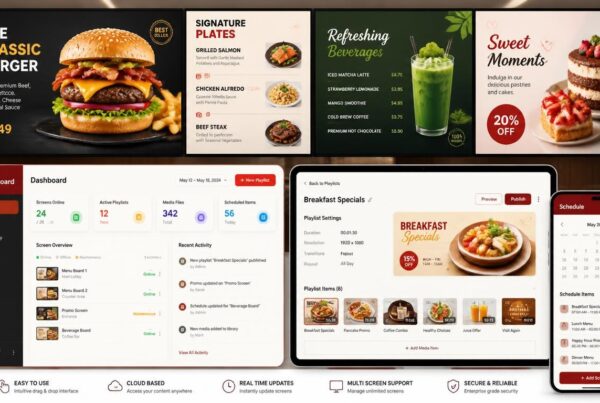
The brain of the system is the software dashboard. It manages the scheduling, content management, screen monitoring, analytics, POS integration, and campaign updates.
Even expensive screens may prove to be hard to control without good software. The whole drive-thru lane is easier to optimize with good software.
Speed of Service: How Software Cuts Seconds and Saves Dollars
In the drive-thru business, seconds are important. Any delay at the menu board will have an impact on customer satisfaction, line length, staff pressure, and revenue.
The Value of Golden Seconds
Customers desire to place orders fast. When the menu is too full, too difficult to read or too old, they are hesitant. Such reluctance increases the time per vehicle.
An intuitive digital screen makes customers comprehend options quicker. There can be strong visual hierarchy, improved product grouping, and timed promotions that will decrease the pressure of decision before the customer reaches the speaker.
Dynamic Menu Changes
Drive-thru digital signage software enables restaurants to automatically switch menus depending on the time of the day, weather, inventory, or promotions.
Breakfast can be changed to lunch automatically. During hot weather, cold drinks may seem more noticeable. Items that are sold out can be removed quickly. A late-night menu can be displayed only in the appropriate hours.
This makes the display up to date and avoids ordering of items that are out of stock.
Pre-Order and Loyalty Integration
The pre-order workflows can be supported by modern systems. The digital drive-thru menu board or the confirmation display can display loyalty app orders, mobile pickup messages, or customer-specific promotions to hasten the process.
This is particularly beneficial to restaurants that deal with mobile ordering, curbside pickup, and the drive-thru simultaneously.
Better Restaurant Drive Thru Signs
Older restaurant drive-thru signs might display the same content over months. Digital signs may vary on a daily, weekly, or immediate basis. This provides restaurants with greater control over sales strategy and customer flow.
As the signs become clearer and more relevant, customers can make decisions faster and employees will have fewer corrections to make.
The Art of Drive-Thru Menu Design That Converts
A powerful drive-thru system relies on technology and more. The design should be able to accommodate drivers making quick choices while in a car.
Designing for Speed Reading
A good drive-thru menu is designed for fast scanning. The key categories must be comprehended by the drivers within a couple of seconds.
Avoid overcrowding the screen. Have plain sections, names of items, legible prices, and good spacing. In case customers need to struggle too hard to read the menu, the design is slowing down the lane.
Visual Hierarchy
The first things that the eye should look at should be high-margin products, combos, and limited-time offers. Direct attention by using size, contrast, and position.
It is not the aim to present everything at the same time. The objective is to assist the customers in making confident decisions.
Motion vs. Static Content
Minor animation can be used to attract attention to an advert; however, excess movement may distract the drivers. Controlled motion is the best: not so much that it causes the menu to be difficult to read.
As an example, a gradual image change for a combo meal can be effective. The screen can become chaotic with rapid flashing or having too many moving elements.
Brightness and Contrast
An effective drive-thru menu board installation should consider the sunlight, glare, weather, and visibility during the night. The screens must be bright during the day and balanced during the night so that they are comfortable to read.
Even a good menu can be hard to read due to poor contrast. Installation should be designed for outdoor use, rather than fixed later.
Ready to upgrade your drive-thru digital signage? Nento offers end-to-end solutions—from drive-thru menu design to full drive-thru menu board installation. Request a demo today.
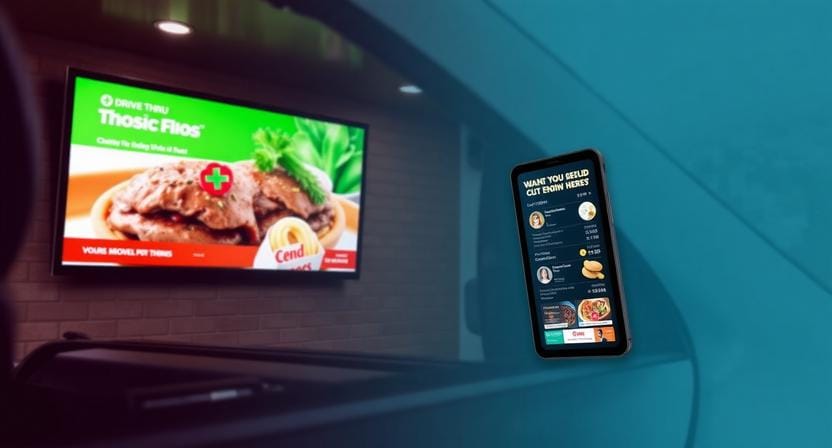
Installation and Hardware: Getting It Right the First Time
Even the best software requires good hardware and installation. Outdoor drive-thrus are challenging environments, and therefore the installation has to be thought out.
Indoor vs. Outdoor Ratings
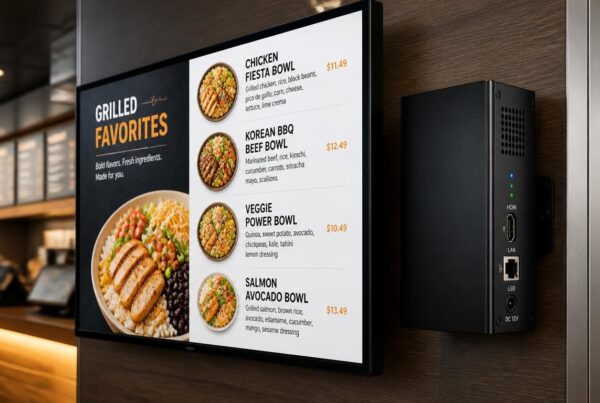
Drive-thru screens should be able to resist rain, heat, cold, dust, humidity, and direct sunlight. Quality digital drive-thru menu boards tend to need weatherproof, high-brightness panels and strong thermal management.
Outdoor use of indoor displays is not recommended. They do not fit the environment, and they can break easily.
Mounting Options
The right mounting style is dependent on the layout of the lane. There are restaurants that mount the boards on the wall, and others require pole-mounted, pedestal-mounted, or freestanding ones.
The mount should be able to hold the weight of the screen, wind exposure, viewing angle, and service access.
Cabling and Power
Installation should review power access, cabling routes, network connections, and safety requirements. Lack of proper planning may result in exposed cables, lack of connectivity, maintenance problems, or delays in installation.
These issues can be avoided by a professional installation.
Software Compatibility
Your digital signage software must be compatible with the current POS systems, media players, screens, and workflows. The software must not subject the restaurant to a too-complex configuration.
It is often smarter to start with a software-first approach. It is possible to upgrade or replace hardware, whereas bad software can cripple the whole drive-thru system.
Order Confirmation Screens: The Unsung Hero of Accuracy
One of the most useful components of the system is the drive-thru order confirmation screen, as it helps minimize errors.
Why Customers Love Them
Customers enjoy viewing their orders prior to payment. It makes them confident that the cashier understood them, particularly when it involves customizations, combos, substitutions, or special requests.
The visual confirmation decreases anxiety and second-guessing.
Employee Efficiency
The employees are also assisted by order confirmation screens. When the customer is able to view the order, the number of repeated questions and corrections at the payment point is reduced.
Connected systems can also be beneficial to kitchen staff by providing an accurate and clear order display.
Upsell Opportunities
Suggested add-ons may be displayed on the confirmation screen after the main order is entered. These may be fries, beverages, sauces, desserts, or limited-time items.
Since the customer is already in the buying mode, a small visual persuasion can have an impact on the final order.
Error Tracking
Changes and corrections in orders can be recorded using advanced software. This data can be used by managers to determine areas of training needs, confusing menu items, or repetitive errors.
This makes the confirmation screen more than a customer-facing tool. It is part of operational improvement.
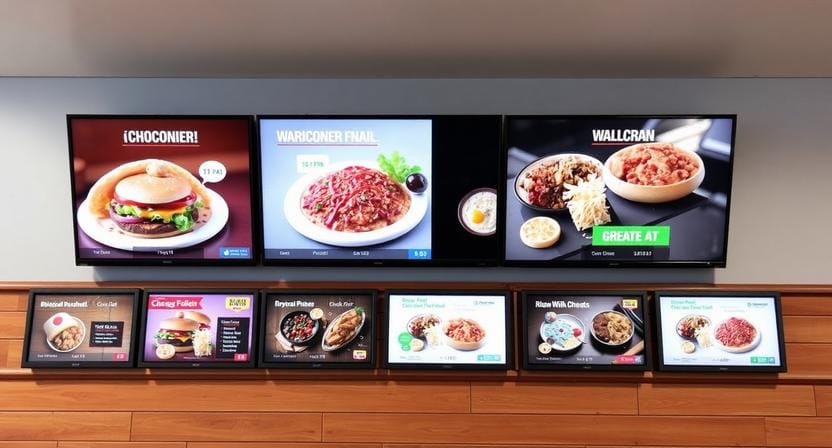
Maintenance, Updates and Long-Term Scalability
The management of a drive-thru system should not be a challenge after the rollout. Restaurants require software that facilitates frequent updates, remote control, and expansion across various locations.
Cloud-Based vs. Local Management
Drive-thru signage that is cloud-powered is simpler to operate in multiple stores. Teams are able to refresh menus, prices, graphics, and promotions using a laptop or phone.
Local systems can be used to cover one location, but this is more difficult to scale and maintain.
Scheduling Content
Restaurants will be able to pre-plan holiday promotions, seasonal offers, limited-time offers, and daypart menus. This minimizes last-minute work and maintains campaigns in order.
A manager will be able to plan breakfast, lunch, dinner, and late-night menus weeks or months in advance.
Remote Management
Multi-location brands are particularly interested in remote updates. Teams can also update restaurant drive-thru signs from a single dashboard, instead of dispatching someone to each location.
This saves time and keeps all locations in line.
Analytics and Optimization
Analytics may assist restaurants with keeping track of the items that receive the most attention, which offers are most effective, and how variations impact the ordering patterns.
This data can be used over time to improve drive-thru menu design and enhance profitability.
Take control of your lane’s performance. With Nento, you get powerful drive-thru digital signage software that’s intuitive, reliable, and built for growth. Book a personalized demo now.
Frequently Asked Questions
What is drive-thru digital signage software?
It is a cloud or on-premise system that controls what customers see on digital drive-thru menu boards. It enables restaurants to update information, schedule menus, promote offers, and monitor screens and performance.
Can I integrate it with my existing POS system?
Yes. Many drive-thru menu systems in use today can connect to major POS providers to facilitate easier updating of inventory, prices, and menus.
How much does drive-thru menu board installation cost?
Prices are dependent on the size of the screen, the type of mount, the wiring, the installation location, and the complexity of the installation. Software licensing is generally independent and can be scaled depending on the number of screens or locations.
Is a drive-thru order confirmation screen necessary?
It is highly recommended. A drive-thru order confirmation screen helps minimize order errors, enhances customer confidence, and minimizes remakes due to miscommunication.
How durable are digital drive-thru menu boards?
Quality outdoor digital drive-thru menu boards are usually equipped with IP65 weatherproofing, heating and cooling systems, shatter-resistant glass, and high-brightness panels to be seen in the outdoors.
Can I change menus instantly during the day?
Yes. It is among the key advantages of drive-thru digital signage. Switching between breakfast and lunch, revising prices, deleting sold-out items, or offering limited-time deals can be quickly done.
What happens if the internet goes down?
Good drive-thru digital signage software will cache a local version of the content so that your restaurant drive-thru signs can keep showing content until the connection is restored.
How long does a typical drive-thru menu design take to implement?
A basic drive-thru menu design can usually be released quickly with the assistance of professional platforms such as Nento, contingent upon the number of screens, branding needs, integrations, and setup requirements.
Conclusion: The Future Belongs to the Digital Drive-Thru
The drive-thru is no longer simply a drive-through lane located outside the restaurant. It is a significant point of sale, customer experience, and operational performance area.
From drive-thru digital signage software through to order confirmation screens, all the elements combine to enhance speed, reduce waste, improve accuracy, and support stronger sales. The use of static signs is becoming obsolete since they are not able to meet the current customer demands or operational requirements of restaurants.
Drive-thru menu systems are now smarter and have become the norm among restaurants that wish to compete based on speed, clarity, and convenience.
Do not let outdated restaurant drive-thru signs cost you another customer.
Stop guessing and start optimizing. Visit Nento today to explore custom digital drive-thru menu board packages, request a site assessment, and see how we can help transform your drive-thru into one of your strongest service channels.