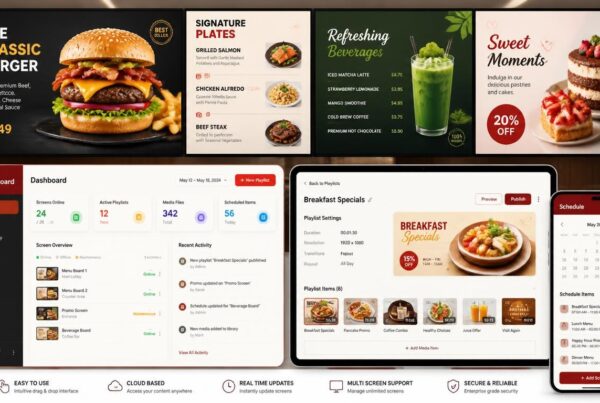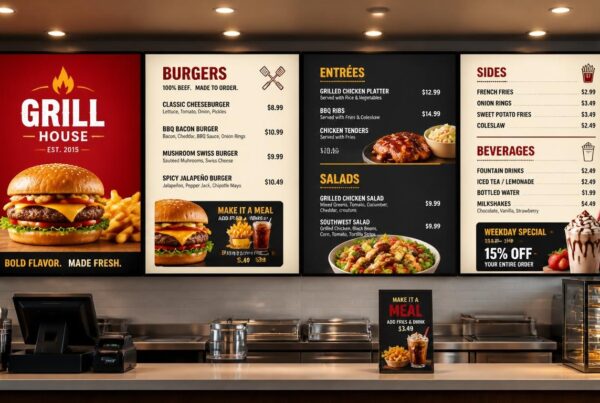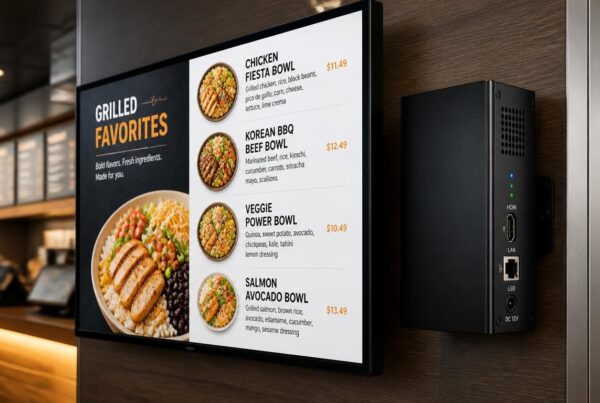
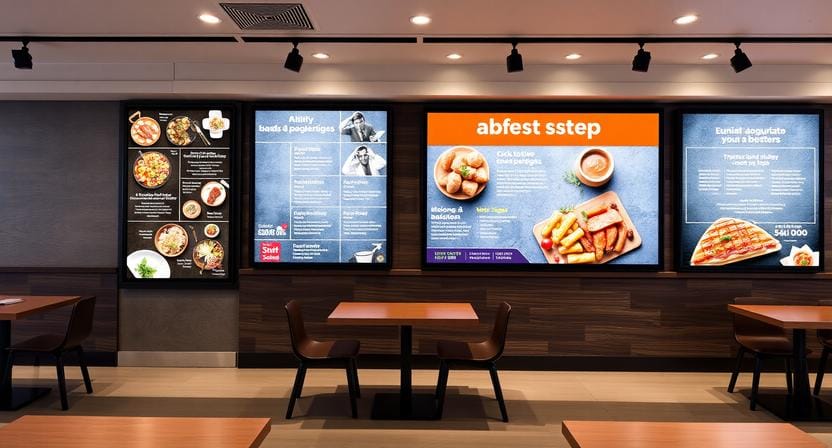
Finding a free menu template option can be a smart starting point for restaurants that want to improve their menu presentation without spending too much upfront. Whether you operate a cafe, fast-food restaurant, food truck, bakery, or small restaurant, a well-designed menu can influence the way your customers read, make decisions, and place an order. Templates are particularly handy in the digital signage world, as they assist in transforming regular screens into clean, attractive, and simple-to-update menu boards.
A digital menu should do more than display food names. It should help customers decide faster, notice the right items, and understand the menu without asking extra questions.
The menu of a restaurant is not just a list of food. It is a selling instrument, a branding component, and a customer guide. When the design is cluttered, difficult to read, or old-fashioned, the customers can spend more time ordering or miss some of the promotions. However, with the menu being clear, visual, and well-organized, it can facilitate quicker decision-making and enjoyable dining.
That is why a lot of restaurants are searching for free menu design templates that can be utilized on digital screens. These templates simplify the process of creating professional layouts for food categories, pricing, combo meals, daily specials, and promotional items without having to create everything themselves.
Want to make your restaurant menu look better on screens? Start with a clean digital menu template that is easy to read, simple to update, and designed for customer attention.
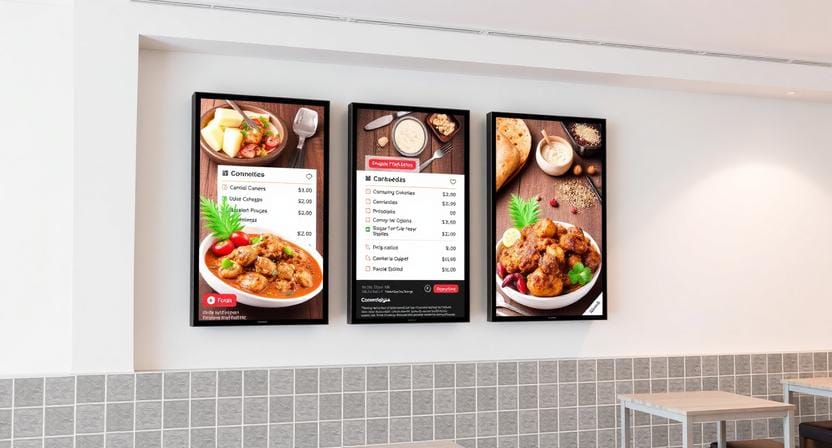
Why Menu Templates Matter for Digital Signage
Digital signage has transformed the manner in which restaurants display menus. Restaurants can now present their offers on screens that are brighter, more flexible, and easier to update as opposed to just using printed boards or paper menus.
A good template assists in arranging the screen in a proper manner. It provides organization to food names, descriptions, prices, images, and promotional areas. This is significant since customers usually take a few seconds to look at a menu before making a decision on what to order.
Design errors are more apparent with digital screens. The screen can be hard to read due to small fonts, low contrast, a busy layout, and low-quality images. A powerful template averts such problems by providing restaurants with a design starting point.
A food menu template free option can be a viable approach to testing digital menus before investing in a custom design, especially in the case of small restaurants. It enables the business to enhance presentation in a short period of time yet at the same time manage costs.
What Makes a Good Restaurant Menu Template?
Not all templates can be used for restaurant digital signage. Certain templates are pretty on paper but fail to work on screens. A digital menu must be readable at a distance, visually balanced, and easily understood by customers in a short time.
Clear Menu Sections
Items should be grouped in logical categories in a good template. The typical menus consist of appetizers, meals, burgers, pizza, beverages, desserts, breakfast, lunch menus, and combo menus.
Clear categories assist customers in scanning the menu quickly. When everything is put on a single long list, there is a danger that the customer will be overwhelmed, particularly in the fast-service setting.
Readable Fonts
Screen menu fonts are very crucial. Ornamental fonts can appear classy yet can be hard to decipher when viewed at a distance. A well-defined menu template consists of clean, bold, and simple fonts.
The description should be smaller than the name of the item. Prices should be readily available but not to such a level that they overshadow the value of the food.
Strong Contrast
The screens with menus should be well contrasted. Dark text on light background or light text on dark background is normally the best. Designs with low contrast can be soft on a laptop but hard to read on wall-mounted displays.
This is particularly necessary in digital menu boards that are located above counters in sunny cafes or windows.
Space for Food Pictures
Food images have the ability to stimulate hunger and help customers make decisions. A good template must have room for good-quality photos, but it must not clutter the screen with too many images.
A single good picture of a meal of the day is usually better than numerous small pictures that will overcrowd the menu.
Easy Price Editing
Restaurant prices usually fluctuate due to costs of ingredients, seasonal deals, or combo deals. The template used must enable easy updating of prices.
It is here that restaurant digital signage software would come in handy. The appropriate software enables the managers to make changes to the menus within minutes and update screens without the need to redesign the entire layout.
Free Restaurant Menu Templates vs. Custom Menu Design
Free restaurant menu templates are favored by many restaurants since they are readily available and user-friendly. This is ideal for new business ventures or small cafes or restaurants that are trying digital signage.
Free templates have their limits, however. They might not perfectly align with the branding, screen size, and complexity of the restaurant menu. Many other businesses may also use them, and, therefore, the design might not seem as unique.
Custom design provides additional control over colors, layout, typography, animations, and brand personality. It can be advantageous for more established restaurants or franchises or businesses that prefer a more upscale appearance.
Nevertheless, a restaurant menu template free option can be useful when used judiciously. The trick lies in personalizing it to an extent that it does not appear generic but rather relates to your brand.
How to Create a Menu Template Free for Digital Screens
A lot of restaurant owners look for how to create a free menu template, as they want to have an easy and inexpensive method to display their menu better. The process should not be complex but should be planned.
Step 1: Choose the Right Screen Format
Check the screen orientation before designing. Some menu boards are in landscape format and others in portrait format. The layouts of drive-thru displays, cafe boards, and the wall-mounted screens could all need various layouts.
A wrong format design may make the text stretch, pictures cut improperly, or parts of the design appear unbalanced.
Step 2: Organize Your Menu Items
Divide your menu into distinct parts. Do not have too many items on a single screen. In case you have a huge menu, divide it into several slides or alternate categories.
As an illustration, a cafe can have a screen dedicated to coffee and pastries and another with lunch. This makes the menu easier to read.
Step 3: Use Brand Colors Carefully
Your menu must be according to your restaurant brand. Use your brand colors, but do not use too many bright colors. It is aimed at leading the eyes, not making visual noise.
Highlight the main points only, i.e., bestsellers, combos, or time-limited deals.
Step 4: Add High-Quality Images
Whenever you can, use real photos of your food. Generic stock pictures can appear polished, yet they can give unrealistic expectations. When the image of the food is similar to what they get, customers will react better.
Step 5: Test Readability
Prior to publishing the design, view it from the same distance as your customers. In case the text is difficult to read, make the font bigger or reduce the items.
An effective digital menu must be readable fast even during a hectic ordering time.
Before choosing any template, think about your screen size, menu categories, food images, and how often you will update prices or specials. A good design should save time, not create more work.
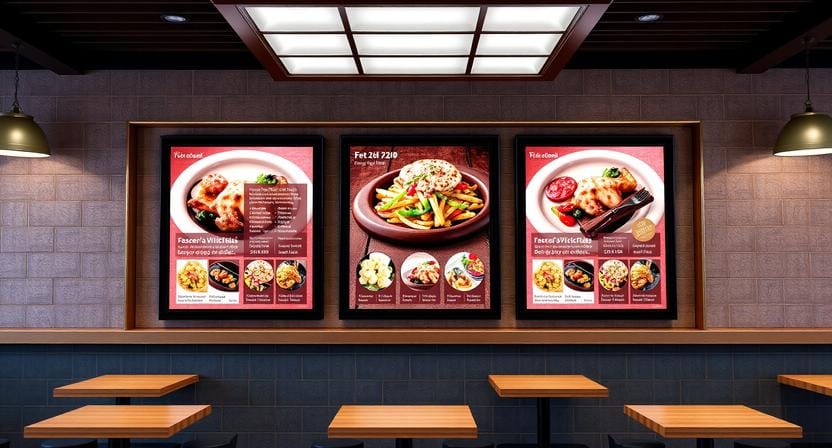
Best Uses of Menu Design Templates in Restaurants
Menu design templates are applicable in numerous restaurants. The optimal utilization is determined by the nature of the business, traffic volume, and location of the screens.
Quick-Service Restaurants
Fast food restaurants require menus that facilitate decision-making. Templates must include combos, straightforward pricing, and categories that are easily readable.
Promotional items can also be rotated on digital screens at the most convenient times, and this helps customers pay attention to high-margin products.
Cafés and Bakeries
Templates are often used in cafes for coffee menus, pastry displays, seasonal drinks, and breakfast menus. These menus ought to be aesthetically warm, straightforward, and easy to revise during the day.
One of the layouts can be used in a cafe in the morning when coffee and breakfast are served, and in the afternoon, the switch to lunch specials may be made.
Food Trucks
Food trucks require small menus that can be read outside. Bold item names, short descriptions, and easily visible prices in a simple template are best.
Since space is a constraint, food truck menus must not be too cluttered; however, they need to pay attention to the most essential menu items only.
Casual Dining Restaurants
Digital menu signage can be used by casual restaurants as a way of advertising chef specials, desserts, drinks, and other specials. Templates can also be more graphic for storytelling as compared to fast-food menus.
Pickup and Drive-Thru
Drive-thru and pickup screens should have a high contrast, big fonts, and concise menu areas. Customers do not have much time to read, and therefore the design should be able to facilitate fast ordering.
Digital Signage for Restaurant Menu Design
Digital signage for restaurant menu design offers flexibility to the restaurant compared to printed materials. Menus may be updated in real time, scheduled by time of day and adjusted to promotions or sold-out items.
As an illustration, breakfast items may auto-vanish following morning service. Lunch specials may appear at noon. During certain weeks, it is possible to advertise a seasonal drink. This is not easy to control using printed menus.
Digital signage enhances uniformity as well. When a restaurant has more than one branch, the menu design can be applied in all branches. The updates can be made centrally, and the possibility of various stores displaying different prices or older offers is minimized.
This is among the reasons why digital menu signage is still on the rise in restaurants. It is both aesthetic and functional.
Digital menu signage is especially useful for restaurants that change prices, specials, or availability often.
Common Mistakes to Avoid When Using Free Templates
Free templates may be useful, but they should be used with caution. Even a digital screen may appear unprofessional due to a weak design.
Using Too Much Text
Long paragraphs on a menu screen are not something that customers want to read. Be brief in descriptions and concentrate on key selling points.
Ignoring Screen Size
The flyer or paper menu template might not be compatible with a big-screen display. Always reposition the layout to fit the screen.
Choosing Poor Images
Poor-quality images can be detrimental to the attractiveness of your food. Sharp, bright, realistic photos should be used.
Overusing Animation
Movement will capture interest, but excessive animation will distract from the menu. Movement should only be used in highlights, transitions, or featured promotions.
Forgetting Updates
A beautiful menu would not be valuable when it contains outdated prices or items that are not available. Ensure that there are regular updates.
How Restaurant Digital Signage Software Improves Templates
Templates are far more helpful in association with restaurant digital signage software. Managers can update content via a dashboard, rather than having to edit a file manually and upload it every time.
This software may assist with:
- Menu scheduling
- Price updates
- Image changes
- Multi-screen control
- Promotional playlists
- Dayparting
- Brand consistency
- Remote publishing
This is particularly essential in case of restaurants that have numerous screens. A manager is able to update a single menu and post it on multiple displays without going to each display.
Templates can also be dynamic with the help of software. It is possible to automatically schedule a breakfast template, lunch template, dinner template, and promotion template.
Free Templates Are a Starting Point, Not the Full Strategy
A free template can assist restaurants in starting quickly, yet the success will take place in the long term due to the quality of the content, the position of the screens, the structure of the menu, and constant updates.
The template must be in line with the objectives of the restaurant. When the aim is faster ordering, a simple and straightforward layout is required. In case the desired purpose is upselling, the add-ons and combos should be emphasized in the template. When the idea is brand building, the design must be in accordance with the personality of the restaurant.
An effective digital menu is not just a matter of looks. It must assist customers in making their decisions quicker and assist restaurants in communicating better.
Conclusion
A free menu template could be a good starting point for restaurants that are interested in enhancing the menu presentation without having to start all over. Free templates facilitate the arrangement of food items, prices, pictures, and promotions in a neat format that can be displayed on digital screens.
Nevertheless, templates are most effective when they are tailored to the restaurant brand, screen size, the number of customers passing by, and the menu plan. Be it a free menu design template or free menu design templates, or a completely custom layout, clarity, readability, and improved decision-making for customers should always be the objective.
Templates will still be a significant component of digital signage menu boards as restaurants move to digital signage. They conserve time, lessen design work, and assist restaurants in developing professional menus quicker.
In combination with powerful digital signage software, smart templates can transform simple screens into efficient communication tools in restaurants.
A free template can help you begin, but the real value comes when your menu design works smoothly with digital signage software, screen scheduling, and regular content updates.