Introduction
The competition in the restaurant business is greater than ever. Customers demand quick service, concise menus, beautiful appearance, correct pricing, and an easy ordering process. There is still a possibility of feeling used to static chalkboards and printed menus, but they no longer provide the flexibility required for restaurants to compete in a rapidly paced foodservice environment.
An item that sells out cannot be updated by a printed menu. A chalkboard is not able to change to lunch automatically. A fixed poster will never be able to advertise high-margin add-ons at the point when a customer is making a decision on what to order.
This is why restaurant digital signage software has emerged as a potent tool for contemporary restaurants, cafes, QSRs, food courts, and hospitality places. It assists restaurants in dealing with menus, promotions, pricing, daily specials, and customer-facing screens all on a single easy platform.
Contemporary restaurant menu use and digital signage are more than a technological advancement. It is a profit-making machine that enhances the efficiency of operations, customer satisfaction, and menu performance.
Ready to modernize your ordering experience? Discover how Nento’s intuitive platform can help transform your dining space.
What is Restaurant Digital Signage Software?
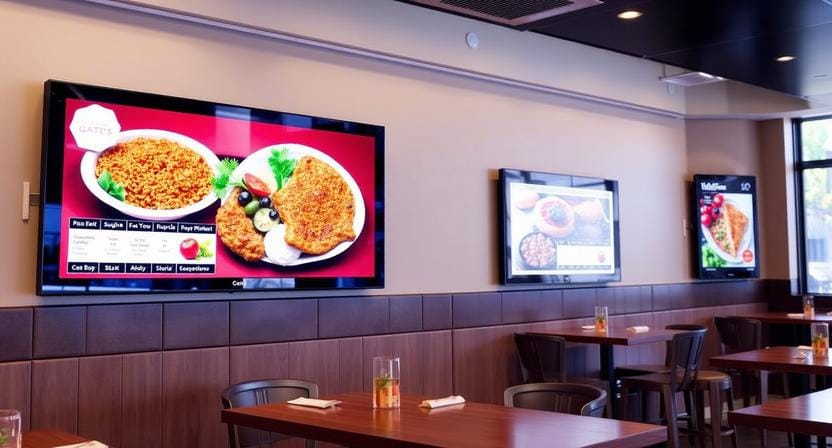
Digital signage software in restaurants is a cloud-based system that manages the content on digital displays in restaurants. It enables restaurant owners and managers to produce, schedule, update, and control screen content without replacing printed materials or entering and editing each display manually.
Simply put, what the customers see is the screen, but what makes it useful is the software.
Hardware vs. Software
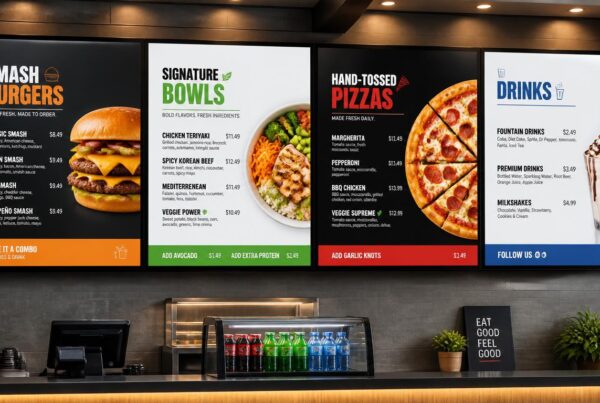
Screens do matter, but they are just a portion of the system. A digital restaurant menu board requires trusted software to control the content, timing, layouts, updates, and promotions.
Hardware consists of the physical display, media player, mount, and installation setup. The menu, playlists, schedules, real-time modifications, and screen management are all controlled by software.
Even a high-quality screen will be nothing more than another plain screen without powerful software.
Cloud-Based Menu Management
The software is cloud-based, which allows you to control restaurant digital signage from a laptop, tablet, or phone. You are able to update prices, delete sold-out products, arrange promotions, and write new menu designs without having to touch the screen.
This would be particularly useful when there are more than one display or more than one restaurant location. A head office would be capable of overseeing brand-wide promotions, and local updates would be made by individual stores.
“A digital menu board is only as smart as the software controlling it.”
Why Upgrade to Digital Menu Boards?
Digital signage is used to upgrade restaurants as it helps eliminate daily issues. It simplifies the management of menus and makes them more appealing to customers and more helpful in supporting sales.
Visual Appeal
Food is visual. Menu items can be more attractive than just plain text because of the possibility of high-definition pictures and brief videos. An appetizing burger, a cup of fresh coffee being poured, or a colorful display of dessert can stimulate appetite even before the customer gets to the counter.
This is among the reasons why digital food menu boards are very effective in restaurants. They assist customers in envisioning what they desire, not in reading about it.
Dynamic Pricing
Restaurants frequently have to switch happy hour offers, late-night specials, limited-time deals, or seasonal items. This is time-consuming and costly using printed menus.
Prices are easily updated with the help of digital menu signage. It takes a manager minutes to update a single item, a single menu, or several screens.
Upselling
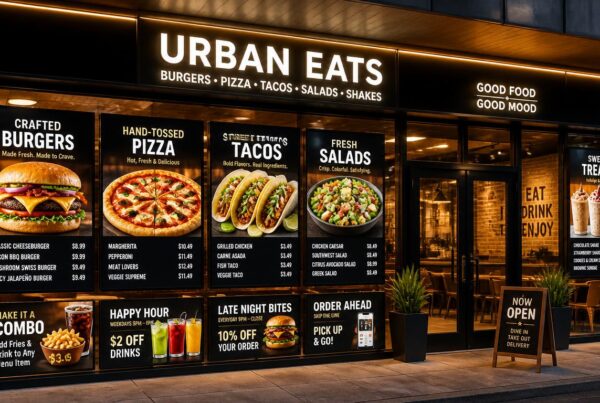
Digital screens can feature profitable add-ons like Add Bacon for $1, Make it a Combo, Try Our Signature Drink, or Upgrade to Large. The attention of the customer is guided by motion graphics, color, and placement.
This renders digital signage menu boards useful not only in the display of items but also in the buying decision.
Dayparting
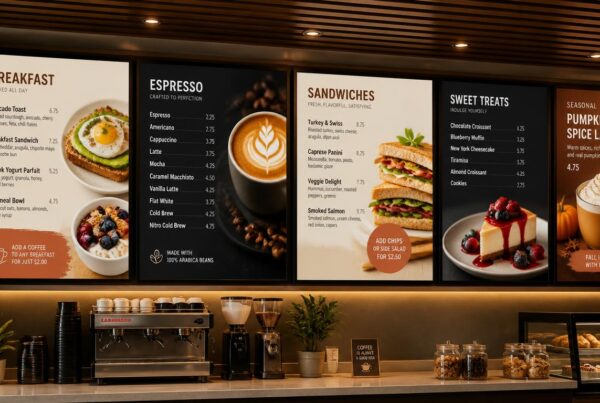
Dayparting enables the menus to be varied automatically according to the time of the day. Breakfast may be offered in the morning, lunch at noon, dinner in the evening, and after-hours offers.
This makes the menu up-to-date without the staff having to go through the process of manually changing the content when there is heavy traffic.
Don’t let outdated menus cost you sales. Schedule a free demo with Nento today to see the difference.
Key Features to Look for in Restaurant Digital Signage
Not all signage platforms are constructed for restaurants. Effective digital signage for restaurants should be user-friendly, quick to update, visually flexible, and dependable when most people are on.
Content Management System
Restaurant signage is based on a powerful CMS. It must also have drag-and-drop editing, easy uploads, playlist creation, control of templates, and grouping of screens.
Coding or a designer should not be required when making minor updates to restaurant teams. The software must be user-friendly to everyday changes.
Real-Time Updates
Digital signage in restaurants must have real-time updates. The screen should update promptly in case an item sells out. When the price is changed, it should be reflected in the menu. In case of a daily special update, it must be live immediately.
This eliminates customer frustration and decreases repeated staff explanations.
POS Integration
The digital signage system is linked to the point-of-sale data of the restaurant through POS integration. This can assist in automatic updating of prices, inventory, and sold-out items.
When POS and signage are combined, the menu board will be the same as what the staff view at the register. That enhances order accuracy and minimizes confusion.
Playlist Scheduling
Restaurants require a combination of fixed menus, promotion videos, combo deals, and seasonal information. Playlist scheduling enables teams to alternate content during the day.
As an example, a cafe may display a fixed coffee menu, spin a pastry video, and present a loyalty program message.
Template Libraries
Ready-made templates assist restaurants in designing professional digital restaurant menu board layouts quicker. The templates must be flexible to allow the menu to match the restaurant brand, including colors, fonts, and types of items.
This will save time and keep content polished.
Multi-Screen Management
A variety of displays are used in many restaurants: counter boards, drive-thru menus, wall-mounted screens, pickup displays, and promotional screens. Multi-screen management enables them to be operated on a single dashboard.
How Digital Signage Transforms the Customer Experience
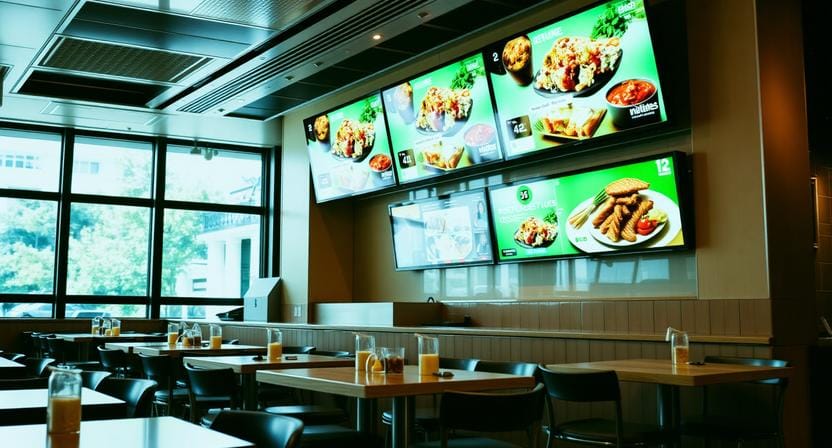
The finest signage is more than a list of menu items. It enhances the customer experience, decision-making, and ordering process.
Reducing Perceived Wait Time
It seems that waiting takes less time when the customers are occupied. On screens, customers waiting in line can see offers, social media feeds, chef specials, pickup information, or limited-time offers.
This can make the waiting process more productive and less annoying.
Improving Order Accuracy
High-contrast displays are clear and minimize confusion. The product names, prices, pictures, categories, and add-ons are easily accessible to customers compared to a big chalkboard or mini printed menu.
Customers place orders more confidently when the menus are more readable.
Visual Storytelling
Prices are not the only thing that can be displayed using digital menu signage. It may emphasize sourcing ingredients, chef suggestions, seasonal deals, videos on how to prepare dishes, and brand narratives.
This will be more emotionally resonant with the customers of restaurants that are concerned with quality, freshness, or local sourcing.
“A good digital menu does not just list food. It helps customers choose.”
Types of Digital Displays for Restaurants
Various restaurant areas require various types of displays. The correct choice will be based on the location, lighting, viewing distance, and customer behavior.
Drive-Thru Menus
Drive-thru screens need to be well-lit, weather-resistant, and easy to read in a short period of time. They particularly matter in QSRs where speed and accuracy influence customer satisfaction.
Counter Displays
Digital menu boards that are placed above restaurant counters are also used in fast-casual restaurants, cafes, bakeries, and food courts. They assist customers to preview before placing orders.
Table-Side Displays
Table-service restaurants can be supported using interactive table-side screens. Customers are able to view menus, see images and add-ons, or request service right at the table.
Wall-Mounted Boards
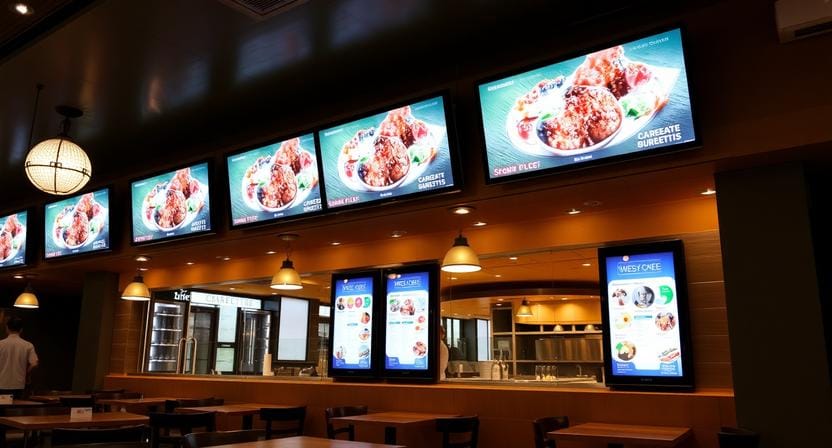
Big wall-mounted boards are appropriate in the dining rooms, waiting areas, and pickup areas. They are able to show promotions, brand content, customer reviews, or order status.
Outdoor A-Frames
Outdoor advertising can be done using weatherproofed displays that advertise daily specials, happy hour or other temporary specials to the pedestrians before they walk in.
These various forms of display enable restaurants to employ digital signage restaurant menu strategies throughout the entire customer experience.
The Difference Between Consumer TVs and Commercial Displays
A common question in many restaurants is whether they can utilize a standard TV to have a digital menu. Yes, in a few instances—but commercial displays are generally more suitable for serious restaurant applications.
Durability
Commercial displays are designed to last longer and handle greater usage. During the day, restaurants typically have screens running, and therefore durability is important.
Brightness
Restaurant screens can be exposed to sunlight, high interior light, or long viewing distances. Menus can be read more easily on high-brightness displays in such conditions.
Resolution
In the case of digital food menu boards, the quality of images is important. HD can handle plain text menus, but 4K can enable food pictures and video content to appear sharper and higher quality.
Reliability
Commercial screens are made to be stable, manage heat, and be used in business settings. Nento collaborates with leading hardware vendors to make sure that the software is compatible with reliable display systems.
A digital menu board restaurant setup also needs reliable screens because the display is part of the customer experience.
Nento: A Comprehensive Solution for Restaurants
Nento provides restaurants with an entire menu, promotion, and screen content management system without strain. It is optimized to work in hospitality settings where speed, reliability, and ease of use are important.
Easy to Use
The drag-and-drop interface of Nento needs zero coding knowledge. Restaurant managers are able to design layouts, add and update items, schedule content, and manage screens without relying on IT teams.
Constructed to Support Restaurant Workflows
Nento assists with menus, offers, multi-screen designs, playlists and schedules, real-time updates, and POS-linked content. This is convenient for cafes, QSRs, casual dining, food courts, and multi-location brands.
Support and Onboarding
Screens should be a part of daily operations in restaurants and must be assisted quickly. Nento offers customer support and onboarding services to enable teams to introduce and operate signage with ease.
Value for Growth
Nento has affordable rates compared to complex enterprise systems. Restaurants will be able to begin with the basic screens and expand as their needs grow.
With the upselling capabilities of Nento, restaurants can help increase the size of the average check by emphasizing add-ons, combo upgrades, and high-margin specials onscreen.
Ready to stop guessing and start selling? Join the Nento family of successful restaurants and support your revenue growth.
Best Practices for Designing Digital Menu Boards
A good design is what makes a screen a sales tool. A messy menu can make customers waste time, whereas a clear menu enables customers to make a decision quickly.
Abide by the 3-Second Rule
The key message should be understood by customers in three seconds. Keep sections clutter-free, don’t overcrowd the screen, and make important items accessible.
Use visual hierarchy.
Direct attention to profitable or popular items by use of size, color, spacing, and placement. Bestsellers, bundles, and specials should be prominent.
Use Real Food Pictures
High-quality and mouth-watering images are better than generic stock photos. Customers react to images that are authentic to the restaurant.
Place Pricing Strategically
The pricing must be visible, not obtrusive. Some restaurants underemphasize prices a bit to allow the customer to concentrate on the value of the item and visual appeal first.
Use Motion Carefully
Slight animation will draw attention, yet excessive movement will distract the menu. Use motion to support the message, not compete with it.
Measuring ROI on Restaurant Digital Signage
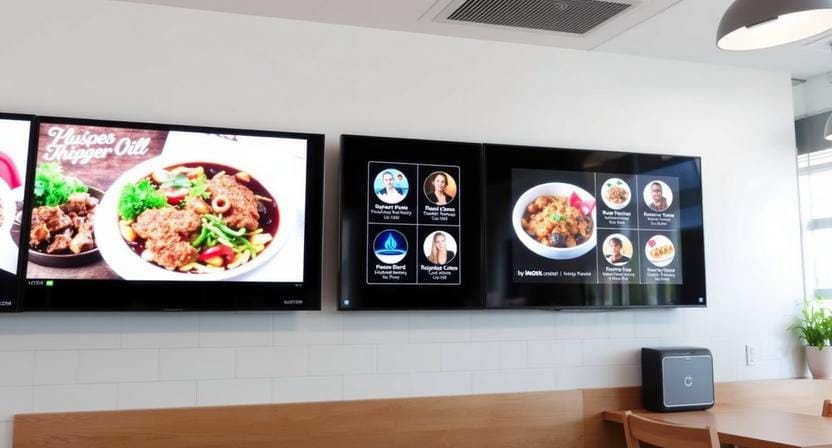
Digital signage needs to generate quantifiable business value. There are a number of ways in which the restaurants can monitor ROI.
Sales Data
Compare sales before and after changing promotions on screens. When a featured dessert, drink, or combo sells more when highlighted, then the signage is working.
Labor Savings
Digital menus save time that would be used by staff to print, change, and correct menus. They also minimize the number of repetitive explanations on sold-out goods or price changes.
Customer Feedback
The visuals can help to increase the speed of service and decrease the level of confusion. After the introduction of digital displays for restaurants, teams will be able to monitor customer feedback, employee feedback, order turnaround, and the number of errors.
Menu Performance
Analytics can demonstrate which promotions are effective, which products should be placed higher, and which timeframes are more effective. In the long run, this assists in enhancing design and sales strategy.
Frequently Asked Questions
What is restaurant digital signage software?
It is an online platform that enables restaurant owners to design, schedule, and control the content that appears on screens around the facility, including menu boards and even promotional screens.
How much does digital signage for restaurant menus cost?
Prices differ depending on hardware, number of screens, installation, and software subscriptions. Nento has flexible pricing plans that will match various restaurant budgets.
Can I use my existing TV for digital menu boards?
Yes, numerous options enable ordinary consumer TVs to be used in simple ways. Commercial-grade displays, however, are usually brighter, more durable, and reliable for use in busy restaurants.
How do I update menu items if I run out of stock?
Using real-time software, you can update the digital menu board in real time using a connected device. This will give you the ability to remove sold-out products and avoid customer frustration.
Is it hard to set up digital menu signage?
Not when using modern solutions. Nento provides ready-to-use systems with easy-to-follow instructions, enabling restaurants to start easily.
Does digital signage integrate with my POS?
Yes. Nento and many other advanced software programs provide POS integration to automatically update prices, inventory status, and real-time analytics.
Conclusion
One of the most practical improvements that a restaurant can implement is changing fixed menus to dynamic signage. The use of a modern digital menu board for restaurant setup assists in enhancing visual appeal, minimizing manual updating, encouraging high-margin items, facilitating dayparting, and creating a smoother customer experience.
Restaurant digital signage software is no longer a fad. Restaurants that desire to expand, compete, and perform more efficiently are finding it becoming a necessity.
Nento enables restaurants to easily manage content, keep menus updated in real time, manage displays across sites, and turn screens into revenue generators.
Don’t let your competitors win your customers with boring menus. Transform your restaurant experience today with Nento. Click here to request a demo and see the future of dining.